ChatGPT ImagesChatGPT ImagesGPT Image 2 guides

gpt image generator

ChatGPT Image Generator

Start from a GPT Image 2 prompt, open a generator workflow, and test one image before you commit to a longer prompt or API workflow.

Direct answer

How to use a ChatGPT image generator

Choose the image you need, copy a relevant prompt, replace the subject and output details, then generate one test image. If the result is close, revise the visible failure instead of rewriting the whole prompt.
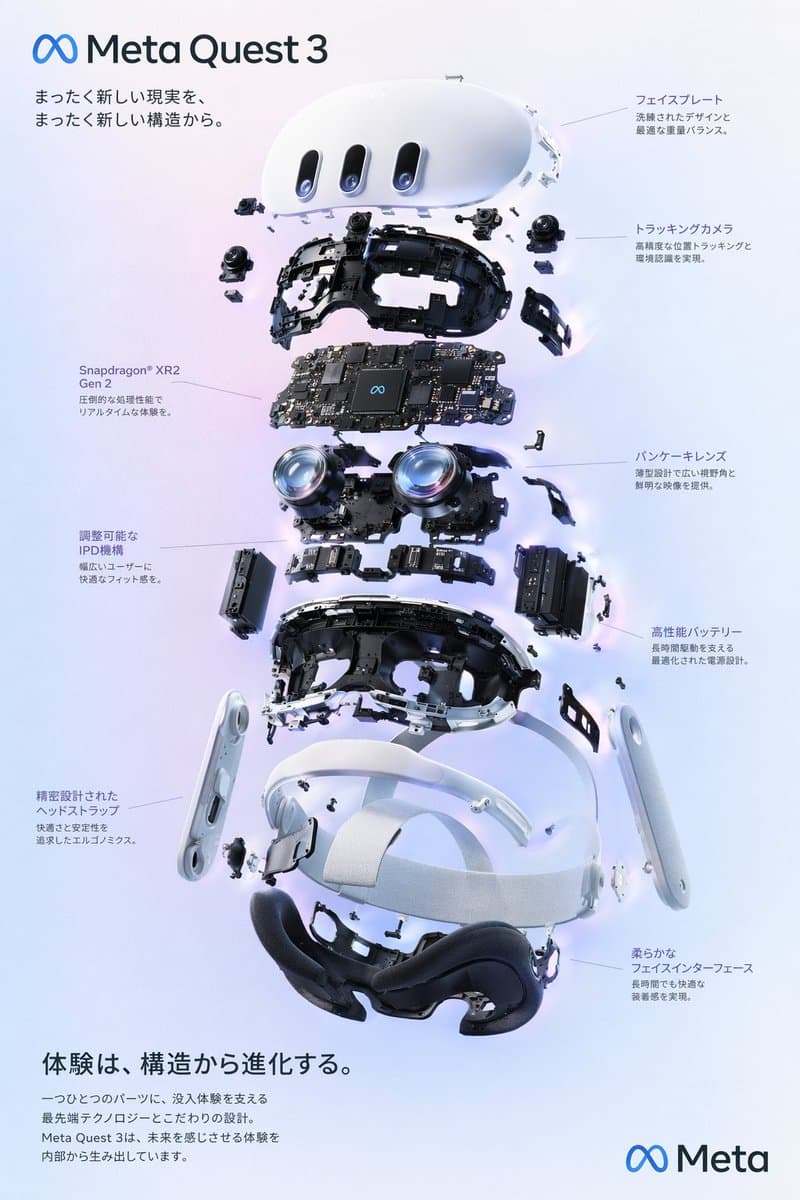
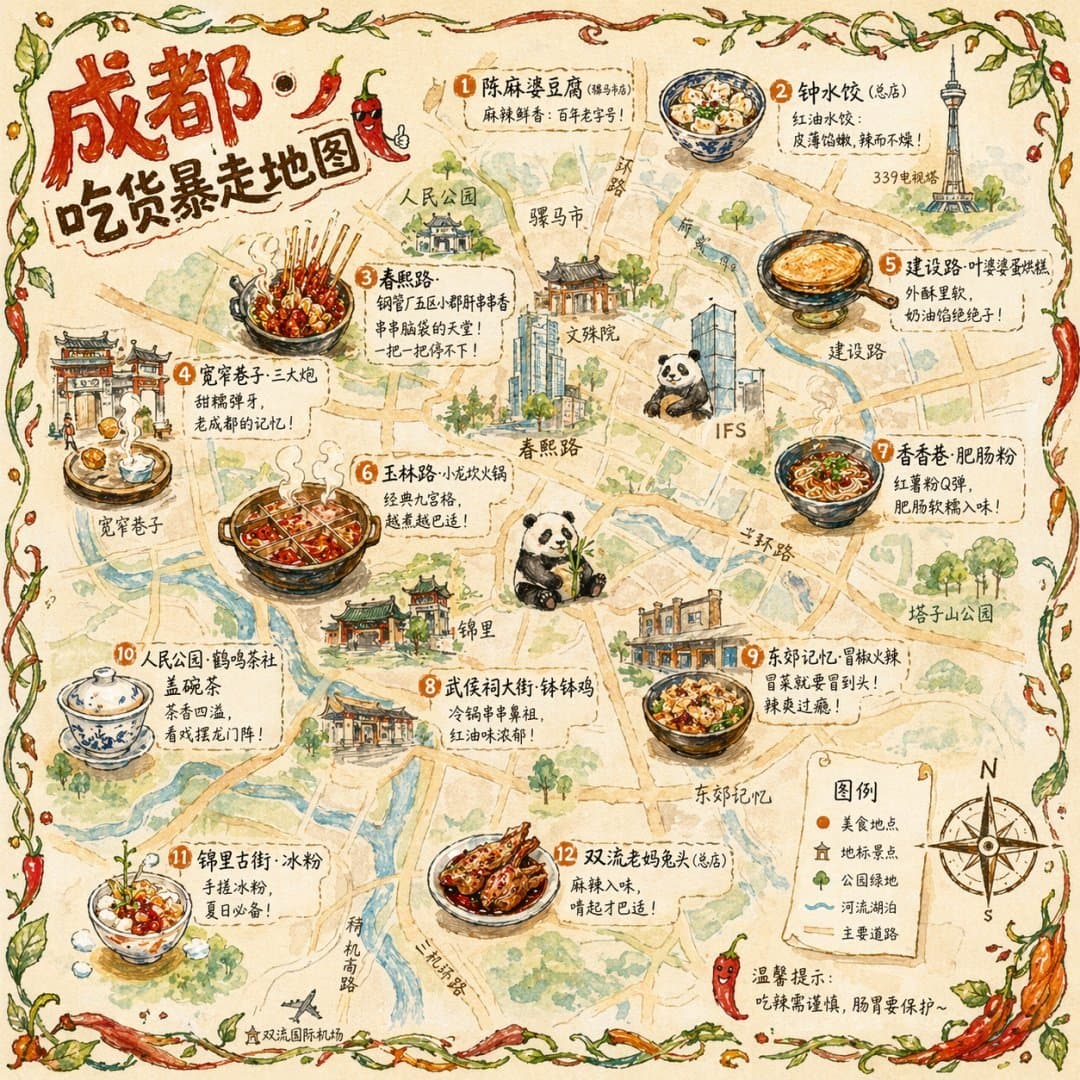
Start with a workflow, not a blank prompt

Step 1

Choose an image task

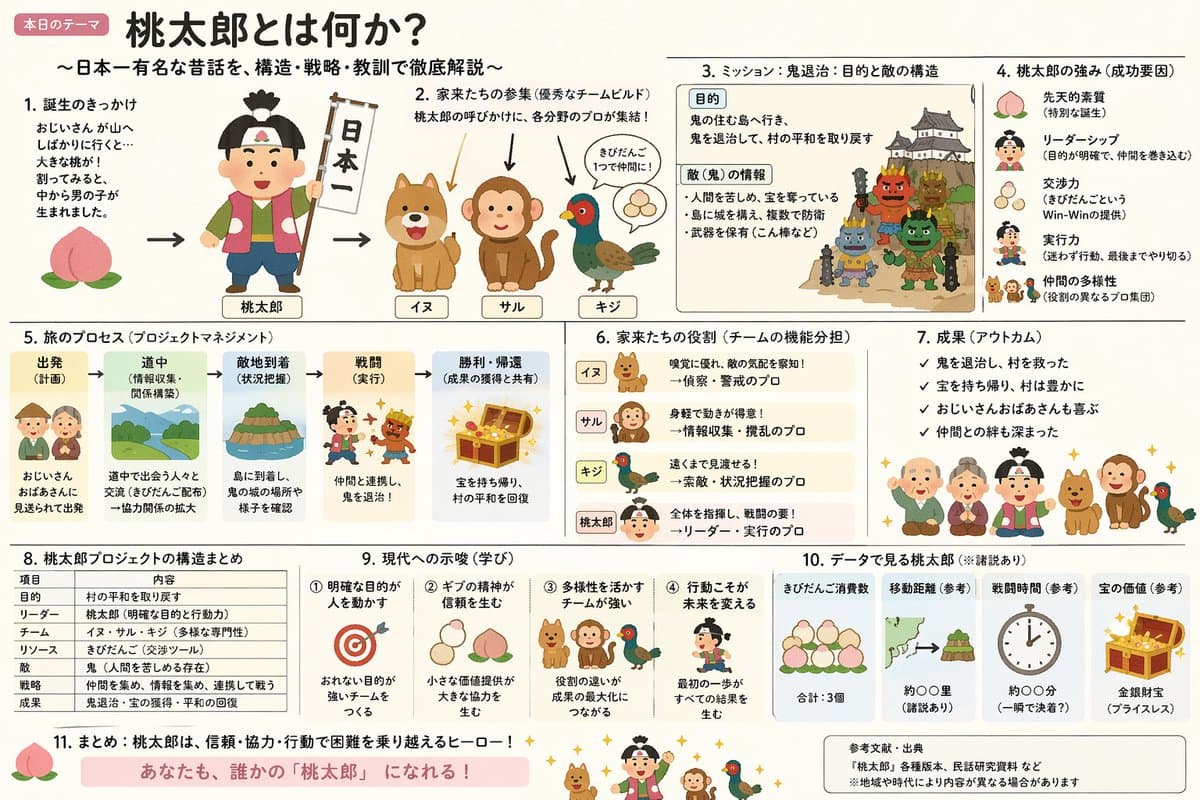
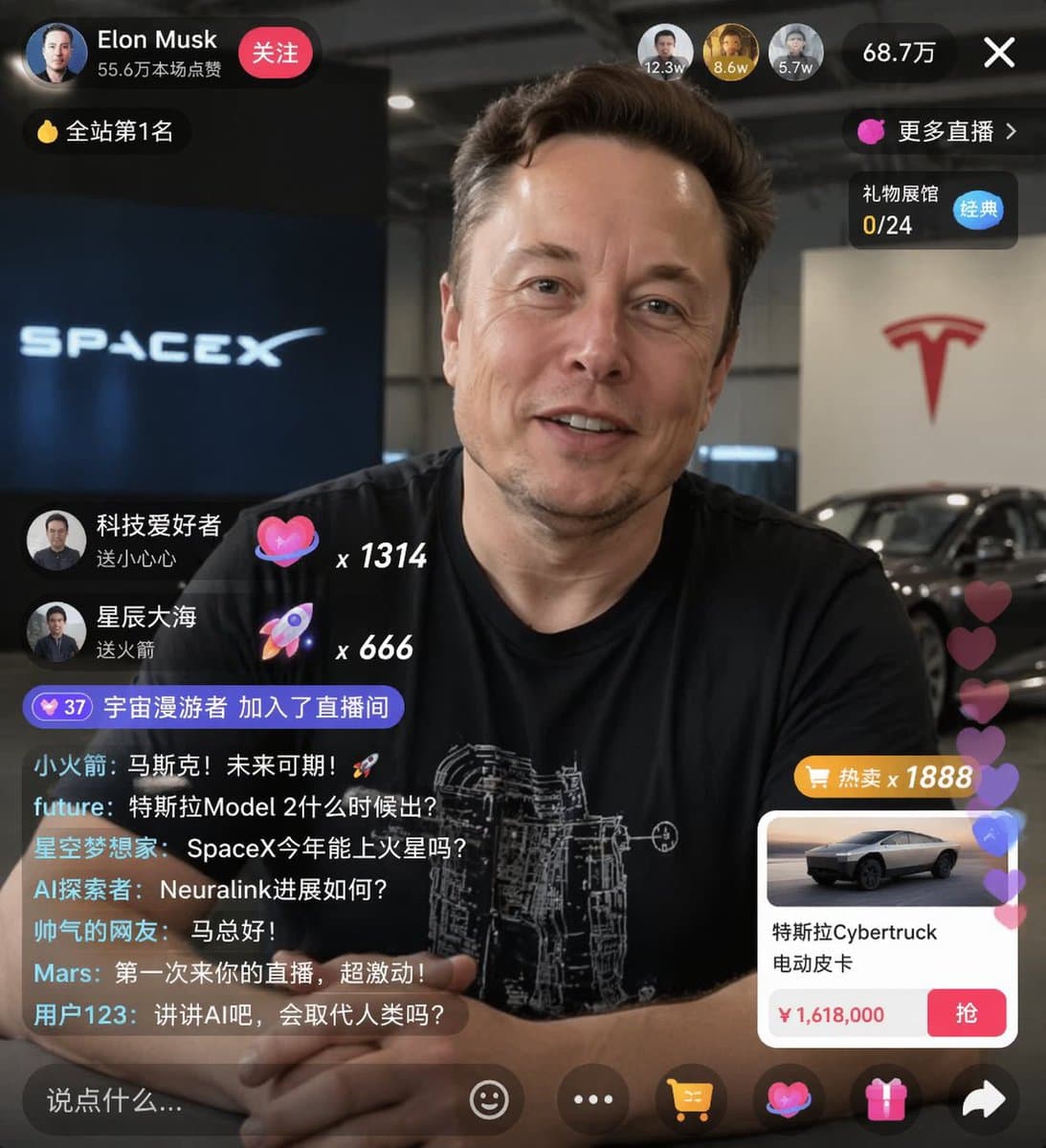
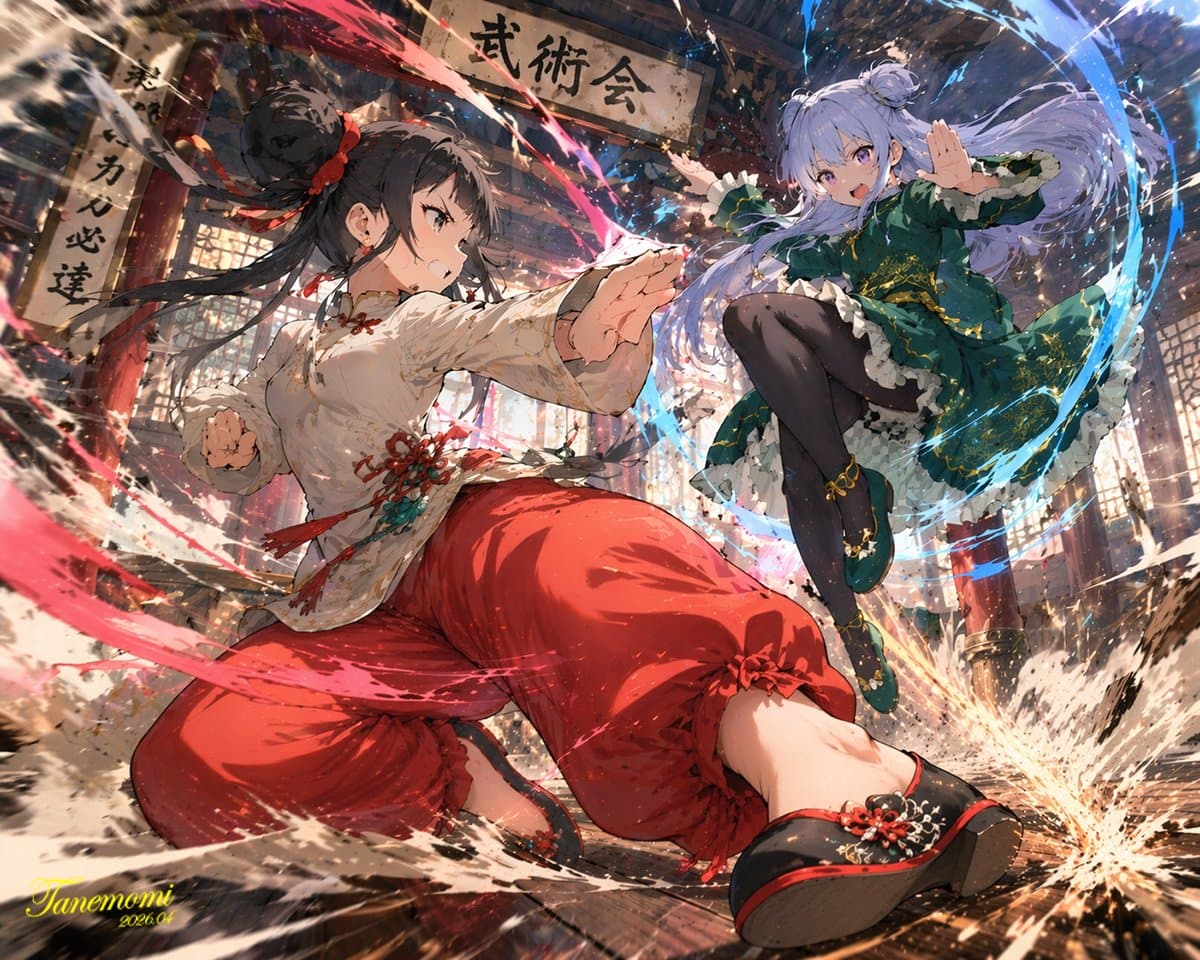
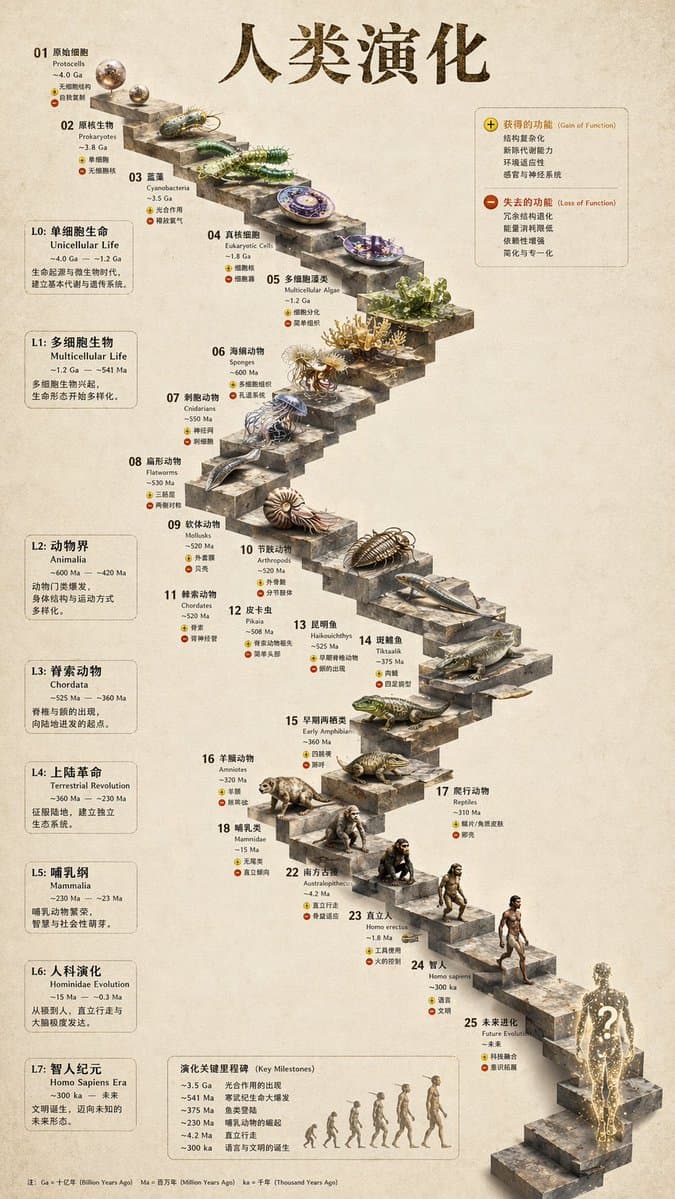
Pick a concrete output: portrait, product poster, social card, diagram, UI concept, or photo-style image.

Step 2

Copy a matching prompt

Start from a prompt structure that already controls subject, style, layout, text, and constraints.

Step 3

Generate one version

Open the generator, paste the prompt, and inspect the first visible result before making changes.

Step 4

Fix one failure

Adjust only the failed part: text, layout, subject identity, product shape, lighting, or style.

Free generator intent vs API intent

People searching for a generator usually want to try a first image. People searching for API price need current OpenAI pricing and implementation details. Keep those decisions separate so you do not mix account access, generator availability, and API billing.

Use Generate for free when you want to test a prompt quickly.

Use the API pricing guide when you are budgeting production usage.

Check official OpenAI documentation for model and API facts.

Troubleshooting before you retry

Prompt is too vague

Name the final asset, subject, style, layout, and exact text.

Image looks wrong

Fix the visible failure instead of asking for a generally better image.

Upload is missing

Confirm whether the generator workflow supports image input for your account.

Availability is unclear

Check the current generator page and official docs before making claims.

Prompt examples

Copy a prompt before generating

View all prompts

Generator questions

Is this a free ChatGPT image generator?

The Generate for free buttons open an external generation workflow. Check the generator page for current account, quota, and availability details before assuming unlimited use.

What prompt should I start with?

Start with a prompt that matches your asset type, such as a portrait, product poster, social image, diagram, or reference-image edit.

Is generator access the same as OpenAI API pricing?

No. ChatGPT product access, third-party generator availability, and OpenAI API pricing are separate surfaces and should be checked independently.

Start generating

Generate your first image

Open the GPT Image 2 generator, paste a prompt from this library, and start iterating toward a usable image.

Generate for free