
Direct answer
When to use this prompt category
App and web design prompts need layout hierarchy, interface elements, screen context, and text constraints so the result reads as a usable UI concept instead of a decorative image.
chatgpt image styles
Use GPT Image 2 prompts for app screens, landing page mockups, UI cards, livestream layouts, and design concept images.
Direct answer
App and web design prompts need layout hierarchy, interface elements, screen context, and text constraints so the result reads as a usable UI concept instead of a decorative image.
Prompt formula
These parts are specific to app / web design prompts. Use them before you change style words or add more labels.
Name the page, app screen, dashboard, card, or overlay.
Describe header, body, controls, media area, and supporting content.
Specify buttons, badges, icons, labels, and spacing expectations.
Add typography, density, palette, and device framing.
Examples
233 matching prompts
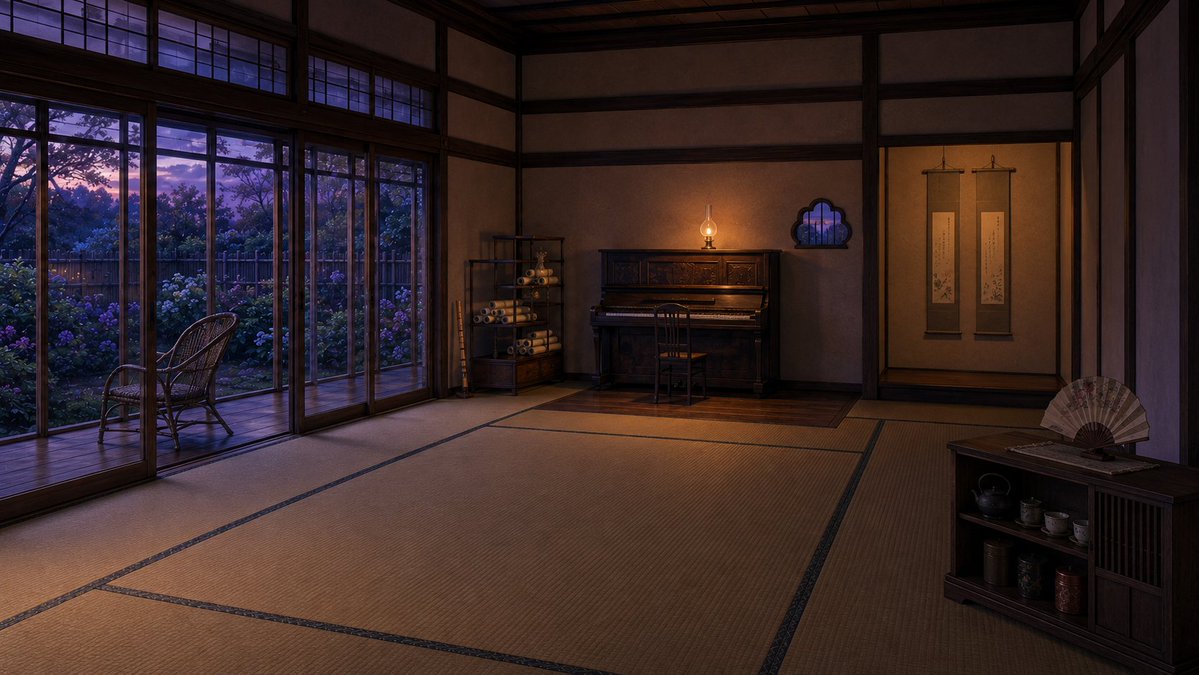 GPTI-114
A cinematic prompt for generating a serene traditional Japanese reception room with tatami mats, garden windows, piano, scrolls, and tea cabinet at dusk.
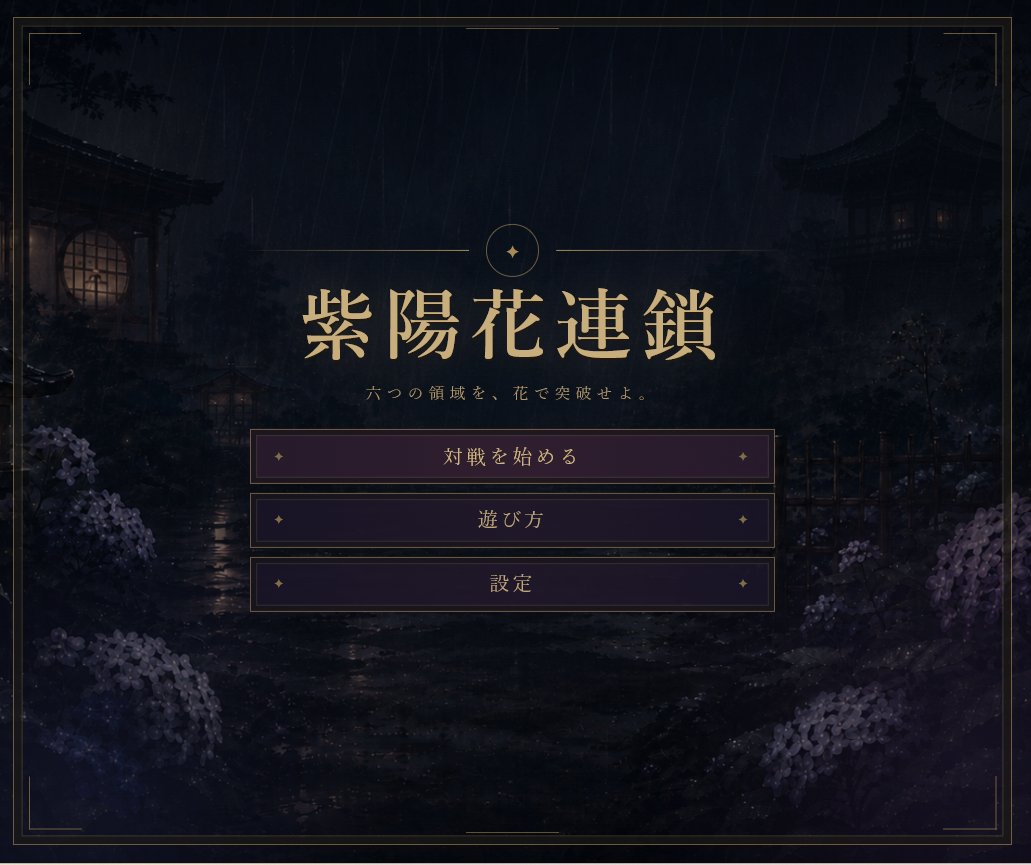 GPTI-233
Generates a dark, elegant Japanese game title menu with rainy garden scenery, gold typography, and three centered menu buttons.
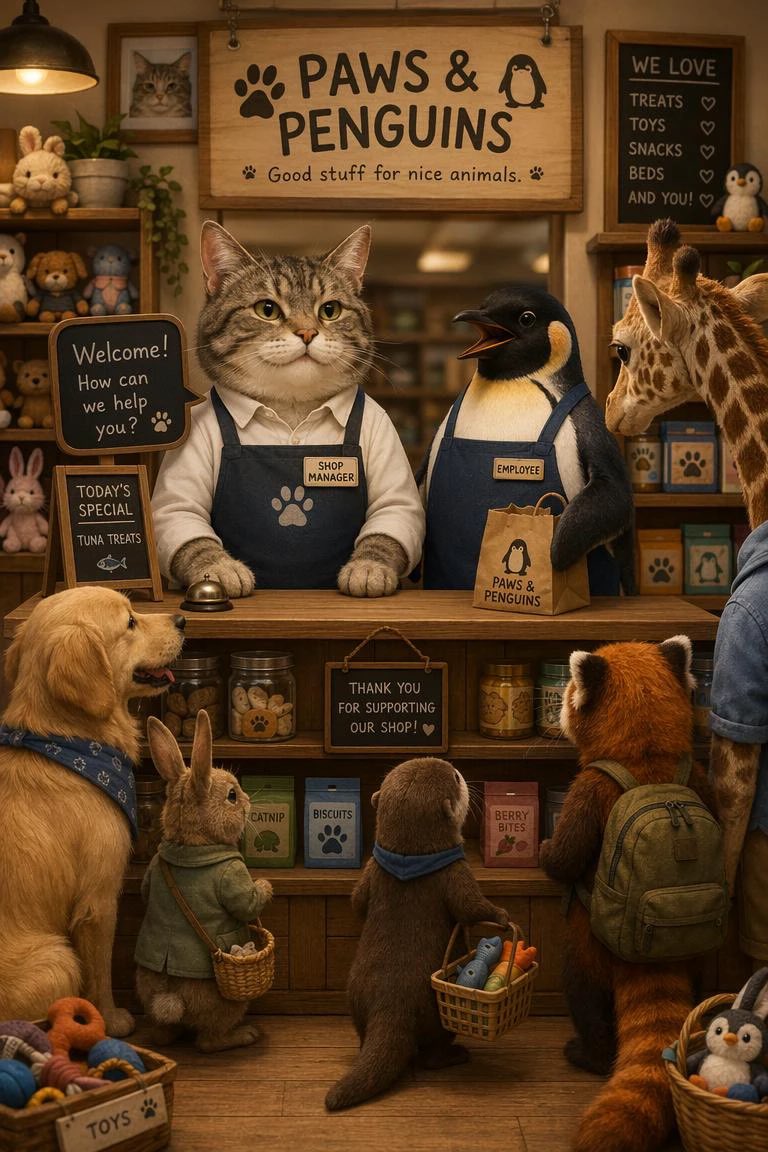 GPTI-234
A cute and simple prompt depicting a cat as a store manager and a penguin as a staff member, generated with GPT Image 2.
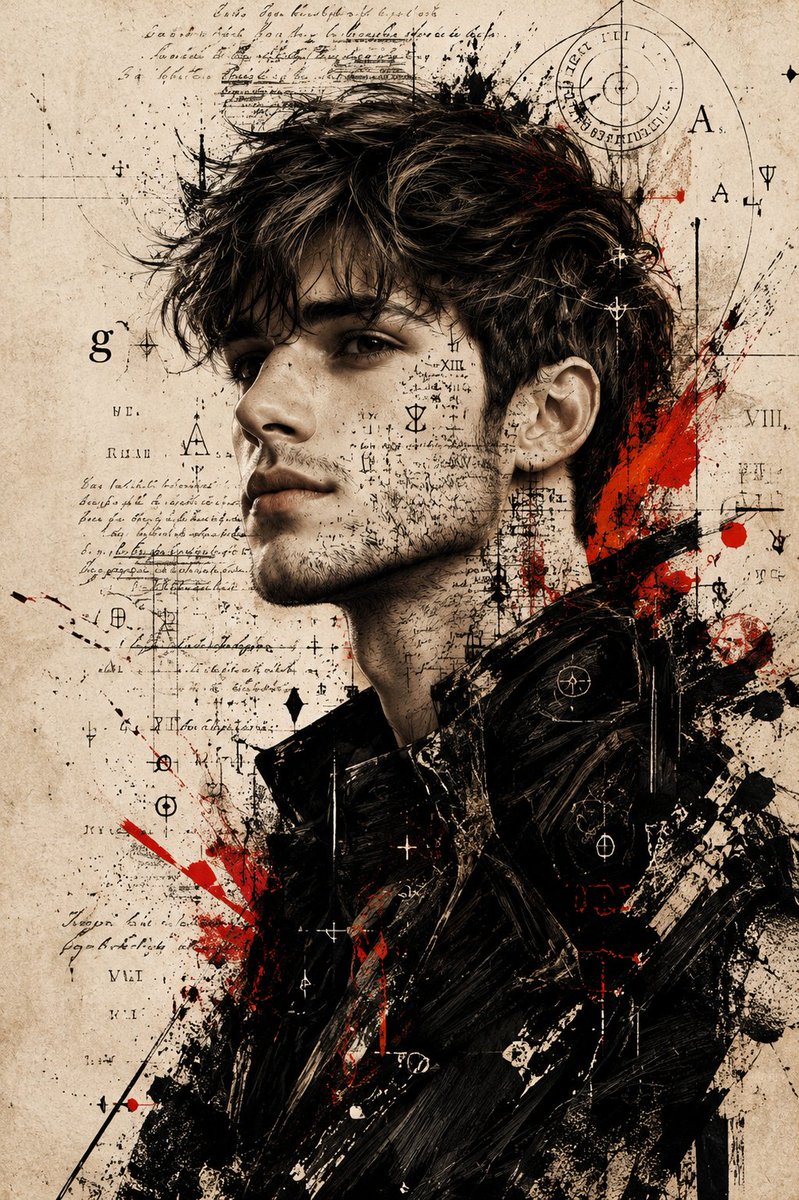 GPTI-349
Use the uploaded photo as the main face reference. Preserve the exact facial structure, skin tone, beard shape, nose, eyes and expression from the reference image. A dramatic, high...
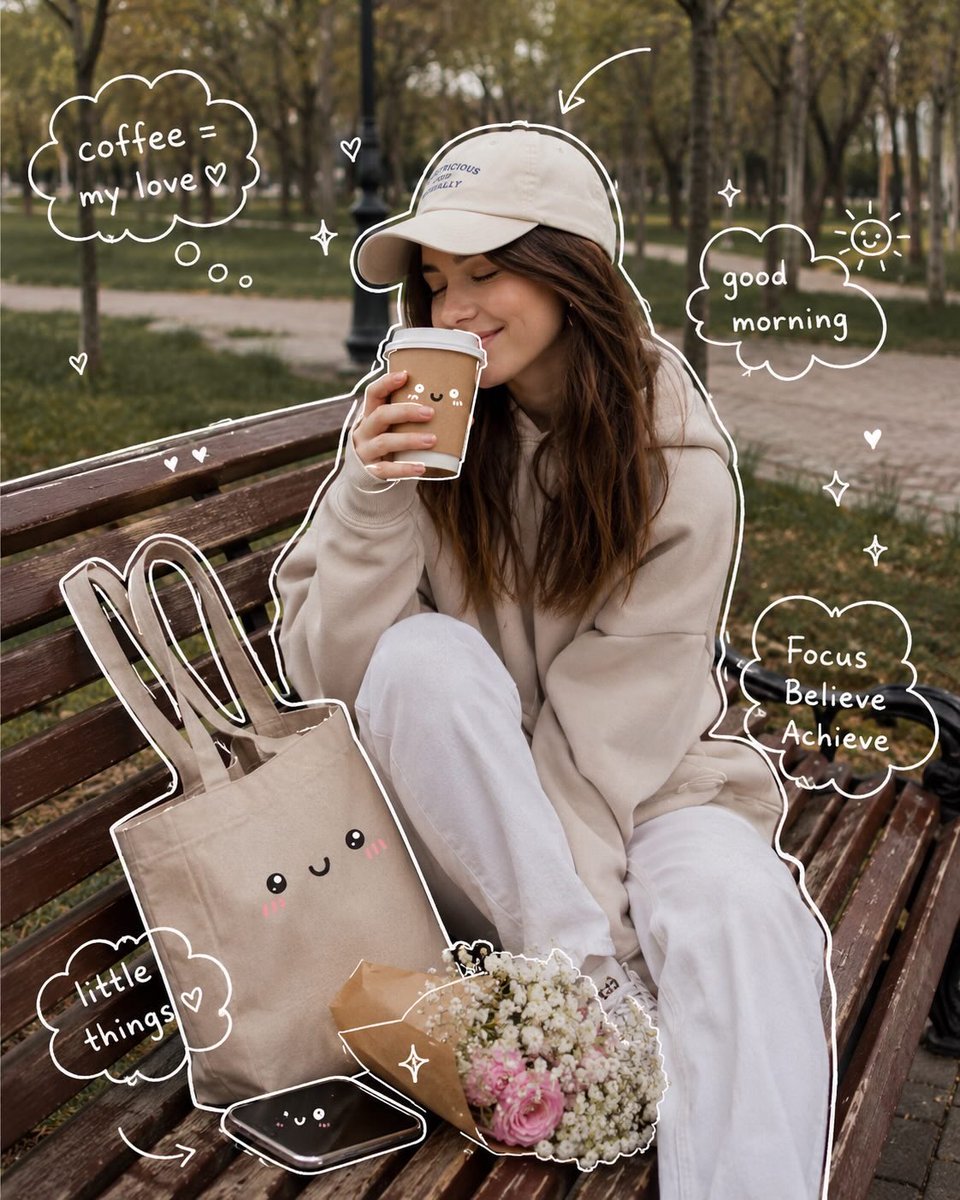 GPTI-351
(Cozy Aesthetic Girl in Park) Aesthetic lifestyle photography of a cute young woman sitting on a wooden park bench during autumn morning, wearing an oversized beige hoodie, white p...
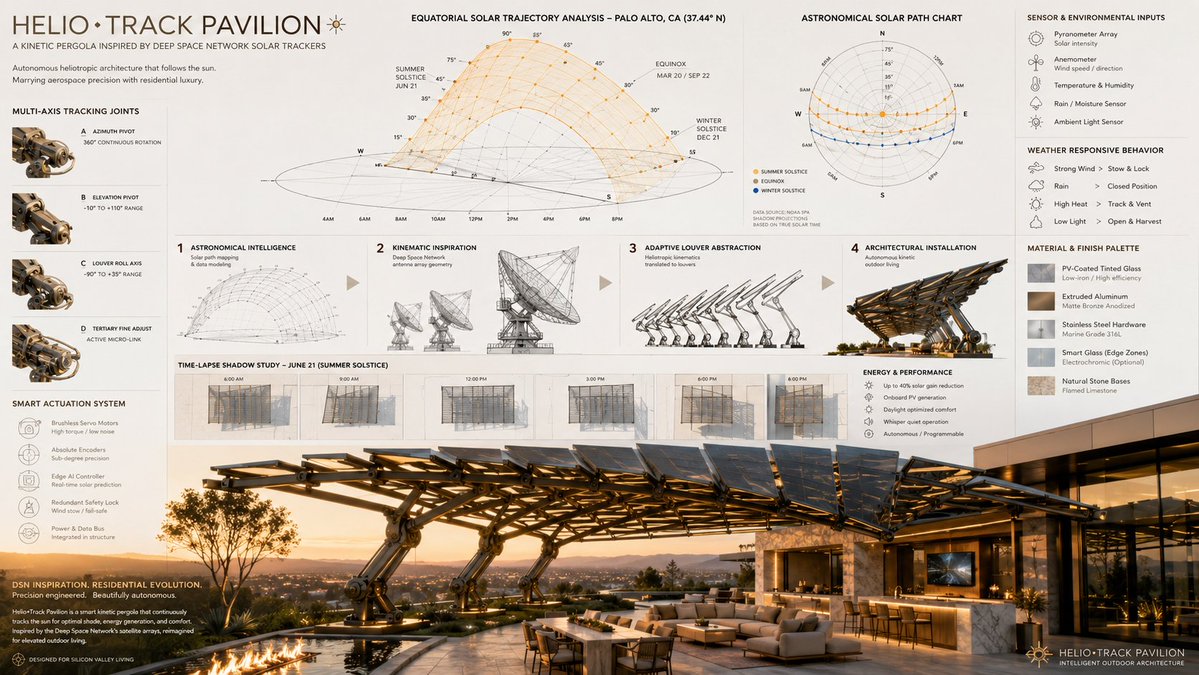 GPTI-356
16:9 autonomous kinetic architecture, the heliotropic tracking mechanics of [aerospace/solar tracking array] shaping an adaptive, luxury [outdoor architectural structure], sequence...
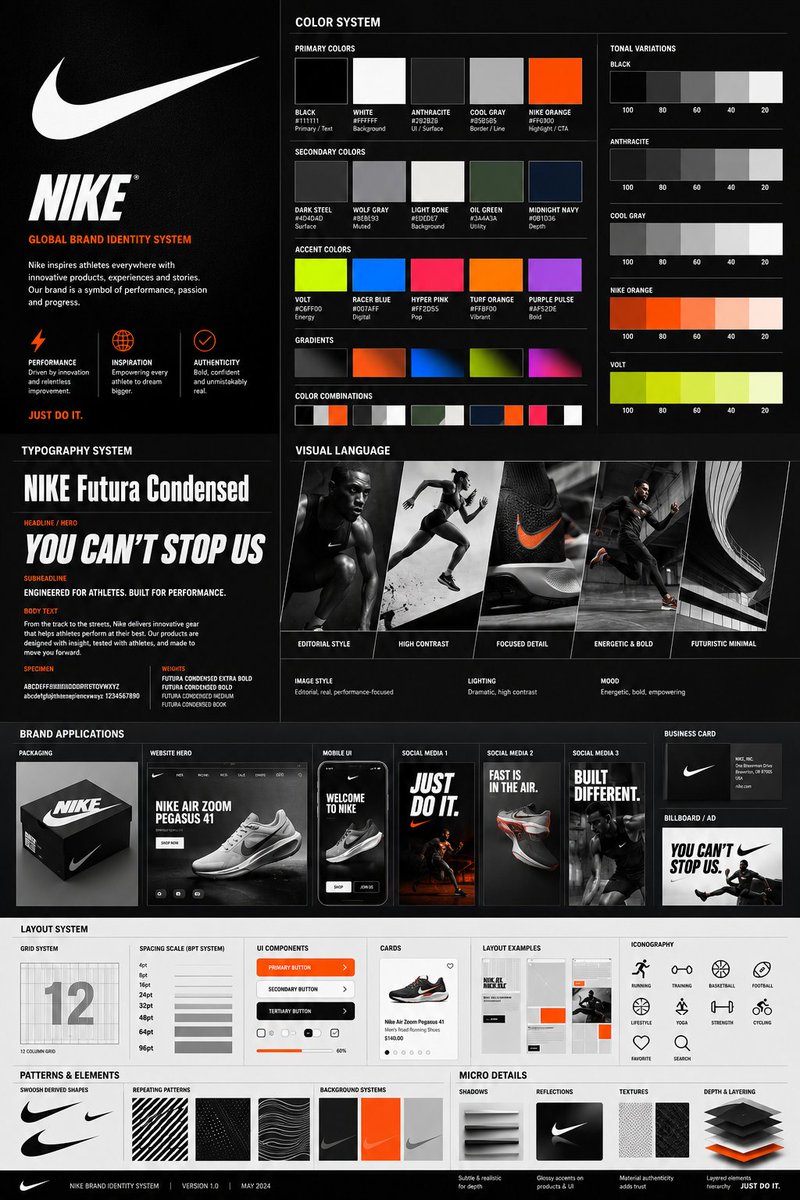 GPTI-357
Using the uploaded logo for (Brand name) generate a high-end, agency-grade brand identity system poster. OBJECTIVE Create a complete, presentation-ready brand guideline board that...
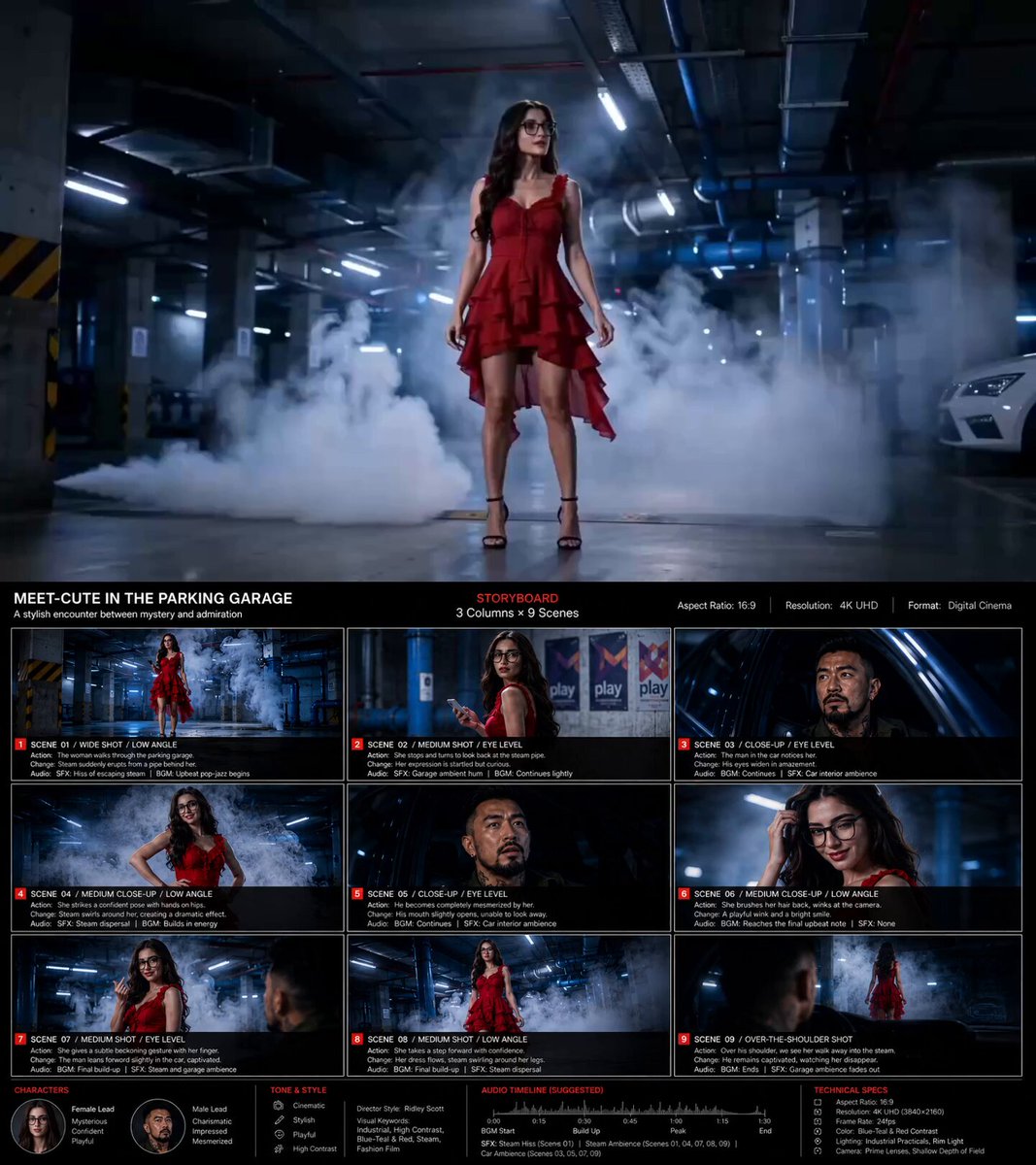 GPTI-358
Based on the content【 *****】, create a storyboard image in 16:9 ratio, 4K resolution. 1️⃣ Basic Setup Main Title + Subtitle Aspect Ratio Layout Design (3-column × 9-scene storyboar...
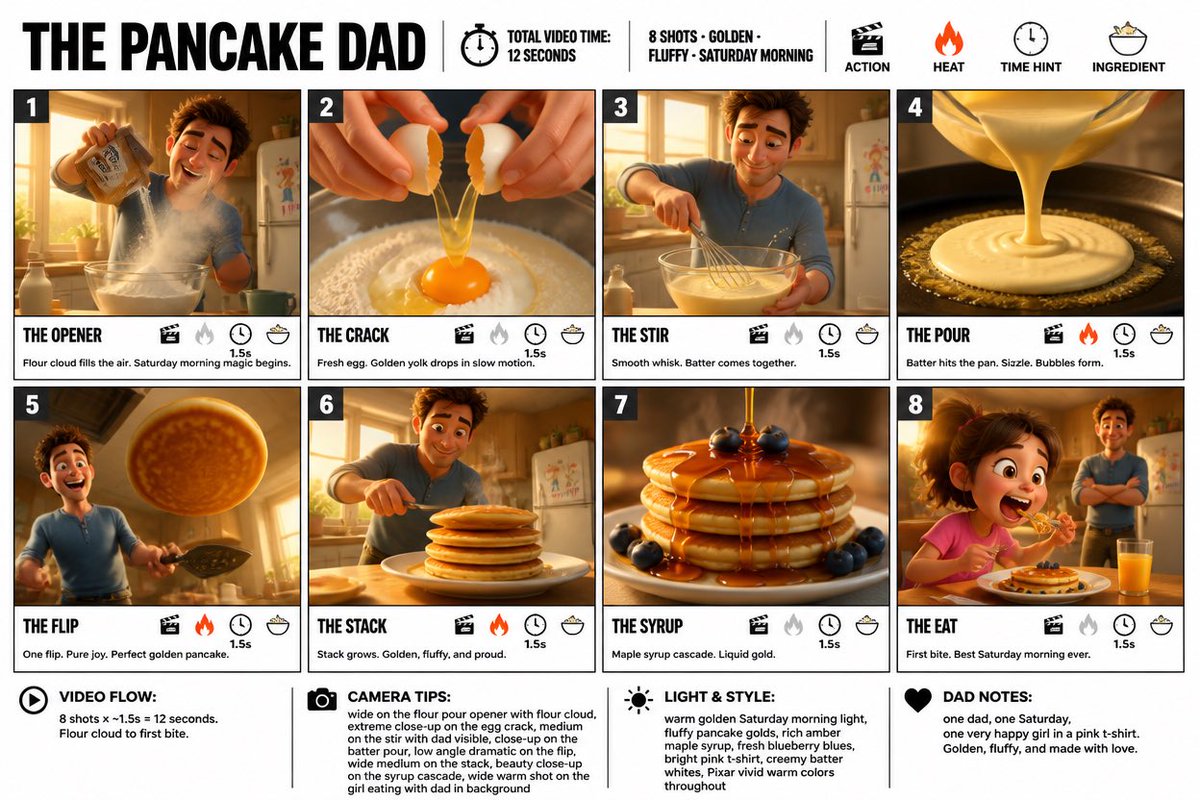 GPTI-359
Create a crisp, clean infographic storyboard poster for THE PANCAKE DAD. Wide 16:9 layout, white background, black borders, bold black typography, premium Pixar 3D stylized renderi...
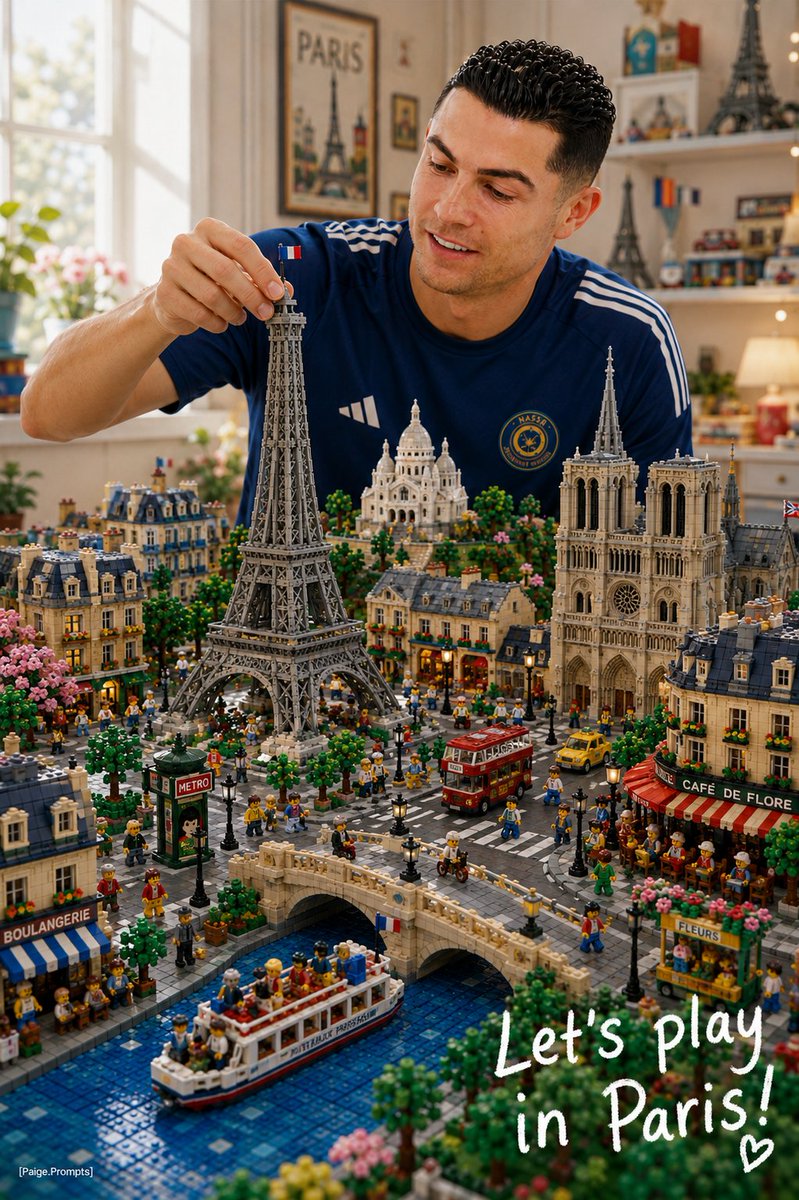 GPTI-361
Use the uploaded reference image as the primary character reference. Create a premium vertical 4:5 editorial illustration of the same character from the reference image, sitting at...
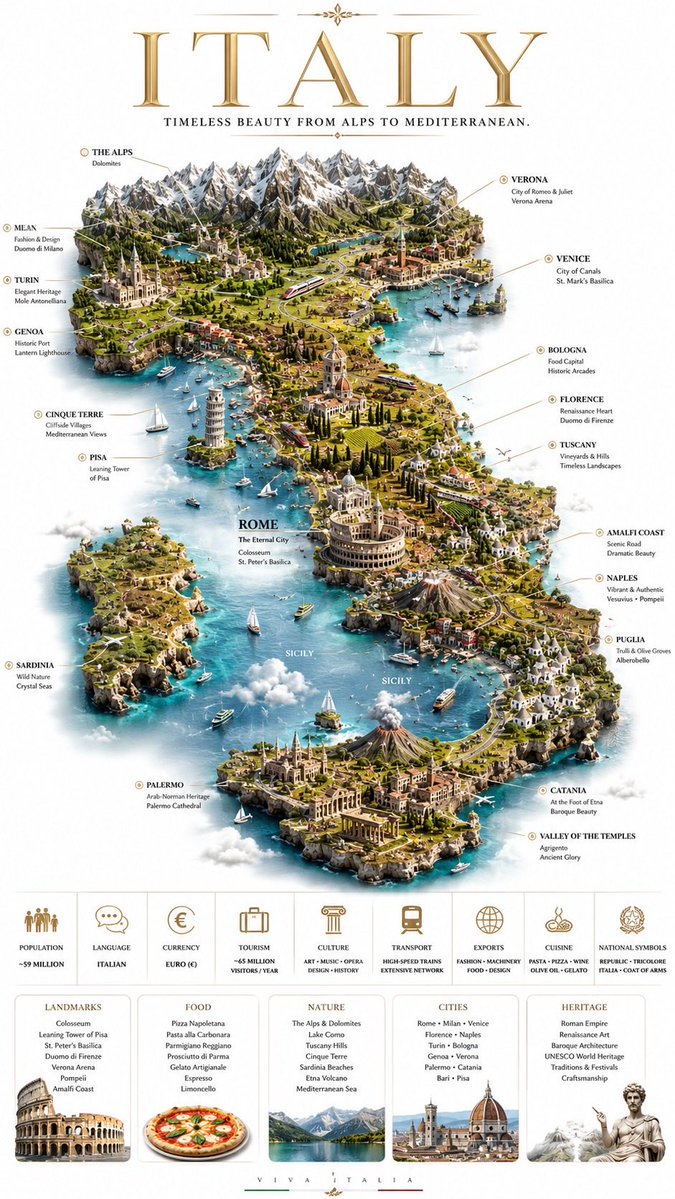 GPTI-362
Create a premium 9:16 hyper-realistic travel-poster of [COUNTRY NAME] in the same style as a luxury editorial miniature-map diorama: show the country as a recognizable floating isl...
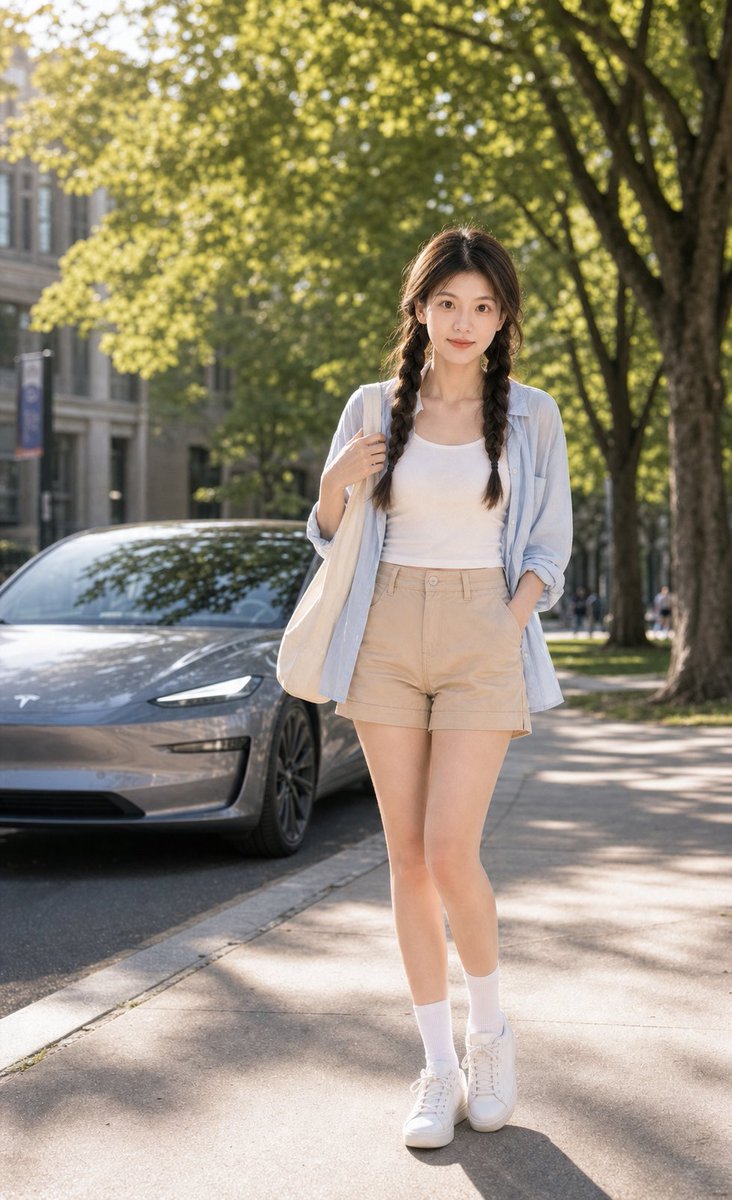 GPTI-368
Create a premium summer campus lifestyle Tesla poster focused mainly on an adult East Asian female model with a casual cute campus look. Use the uploaded portrait photo only for ap...
Define the screen purpose and the top three interface elements.
Limit labels and avoid asking for full product copy in one image.
Describe the grid or section order before naming colors.
Open the GPT Image 2 generator, paste a prompt from this library, and start iterating toward a usable image.