
Goal
The final asset type: avatar, product image, poster, diagram, thumbnail, or edited reference.
gpt image 2 prompt
Copy prompt examples for GPT Image 2, learn the reusable formula behind them, and open a generator when you are ready to test an image.
Prompt examples are adapted from YouMind OpenLab and EvoLinkAI. Each prompt detail keeps its source, author, and license attribution.
Prompt formula
The best prompt pages should teach the pattern, not just list examples. Use this structure when you rewrite any prompt below for your own image.
The final asset type: avatar, product image, poster, diagram, thumbnail, or edited reference.
The person, object, product, scene, or idea that should dominate the image.
The visual language: photography, 3D render, anime, infographic, editorial, or clean product ad.
Composition, camera angle, aspect ratio, text zones, foreground, background, and focal point.
Details to preserve, exact words to render, things to avoid, and any reference-image instructions.
Showing 1588 prompts
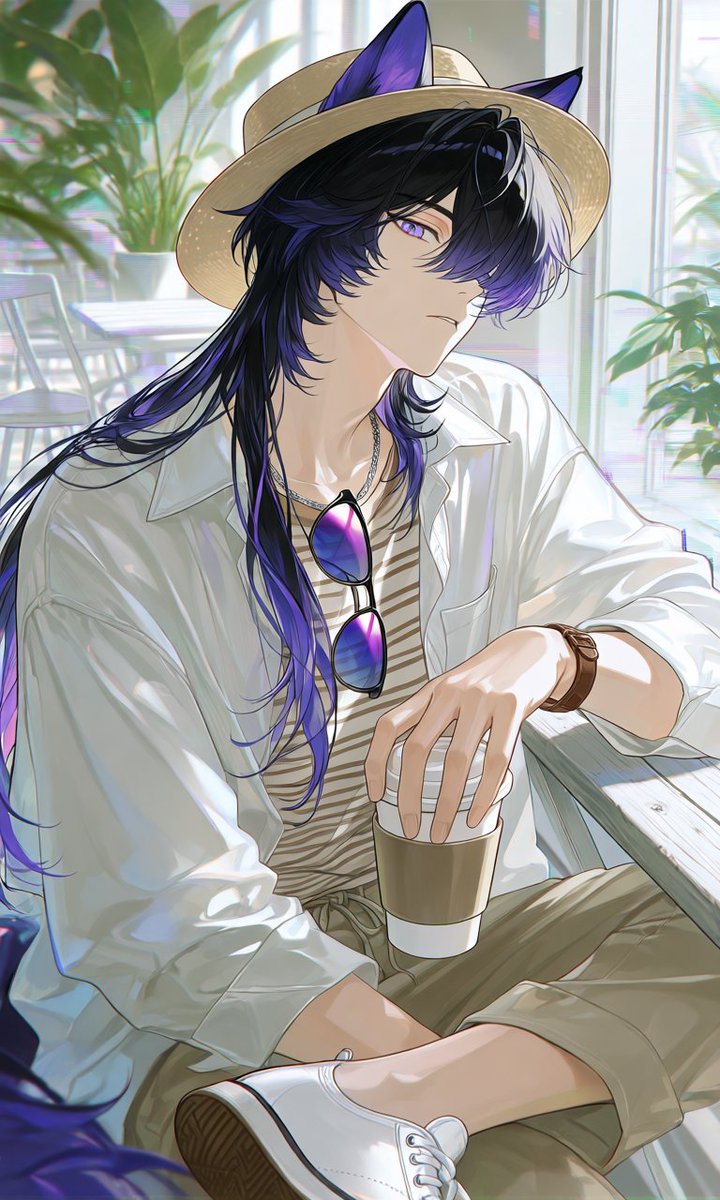 GPTI-001
A vertical anime character illustration prompt for creating a stylish animal-eared young man in a relaxed summer cafe outfit.
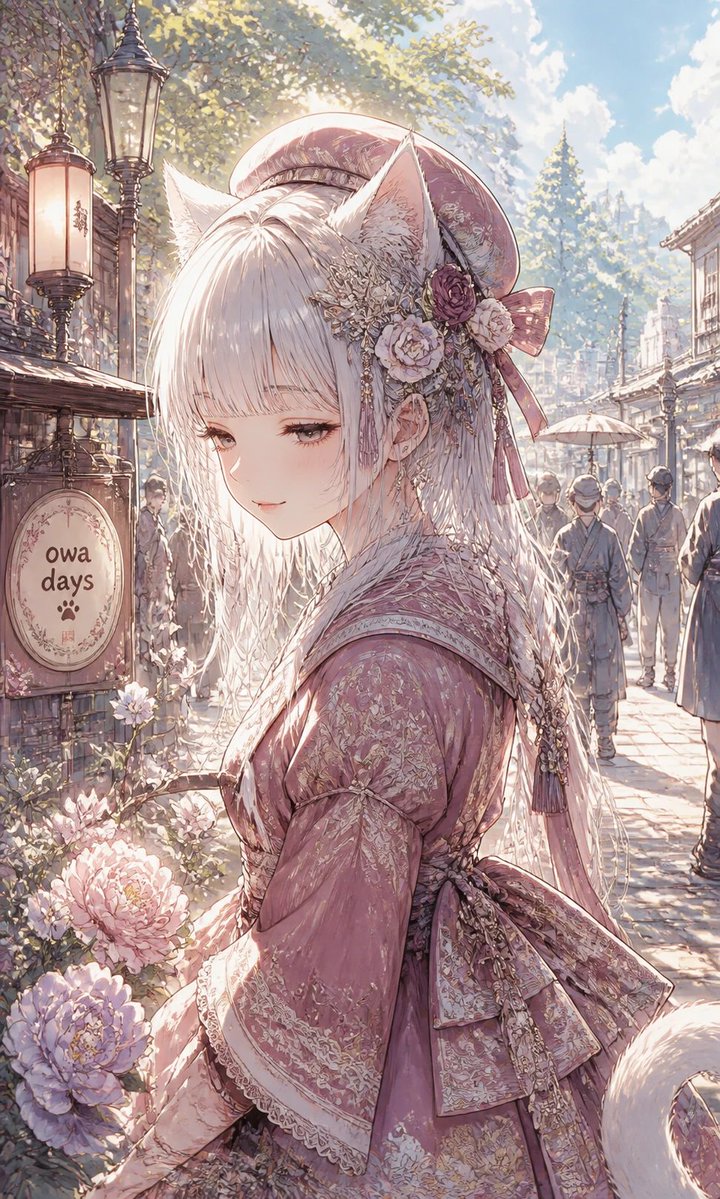 GPTI-002
A detailed vertical anime prompt for creating a romantic fox-eared kimono girl in a nostalgic flower-lined market street.
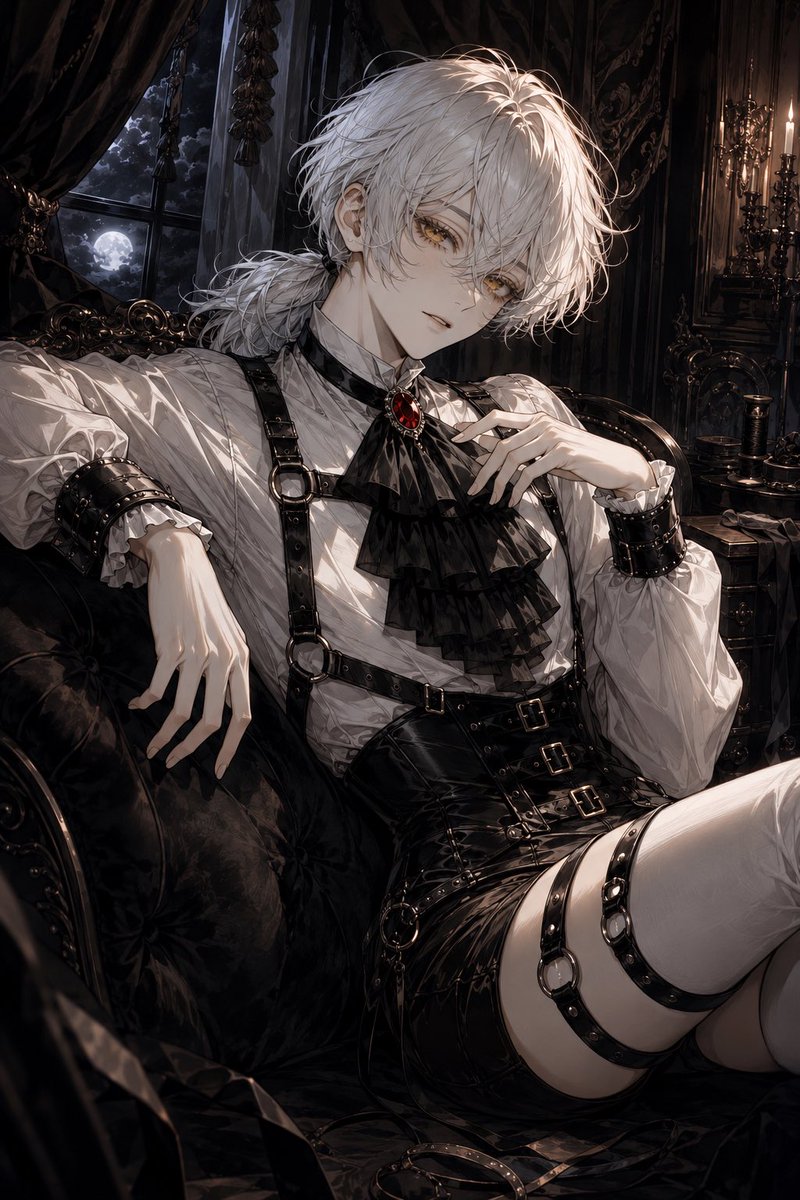 GPTI-003
A detailed prompt for generating a moody anime gothic aristocrat lounging in a Victorian moonlit interior.
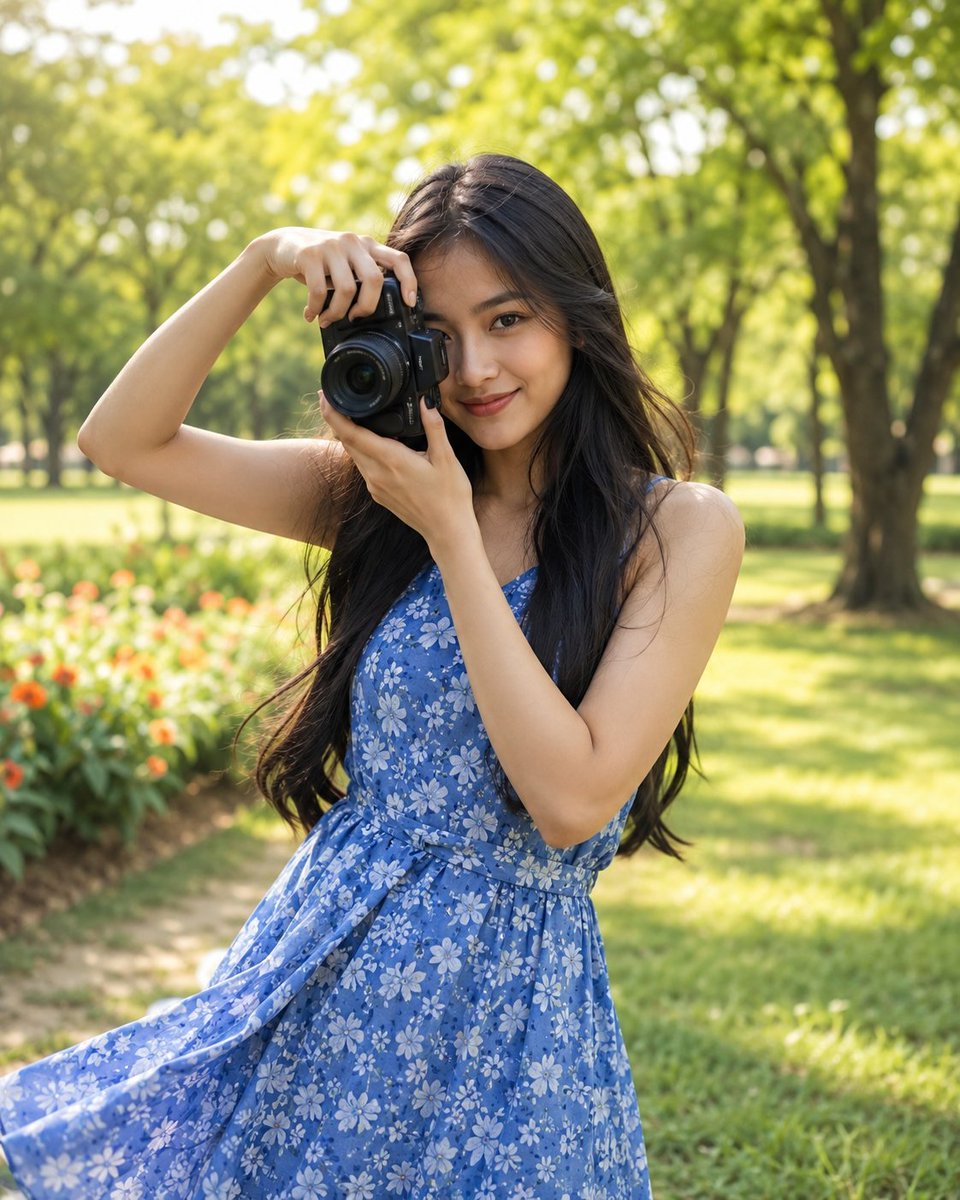 GPTI-004
Generates a highly realistic lifestyle portrait of an Indonesian woman holding a camera in a lush, sunlit park, focusing on natural beauty and spring fashion.
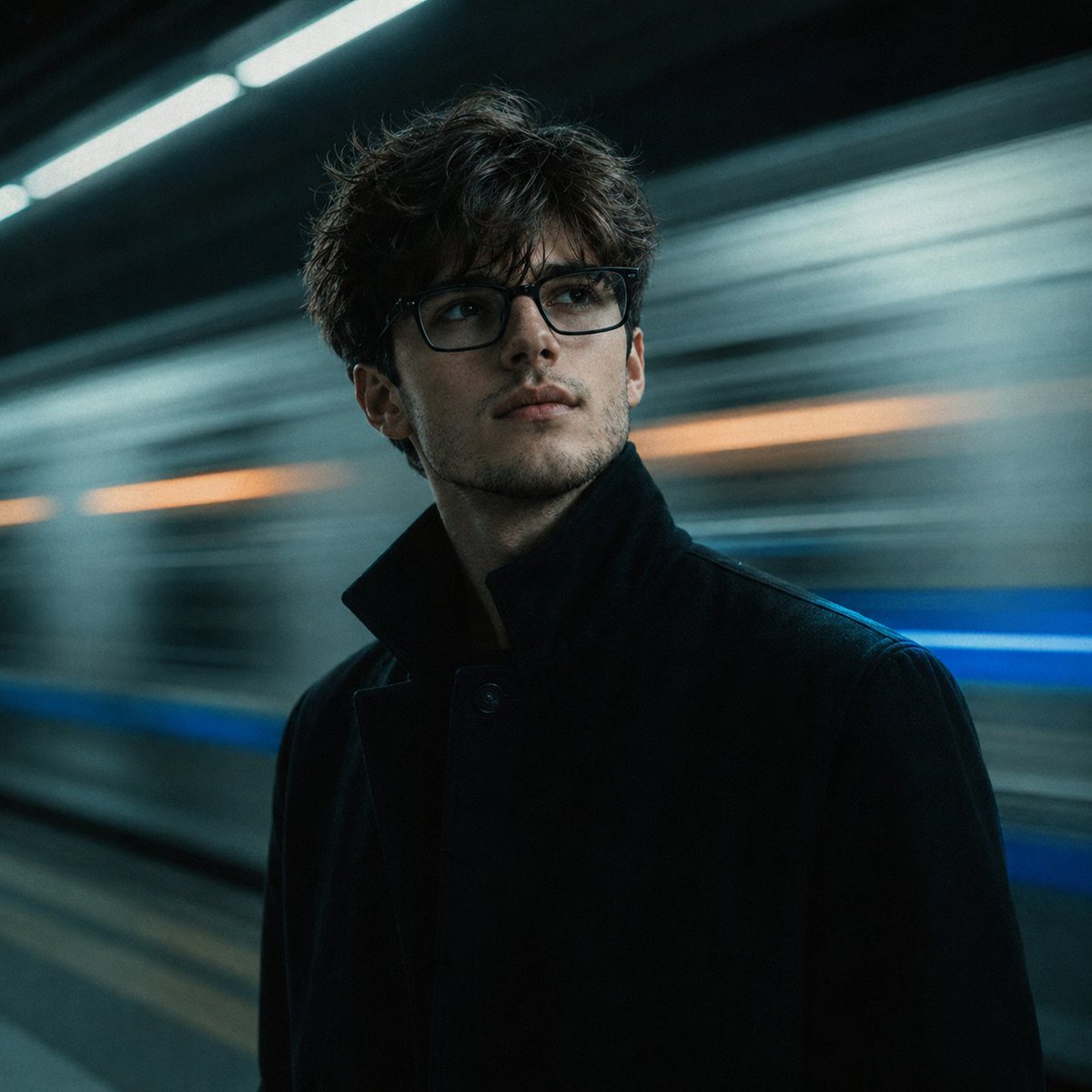 GPTI-005
A detailed prompt designed for reconstructive portrait photography, placing a face from a reference photo into a cinematic subway scene with realistic lighting and motion blur.
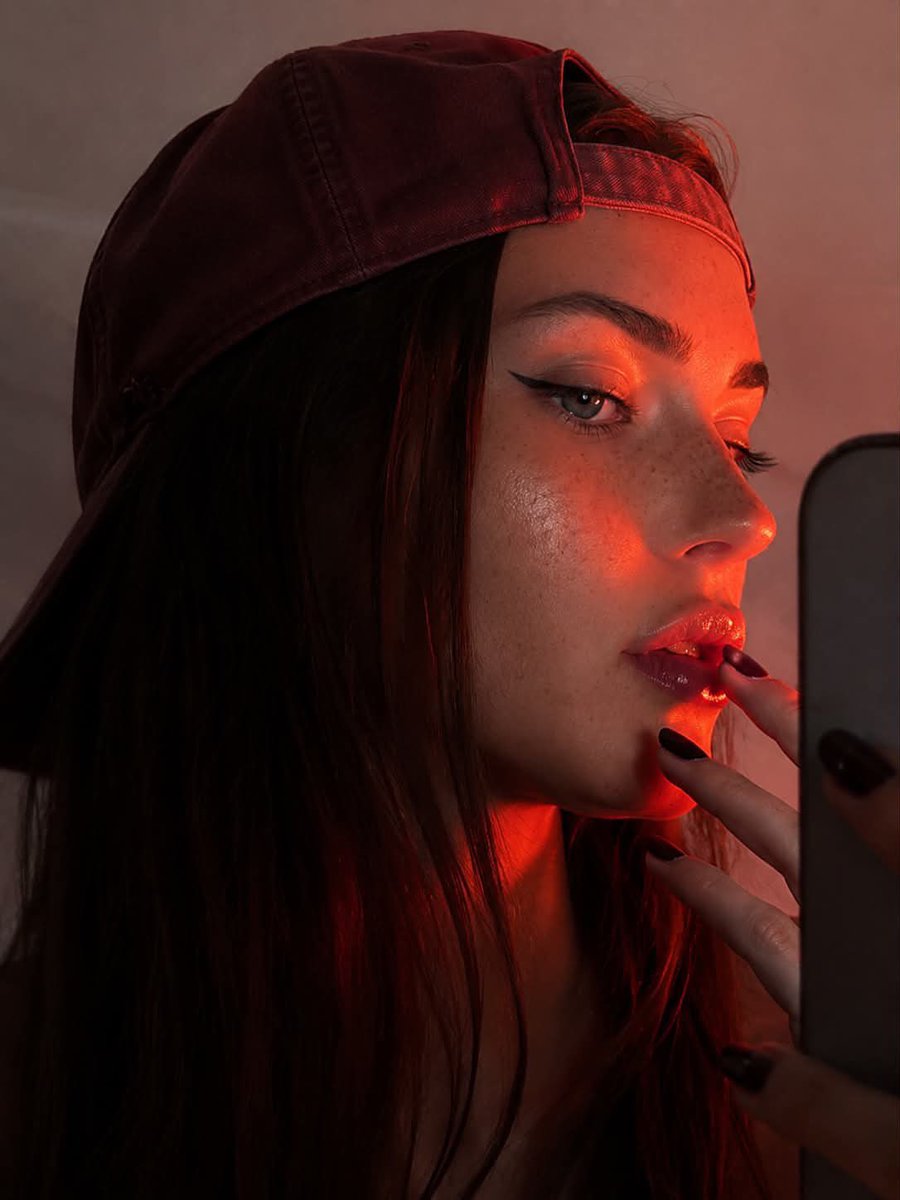 GPTI-006
A prompt for a stylized profile portrait featuring dramatic red-orange rim lighting and high contrast. It describes a woman taking a mirror selfie with specific fashion and makeup details.
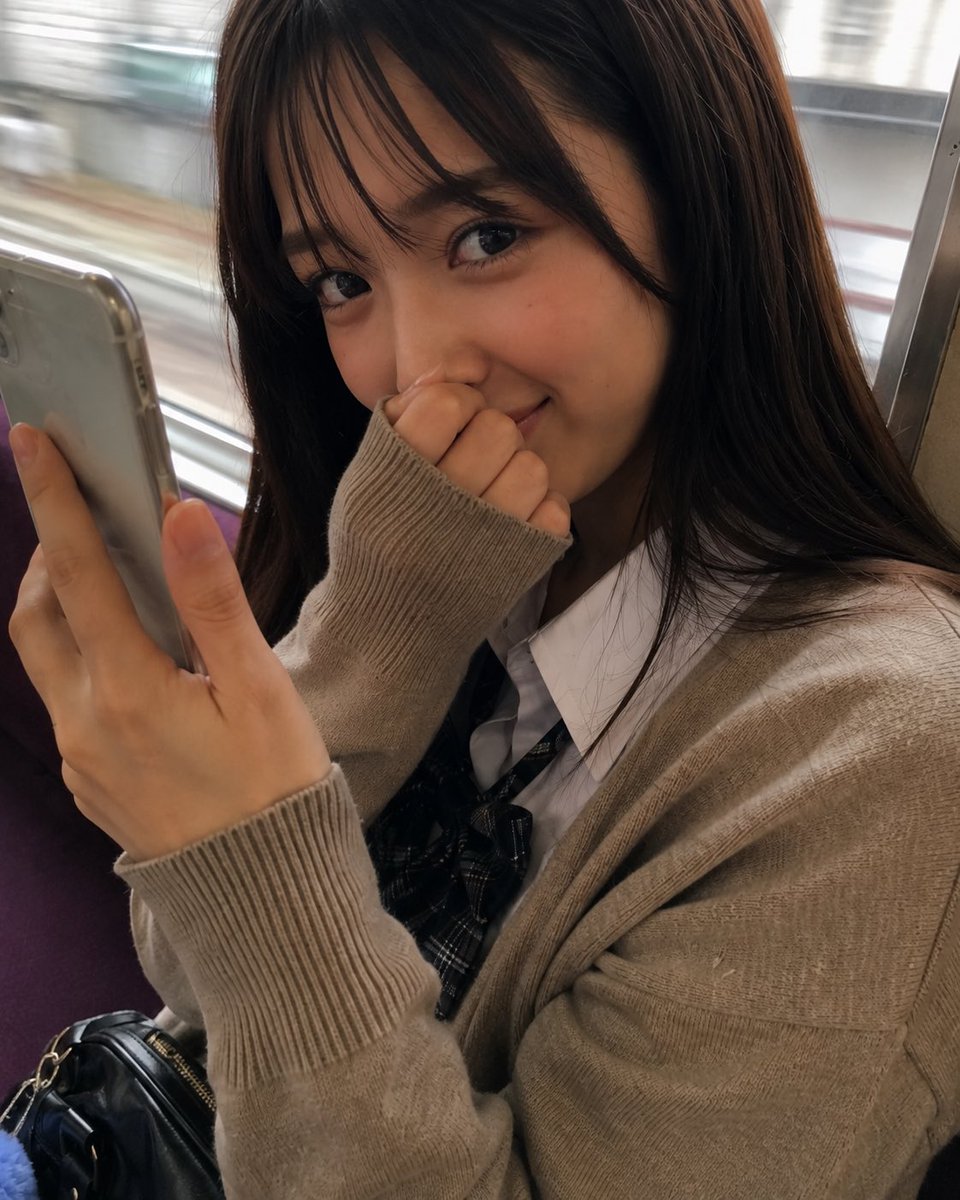 GPTI-007
A photorealistic close-up portrait prompt for generating a shy young woman seated on a moving train while holding a smartphone.
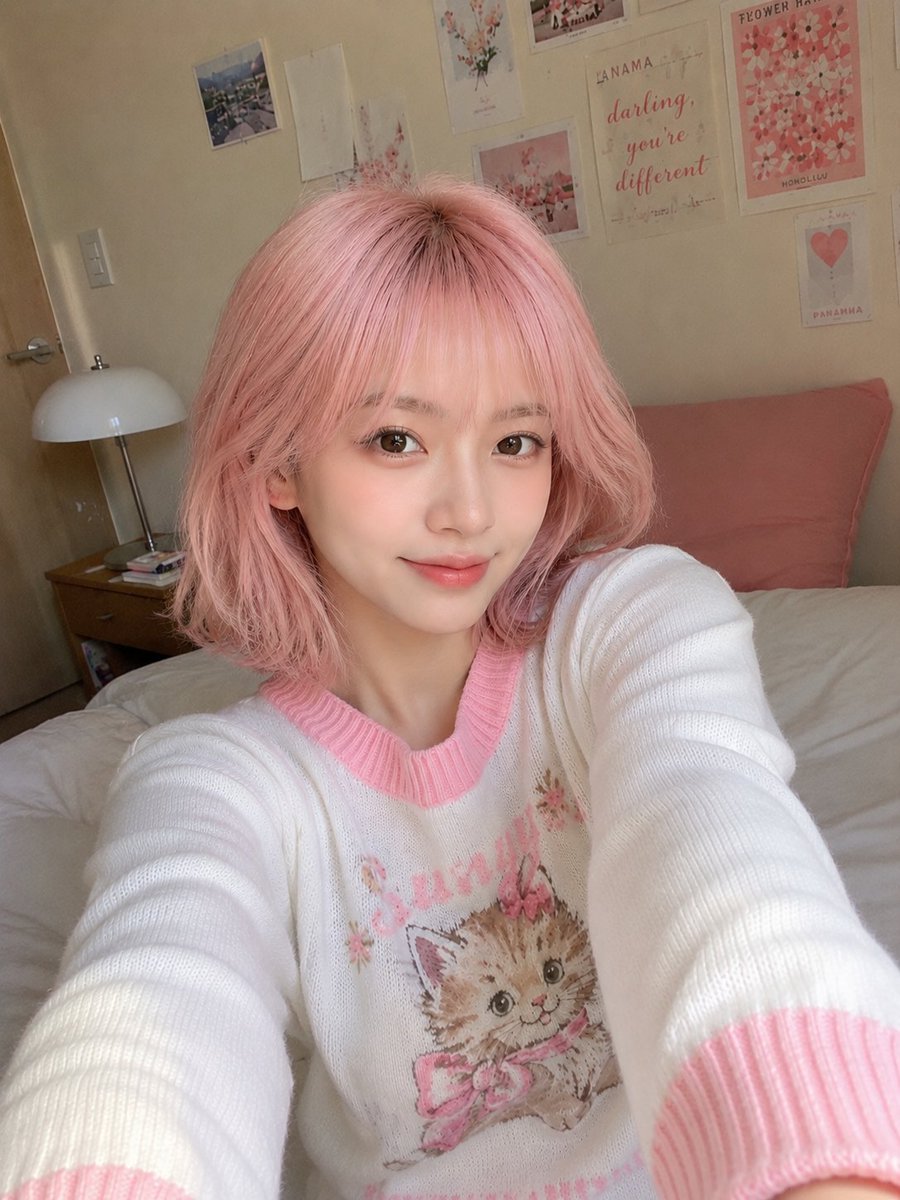 GPTI-008
A highly detailed prompt for generating a candid, casual smartphone selfie of a young East Asian woman. It emphasizes natural lighting, skin textures, and a cozy bedroom environment to avoid a synthetic AI look.
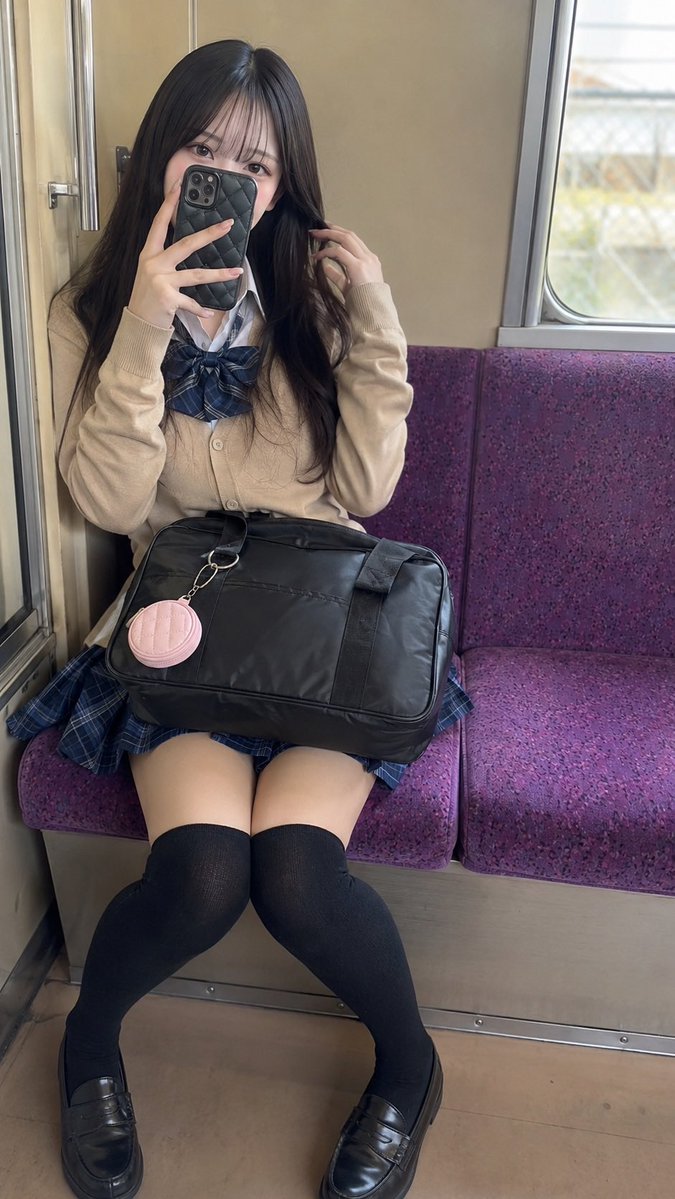 GPTI-009
A photorealistic vertical portrait prompt for creating a young adult woman taking a mirror selfie on a purple train bench in Japanese school-inspired fashion.
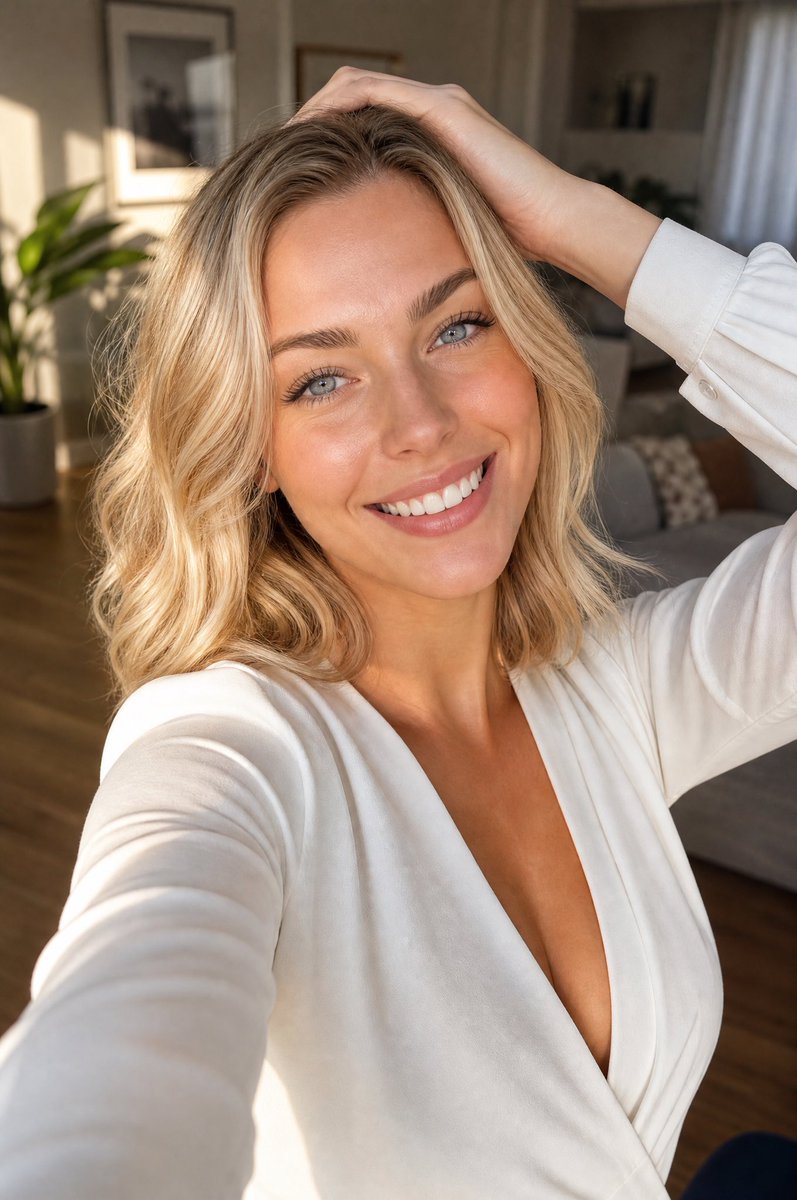 GPTI-010
A photorealistic vertical lifestyle selfie of a smiling blonde woman in warm apartment light, useful for beauty, fashion, or social media portrait generation.
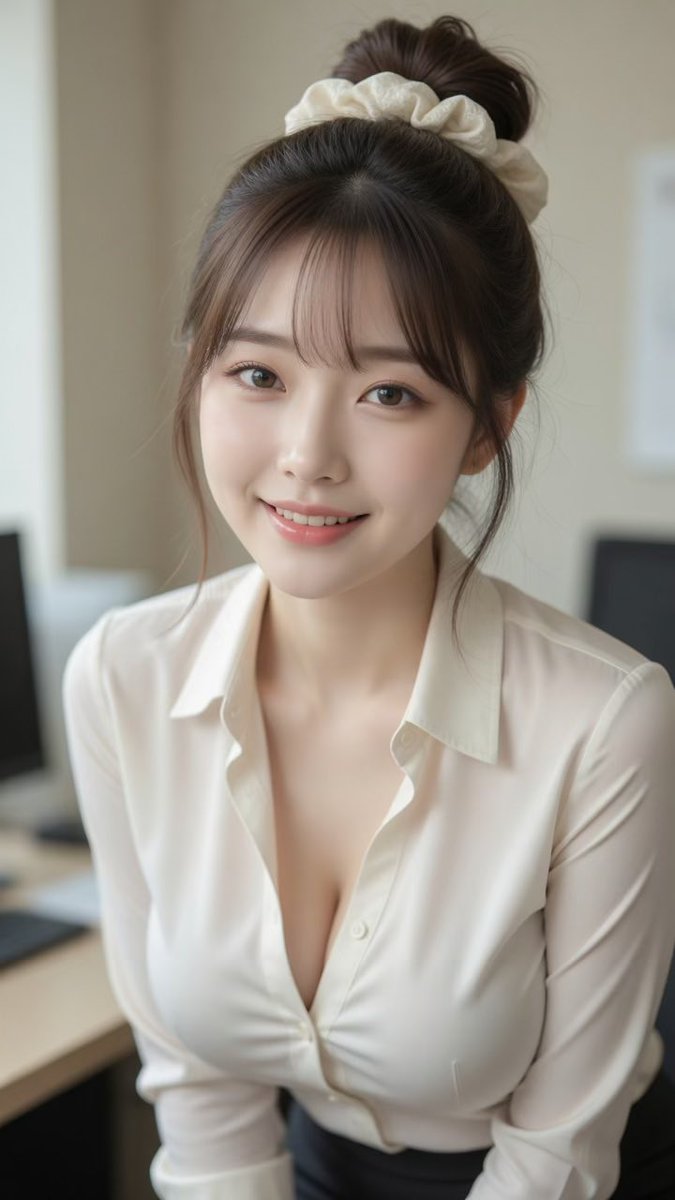 GPTI-011
A photorealistic vertical office portrait of a smiling young East Asian woman with a bun, scrunchie, and cream blouse for lifestyle or profile imagery.
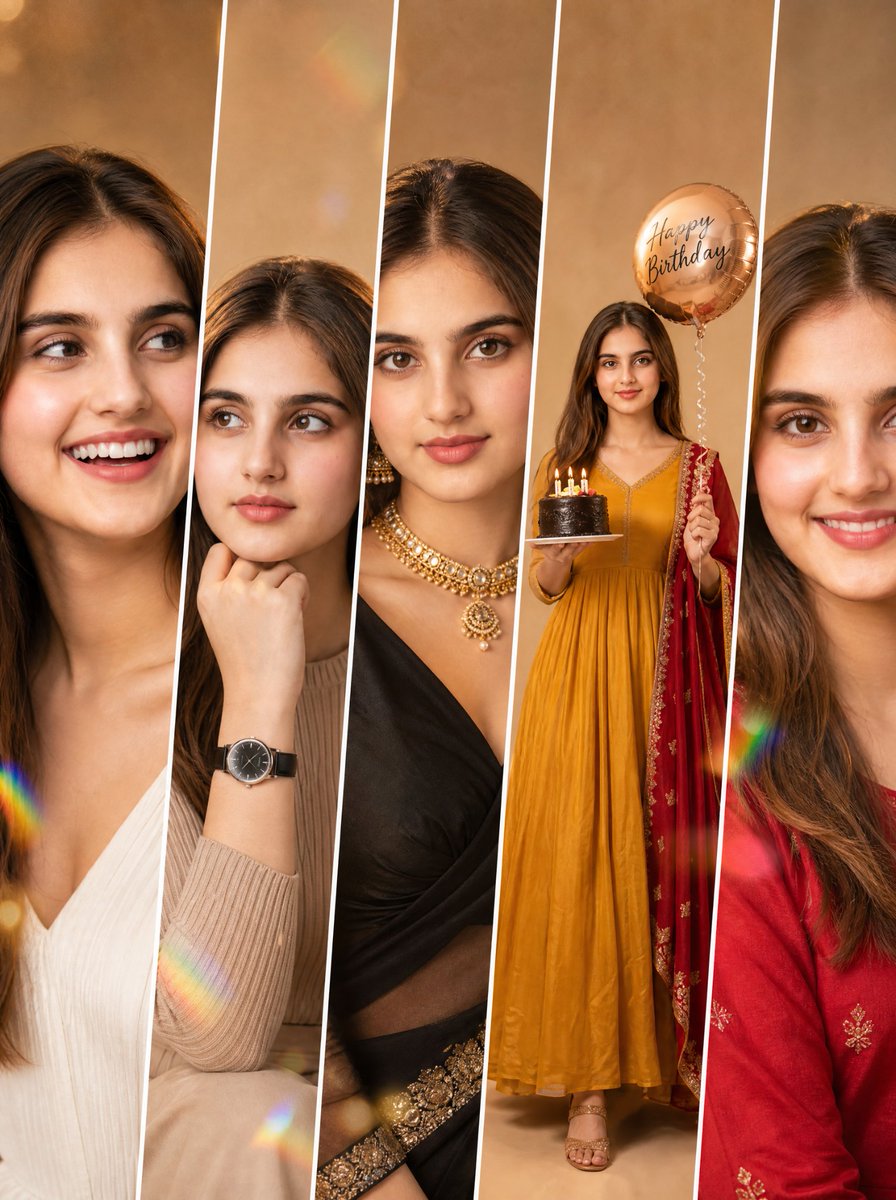 GPTI-012
Detailed prompt for a five-panel fashion collage maintaining consistent identity across different poses and outfits.
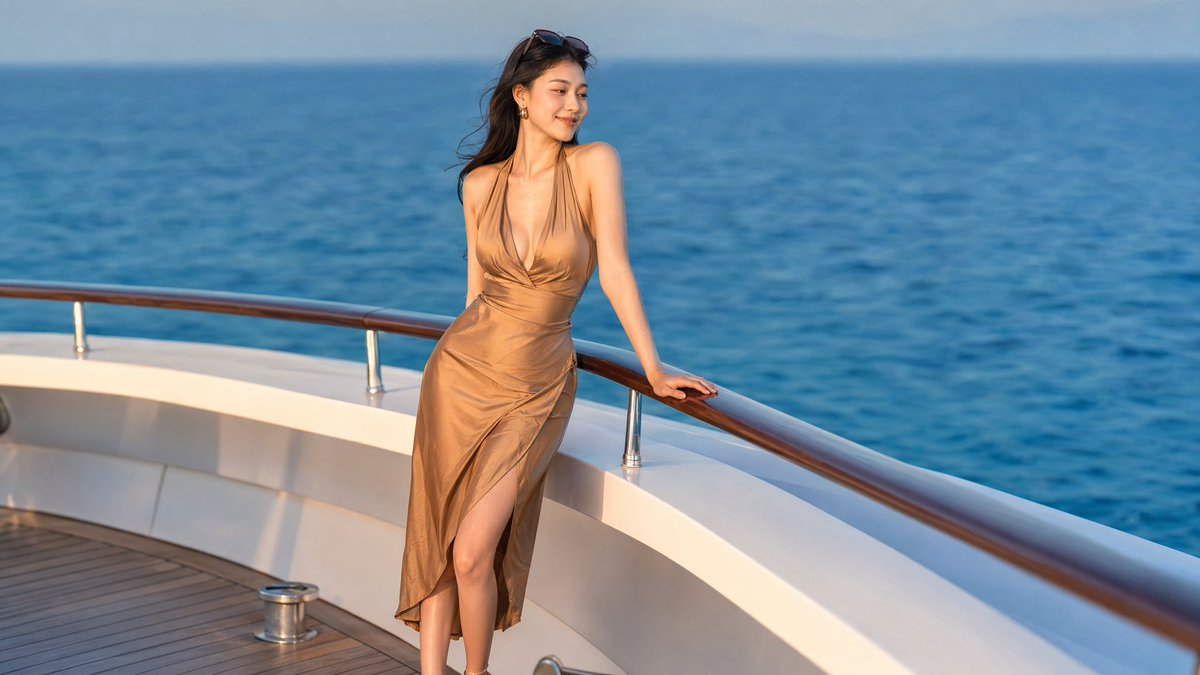 GPTI-013
A photorealistic luxury yacht portrait of an elegant woman in a satin dress, suitable for lifestyle, travel, or social media visuals.
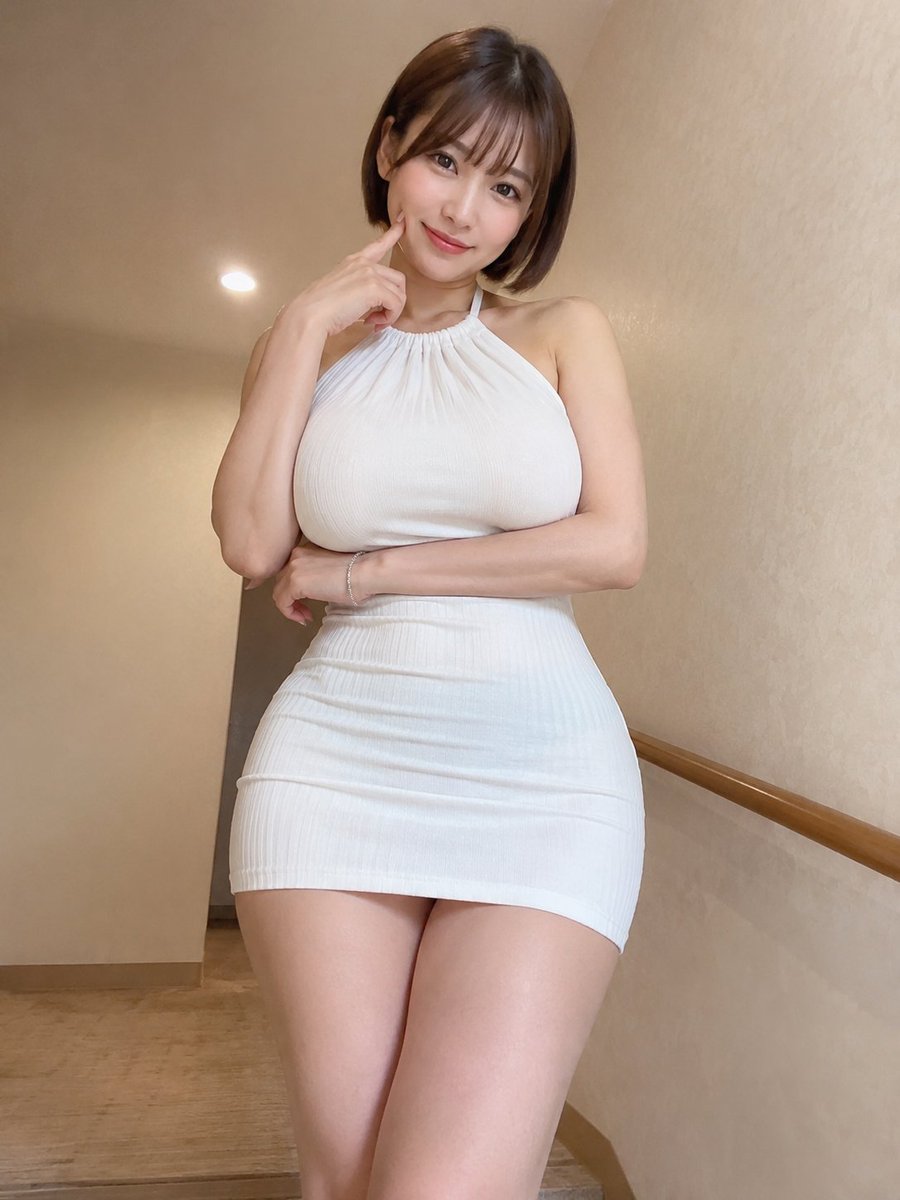 GPTI-014
A detailed prompt for creating a realistic indoor portrait of an East Asian woman with a focus on specific clothing, pose, and lighting to mimic a smartphone photo.
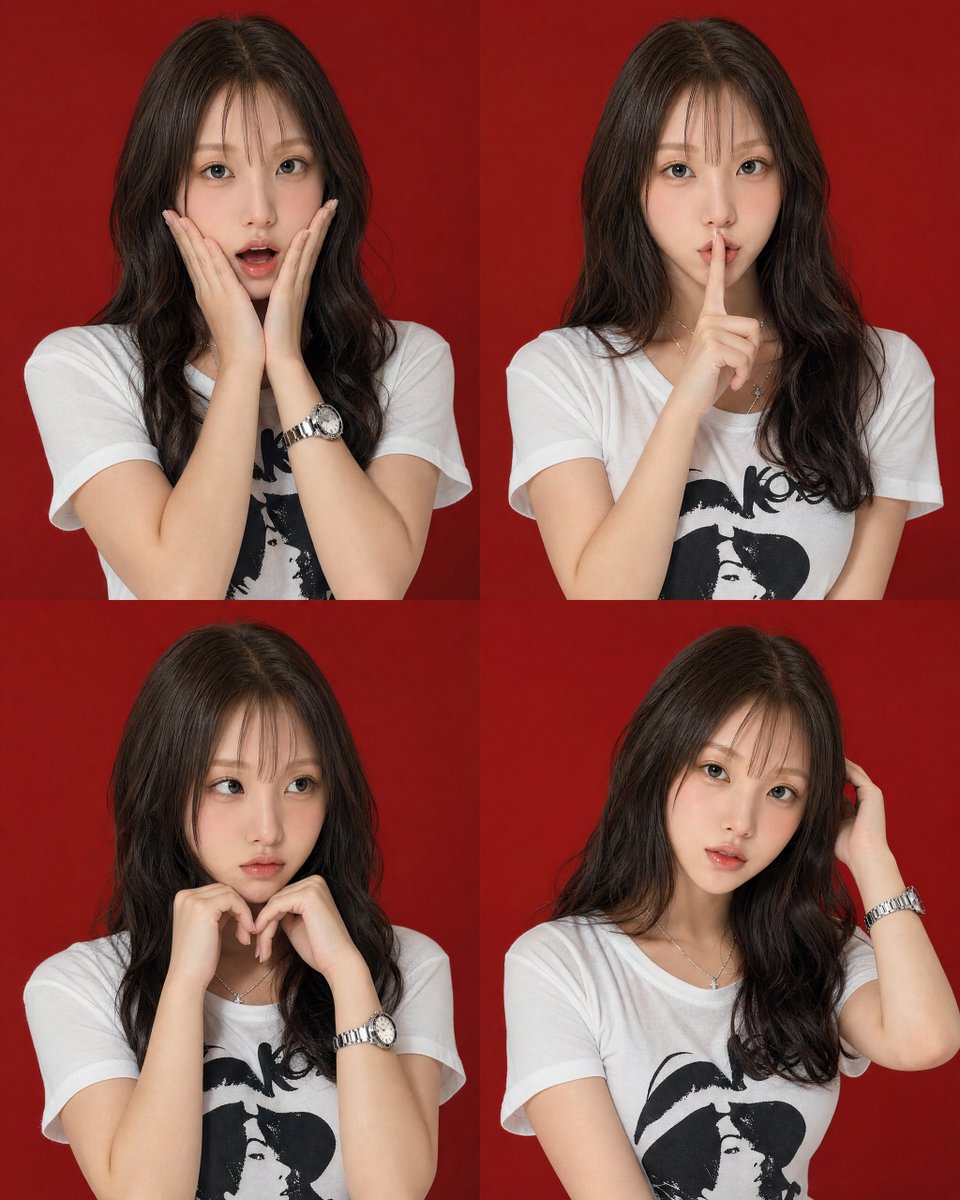 GPTI-015
A high-end studio portrait set featuring four distinct poses of a young woman arranged in a 2x2 grid against a red backdrop.
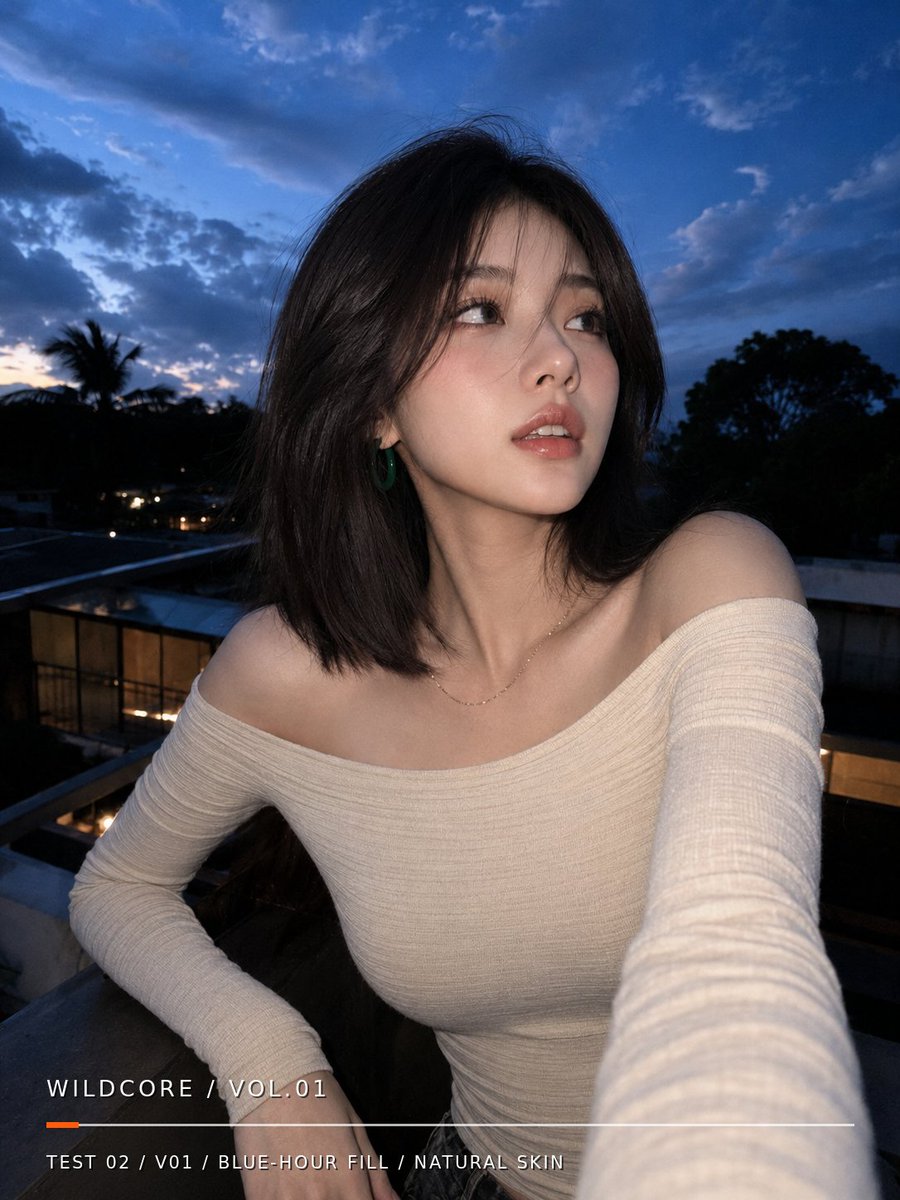 GPTI-016
Generates a realistic blue-hour balcony selfie portrait with natural skin texture and a minimalist editorial text overlay.
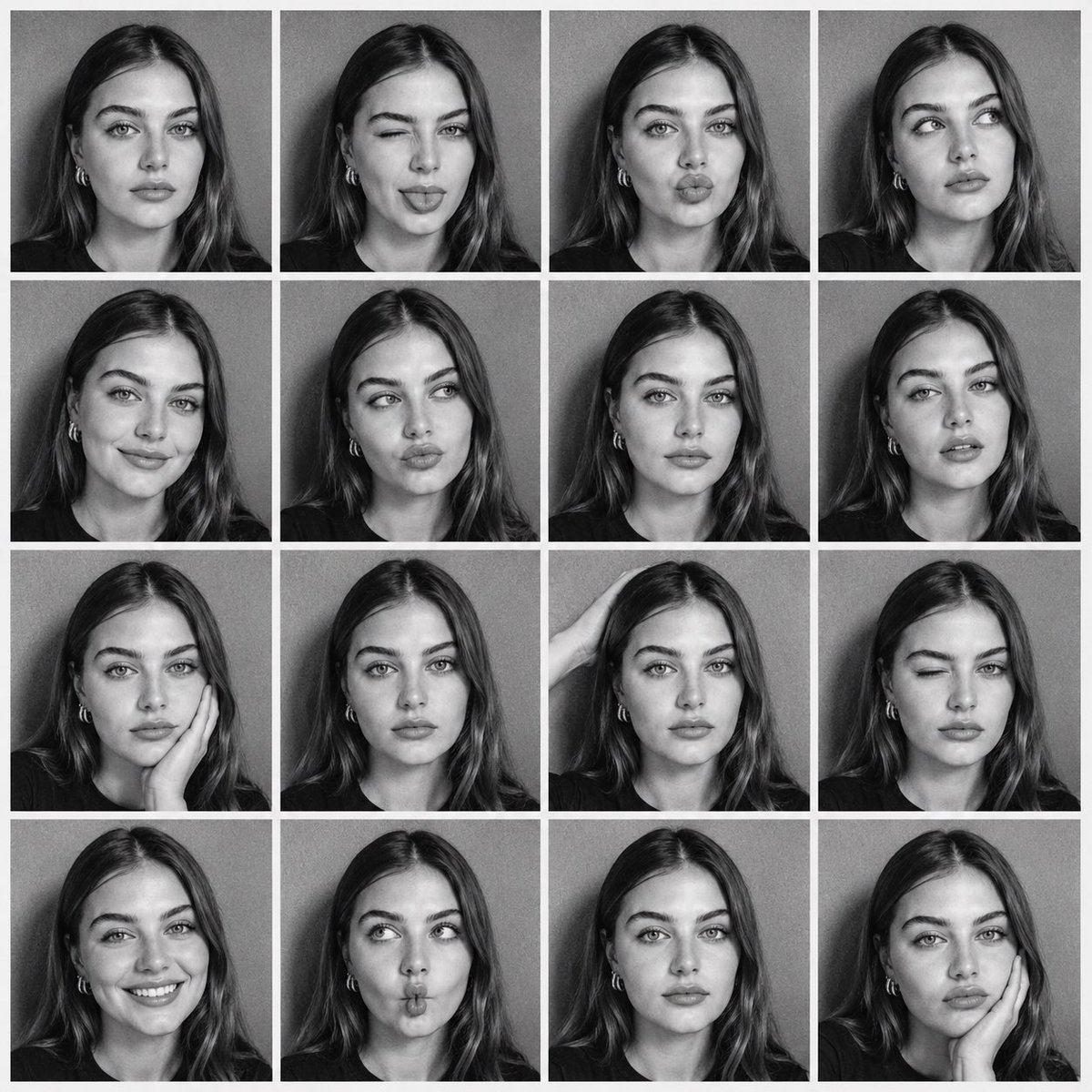 GPTI-017
Generates a 16-panel black-and-white photobooth contact sheet while maintaining strict identity consistency from a reference photo.
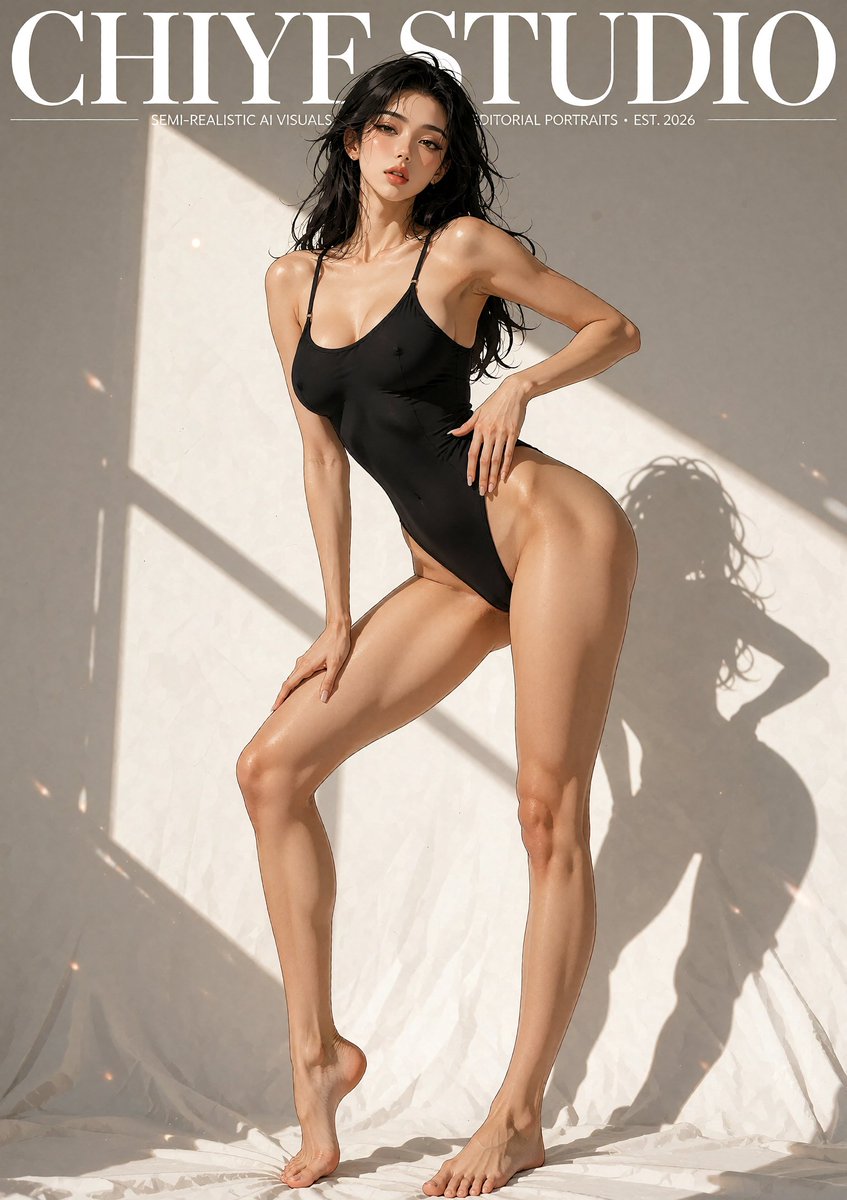 GPTI-018
A vertical editorial magazine-cover style image of a semi-realistic anime-inspired swimsuit model in dramatic studio sunlight.
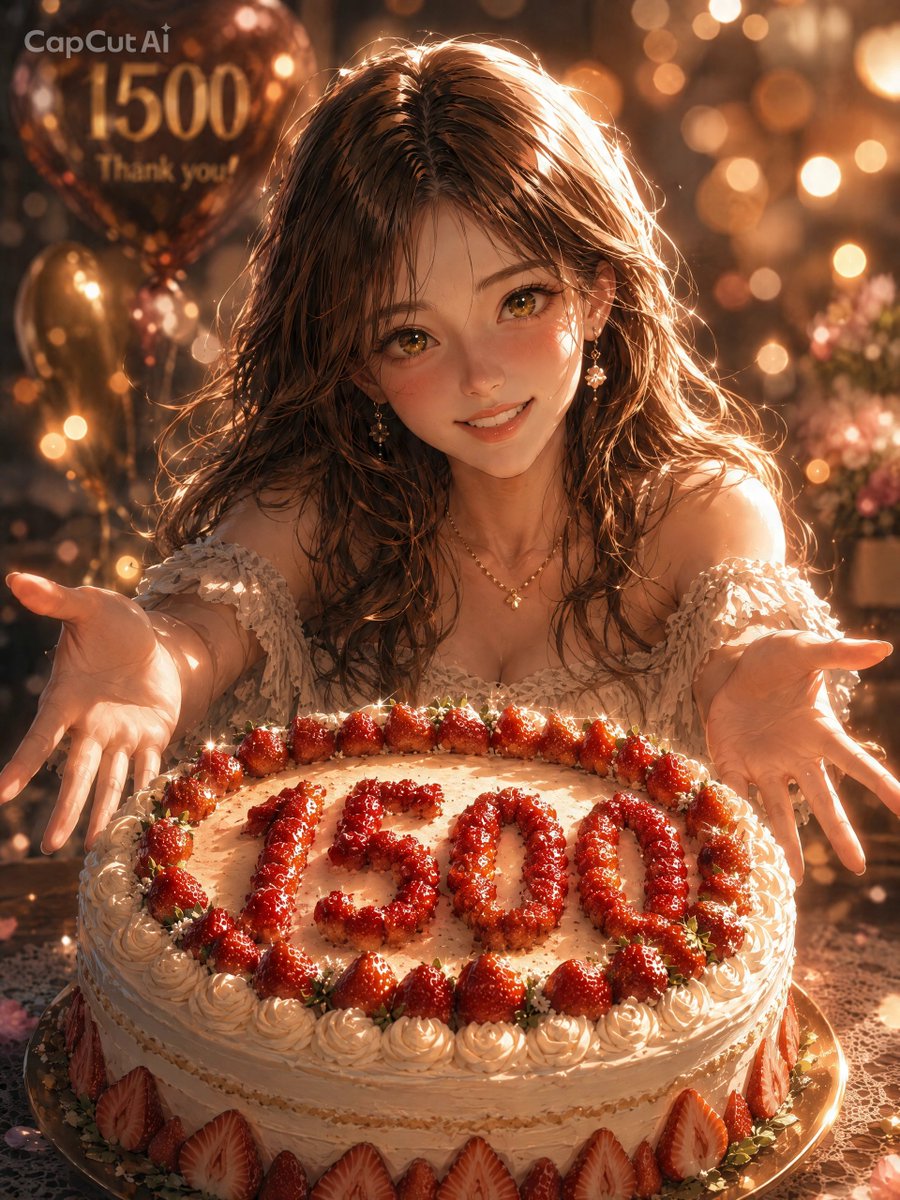 GPTI-019
A warm anime-style celebration portrait featuring a smiling girl presenting a strawberry cake marked 1500, ideal for follower milestone thank-you visuals.
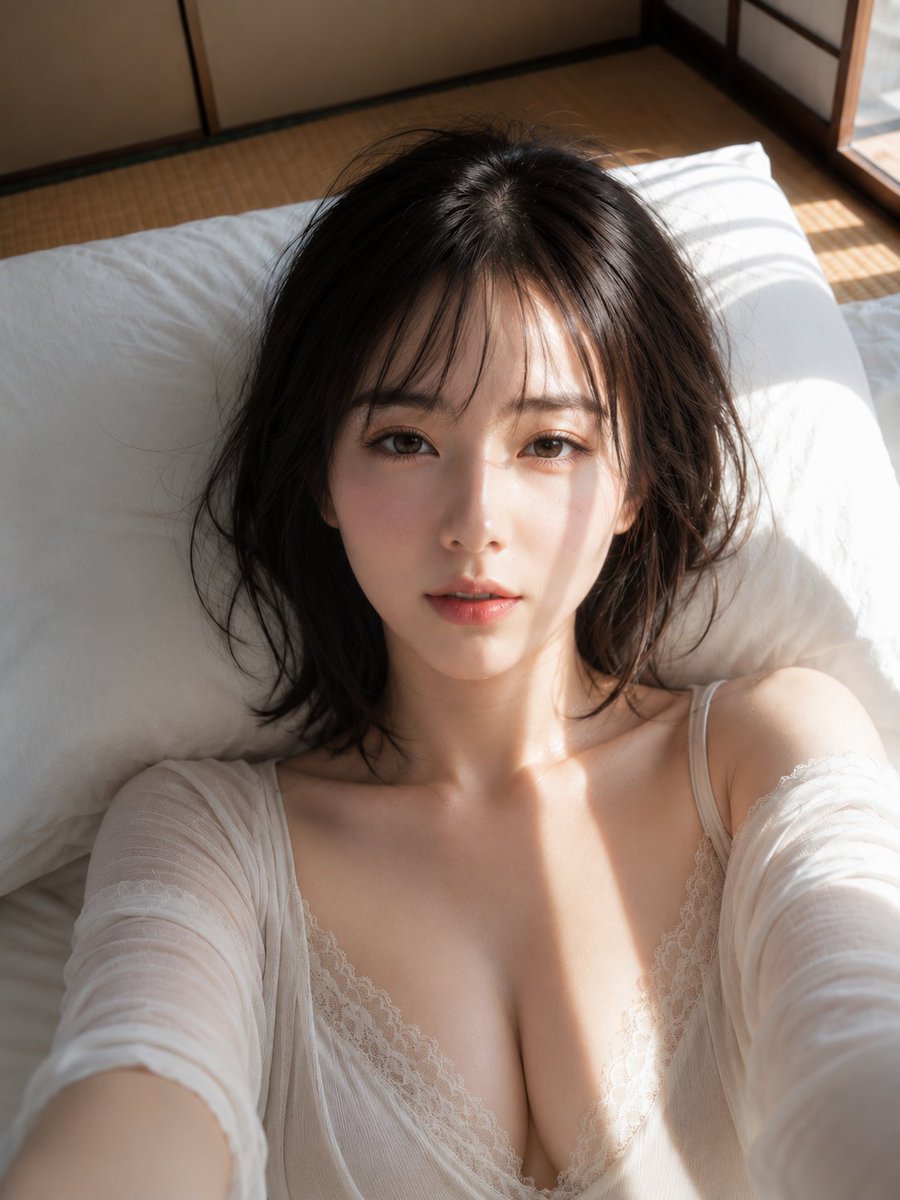 GPTI-020
A detailed photographic prompt for a close-up portrait of a woman on a futon, capturing the interplay of morning sunlight and shoji screen shadows.
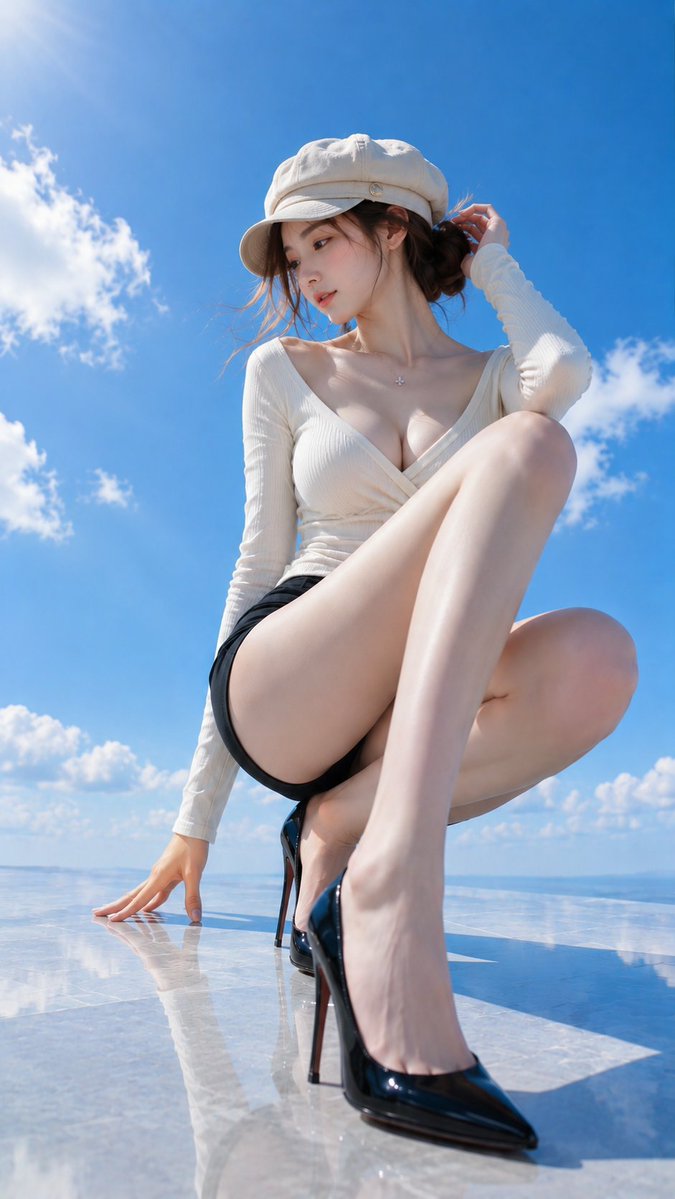 GPTI-021
A detailed fashion photography prompt featuring a woman in elegant attire on a rooftop terrace, using a low-angle wide-angle perspective for a clean, summer aesthetic.
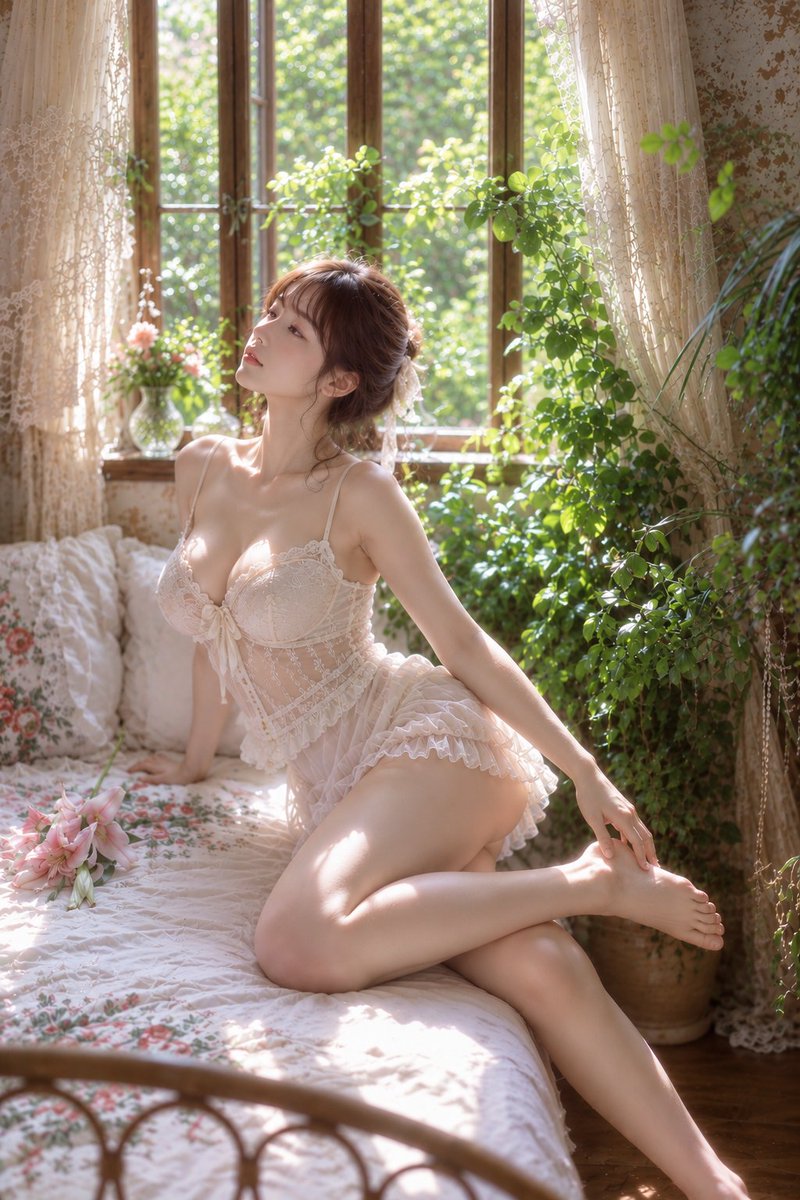 GPTI-022
A highly detailed prompt for an antique-style bedroom portrait featuring soft natural light and botanical elements.
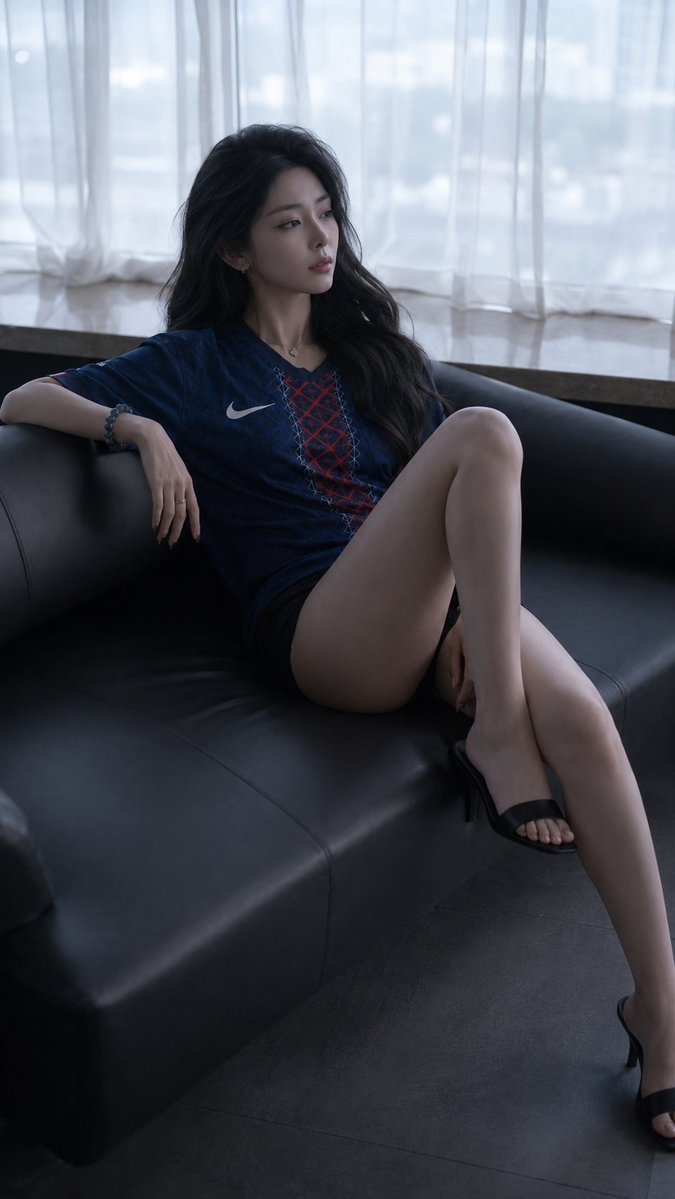 GPTI-023
A detailed prompt for creating a moody, cinematic fashion portrait of a woman reclining on a leather sofa. It features intricate lighting and realistic fabric textures.
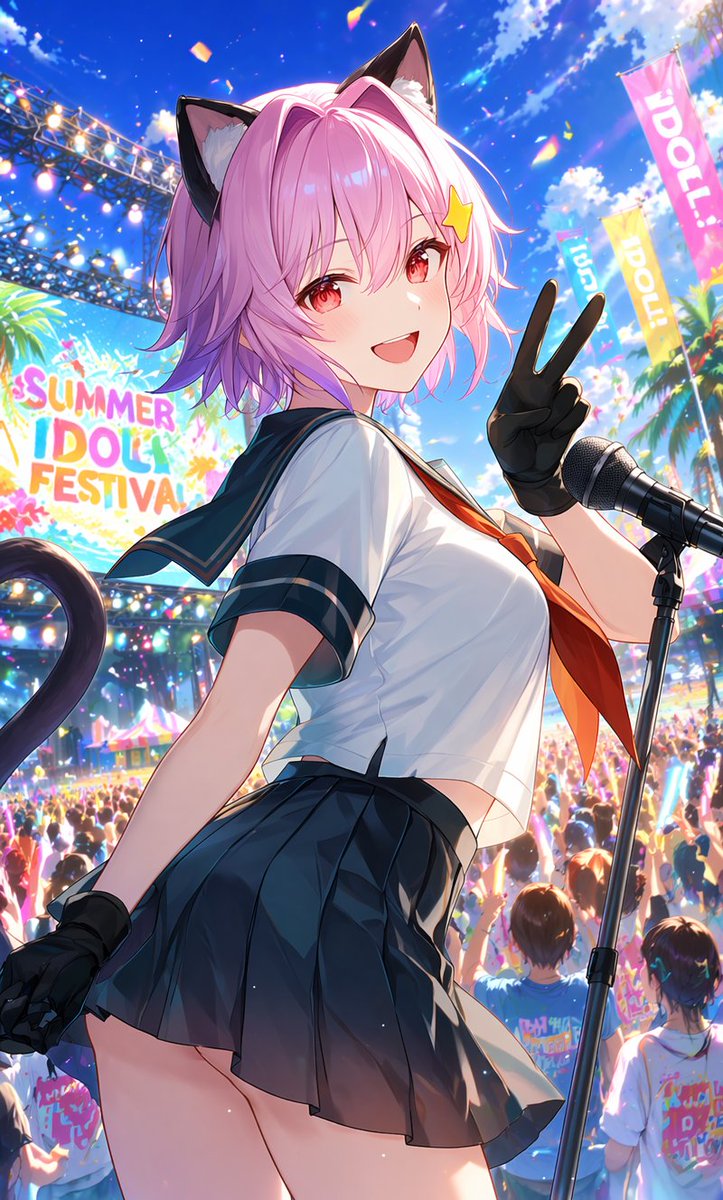 GPTI-024
A vivid anime prompt for generating a pink-haired catgirl idol performing at a crowded outdoor summer festival.
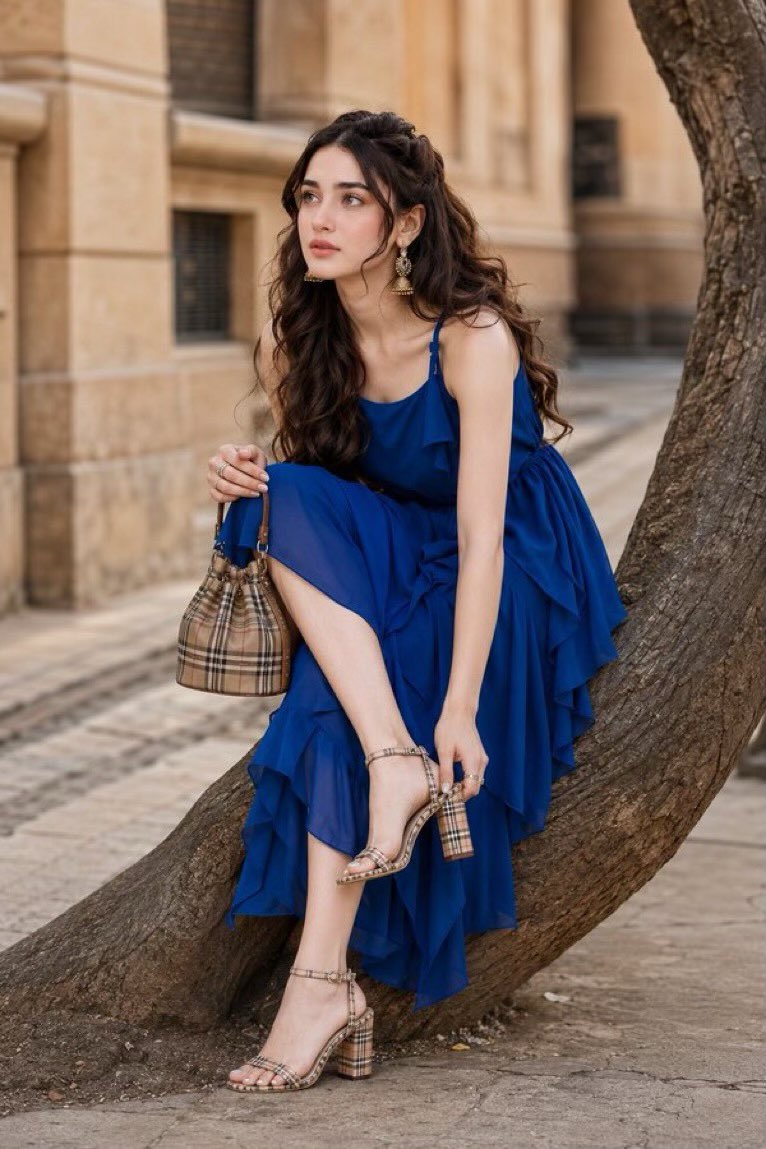 GPTI-025
A prompt designed for high-end fashion street photography with a focus on luminous Korean glass skin and perfect makeup while maintaining facial identity from a reference.
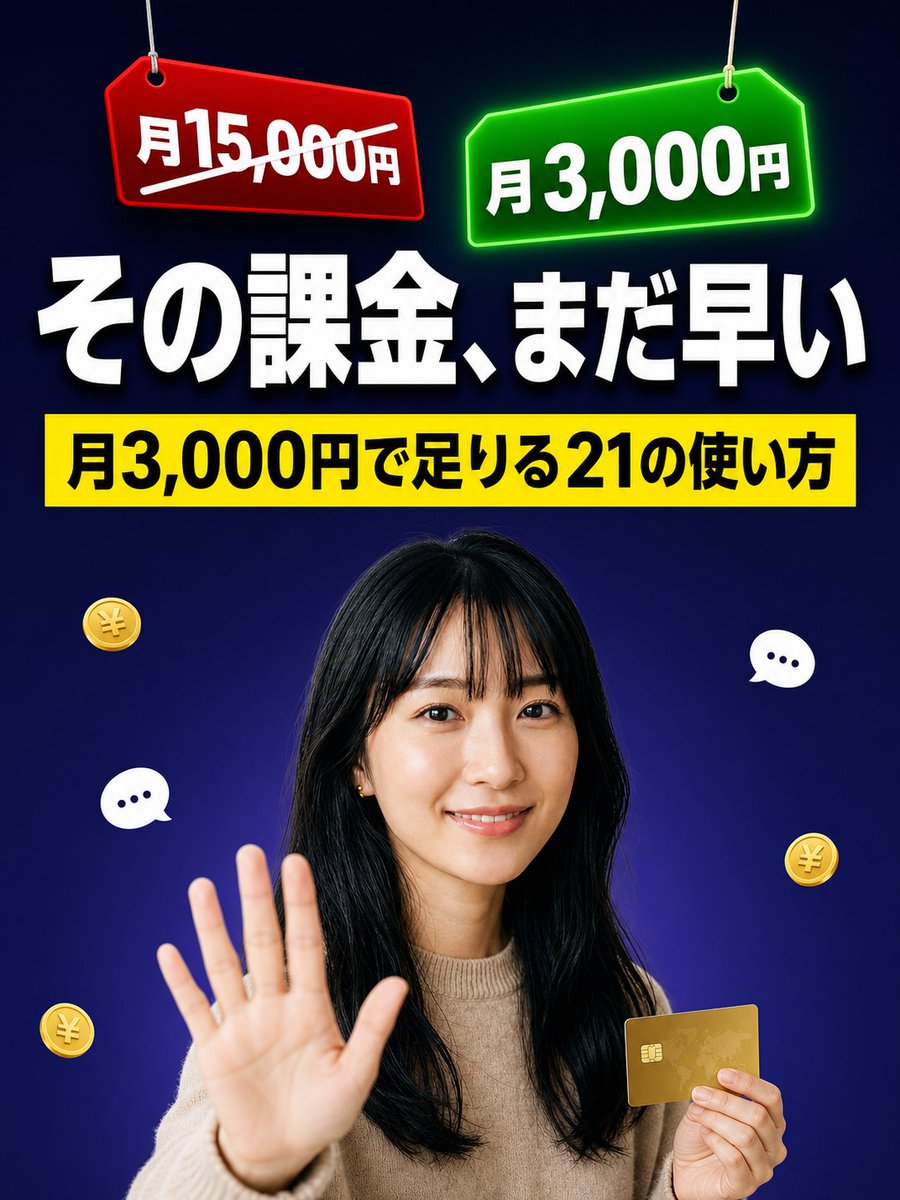 GPTI-026
Generates a high-impact Japanese social media thumbnail comparing a crossed-out high subscription price with a cheaper monthly plan.
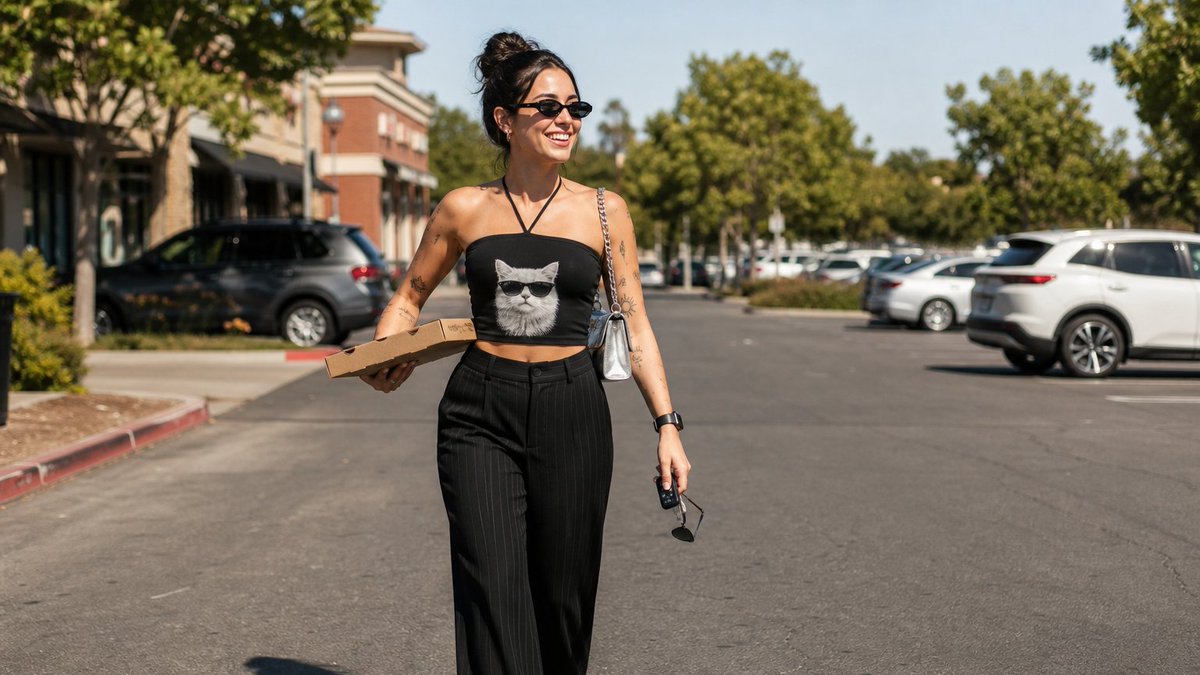 GPTI-027
A detailed prompt for a candid, sunlit street photography shot of a woman in casual fashion, perfect for achieving a realistic DSLR look with specific clothing and accessories.
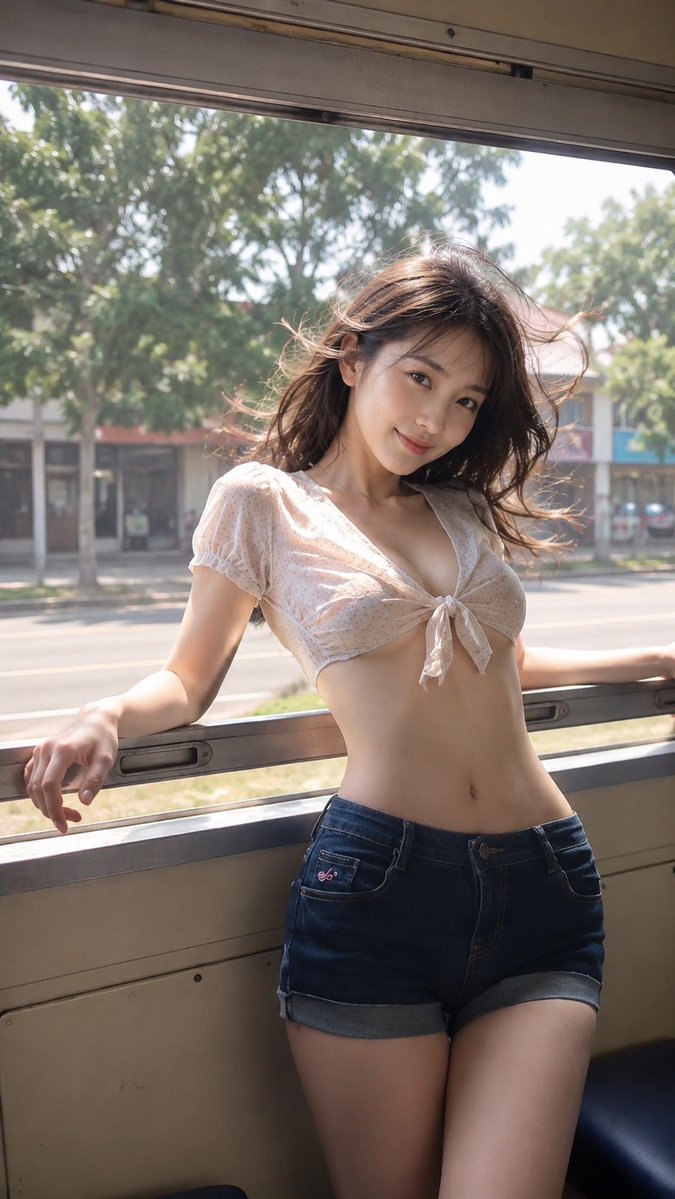 GPTI-028
A cinematic prompt capturing a nostalgic summer travel moment of a woman inside a vintage train with realistic lighting and wind effects.
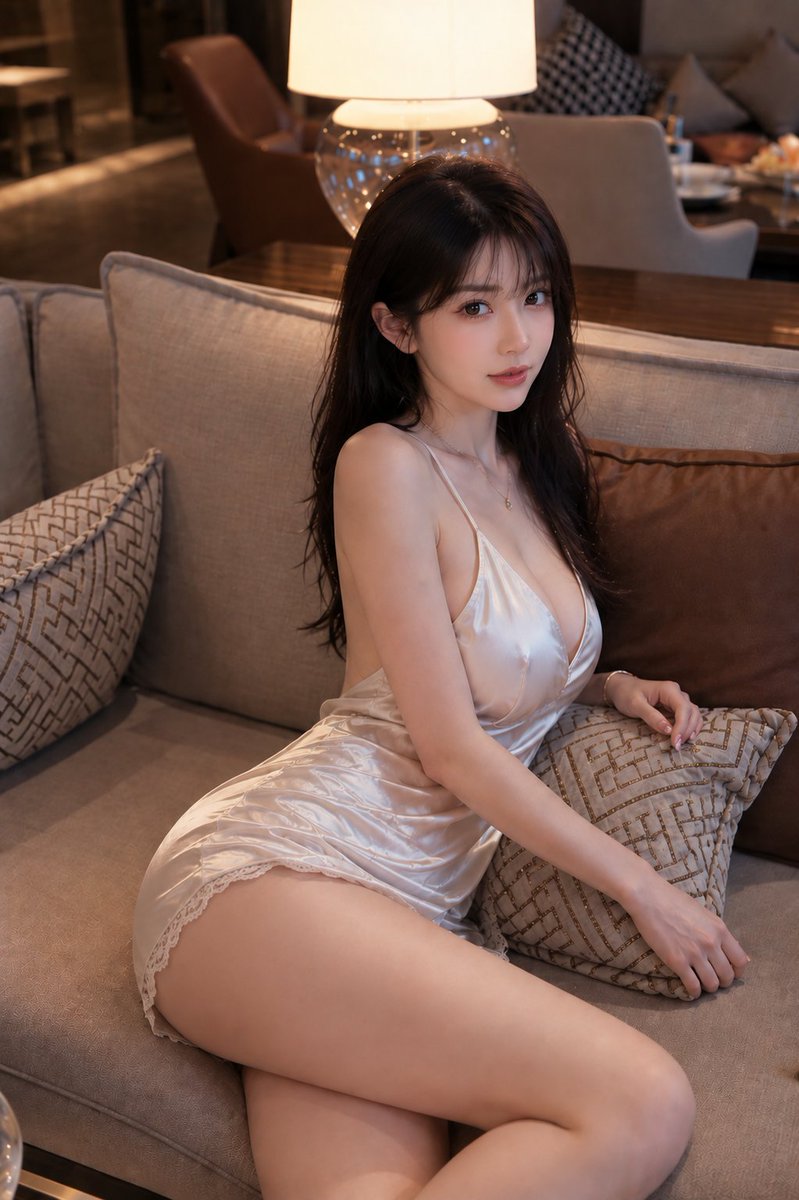 GPTI-029
A sophisticated prompt for a fashion portrait in an upscale hotel lounge, featuring a woman in a champagne satin dress with warm ambient lighting.
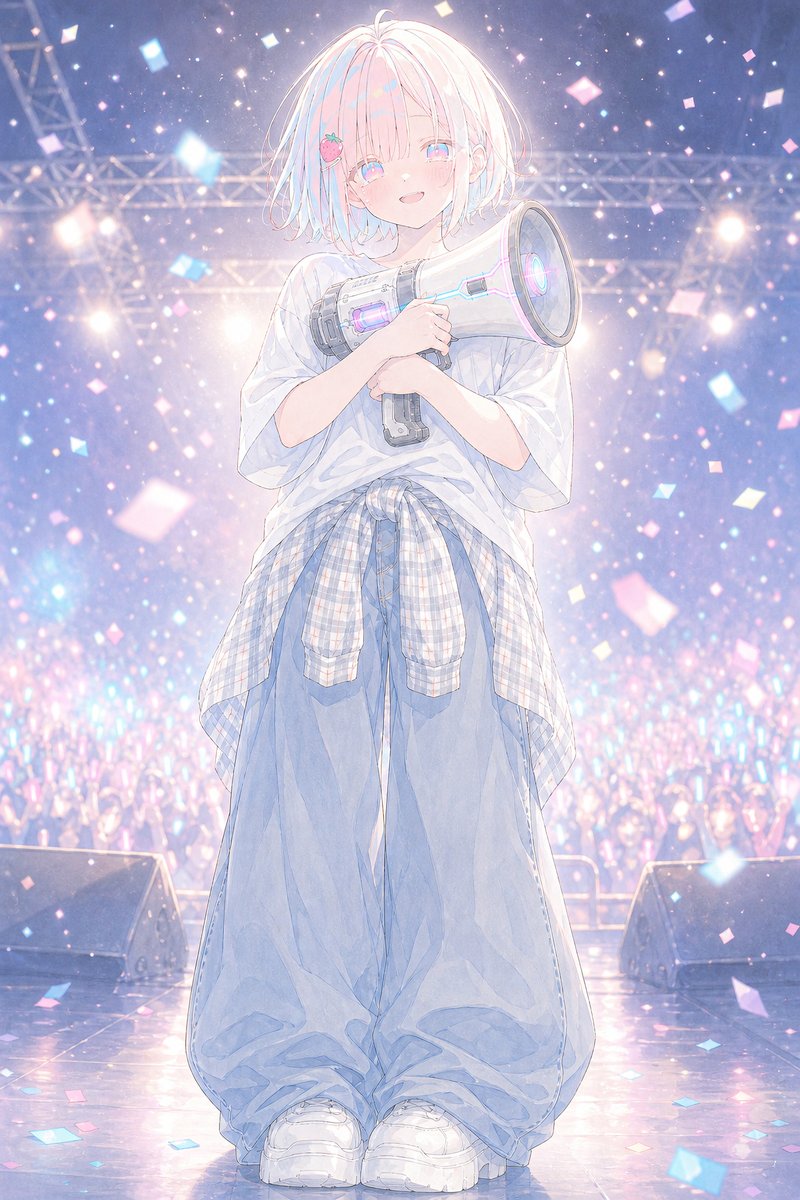 GPTI-030
A dreamy vertical anime illustration of a shy idol holding a glowing megaphone on a confetti-filled concert stage.
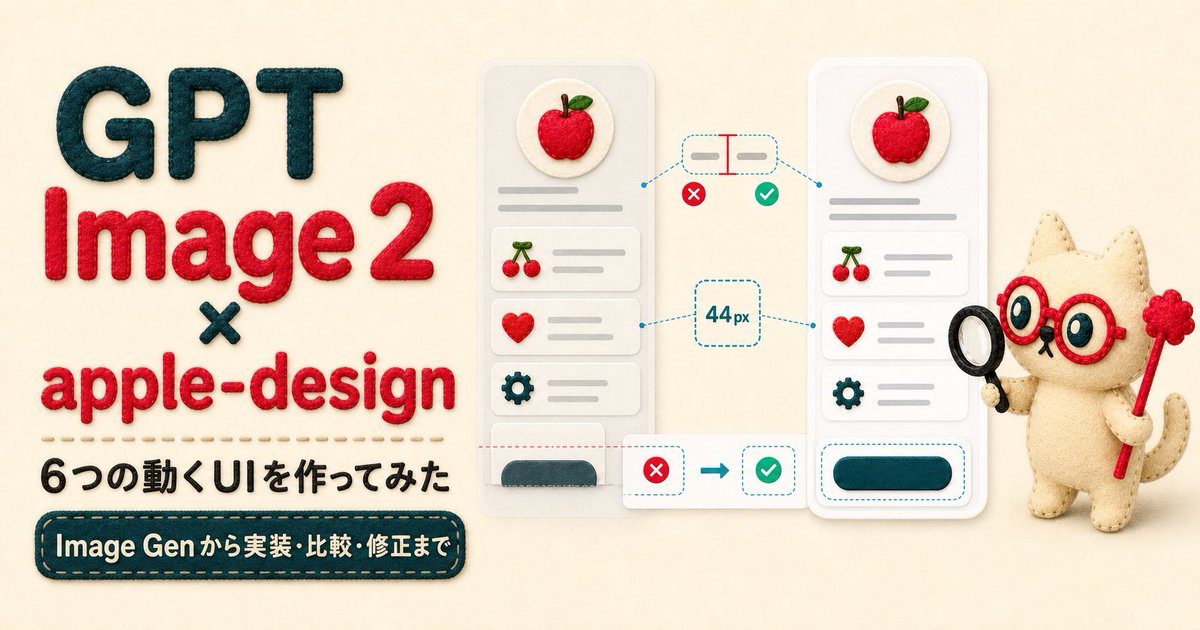 GPTI-031
A handmade felt-style hero banner for an article about GPT Image 2 and apple-design UI animation experiments.
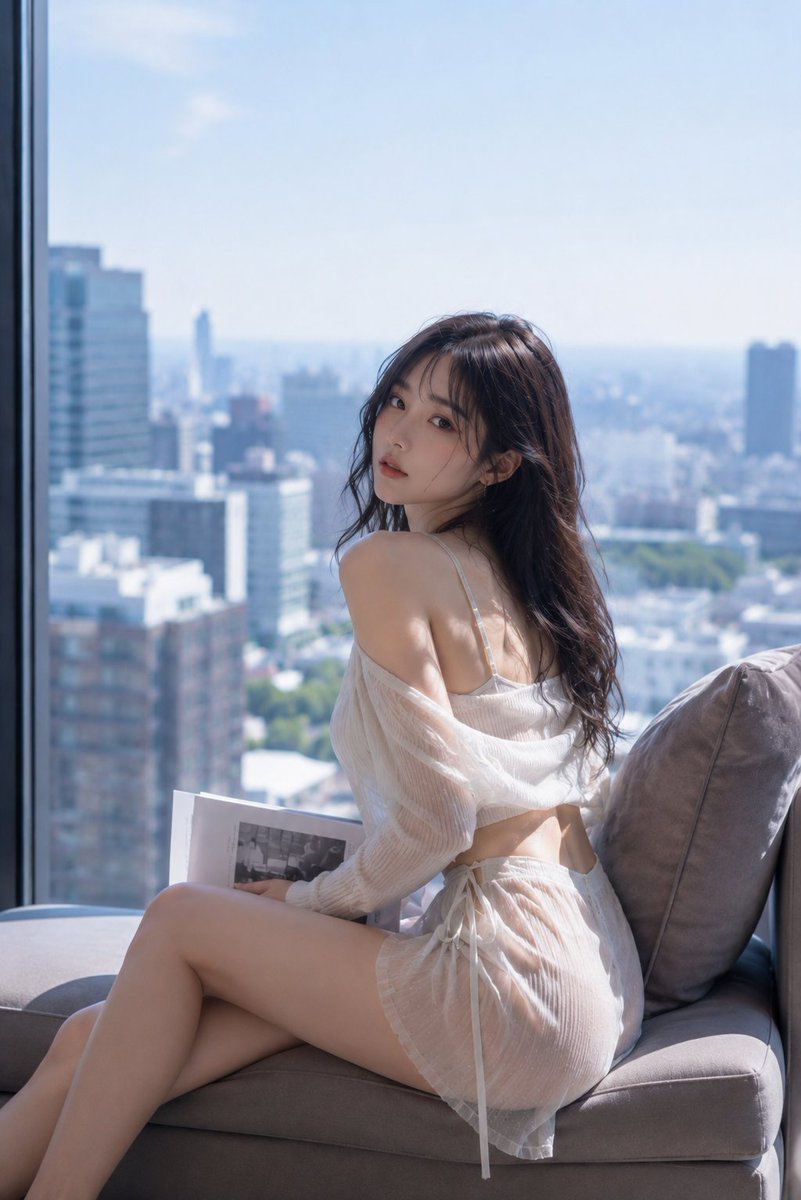 GPTI-032
A sophisticated prompt for a fashion-photography style portrait of a young woman sitting by a high-rise window with a soft Tokyo cityscape background.
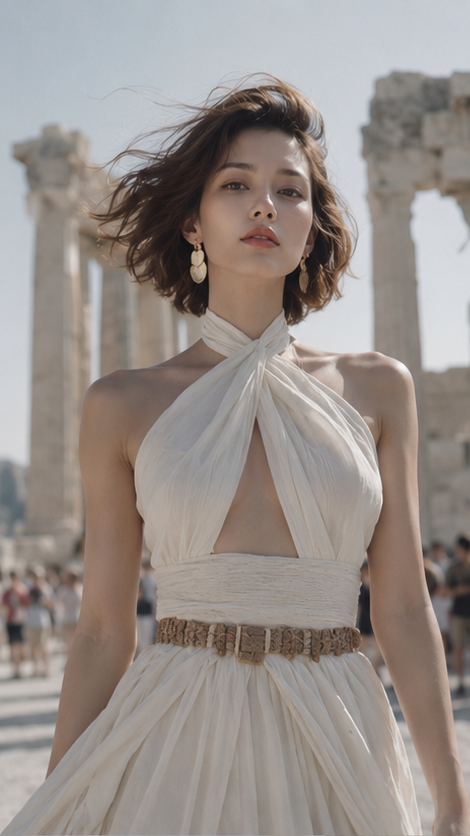 GPTI-033
An elegant wide-screen fashion portrait of a woman at the Parthenon, featuring Mediterranean sunlight and linen textures.
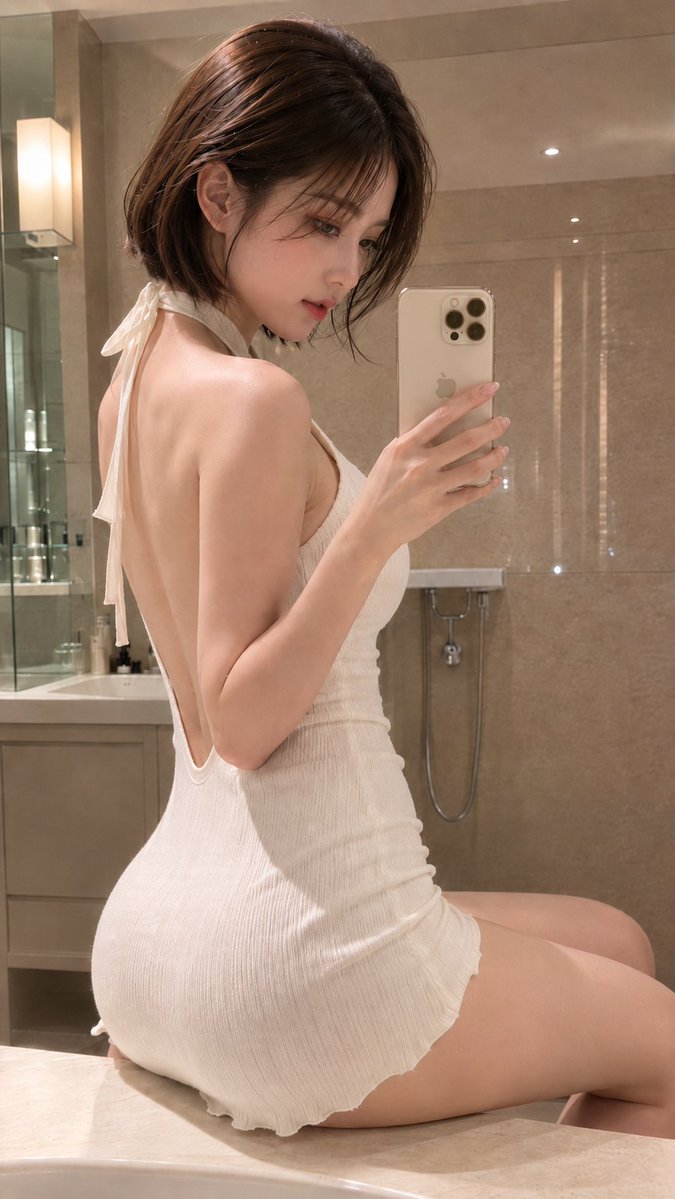 GPTI-034
A highly detailed prompt for a realistic mirror selfie of a woman in a luxury hotel bathroom, emphasizing textures, lighting, and a modern smartphone aesthetic.
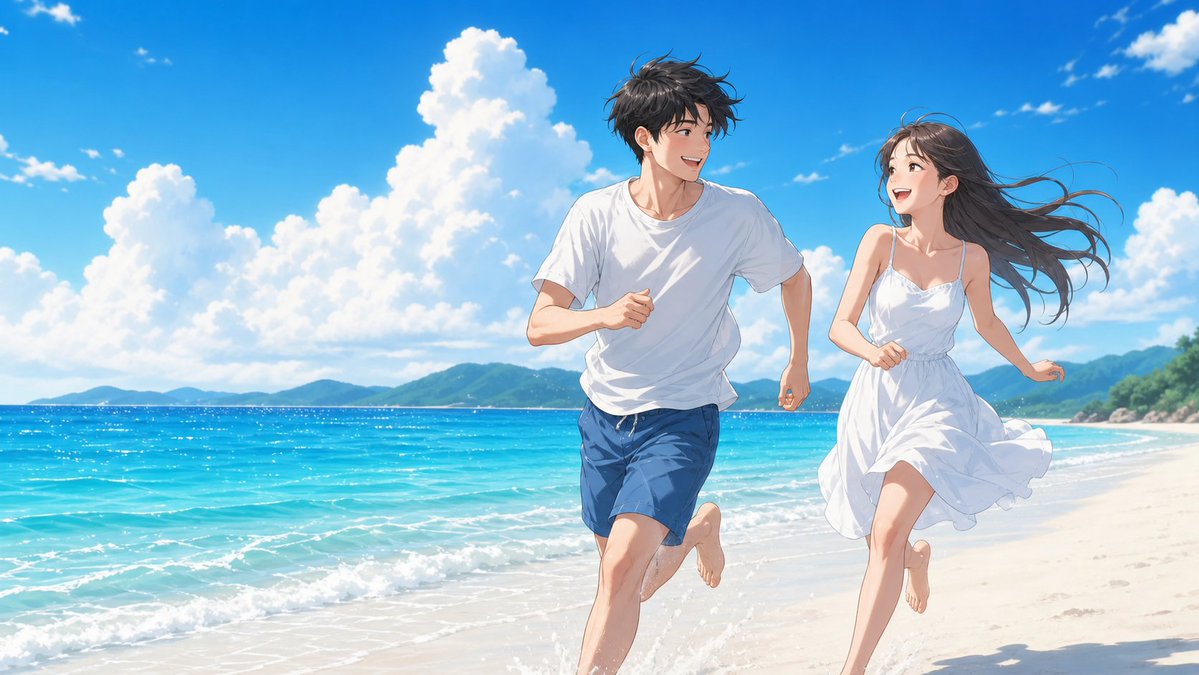 GPTI-035
A scenic prompt depicting a couple by the sea under a clear, bright blue sky with midday sunlight.
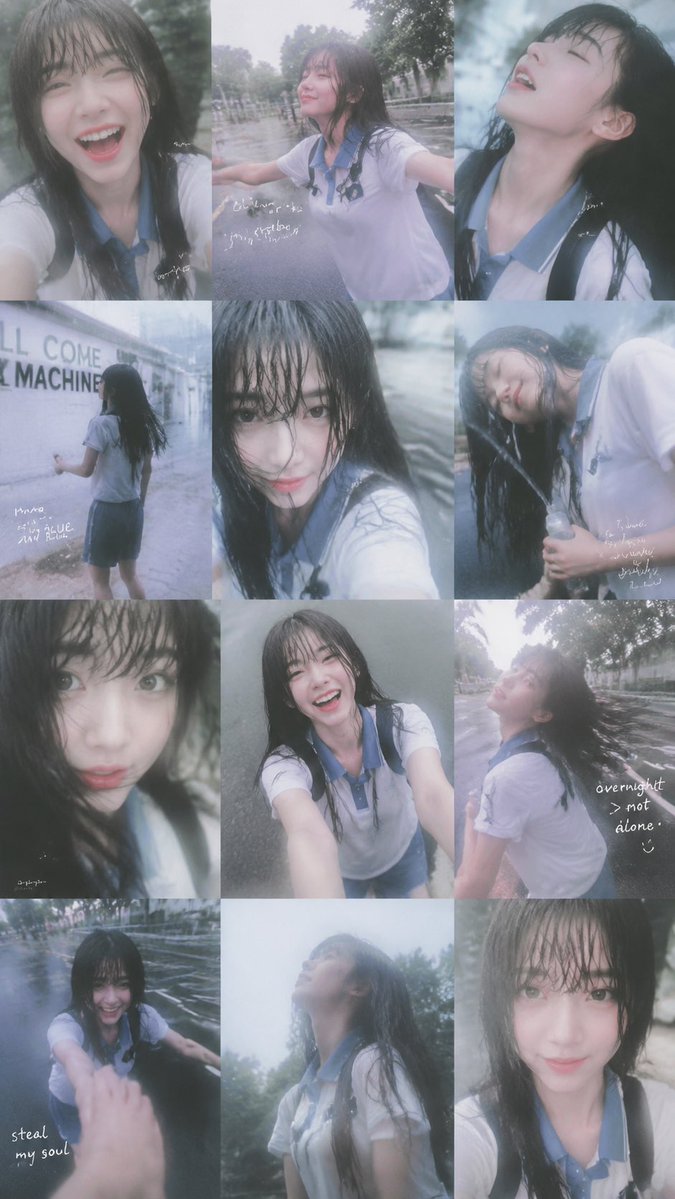 GPTI-036
Generates a 12-panel dreamy rainy-day smartphone collage portrait with candid school-uniform poses and handwritten diary notes.
Text is wrong
Write the exact words and placement. Keep text short for the next attempt.
Subject changed
State which identity, product shape, logo, or layout details must stay the same.
Layout is messy
Describe the image as sections: header, main subject, side labels, footer, or background.
Style drifted
Use one dominant style direction and remove competing adjectives.
A good GPT Image 2 prompt names the goal, subject, style, layout, exact text, and constraints. It should describe a final image asset, not only a mood or adjective list.
Yes. Use them as templates, then replace the subject, text, brand details, and output format so the prompt matches your actual image task.
Common causes include vague layout, too many simultaneous changes, missing text placement, conflicting style instructions, or asking the generator to preserve details without naming them.
Open the GPT Image 2 generator, paste a prompt from this library, and start iterating toward a usable image.