
Direct answer
When to use this prompt category
Social image prompts work best when they name the platform format, visual hook, main subject, text zones, and the action the viewer should understand in one glance.
chatgpt photo prompt
Browse GPT Image 2 prompts for social posts, ads, livestream screenshots, visual stories, and shareable image concepts.
Direct answer
Social image prompts work best when they name the platform format, visual hook, main subject, text zones, and the action the viewer should understand in one glance.
Prompt formula
These parts are specific to social media post prompts. Use them before you change style words or add more labels.
Specify post, ad, story, carousel frame, livestream UI, or thumbnail.
Describe the visual moment that should stop the scroll.
Keep on-image copy short and say where the text belongs.
Add palette, mood, product, or audience constraints.
Examples
194 matching prompts
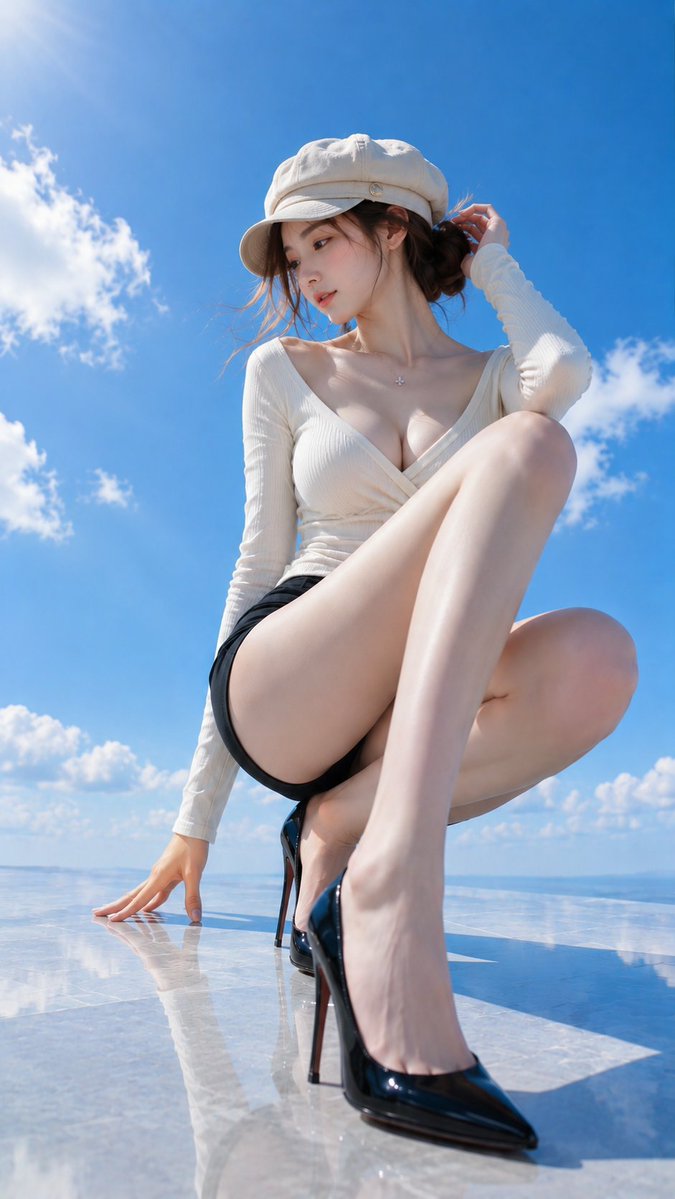 GPTI-021
A detailed fashion photography prompt featuring a woman in elegant attire on a rooftop terrace, using a low-angle wide-angle perspective for a clean, summer aesthetic.
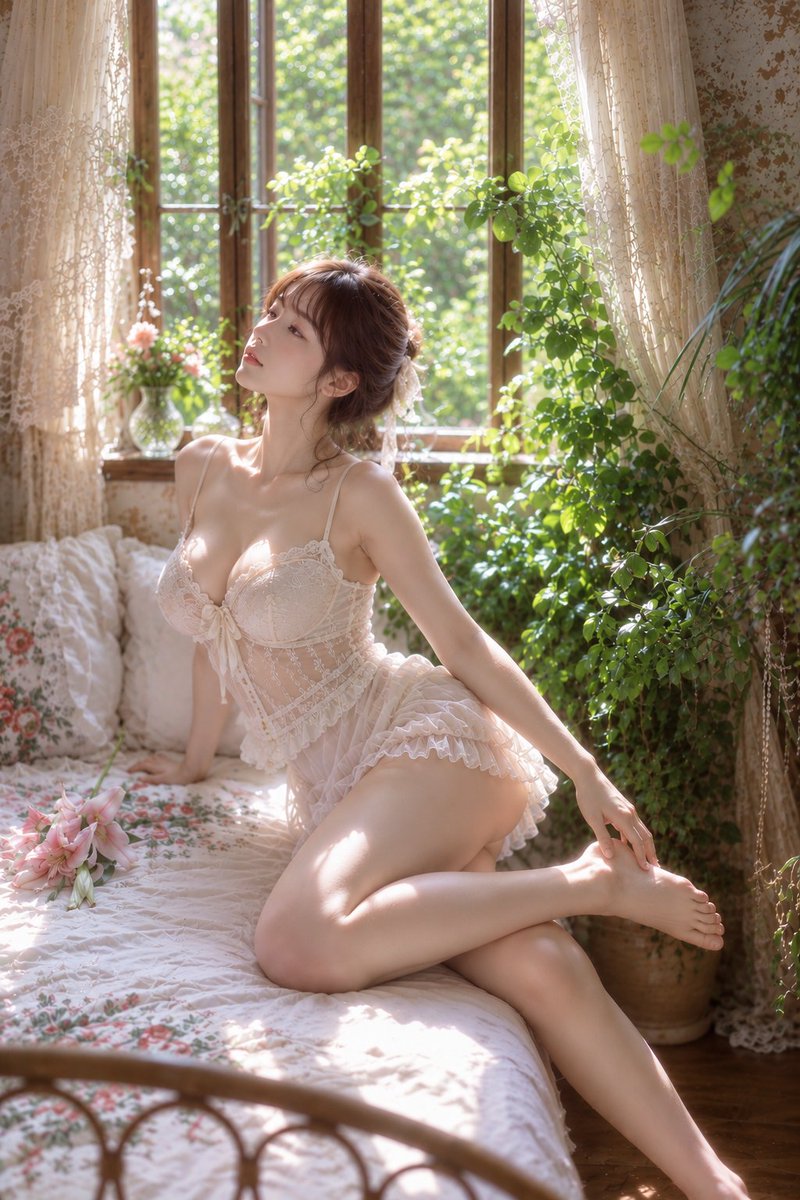 GPTI-022
A highly detailed prompt for an antique-style bedroom portrait featuring soft natural light and botanical elements.
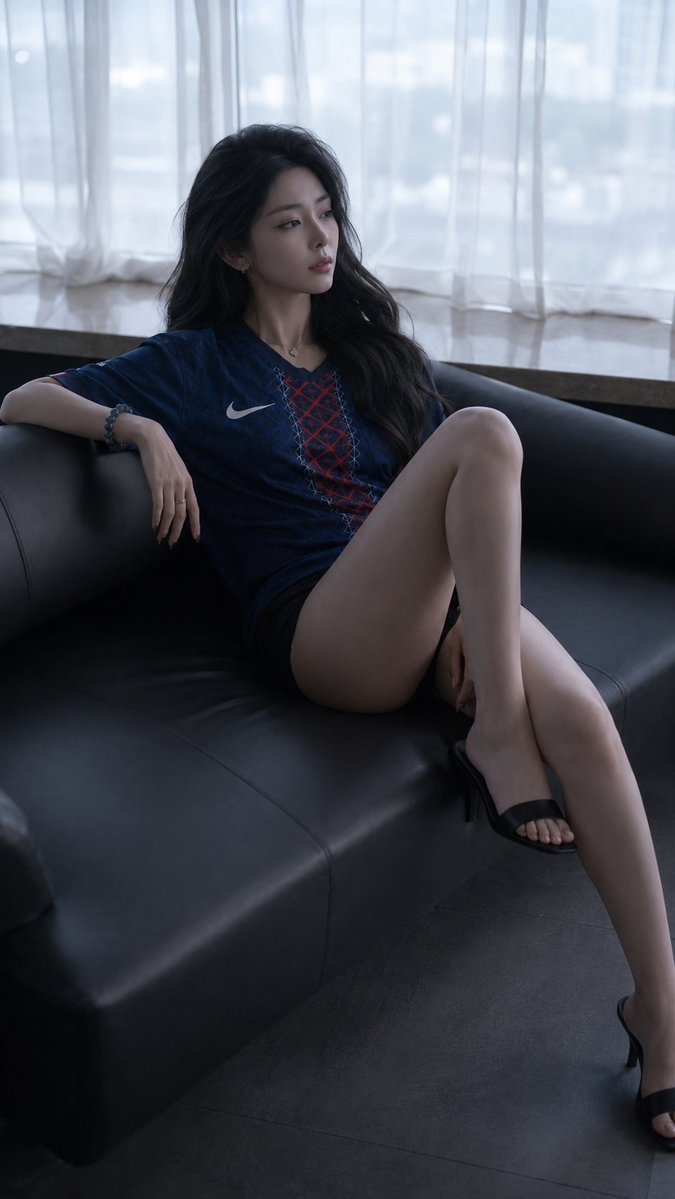 GPTI-023
A detailed prompt for creating a moody, cinematic fashion portrait of a woman reclining on a leather sofa. It features intricate lighting and realistic fabric textures.
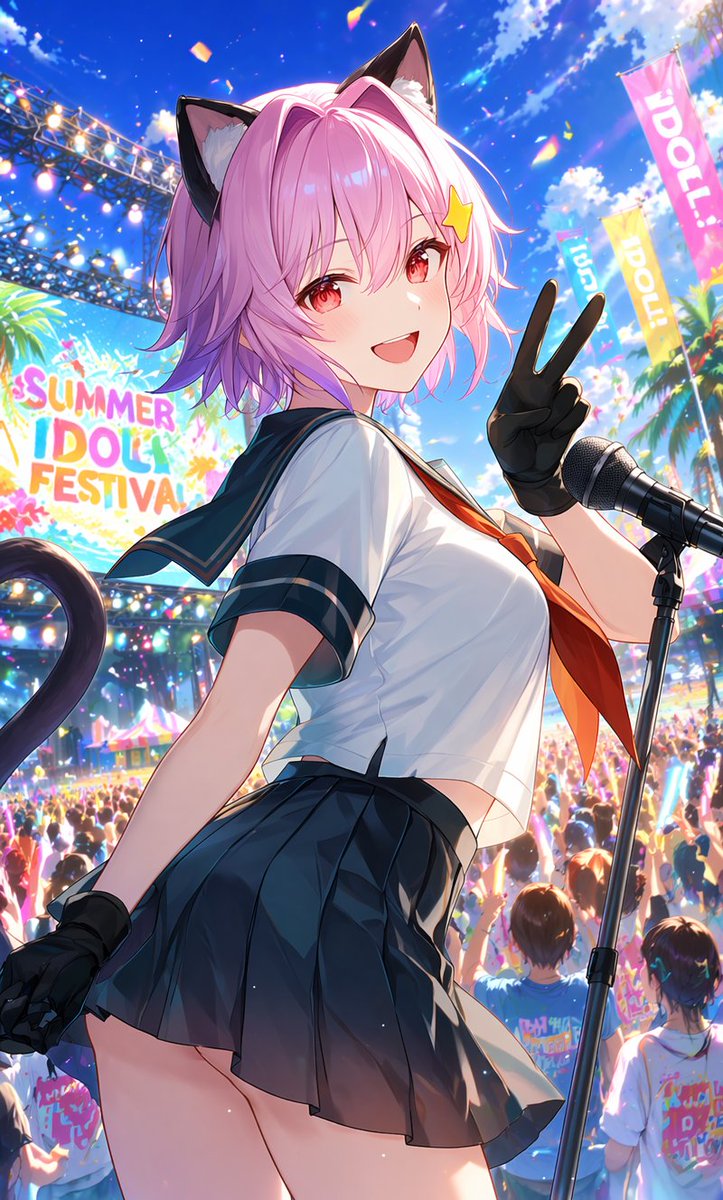 GPTI-024
A vivid anime prompt for generating a pink-haired catgirl idol performing at a crowded outdoor summer festival.
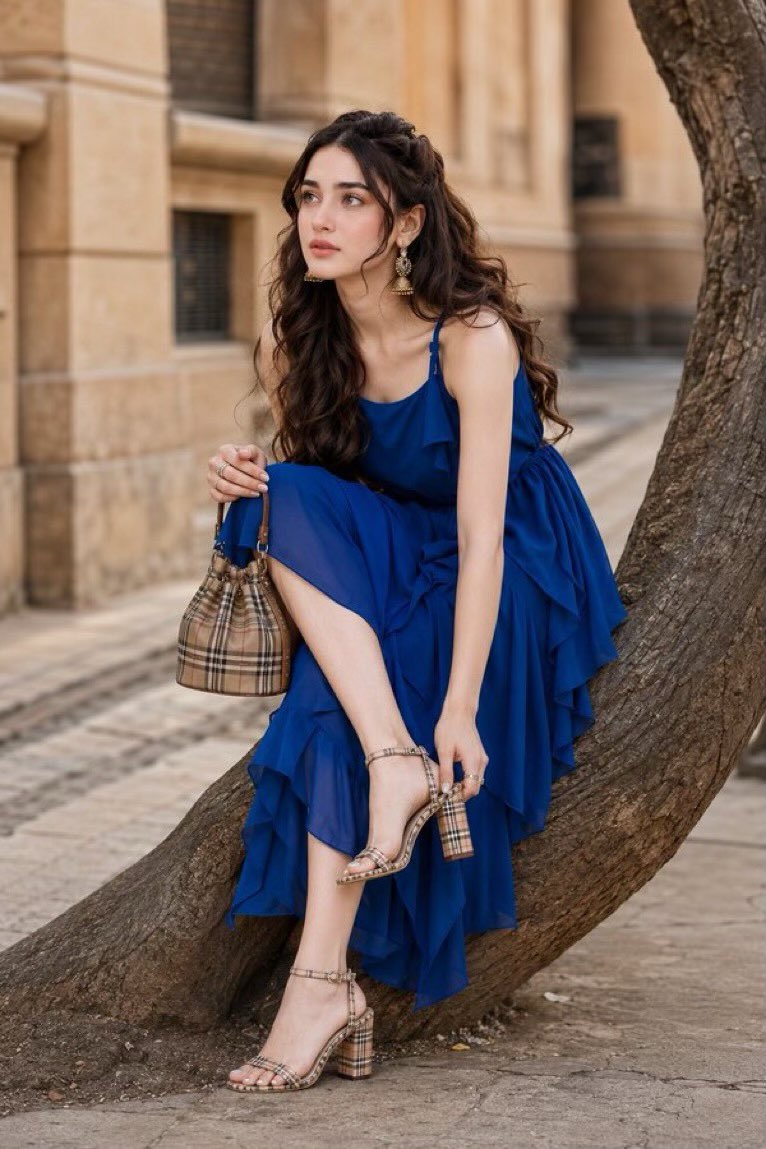 GPTI-025
A prompt designed for high-end fashion street photography with a focus on luminous Korean glass skin and perfect makeup while maintaining facial identity from a reference.
 GPTI-026
Generates a high-impact Japanese social media thumbnail comparing a crossed-out high subscription price with a cheaper monthly plan.
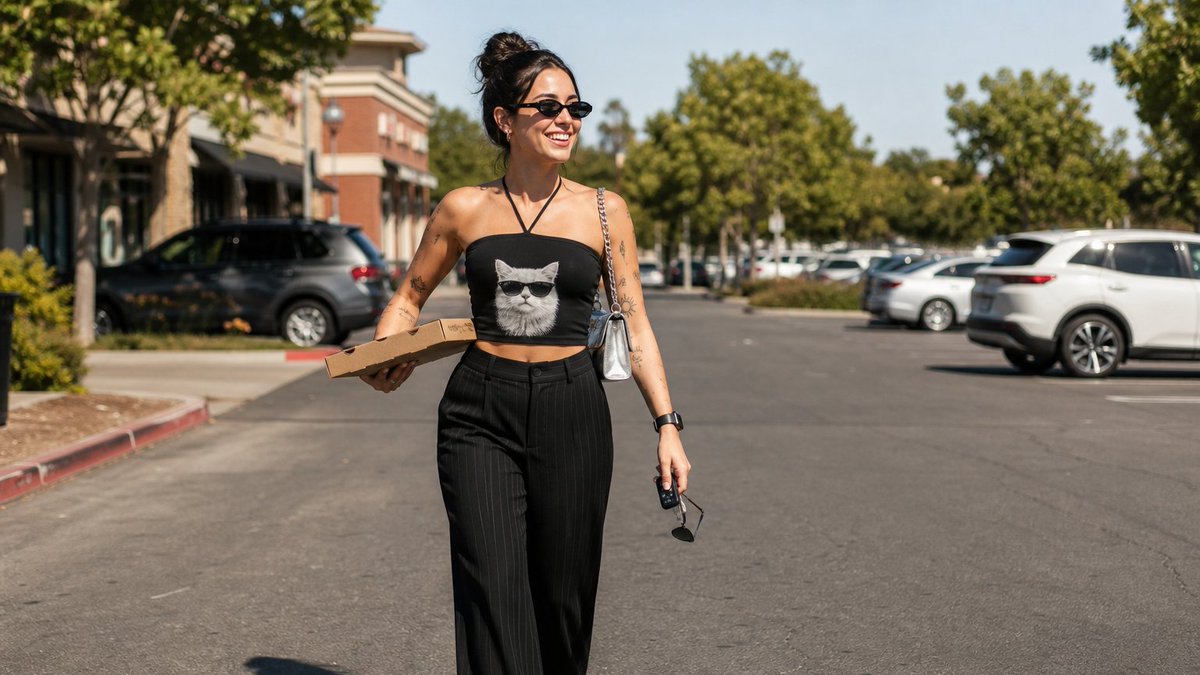 GPTI-027
A detailed prompt for a candid, sunlit street photography shot of a woman in casual fashion, perfect for achieving a realistic DSLR look with specific clothing and accessories.
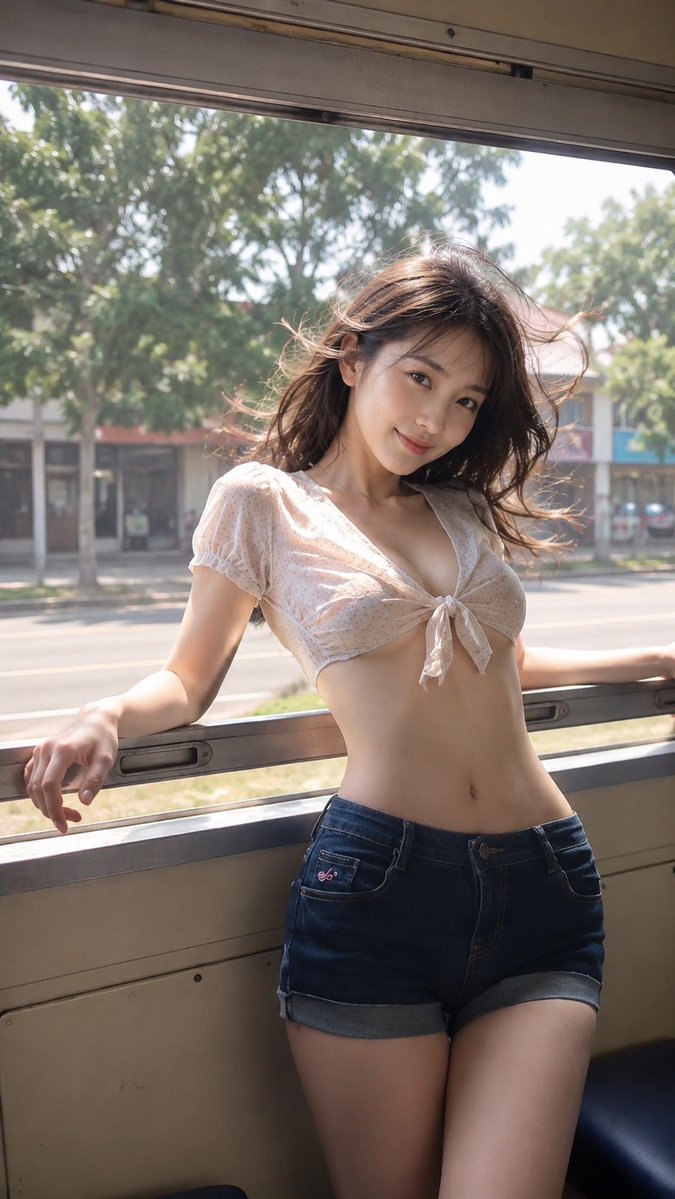 GPTI-028
A cinematic prompt capturing a nostalgic summer travel moment of a woman inside a vintage train with realistic lighting and wind effects.
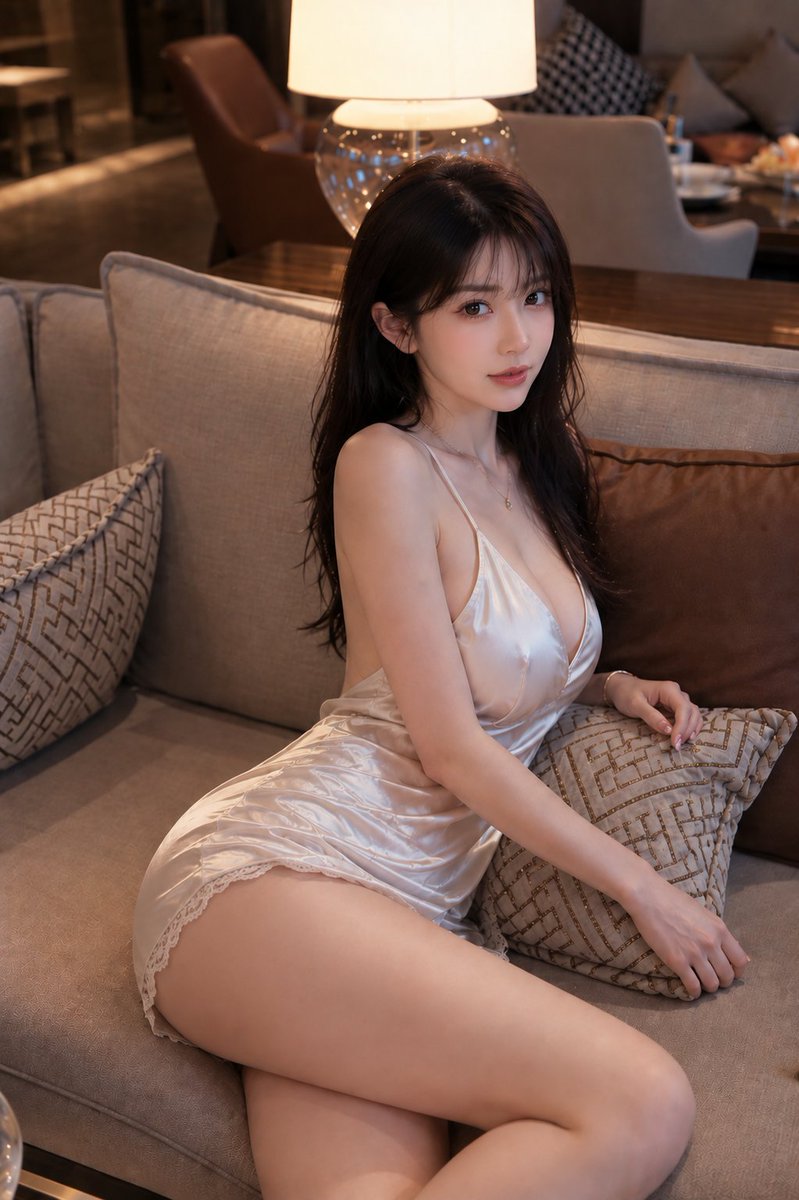 GPTI-029
A sophisticated prompt for a fashion portrait in an upscale hotel lounge, featuring a woman in a champagne satin dress with warm ambient lighting.
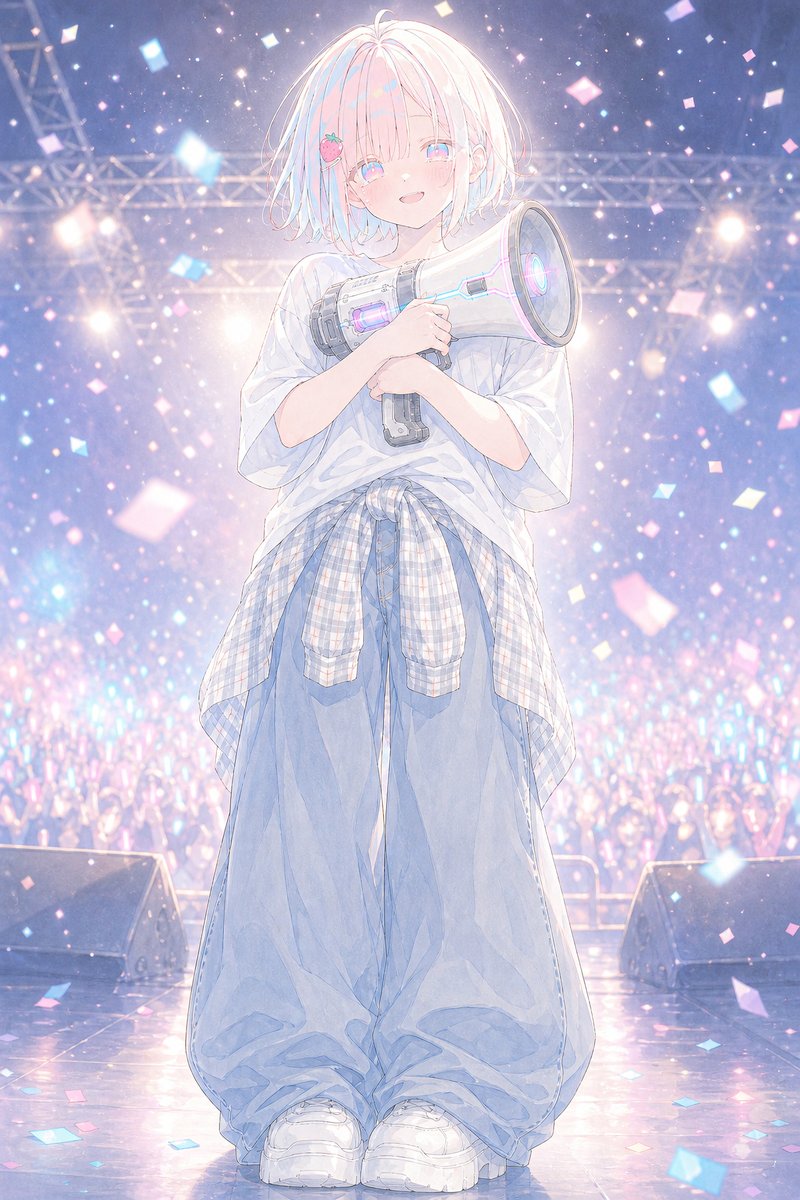 GPTI-030
A dreamy vertical anime illustration of a shy idol holding a glowing megaphone on a confetti-filled concert stage.
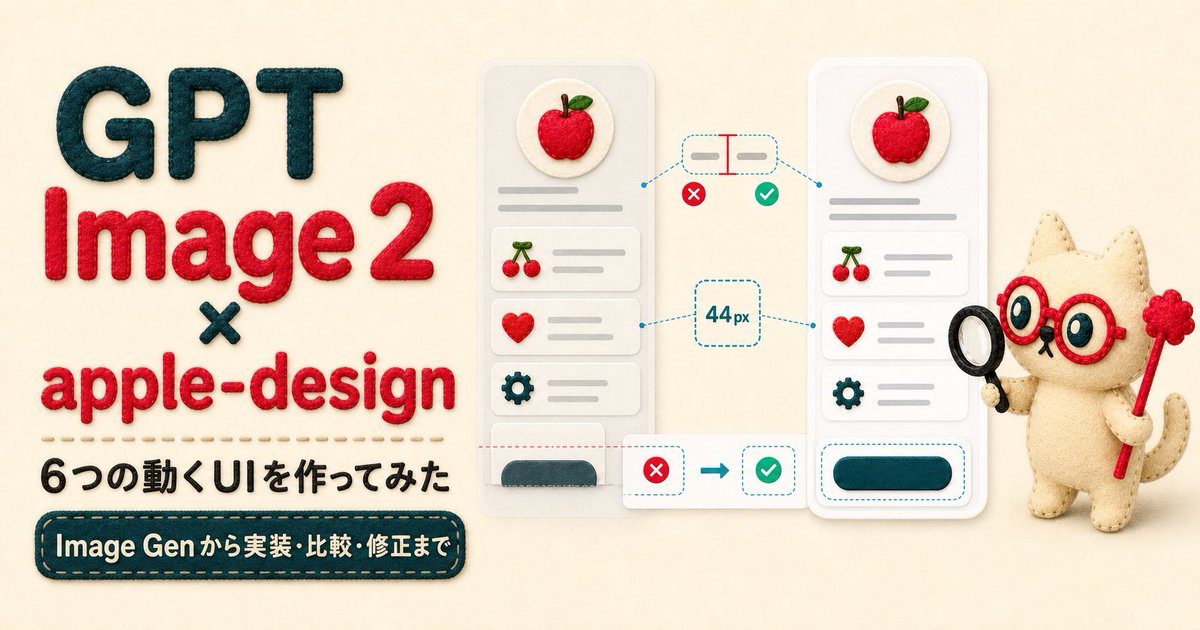 GPTI-031
A handmade felt-style hero banner for an article about GPT Image 2 and apple-design UI animation experiments.
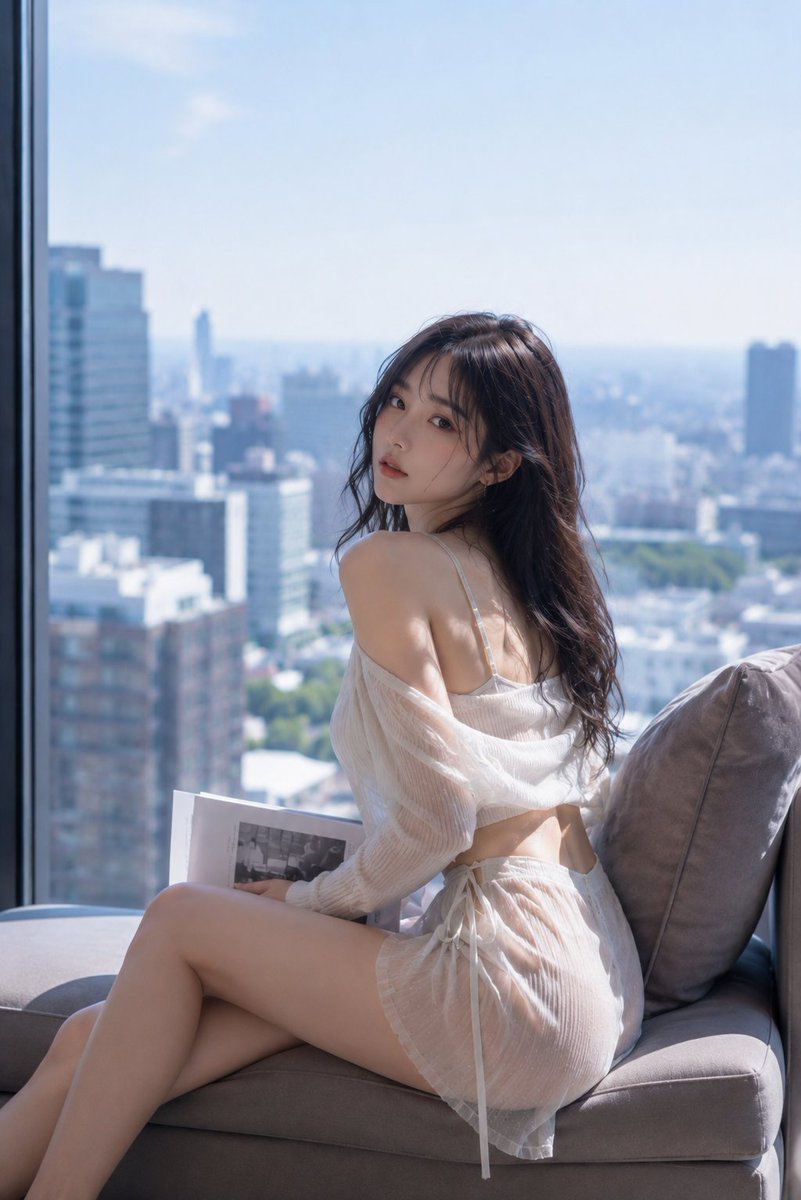 GPTI-032
A sophisticated prompt for a fashion-photography style portrait of a young woman sitting by a high-rise window with a soft Tokyo cityscape background.
Separate headline, subject, background, and UI overlays into distinct layout zones.
Make the subject action or contrast visible in the first sentence.
Use fewer words and name the exact placement.
Open the GPT Image 2 generator, paste a prompt from this library, and start iterating toward a usable image.