
Direct answer
When to use this prompt category
Photo prompts need camera distance, lens feel, lighting, subject action, and setting. The more concrete the scene, the less the output looks like generic stock imagery.
chatgpt photo prompt
Use GPT Image 2 photo prompts for realistic portraits, product shots, candid scenes, lighting studies, and editorial image concepts.
Direct answer
Photo prompts need camera distance, lens feel, lighting, subject action, and setting. The more concrete the scene, the less the output looks like generic stock imagery.
Prompt formula
These parts are specific to photography prompts. Use them before you change style words or add more labels.
Name who or what the photo centers on.
Describe shot type, angle, framing, and lens feel.
Specify direct flash, studio light, window light, night scene, or cinematic contrast.
Describe what is happening so the image feels intentional.
Examples
1000 matching prompts
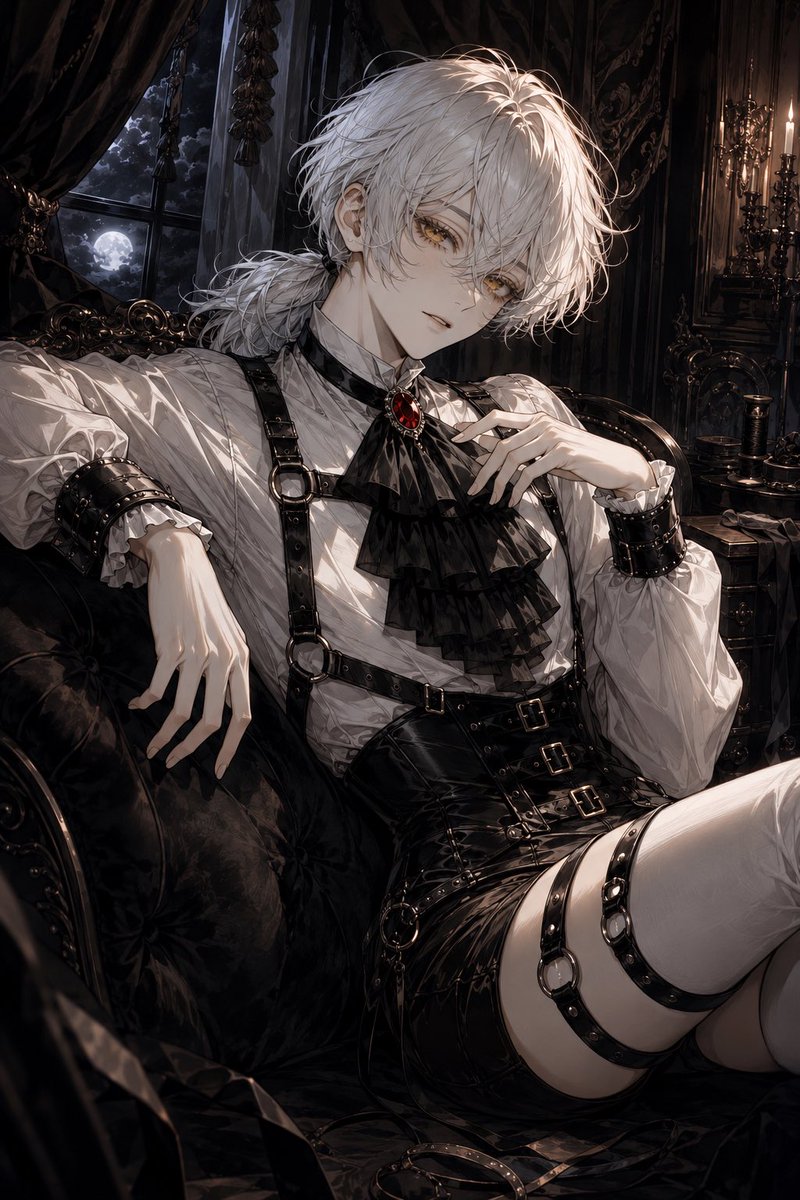 GPTI-003
A detailed prompt for generating a moody anime gothic aristocrat lounging in a Victorian moonlit interior.
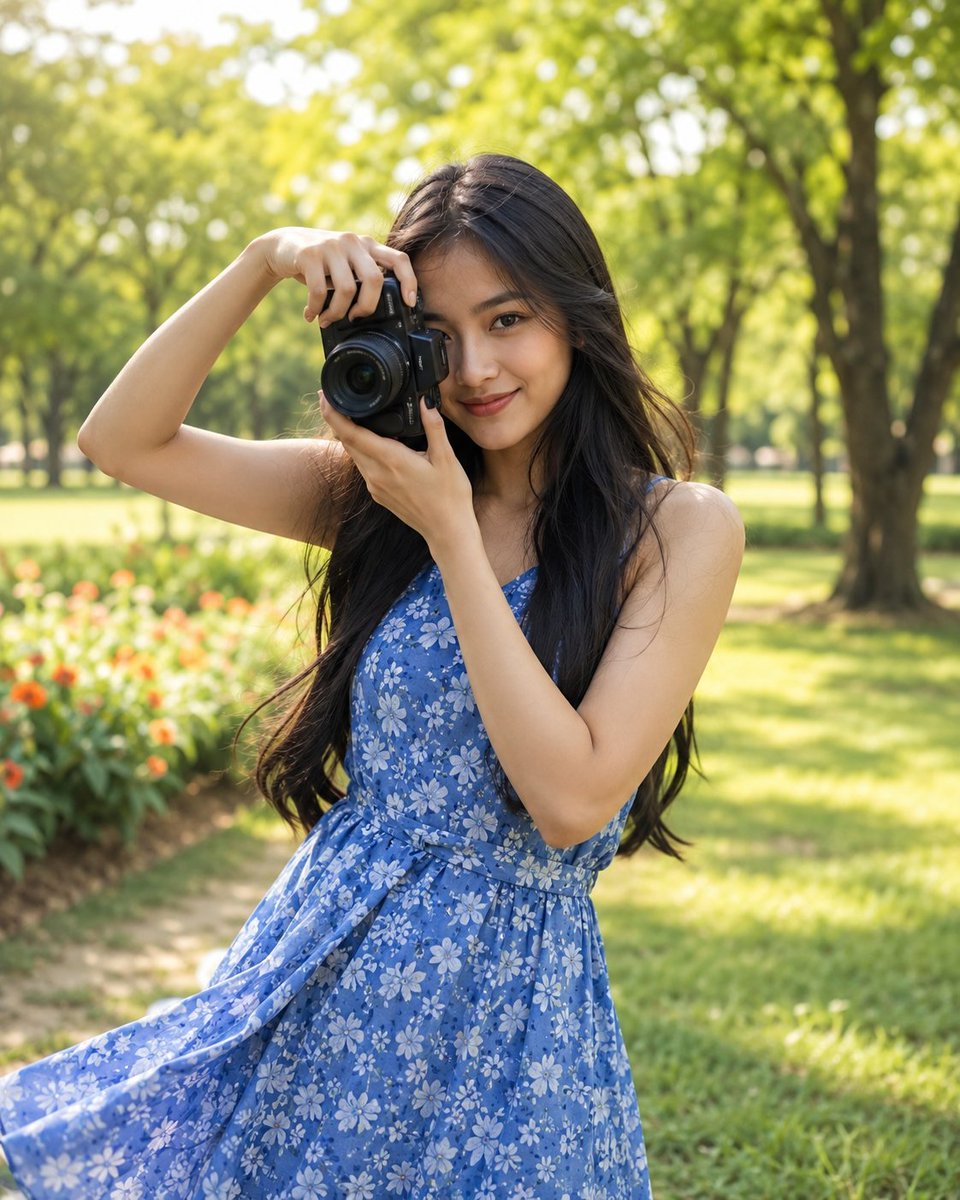 GPTI-004
Generates a highly realistic lifestyle portrait of an Indonesian woman holding a camera in a lush, sunlit park, focusing on natural beauty and spring fashion.
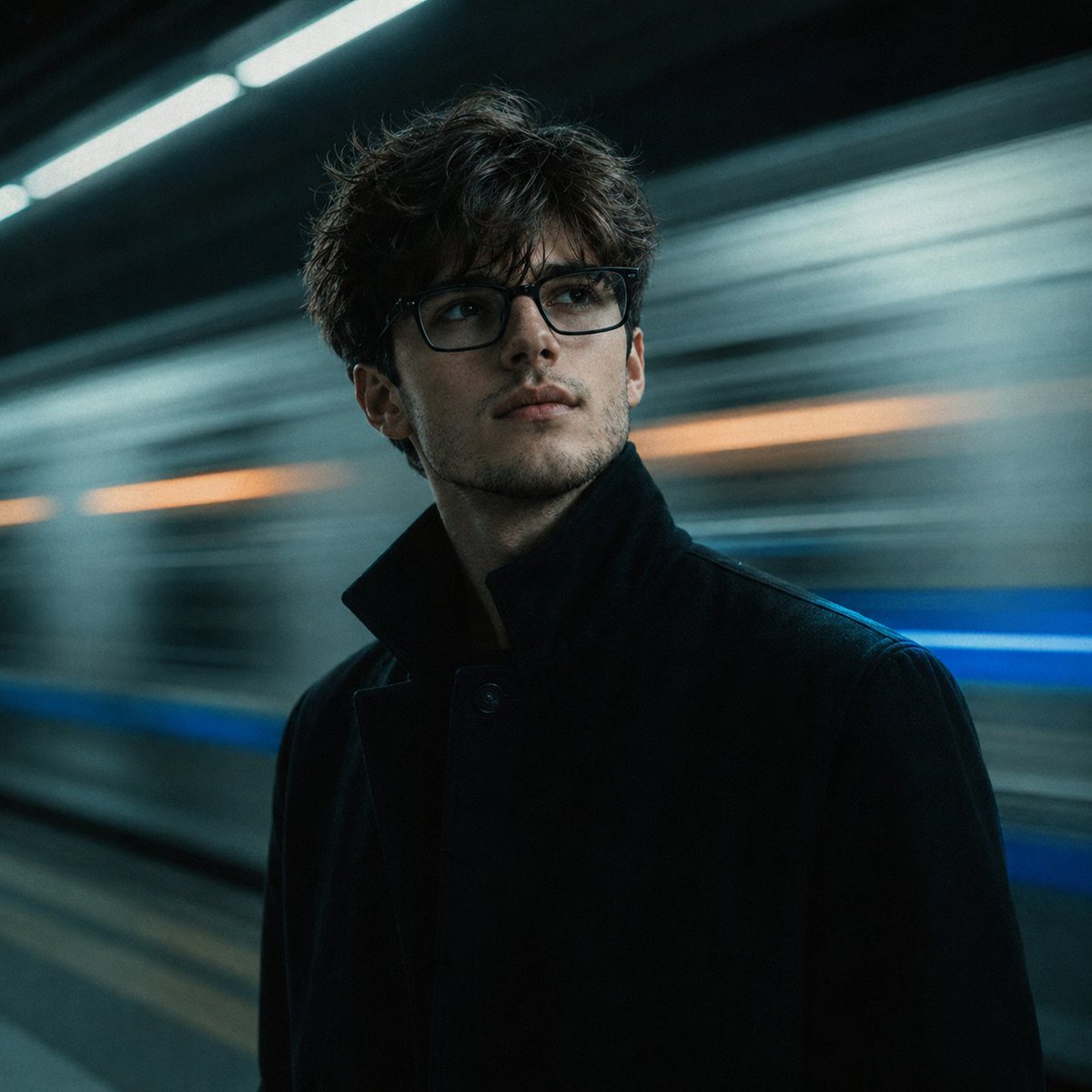 GPTI-005
A detailed prompt designed for reconstructive portrait photography, placing a face from a reference photo into a cinematic subway scene with realistic lighting and motion blur.
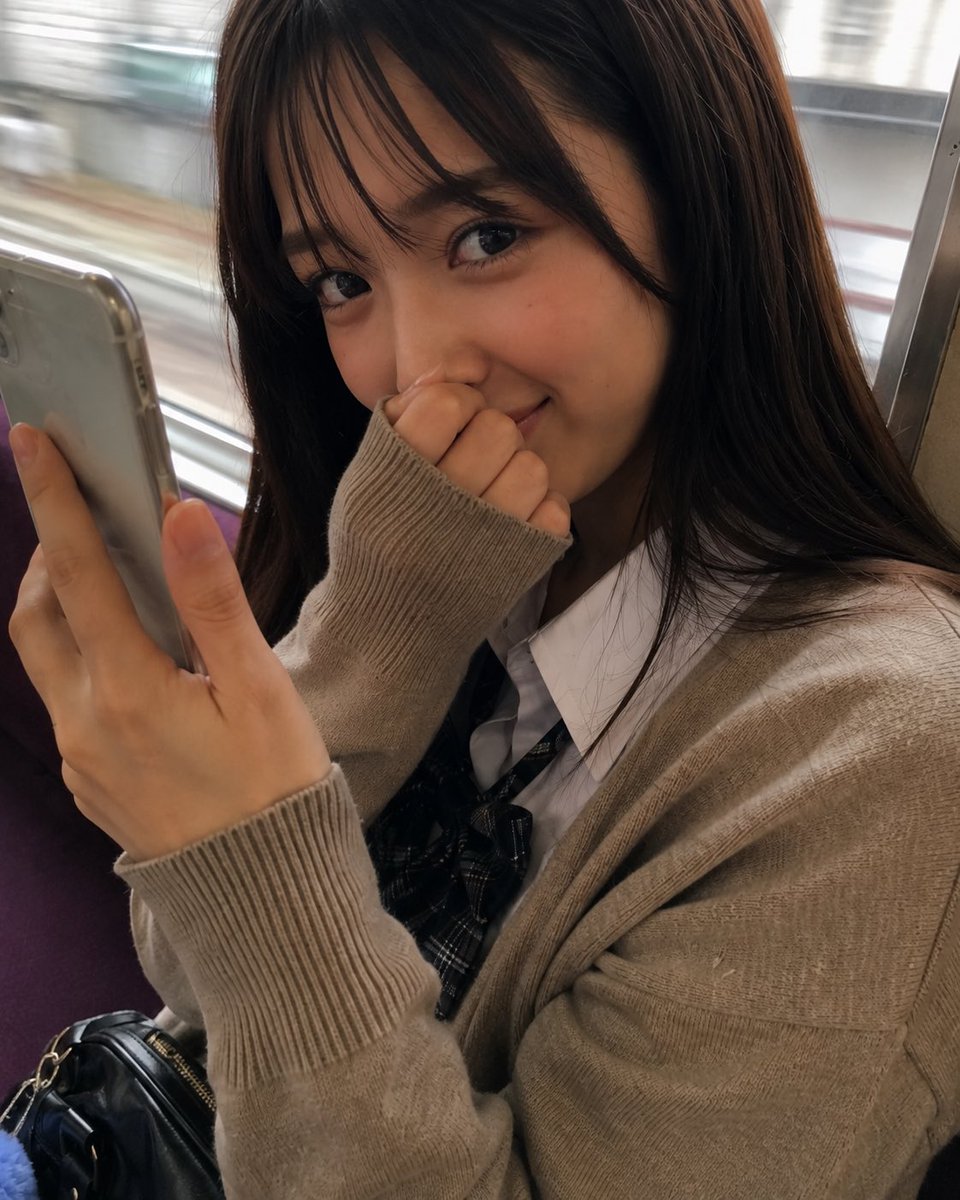 GPTI-007
A photorealistic close-up portrait prompt for generating a shy young woman seated on a moving train while holding a smartphone.
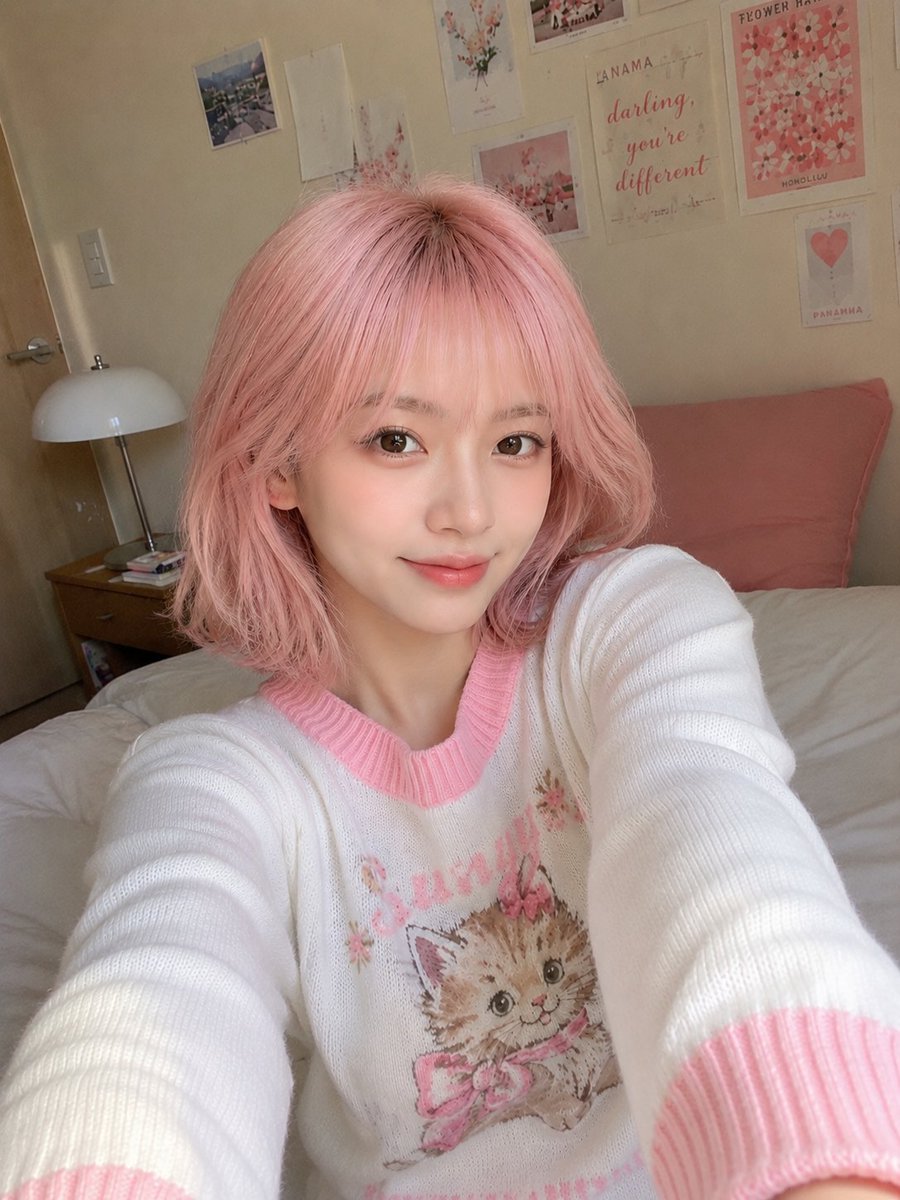 GPTI-008
A highly detailed prompt for generating a candid, casual smartphone selfie of a young East Asian woman. It emphasizes natural lighting, skin textures, and a cozy bedroom environment to avoid a synthetic AI look.
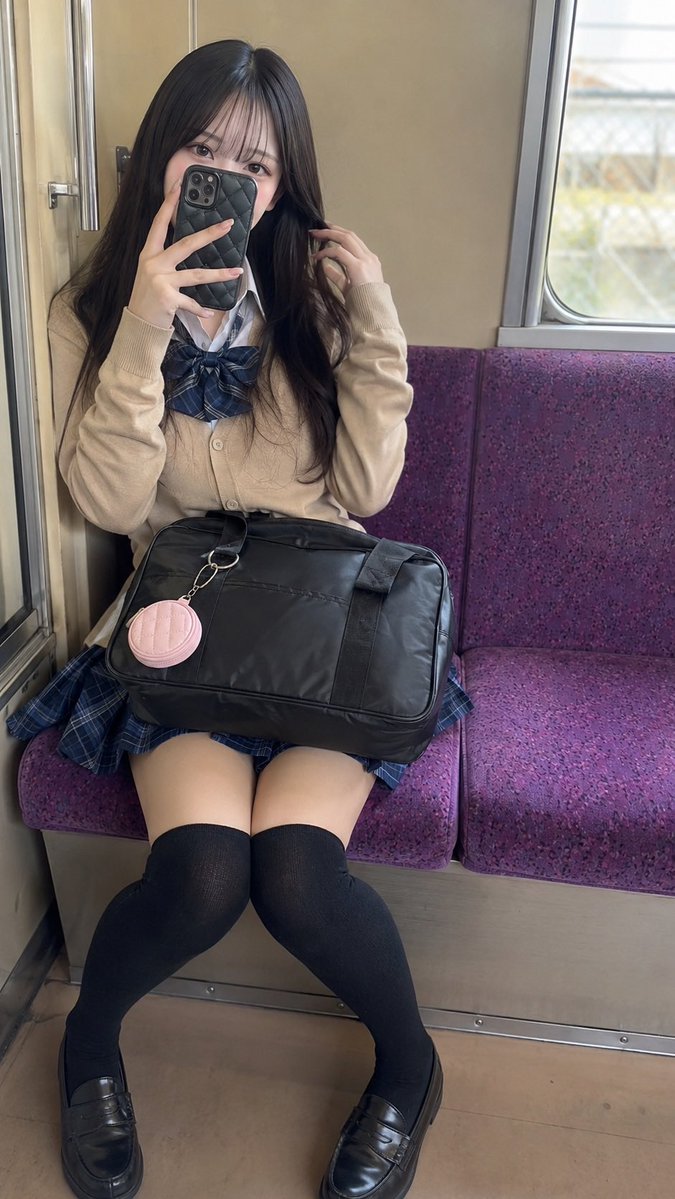 GPTI-009
A photorealistic vertical portrait prompt for creating a young adult woman taking a mirror selfie on a purple train bench in Japanese school-inspired fashion.
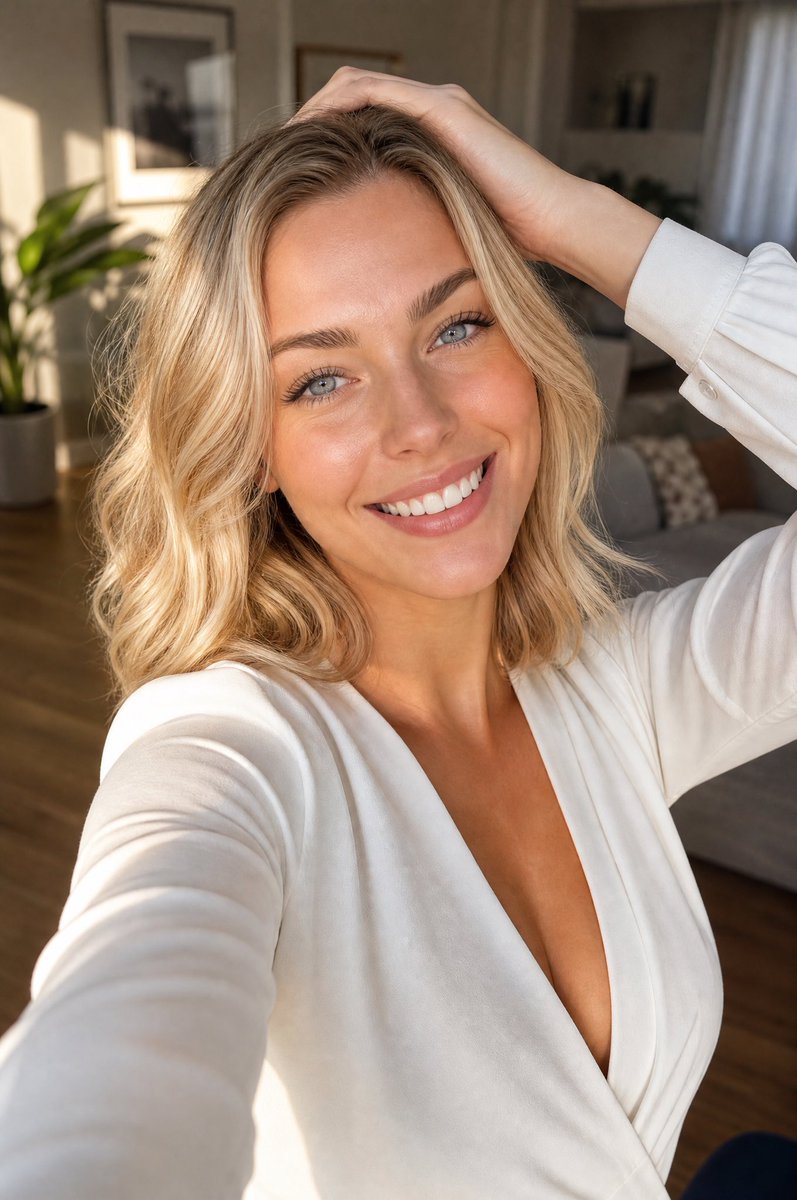 GPTI-010
A photorealistic vertical lifestyle selfie of a smiling blonde woman in warm apartment light, useful for beauty, fashion, or social media portrait generation.
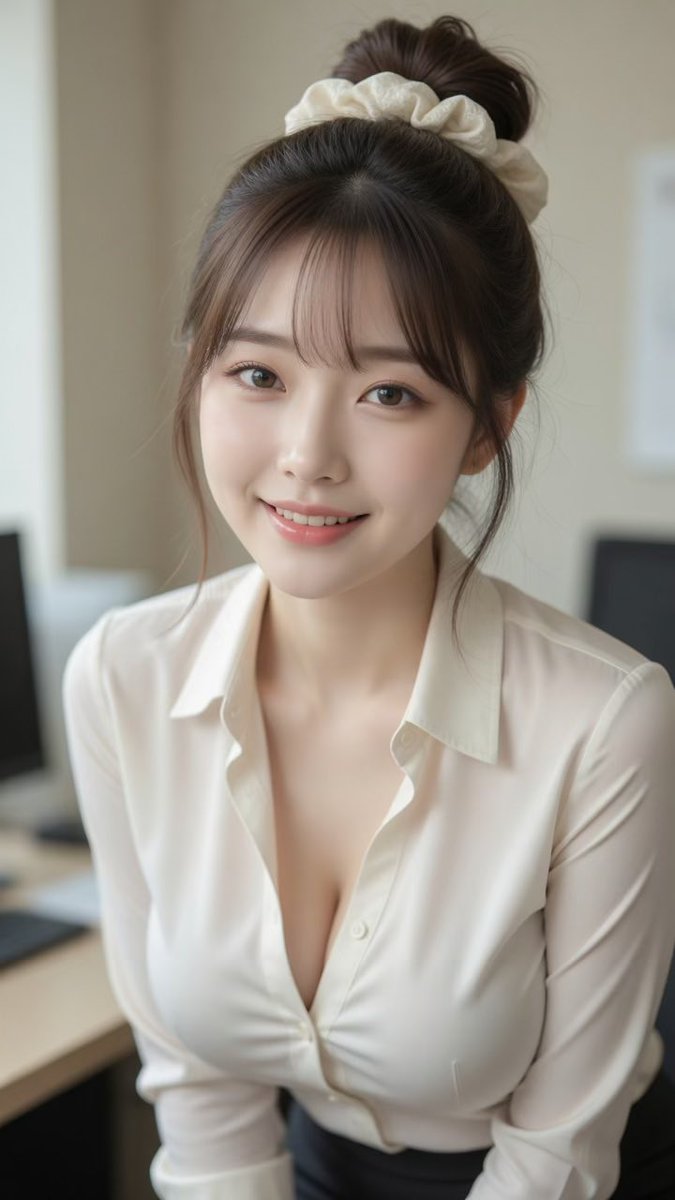 GPTI-011
A photorealistic vertical office portrait of a smiling young East Asian woman with a bun, scrunchie, and cream blouse for lifestyle or profile imagery.
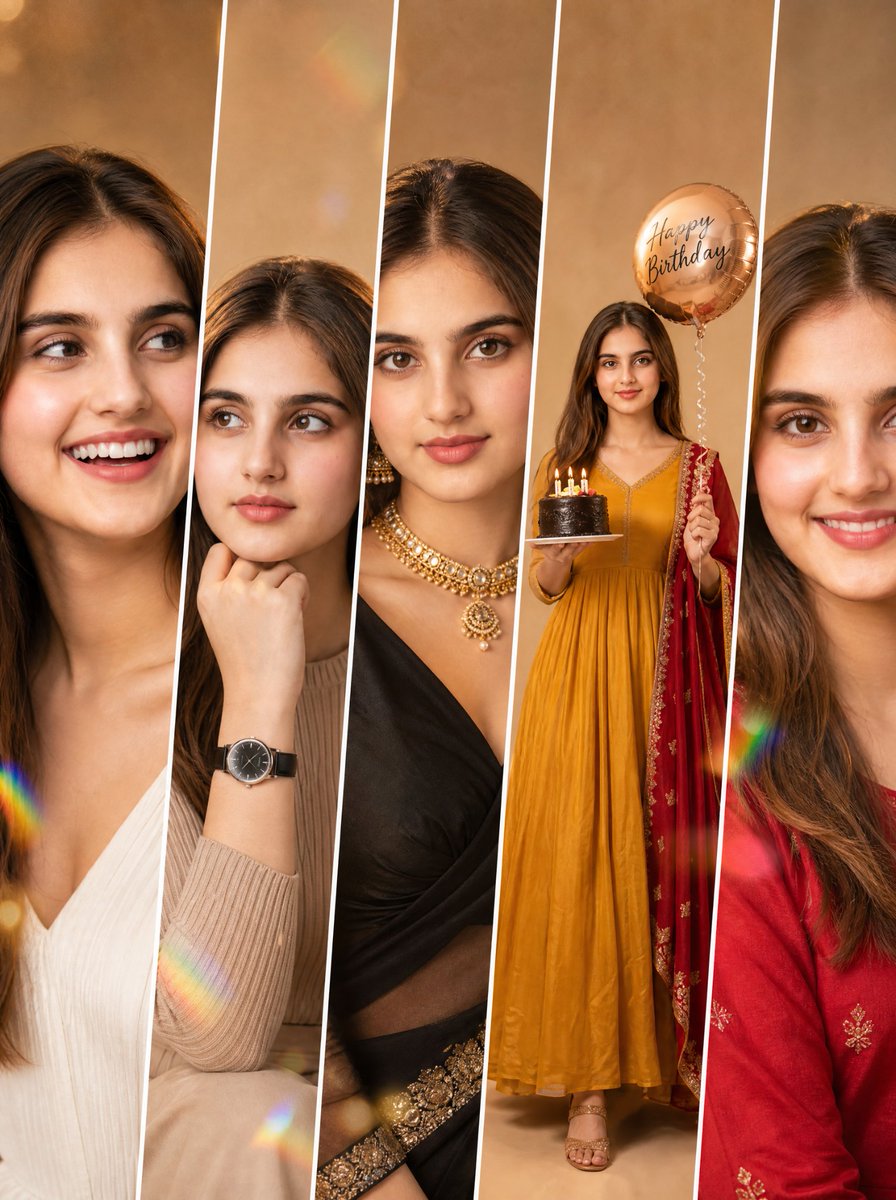 GPTI-012
Detailed prompt for a five-panel fashion collage maintaining consistent identity across different poses and outfits.
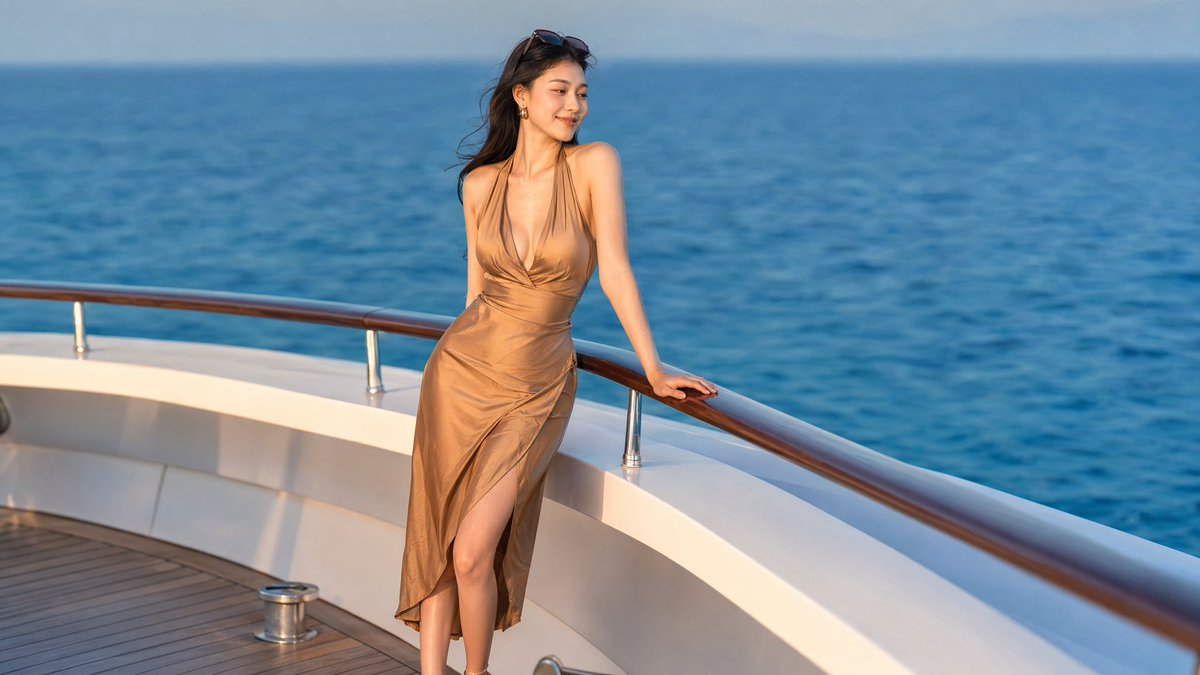 GPTI-013
A photorealistic luxury yacht portrait of an elegant woman in a satin dress, suitable for lifestyle, travel, or social media visuals.
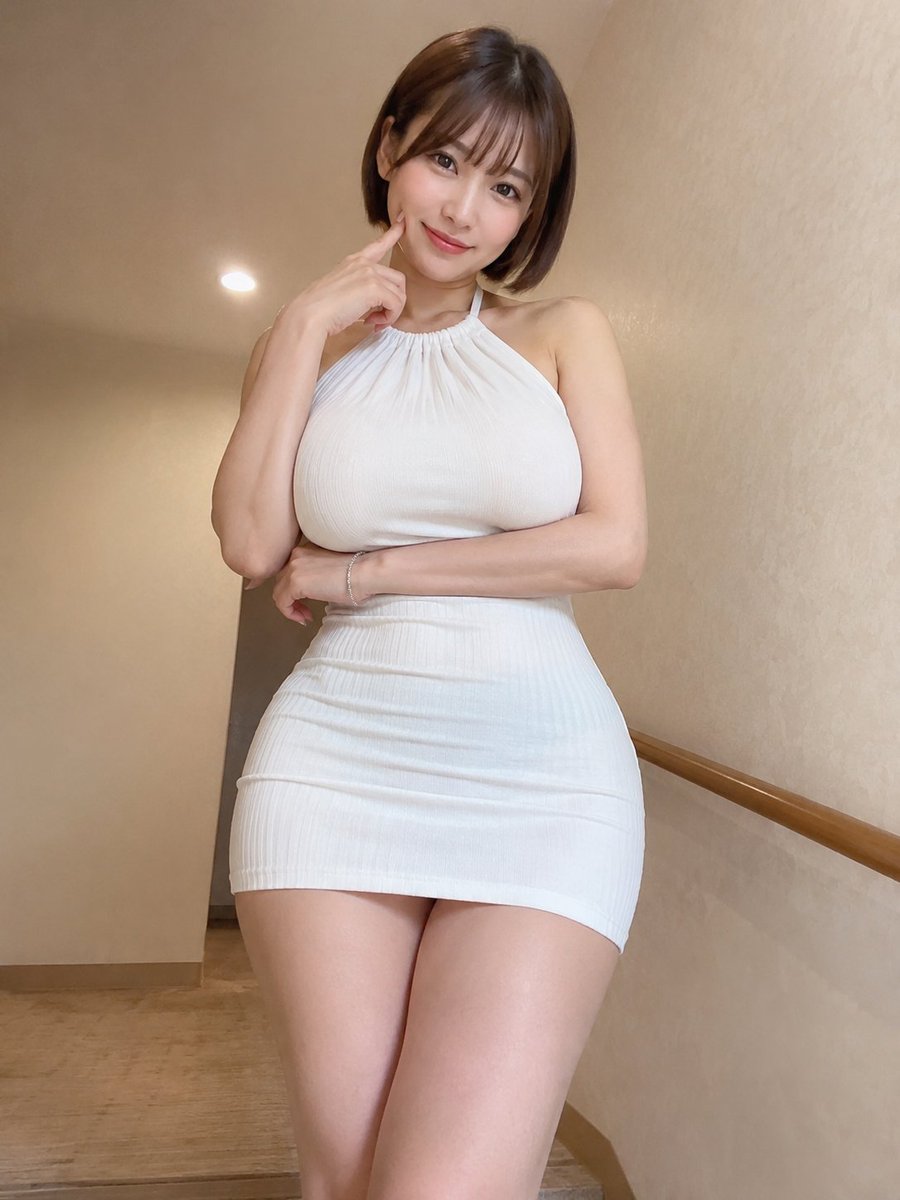 GPTI-014
A detailed prompt for creating a realistic indoor portrait of an East Asian woman with a focus on specific clothing, pose, and lighting to mimic a smartphone photo.
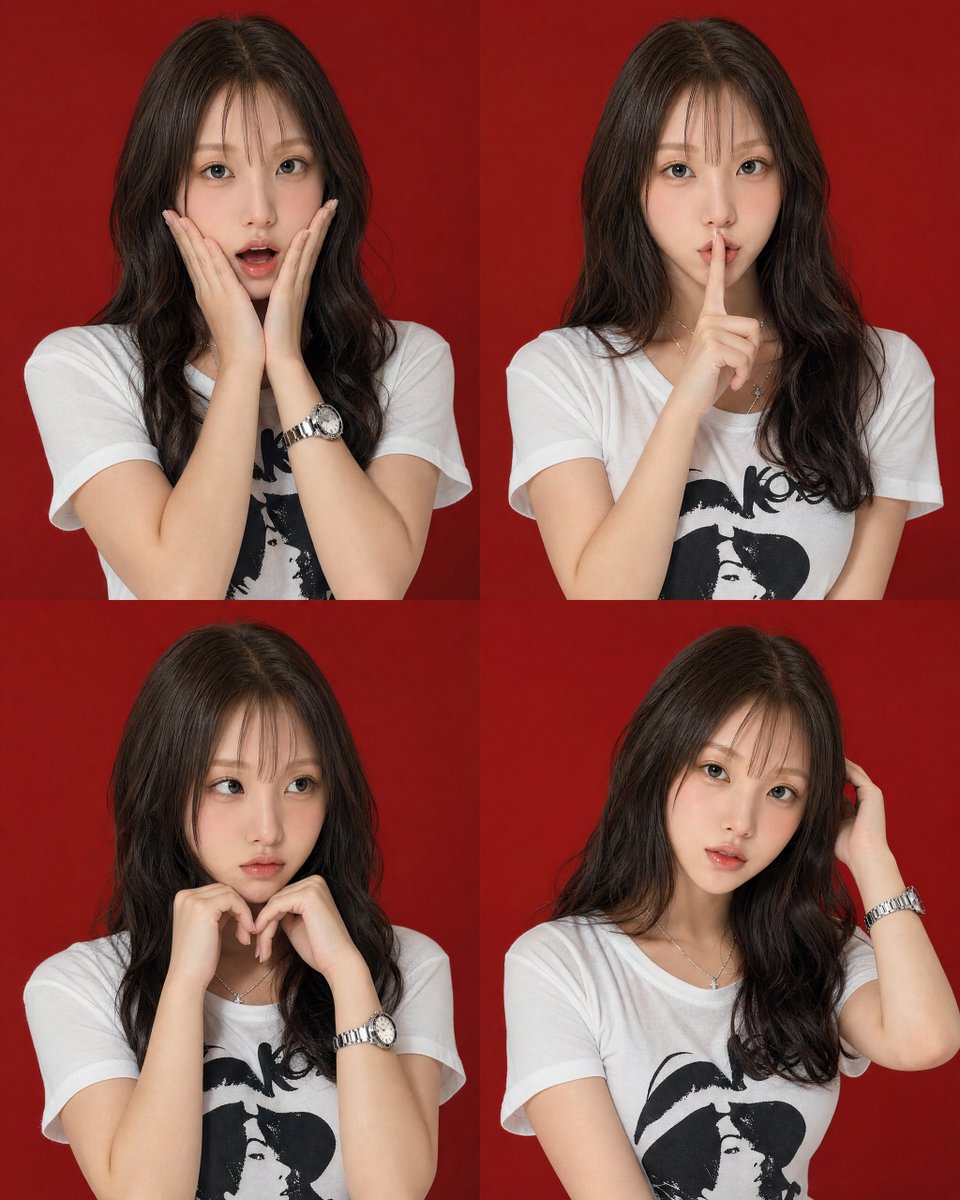 GPTI-015
A high-end studio portrait set featuring four distinct poses of a young woman arranged in a 2x2 grid against a red backdrop.
Add a concrete moment, setting, and lighting condition.
Name shot distance and perspective instead of only saying realistic.
Add contrast between subject, background, and light direction.
Open the GPT Image 2 generator, paste a prompt from this library, and start iterating toward a usable image.