
 GPTI-1261
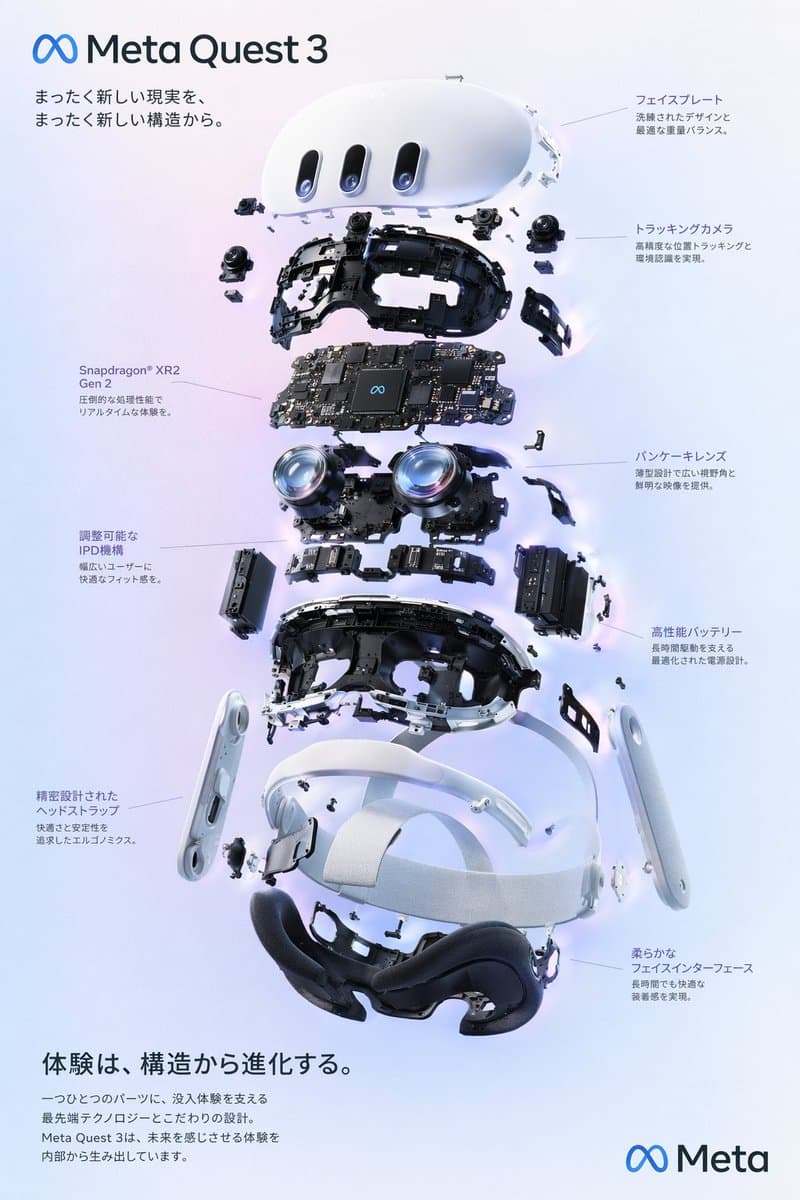
VR Headset Exploded View Poster
Generates a high-tech exploded view diagram of a VR headset with detailed component callouts and promotional text.
gpt image 2
A practical GPT Image 2 hub for searchers who want to understand the model, copy prompt structures, check official sources, and generate a first image.
GPT Image 2 is an OpenAI image generation and editing model. For stable SEO content, treat OpenAI model documentation, image generation guide, and pricing page as the source of truth, then use prompt examples as practical starting points.
Workflow
GPT Image 2 searches often mix learning, pricing, prompt examples, and free trial intent. This workflow keeps those needs connected without inventing facts.
Step 1
Choose a concrete asset type: avatar, product image, social post, diagram, or edited reference image.
Step 2
Write a structured prompt with subject, style, layout, exact text, and constraints.
Step 3
Generate one version and inspect the visible result before changing the prompt.
Step 4
Revise one instruction at a time, then save the prompt that produced the best output.
Prompt intent
GPTI-1261Generates a high-tech exploded view diagram of a VR headset with detailed component callouts and promotional text.
 GPTI-1262
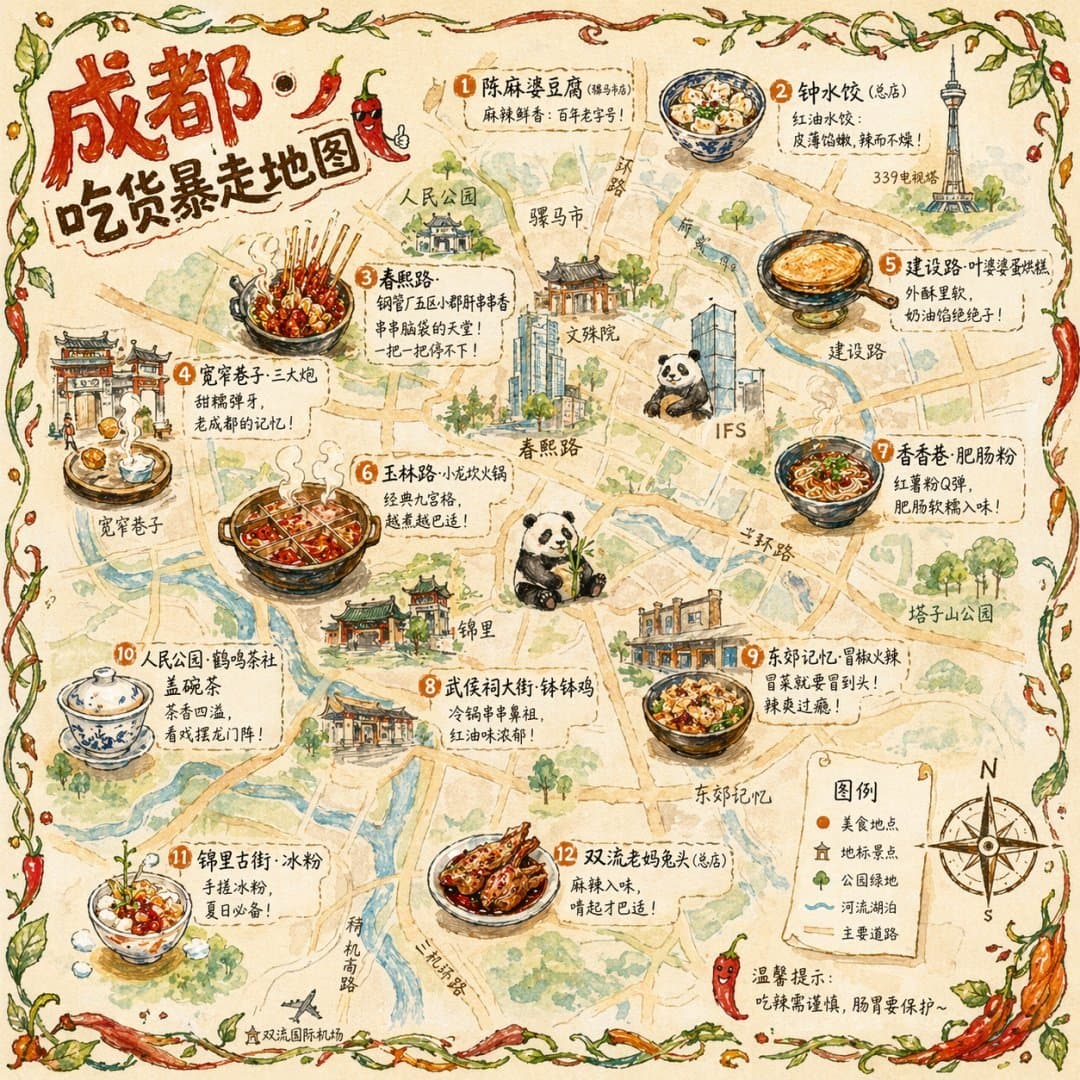
Generates a hand-drawn, watercolor-style tourist map featuring numbered local food specialties, landmarks, and a legend.
 GPTI-1263
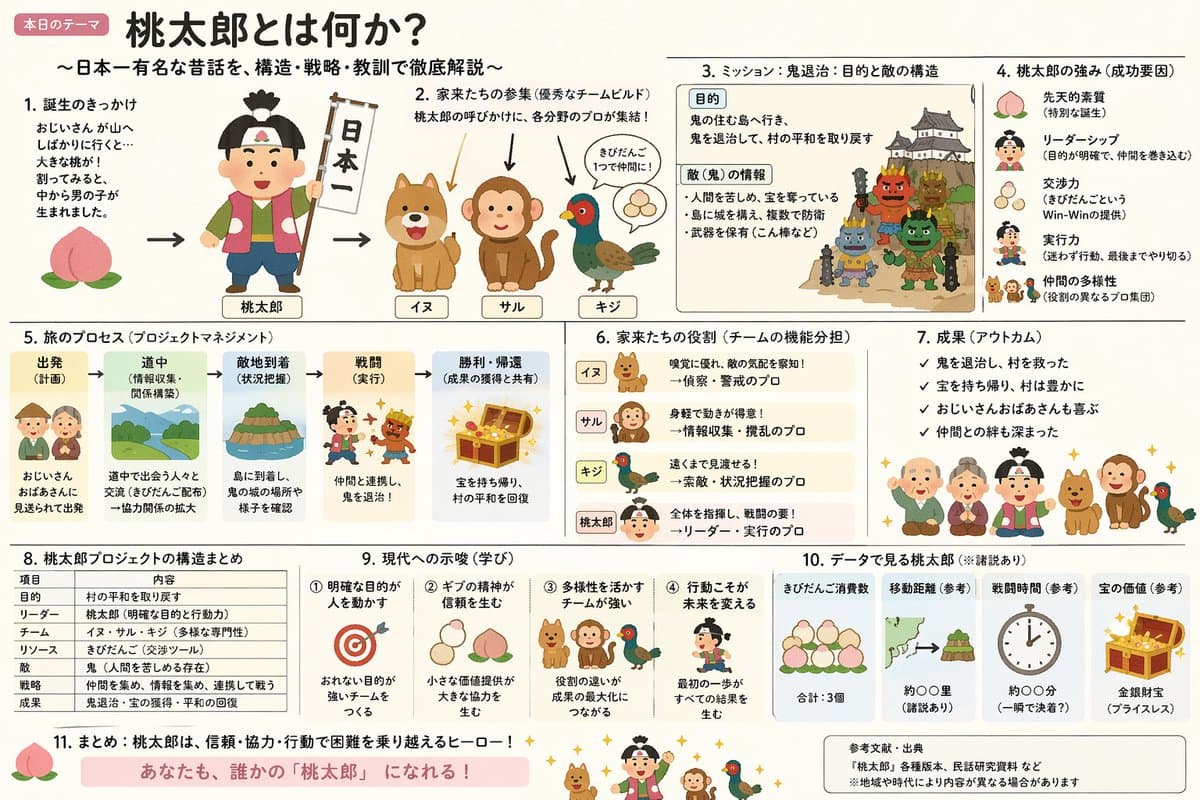
A prompt that combines the simple, warm aesthetic of Irasutoya illustrations with the high-information density characteristic of Japanese government slides.
 GPTI-1264
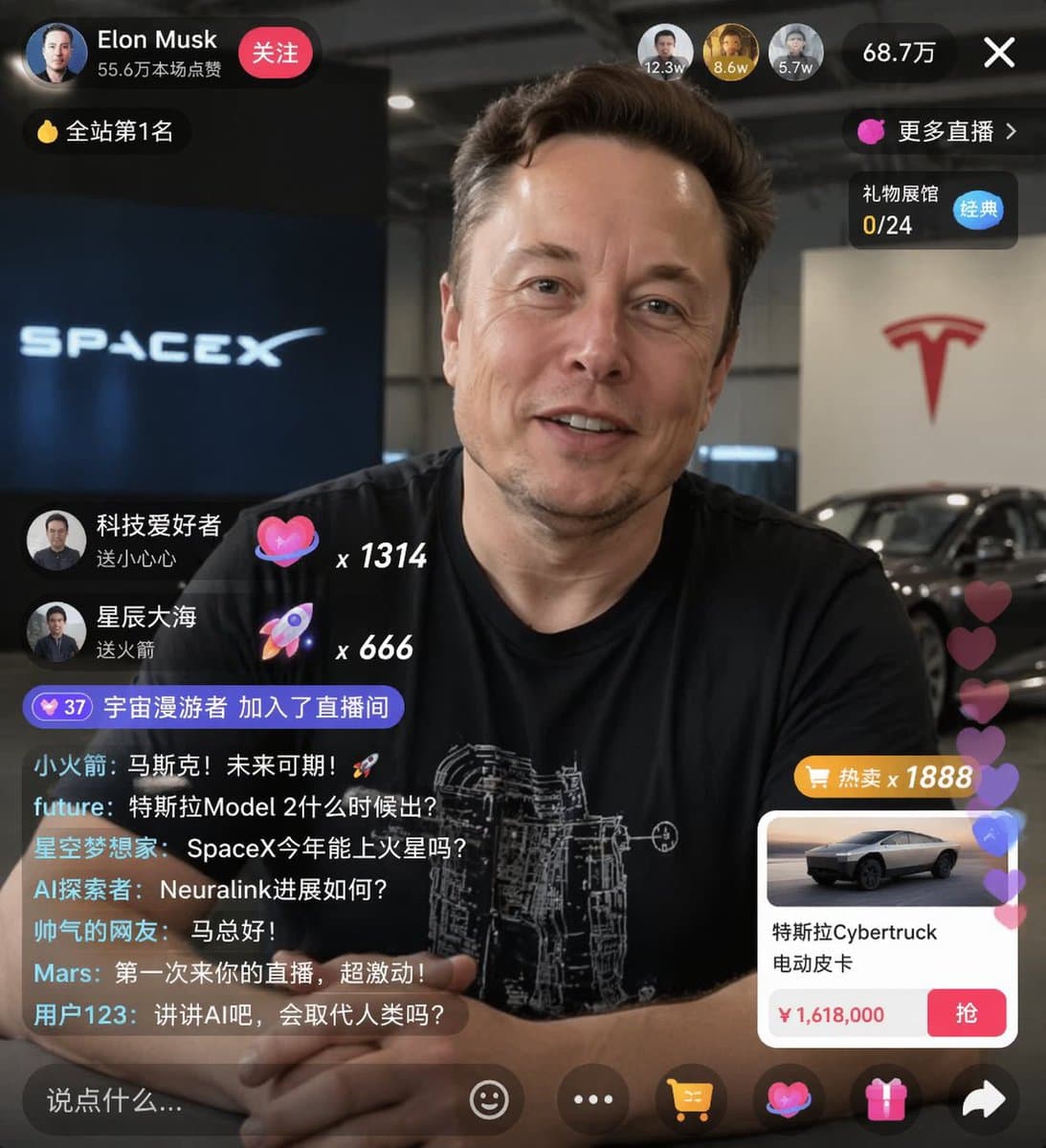
Generates a realistic social media live stream interface overlaying a portrait, featuring customizable chat messages, gift popups, and a product purchase card.
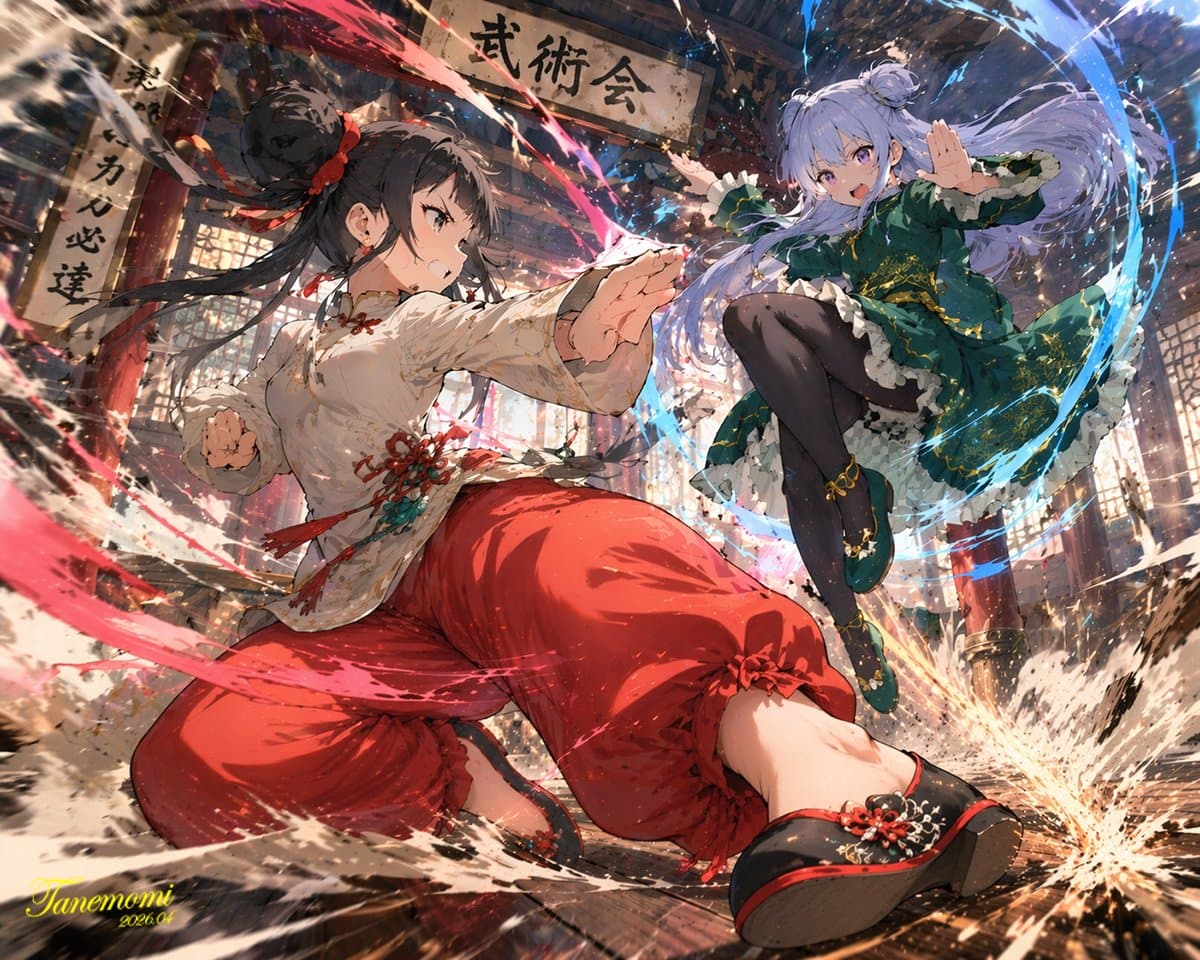 GPTI-1265
Generates a dynamic, high-impact anime illustration of two female characters fighting in a traditional dojo with elemental energy effects.
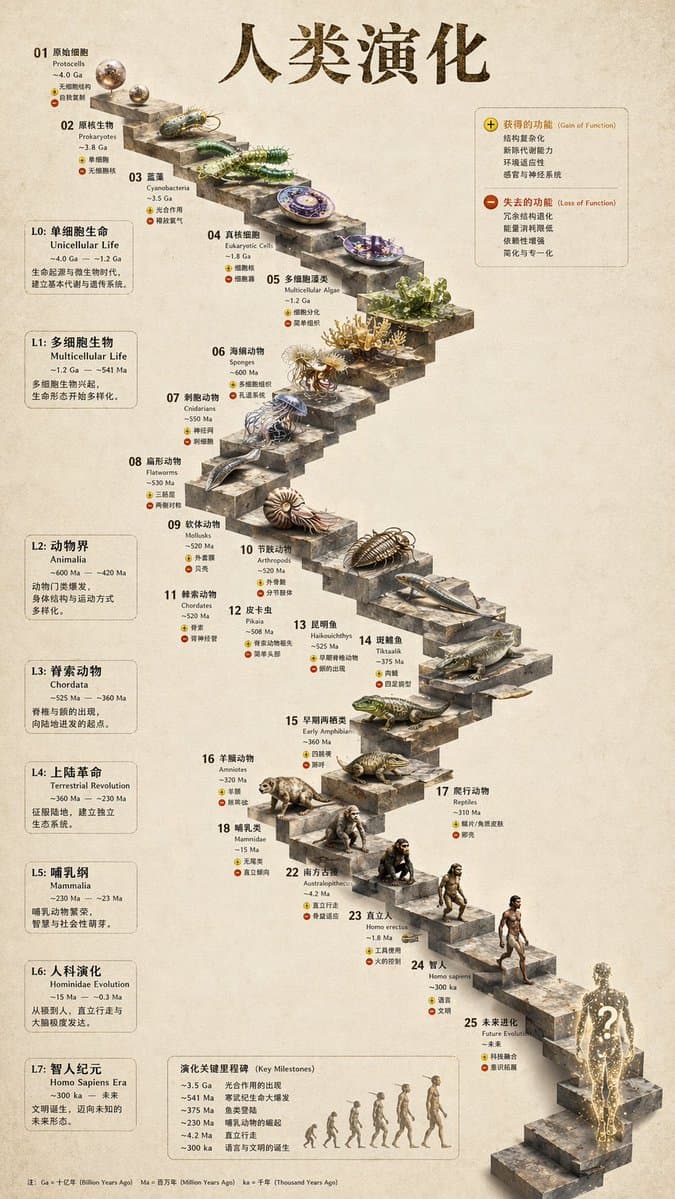 GPTI-1266
Transforms a flat evolutionary timeline into a realistic 3D stone staircase infographic with detailed organism renders and structured side panels.
how to use GPT Image 2
Learn how to use GPT Image 2 for prompts, image edits, reference images, quality settings, and a practical first workflow with examples.
GPT Image 2 API price
Check GPT Image 2 API pricing, estimate image-generation costs, and plan budgets across quality, size, retries, and production controls.
ChatGPT Image Editor
Learn how to use ChatGPT as an image editor: change backgrounds, preserve subjects, retouch product photos, make local edits, and write better prompts.
ChatGPT image generator not working
Fix ChatGPT image generator problems with checks for missing buttons, failed generations, upload issues, browser bugs, quota limits, and service status.
GPT Image 2 is documented by OpenAI as an image generation and editing model. Use OpenAI documentation for current model details, supported workflows, and pricing.
Use the Generate for free buttons on this site to open a generator workflow and test a prompt. Check the generator page for current account, quota, and availability details.
Verify model behavior, image API workflows, and pricing against OpenAI's official model, image generation, and pricing pages.
Open the GPT Image 2 generator, paste a prompt from this library, and start iterating toward a usable image.