
Direct answer
When to use this prompt category
Infographic prompts should define the topic, sections, reading order, labels, and visual hierarchy before style. That keeps dense information legible instead of turning into decoration.
chatgpt picture prompts
Copy GPT Image 2 infographic prompts for diagrams, explainer slides, educational visuals, maps, labels, and dense information layouts.
Direct answer
Infographic prompts should define the topic, sections, reading order, labels, and visual hierarchy before style. That keeps dense information legible instead of turning into decoration.
Prompt formula
These parts are specific to infographic / edu visual prompts. Use them before you change style words or add more labels.
State the concept, place, product, or process the visual explains.
List the main panels, labels, numbered steps, or callouts.
Tell the model what should be largest, secondary, and small.
Constrain text length, label count, and spacing.
Examples
211 matching prompts
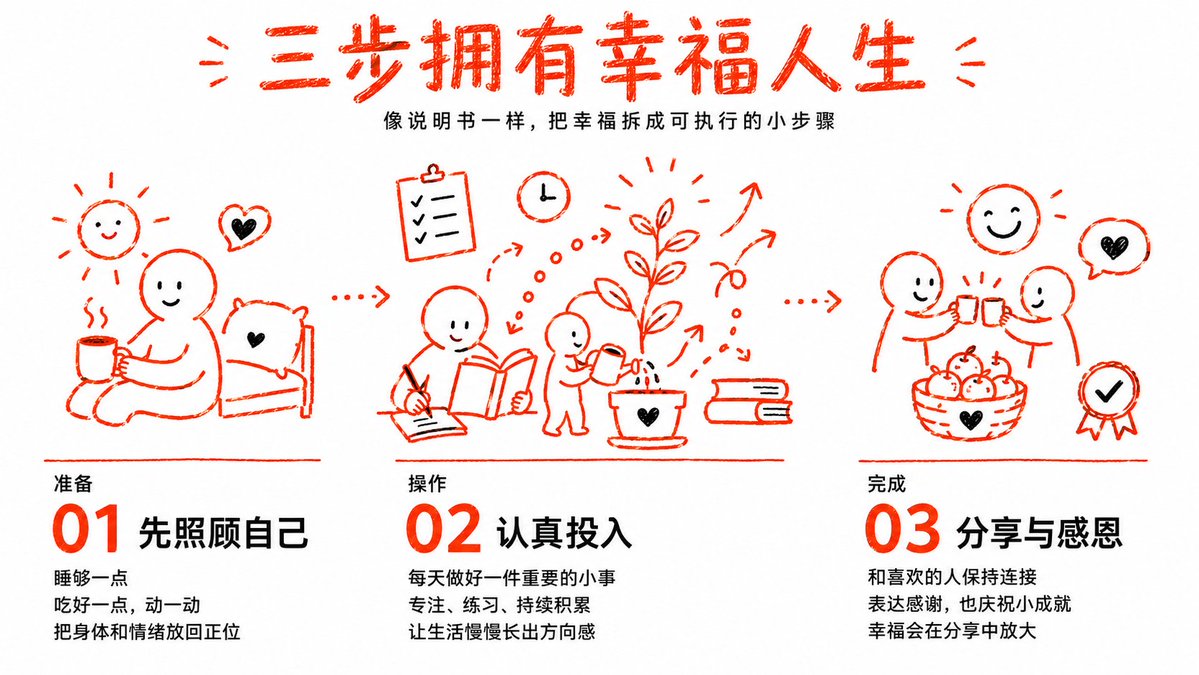 GPTI-040
A warm red-orange hand-drawn Chinese infographic explaining happiness through three simple self-care, focus, and gratitude steps.
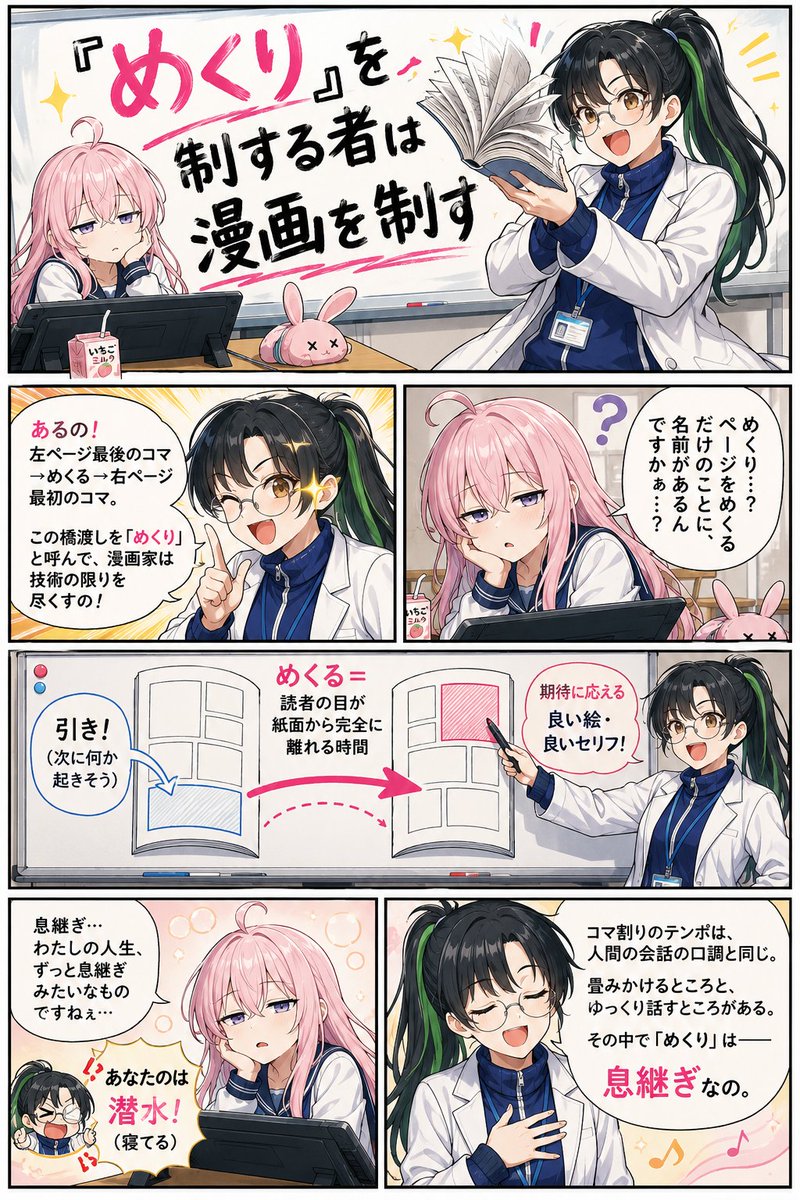 GPTI-041
A comprehensive prompt for creating structured educational or training manga with consistent character designs and professional panel layouts.
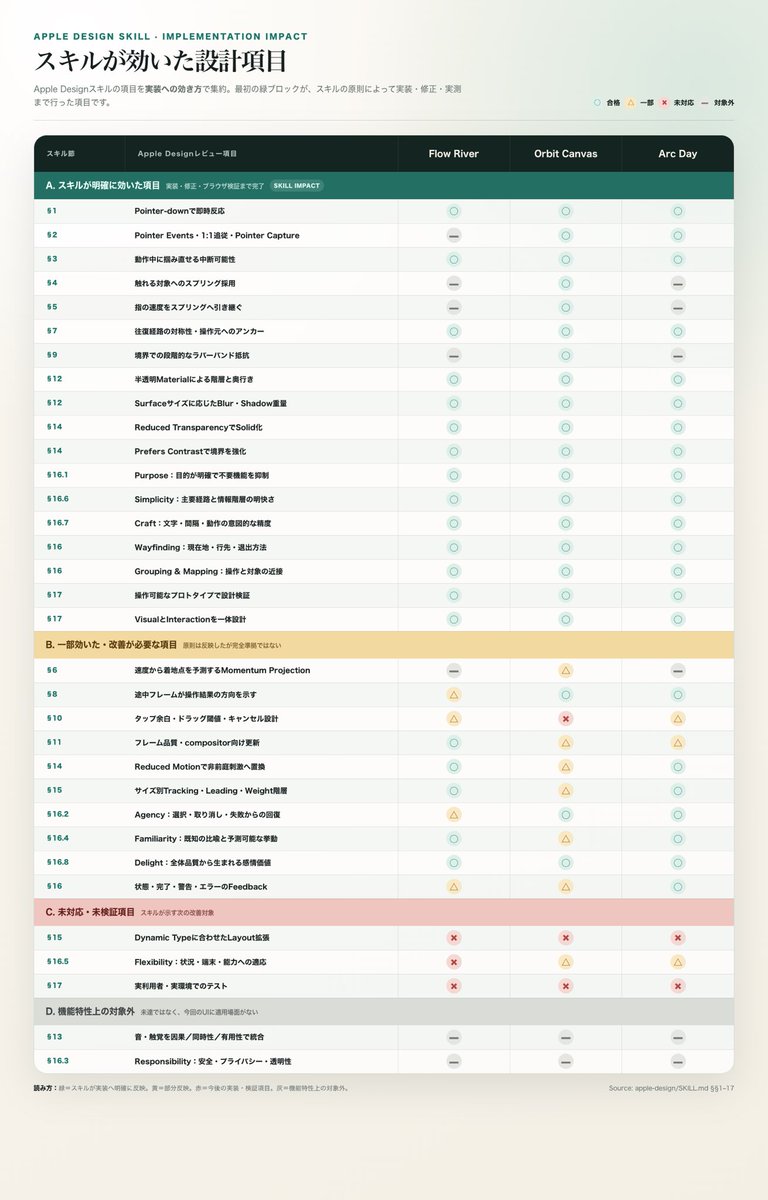 GPTI-042
A Japanese Apple-style comparison table for reviewing design skill requirements and implementation status across three products.
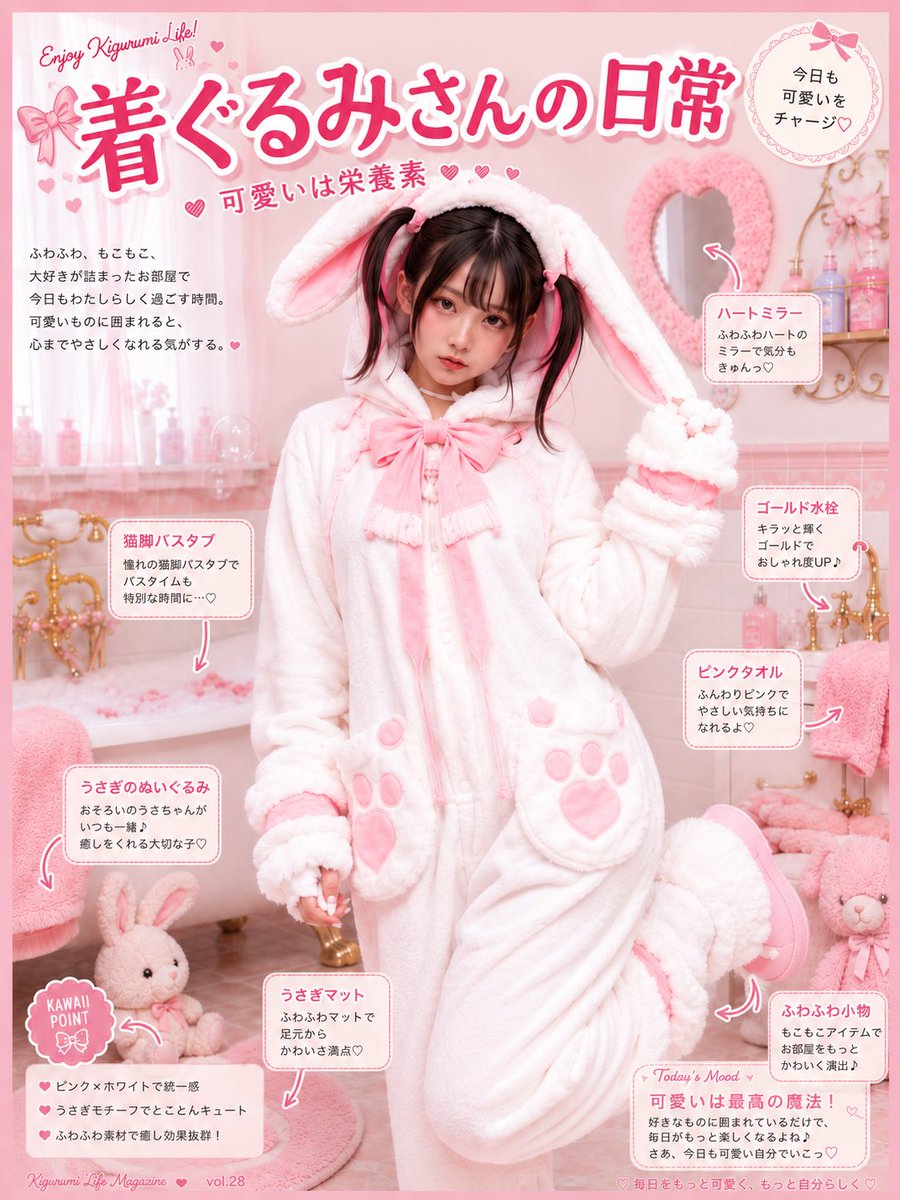 GPTI-043
Generates a pastel Japanese kawaii magazine-style infographic featuring a young woman in a fluffy bunny kigurumi surrounded by cute bathroom self-care annotations.
 GPTI-044
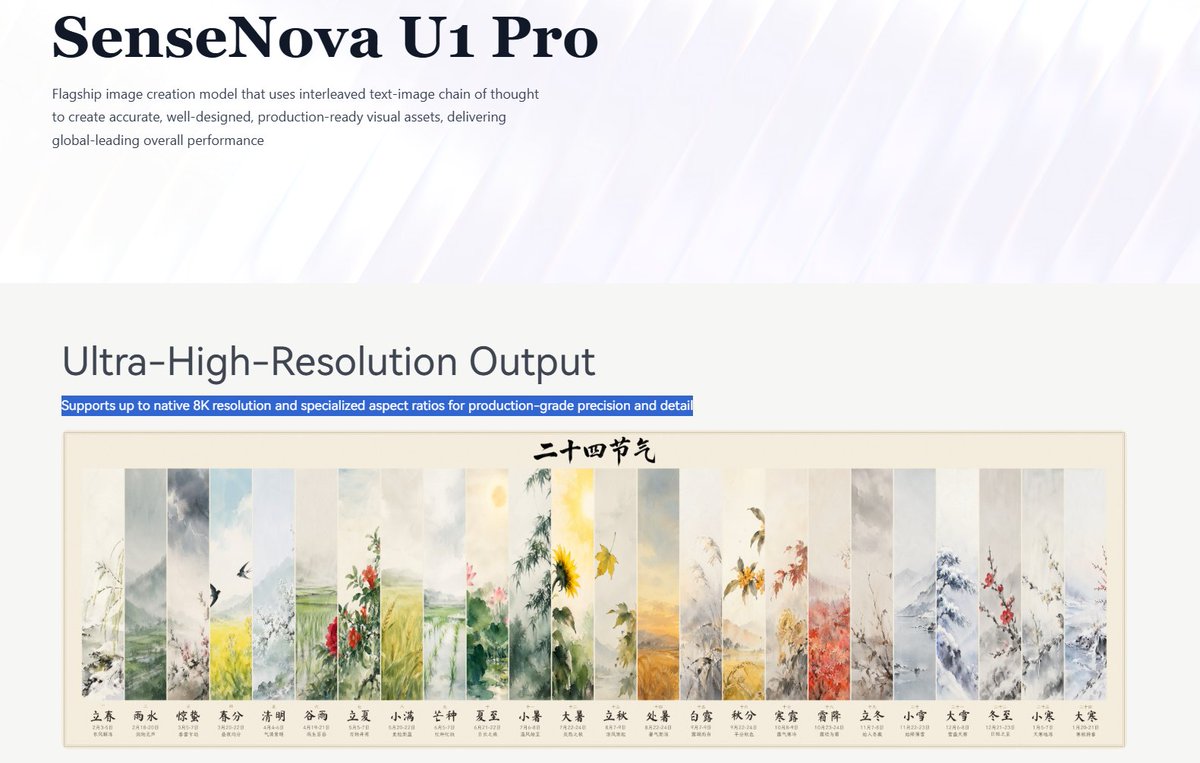
Creates a polished AI product landing-page screenshot featuring an 8K output section and a 24-panel Chinese solar terms artwork preview.
 GPTI-045
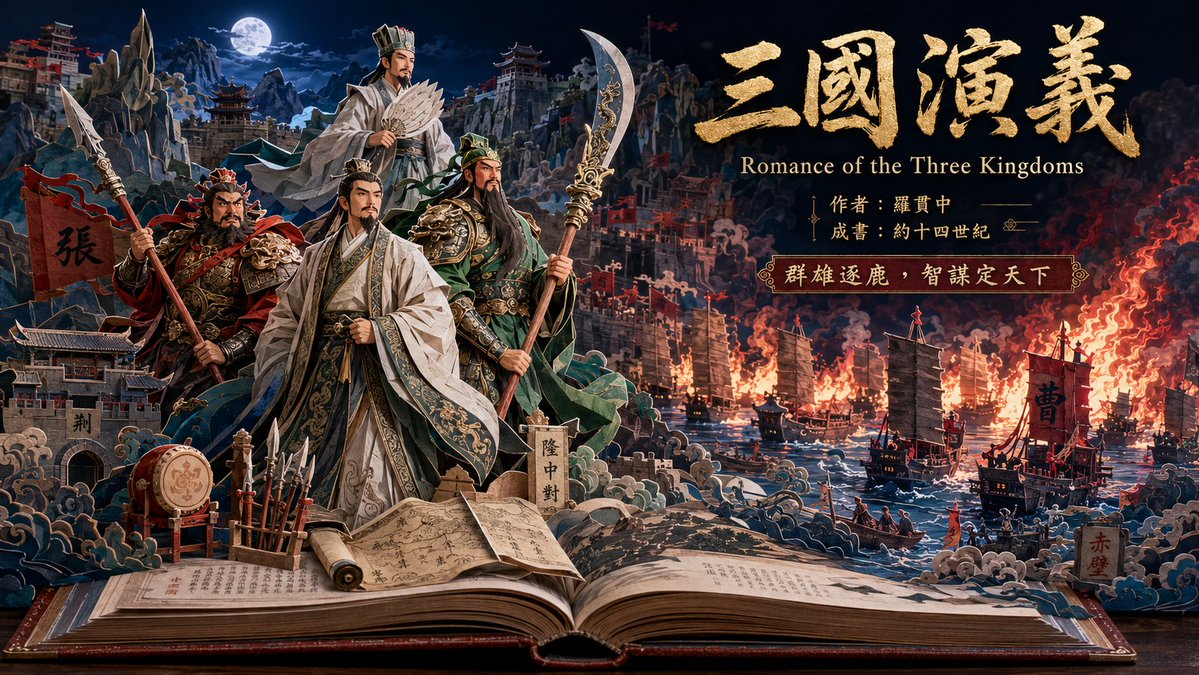
Generates a cinematic paper-craft pop-up book illustration of Romance of the Three Kingdoms for epic literary posters or cover art.
 GPTI-046
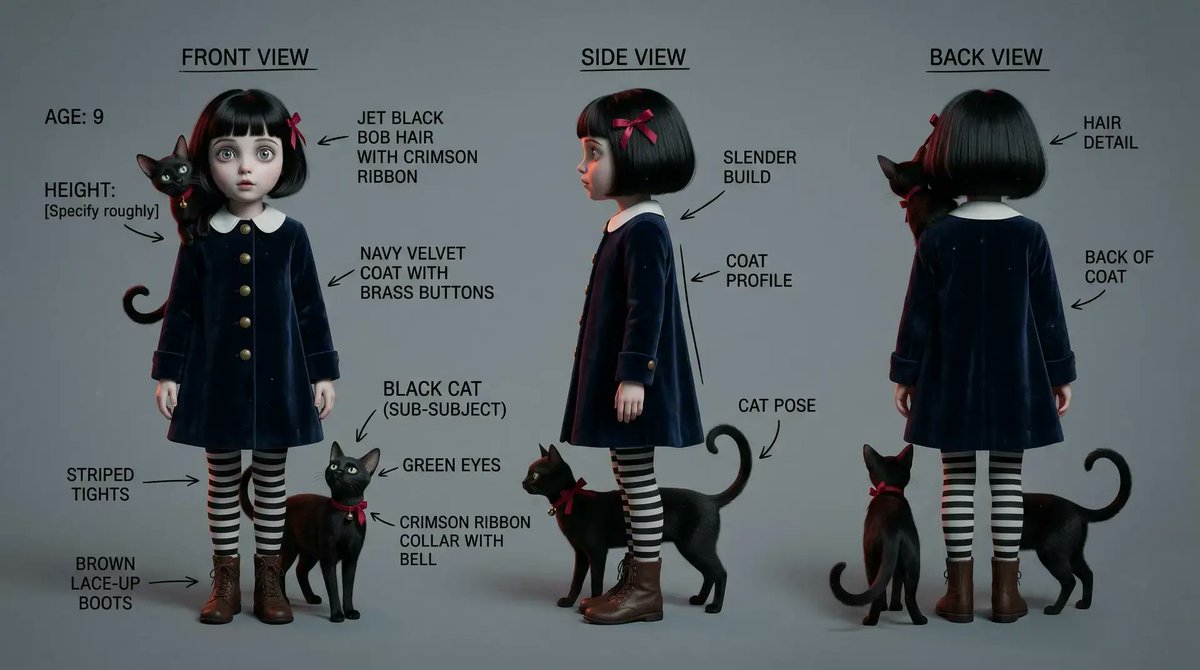
Generates a detailed three-view annotated character reference sheet for a gothic young girl and her black cat companion.
 GPTI-047
A clean flat vector illustration of four side-profile commuters waiting in line, suitable for editorial, transit, or social behavior visuals.
 GPTI-048
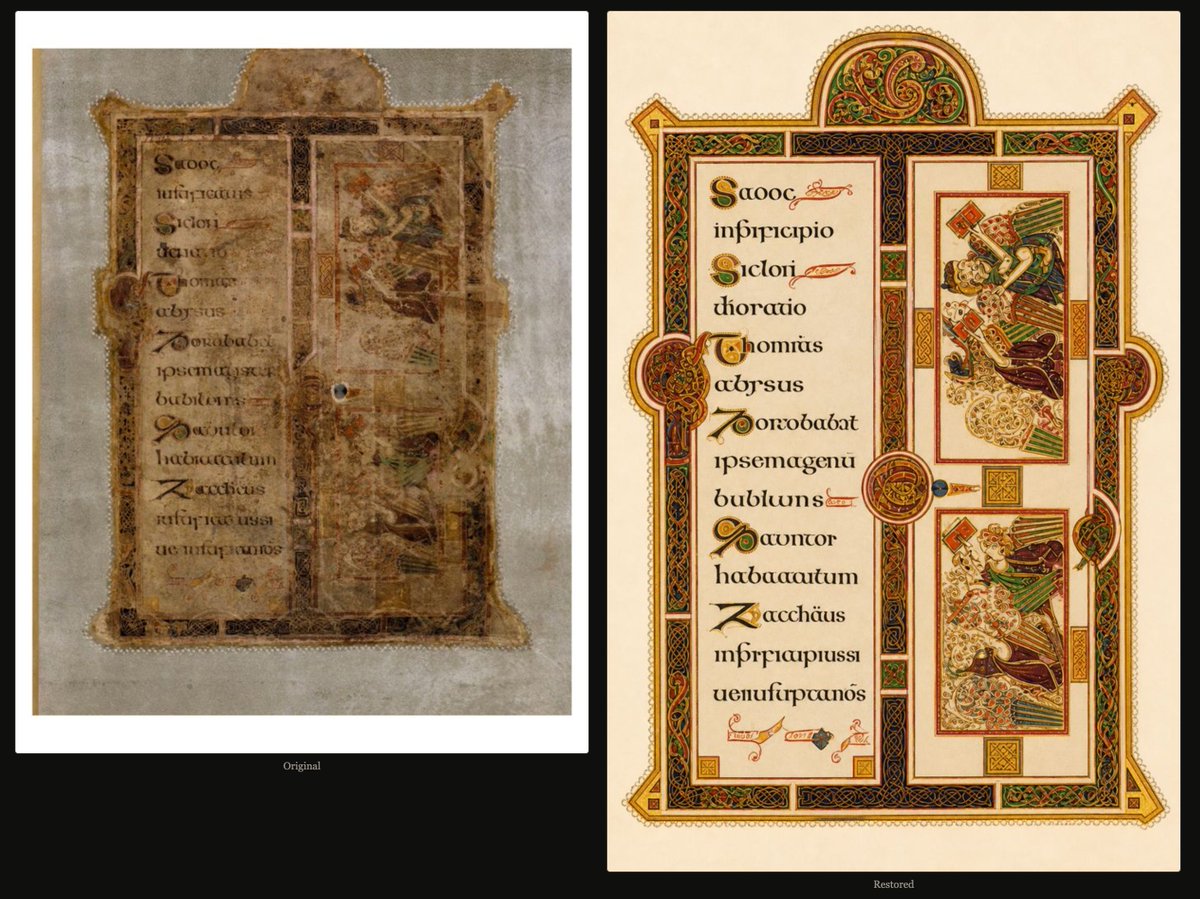
Generates a side-by-side archival comparison of a damaged illuminated manuscript page and an ornate idealized restoration.
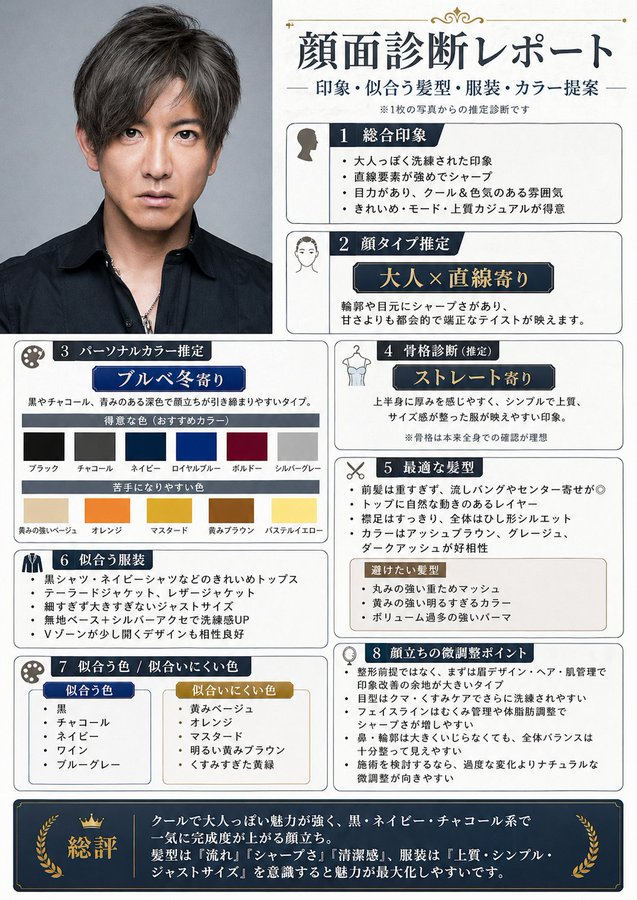 GPTI-049
Generates a Japanese personal appearance consulting report from a portrait, with styling, color, hairstyle, and grooming recommendations.
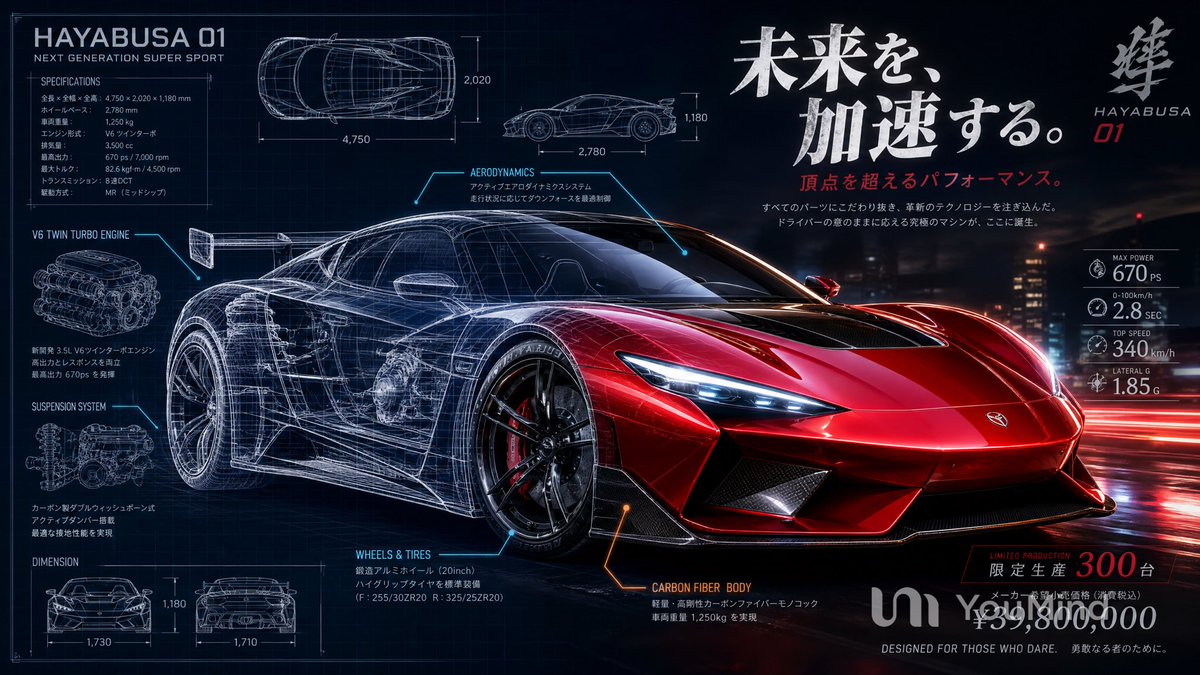 GPTI-050
Generates a cinematic Japanese technical advertisement poster for a fictional red hypercar with readable blueprint specs and performance callouts.
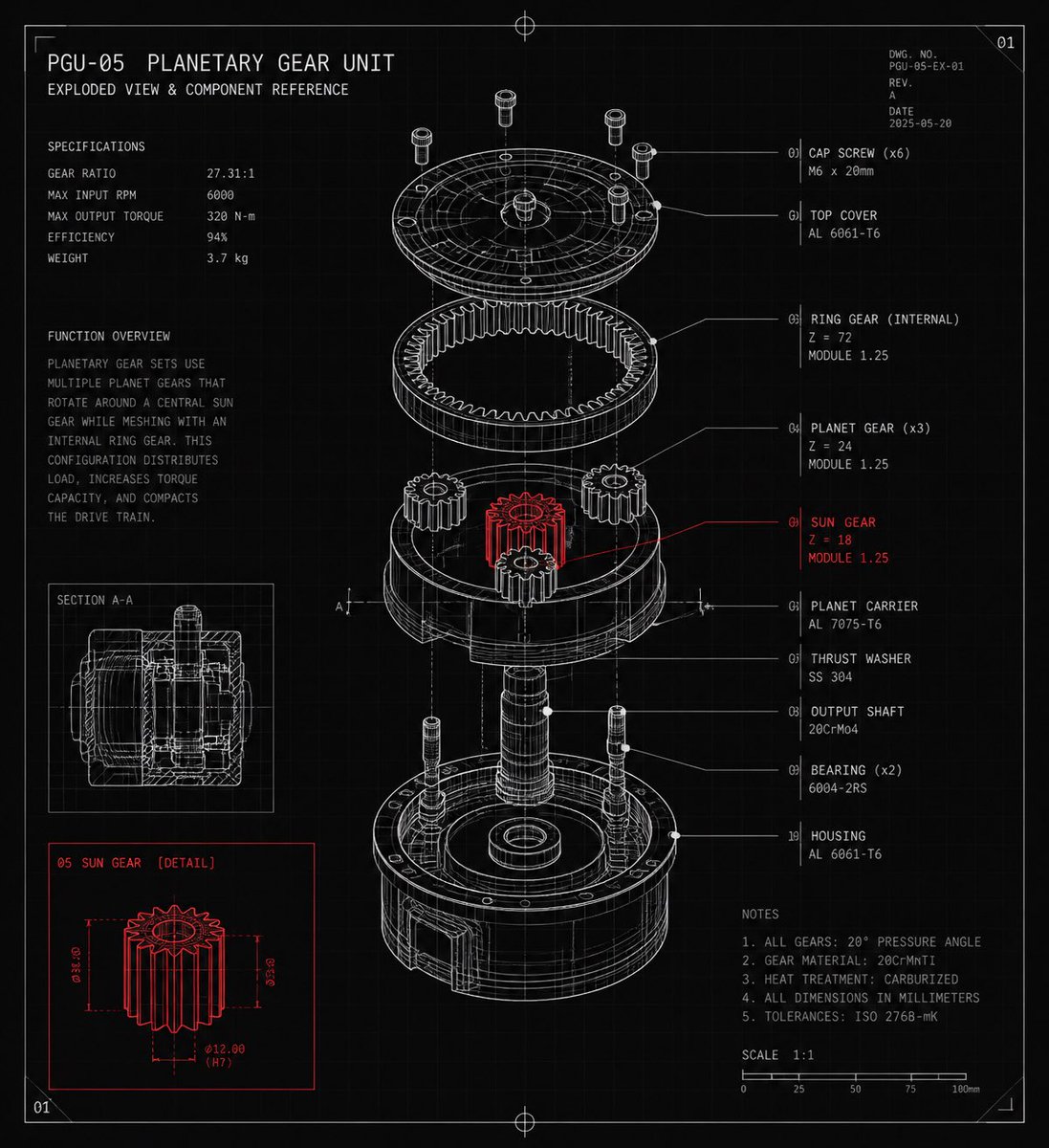 GPTI-051
A detailed CAD-style exploded-view blueprint poster for a planetary gear unit with labeled components, specifications, notes, and red-highlighted sun gear details.
Use fewer labels and give exact words for the next attempt.
Name the main subject first and move supporting labels into side callouts.
Reduce the number of sections or split the idea into multiple panels.
Open the GPT Image 2 generator, paste a prompt from this library, and start iterating toward a usable image.