
Direct answer
When to use this prompt category
Cinematic prompts work when they combine a story beat with camera framing, lighting, setting, and mood. Without the story beat, the image can become only a color grade.
chatgpt photo styles
Use GPT Image 2 cinematic prompts for film stills, dramatic portraits, moody scenes, lighting tests, and story-driven visual concepts.
Direct answer
Cinematic prompts work when they combine a story beat with camera framing, lighting, setting, and mood. Without the story beat, the image can become only a color grade.
Prompt formula
These parts are specific to cinematic / film still prompts. Use them before you change style words or add more labels.
Describe the moment in the scene, not just the mood.
Set frame size, angle, depth, and subject position.
Specify practical light, neon, sunset, flash, or high-contrast setup.
Add weather, setting, texture, or production design cues.
Examples
579 matching prompts
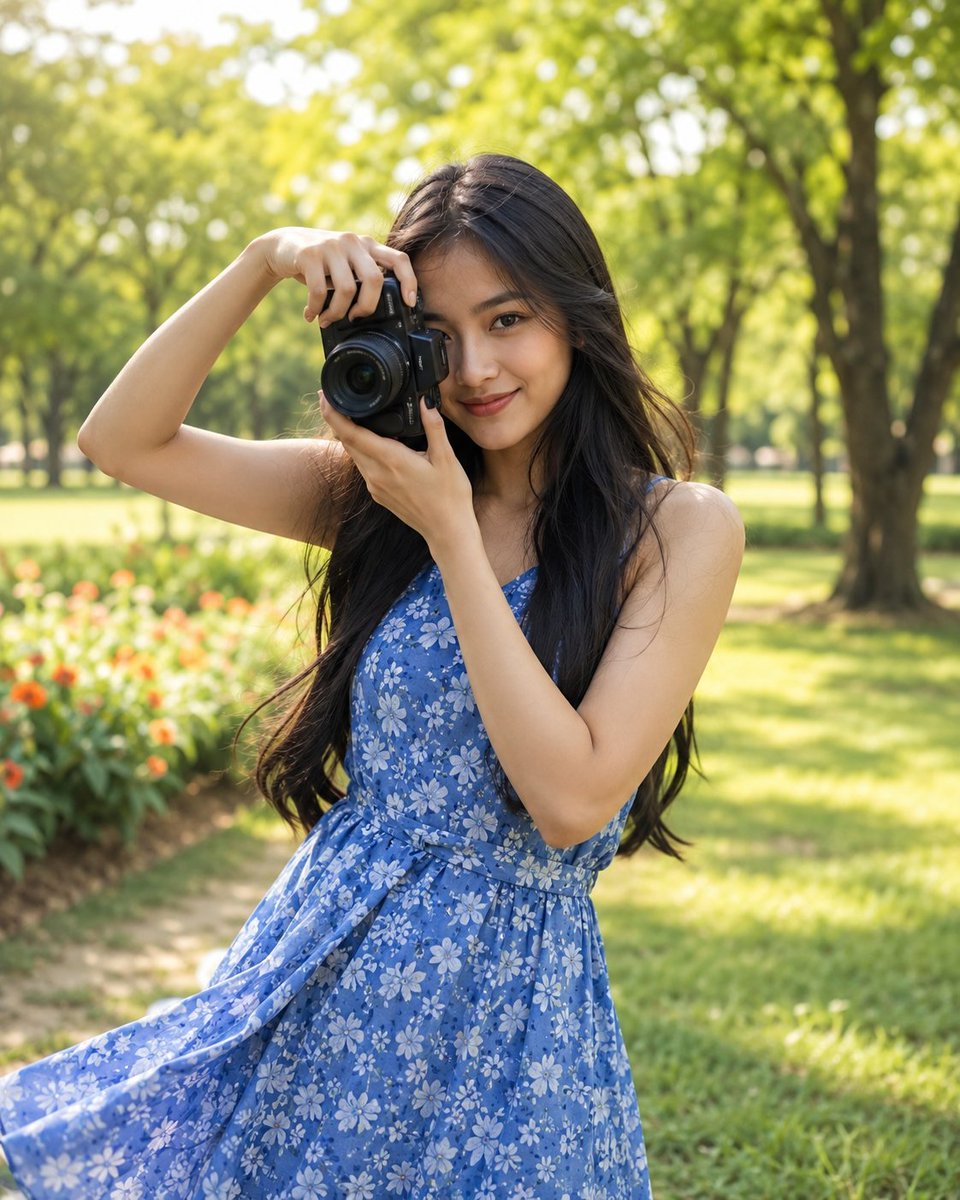 GPTI-004
Generates a highly realistic lifestyle portrait of an Indonesian woman holding a camera in a lush, sunlit park, focusing on natural beauty and spring fashion.
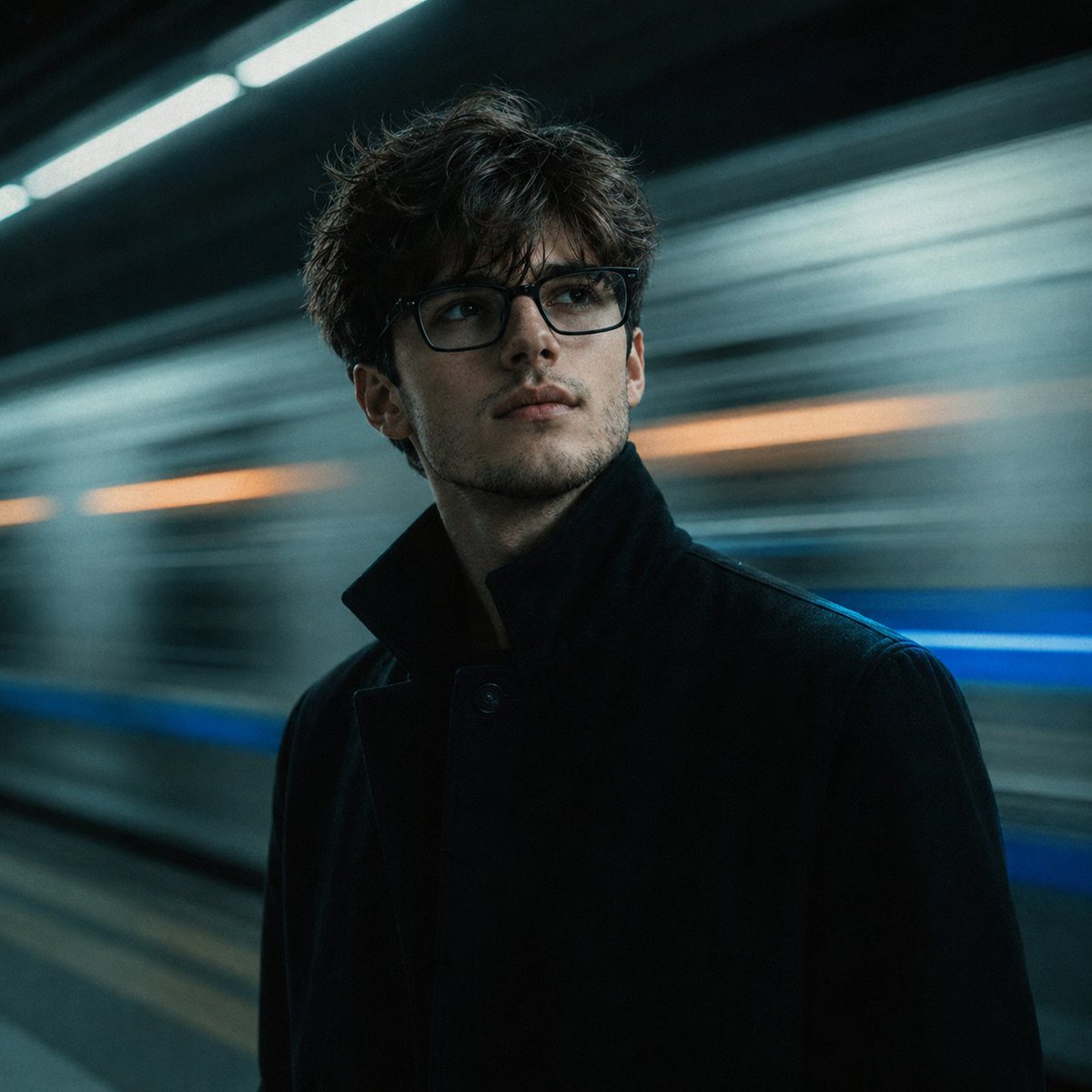 GPTI-005
A detailed prompt designed for reconstructive portrait photography, placing a face from a reference photo into a cinematic subway scene with realistic lighting and motion blur.
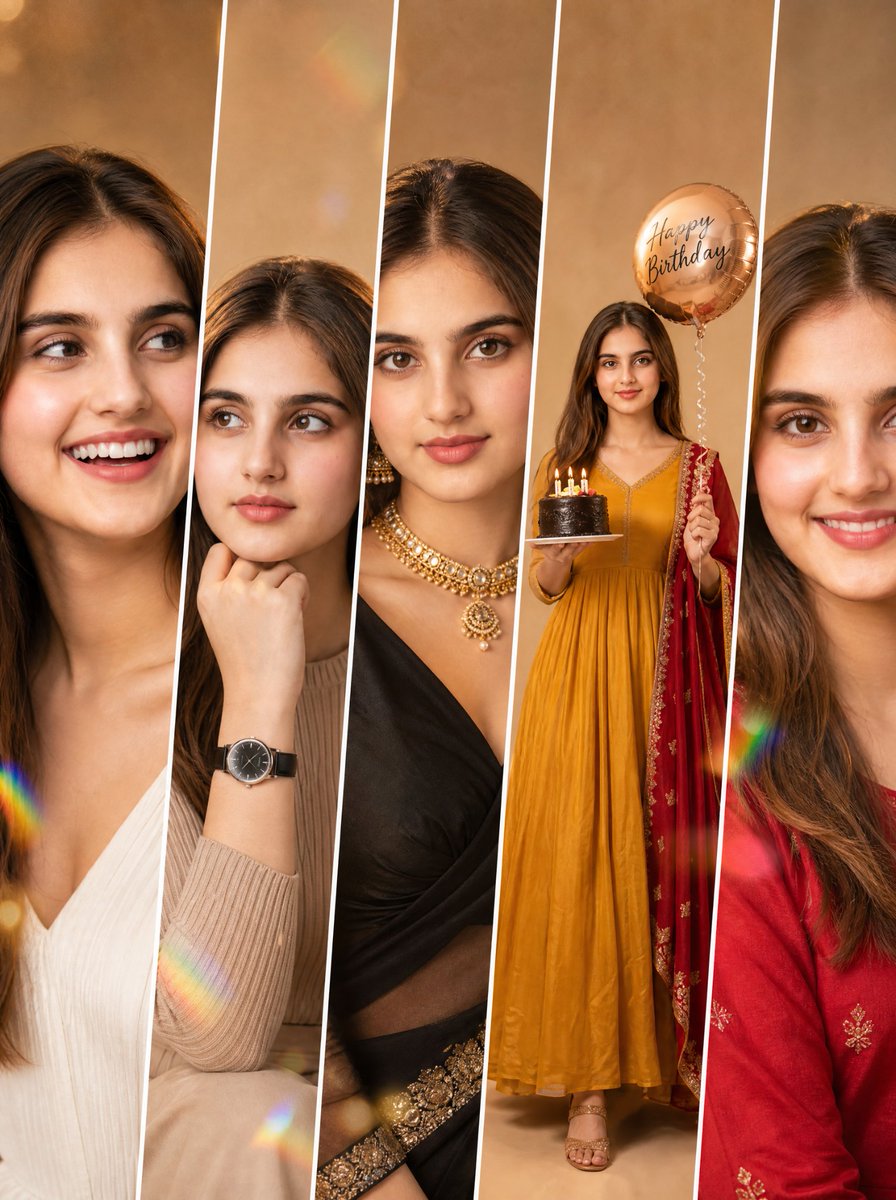 GPTI-012
Detailed prompt for a five-panel fashion collage maintaining consistent identity across different poses and outfits.
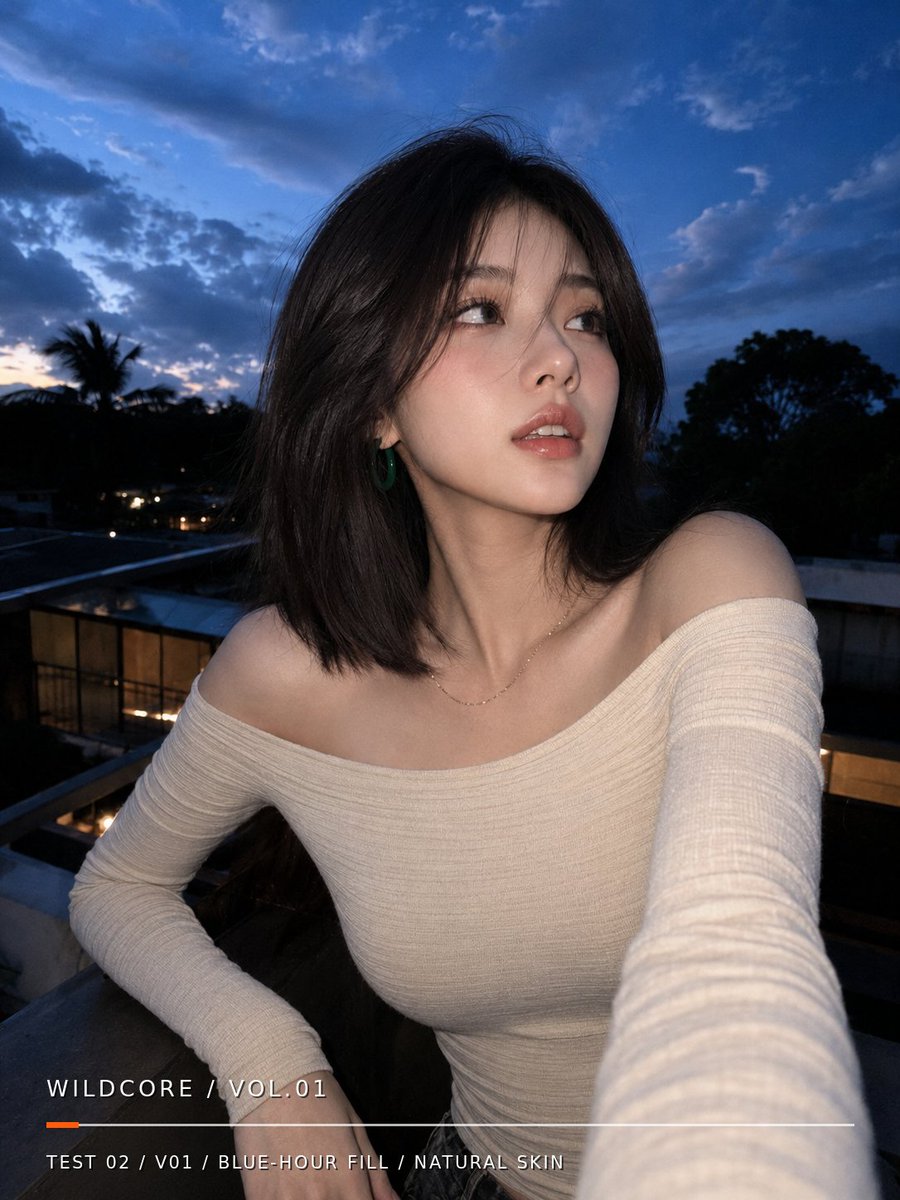 GPTI-016
Generates a realistic blue-hour balcony selfie portrait with natural skin texture and a minimalist editorial text overlay.
 GPTI-019
A warm anime-style celebration portrait featuring a smiling girl presenting a strawberry cake marked 1500, ideal for follower milestone thank-you visuals.
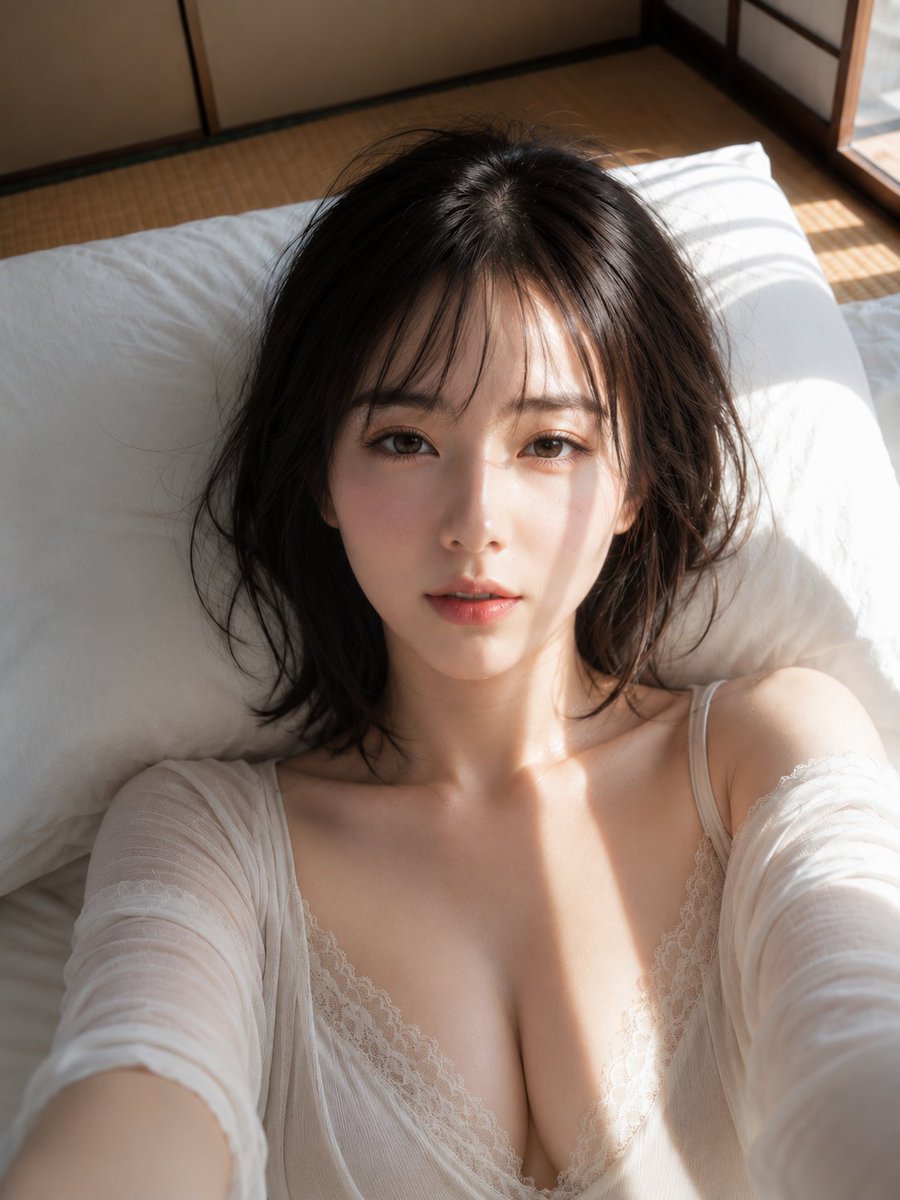 GPTI-020
A detailed photographic prompt for a close-up portrait of a woman on a futon, capturing the interplay of morning sunlight and shoji screen shadows.
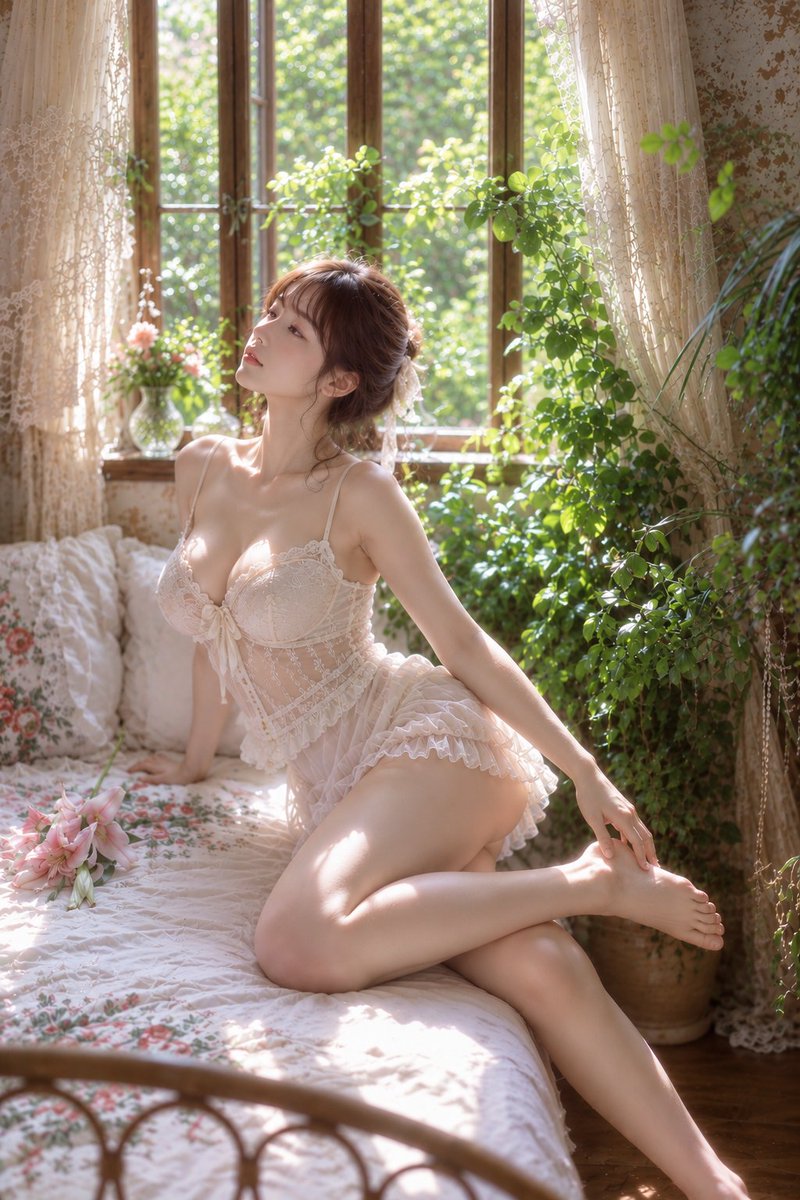 GPTI-022
A highly detailed prompt for an antique-style bedroom portrait featuring soft natural light and botanical elements.
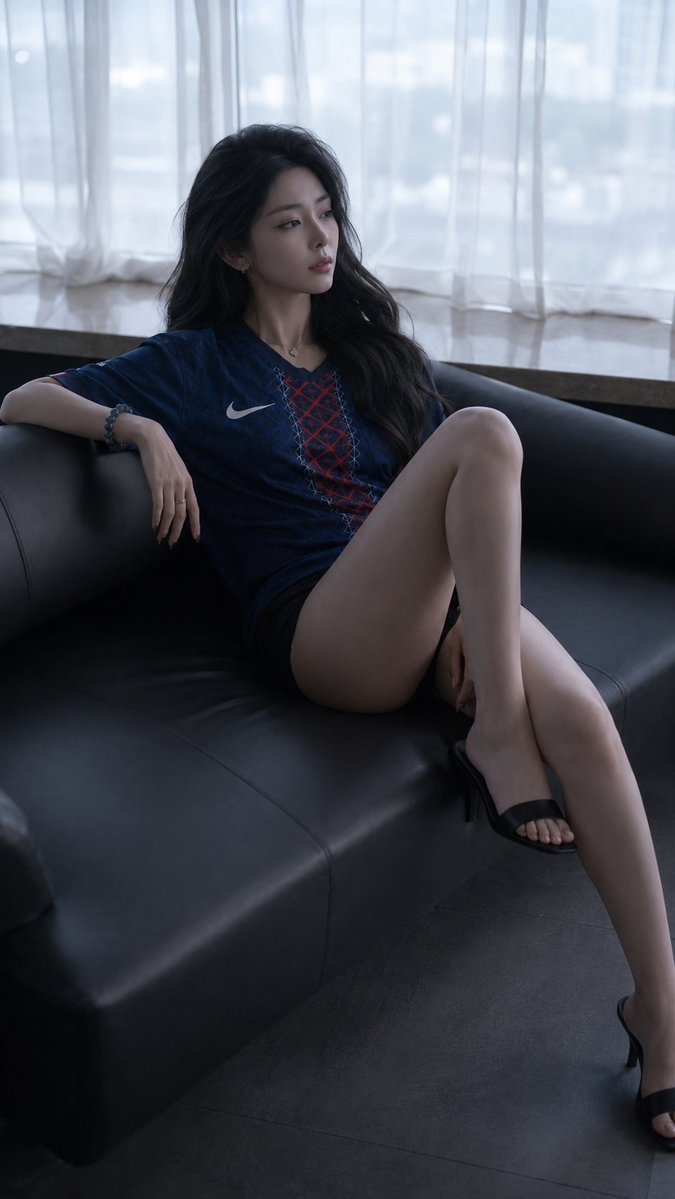 GPTI-023
A detailed prompt for creating a moody, cinematic fashion portrait of a woman reclining on a leather sofa. It features intricate lighting and realistic fabric textures.
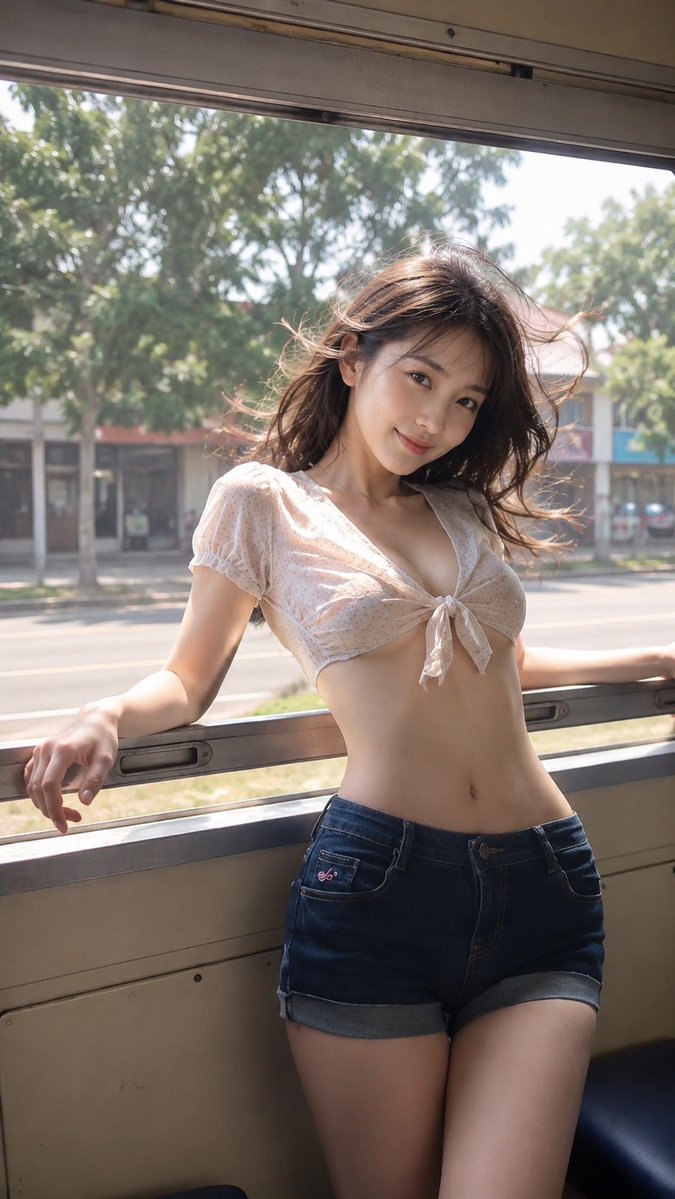 GPTI-028
A cinematic prompt capturing a nostalgic summer travel moment of a woman inside a vintage train with realistic lighting and wind effects.
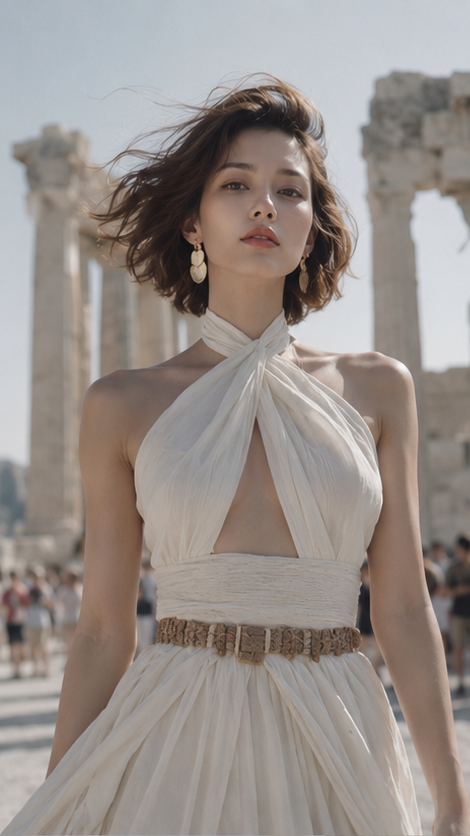 GPTI-033
An elegant wide-screen fashion portrait of a woman at the Parthenon, featuring Mediterranean sunlight and linen textures.
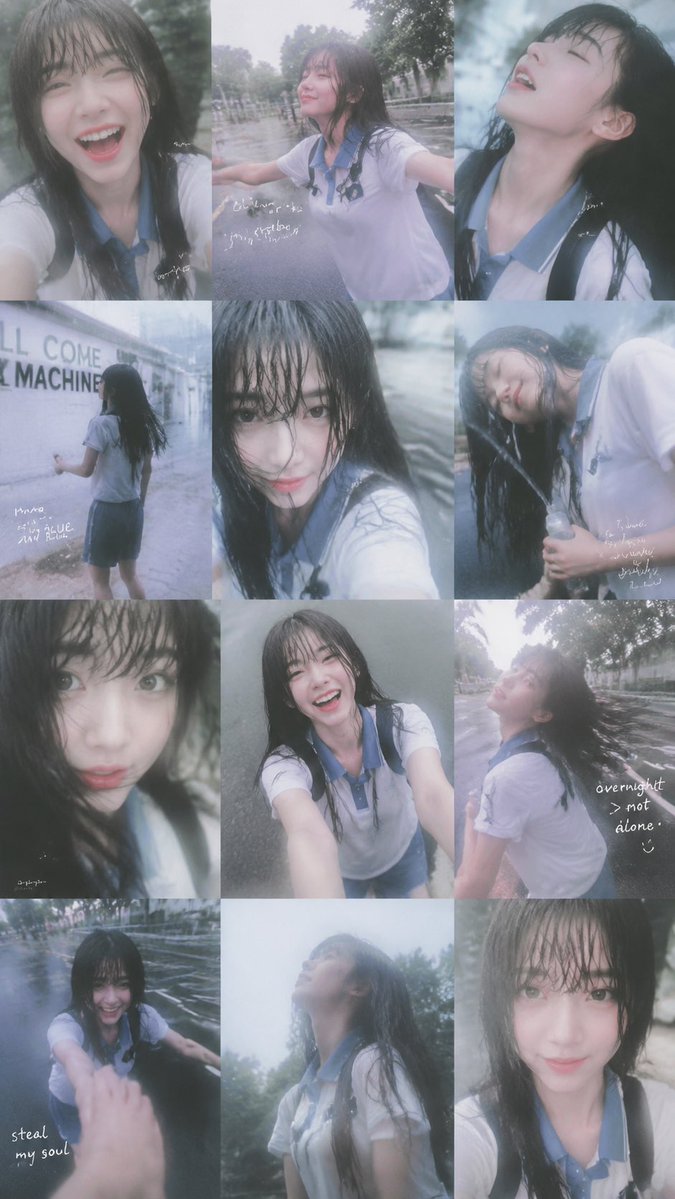 GPTI-036
Generates a 12-panel dreamy rainy-day smartphone collage portrait with candid school-uniform poses and handwritten diary notes.
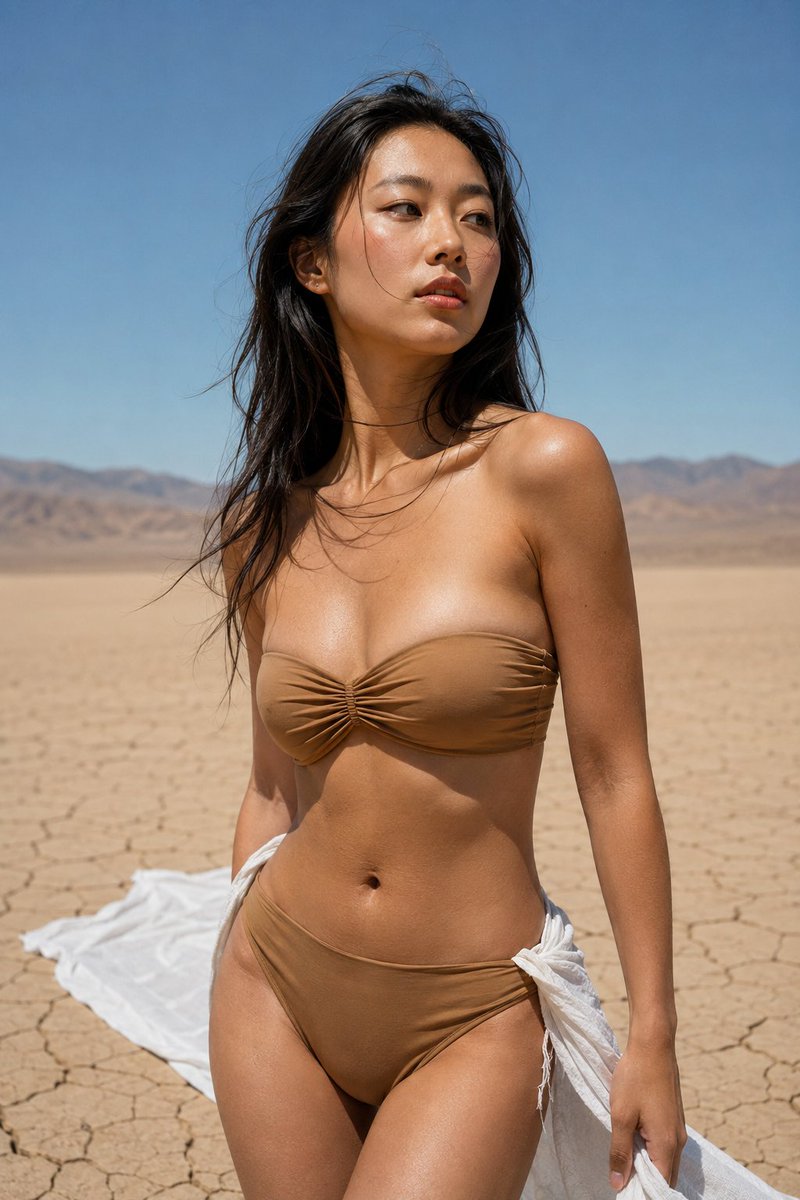 GPTI-039
A high-contrast fashion prompt for a woman in a desert landscape, emphasizing realistic film grain and midday sun lighting.
Add an action or story beat before mood terms.
Name the subject position and one visible prop or background detail.
Use one main light source and one supporting ambient cue.
Open the GPT Image 2 generator, paste a prompt from this library, and start iterating toward a usable image.