
Direct answer
When to use this prompt category
Typography prompts should keep text short, state exact words, and describe placement. When text accuracy matters, ask for fewer words and inspect the output before adding more layout complexity.
chatgpt image text prompts
Use GPT Image 2 prompts for images with labels, headlines, UI text, posters, callouts, and typography-heavy compositions.
Direct answer
Typography prompts should keep text short, state exact words, and describe placement. When text accuracy matters, ask for fewer words and inspect the output before adding more layout complexity.
Prompt formula
These parts are specific to text / typography prompts. Use them before you change style words or add more labels.
Write the final text and avoid long paragraphs.
Name header, footer, center title, side label, badge, or callout.
Describe which text is largest and which is supporting.
Add font mood, spacing, contrast, and background constraints.
Examples
894 matching prompts
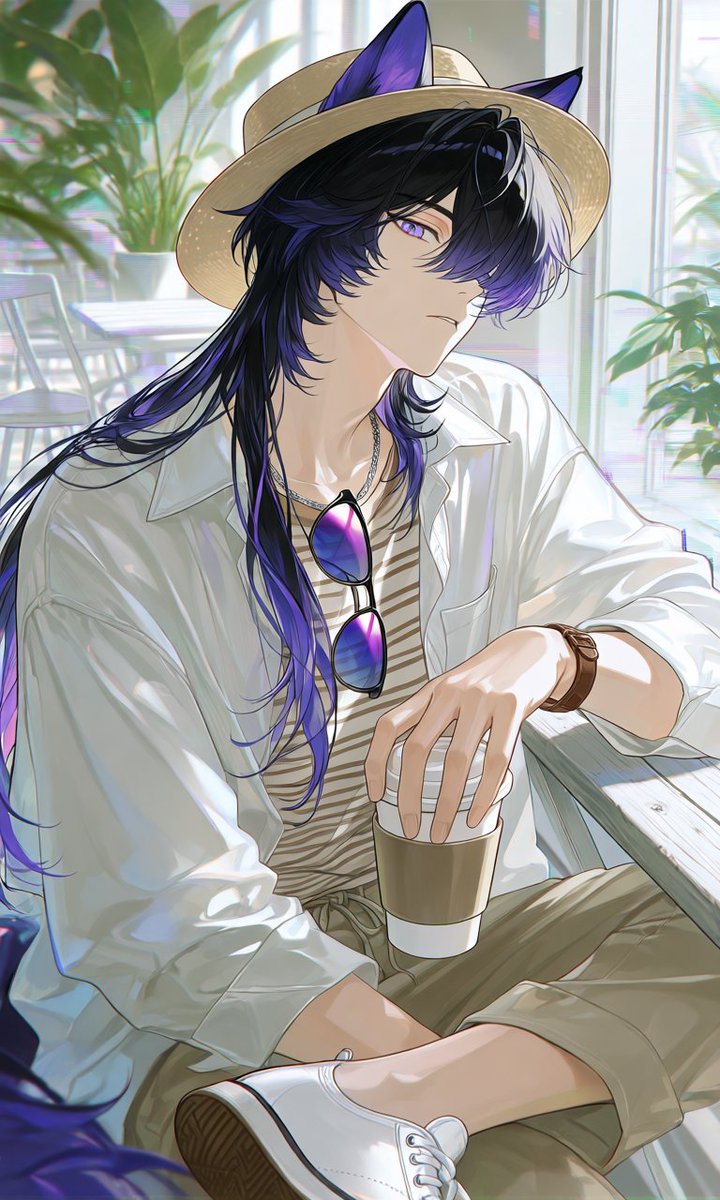 GPTI-001
A vertical anime character illustration prompt for creating a stylish animal-eared young man in a relaxed summer cafe outfit.
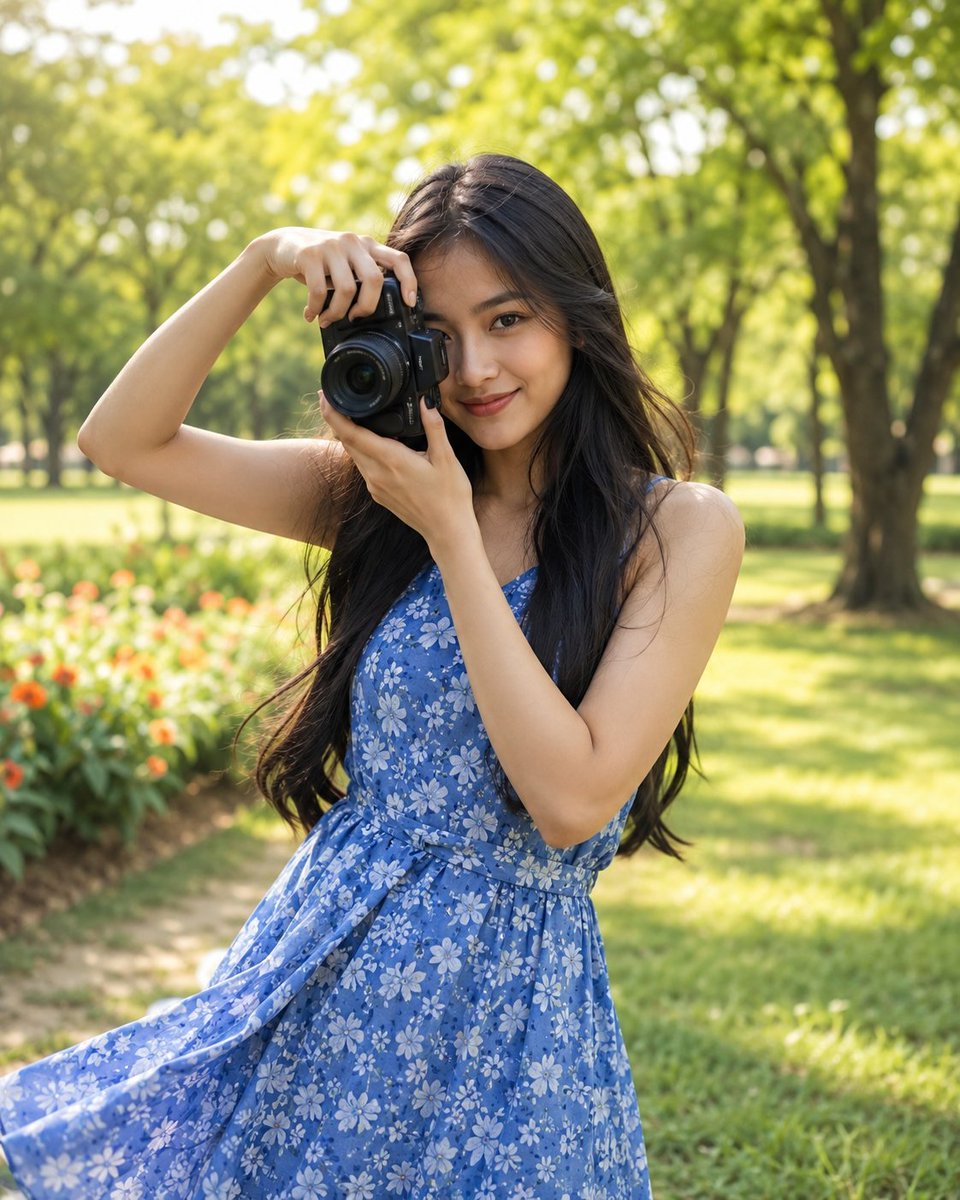 GPTI-004
Generates a highly realistic lifestyle portrait of an Indonesian woman holding a camera in a lush, sunlit park, focusing on natural beauty and spring fashion.
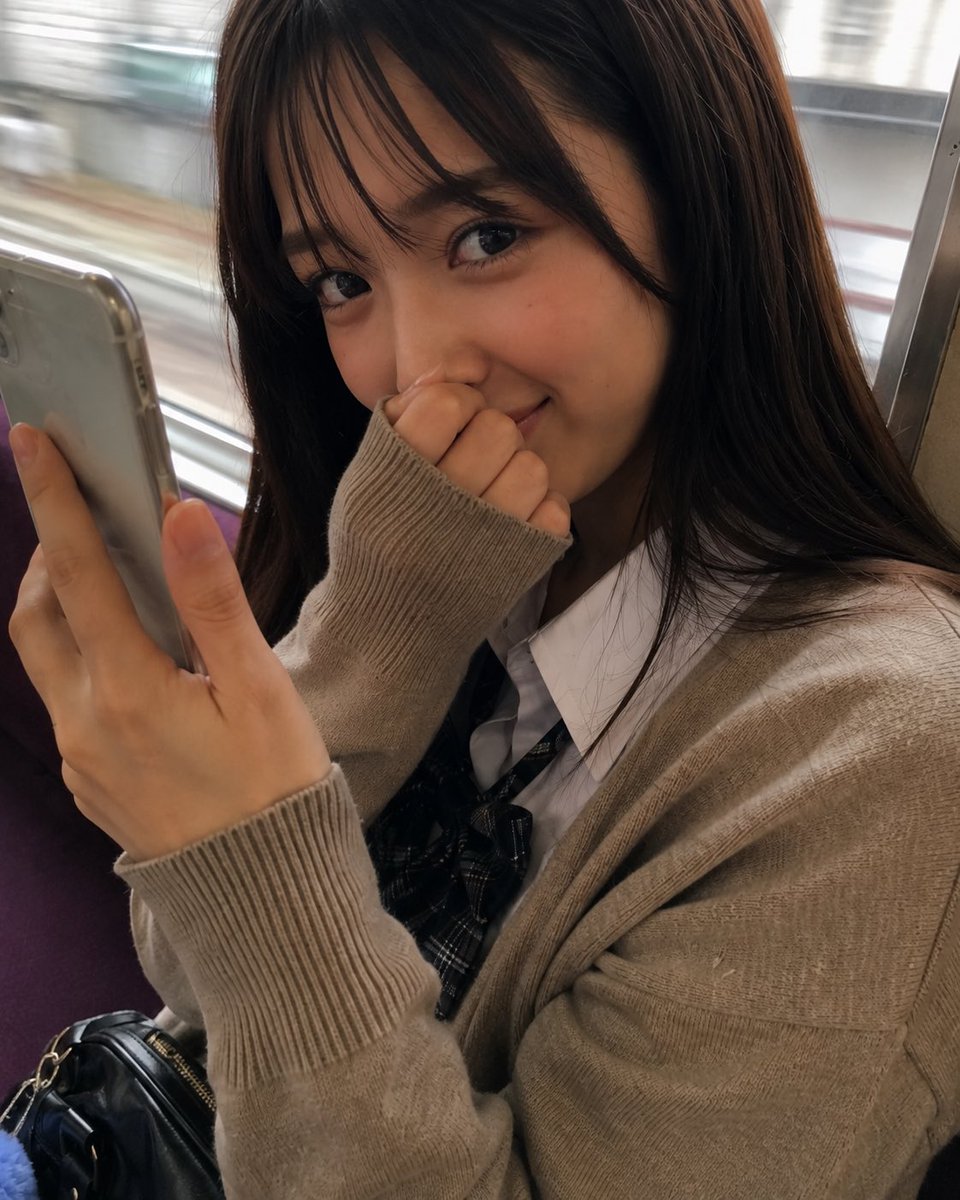 GPTI-007
A photorealistic close-up portrait prompt for generating a shy young woman seated on a moving train while holding a smartphone.
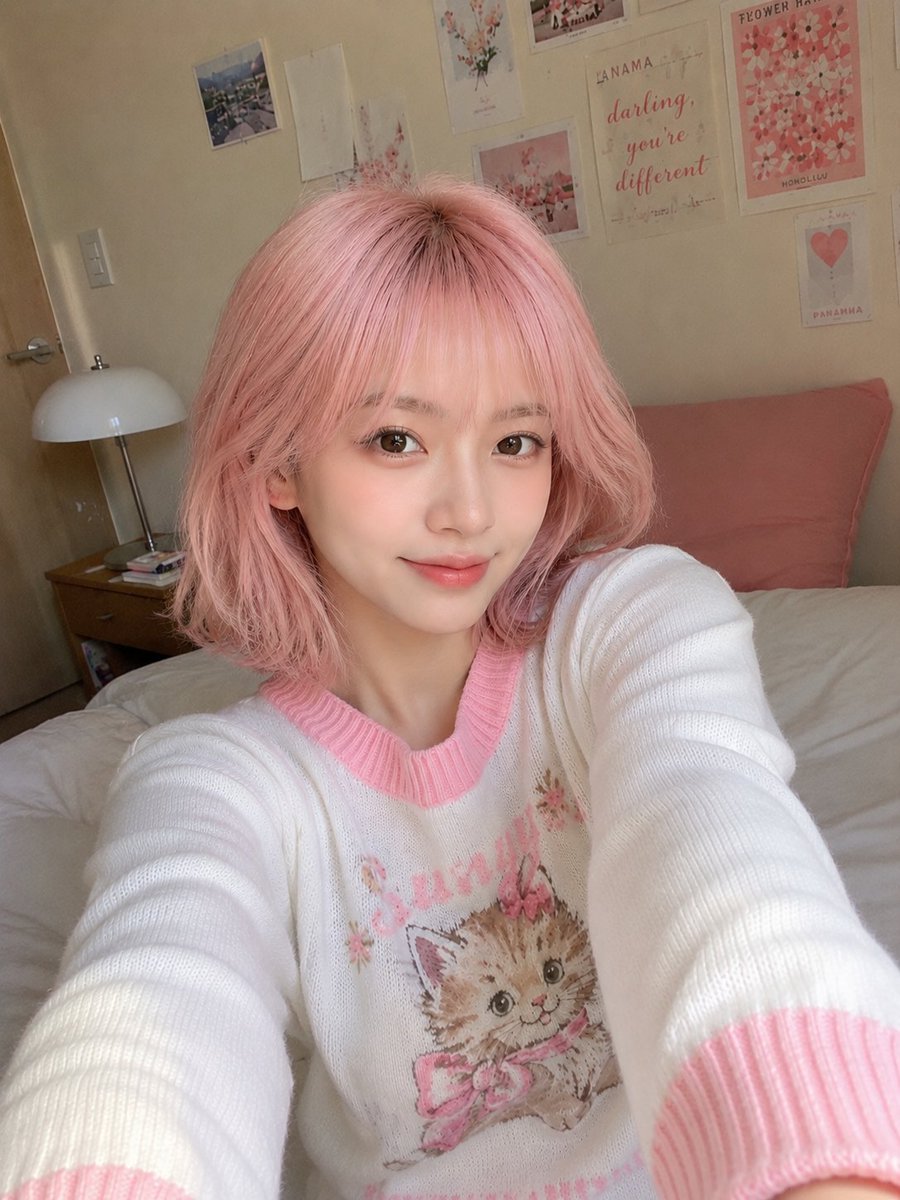 GPTI-008
A highly detailed prompt for generating a candid, casual smartphone selfie of a young East Asian woman. It emphasizes natural lighting, skin textures, and a cozy bedroom environment to avoid a synthetic AI look.
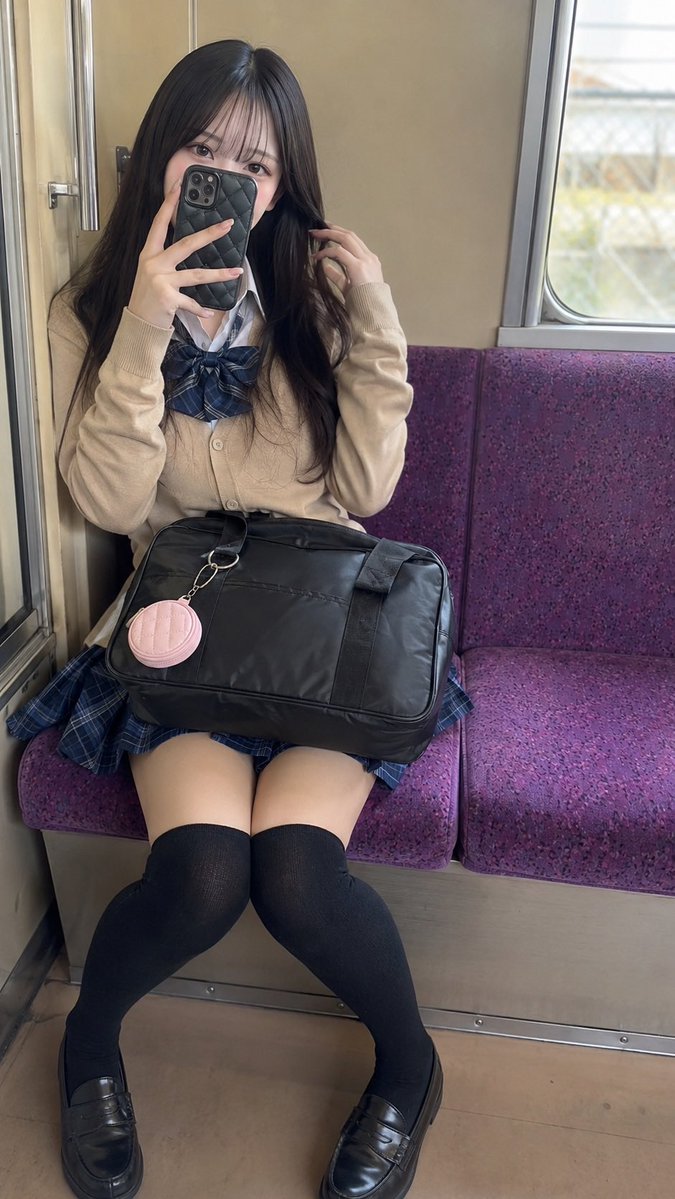 GPTI-009
A photorealistic vertical portrait prompt for creating a young adult woman taking a mirror selfie on a purple train bench in Japanese school-inspired fashion.
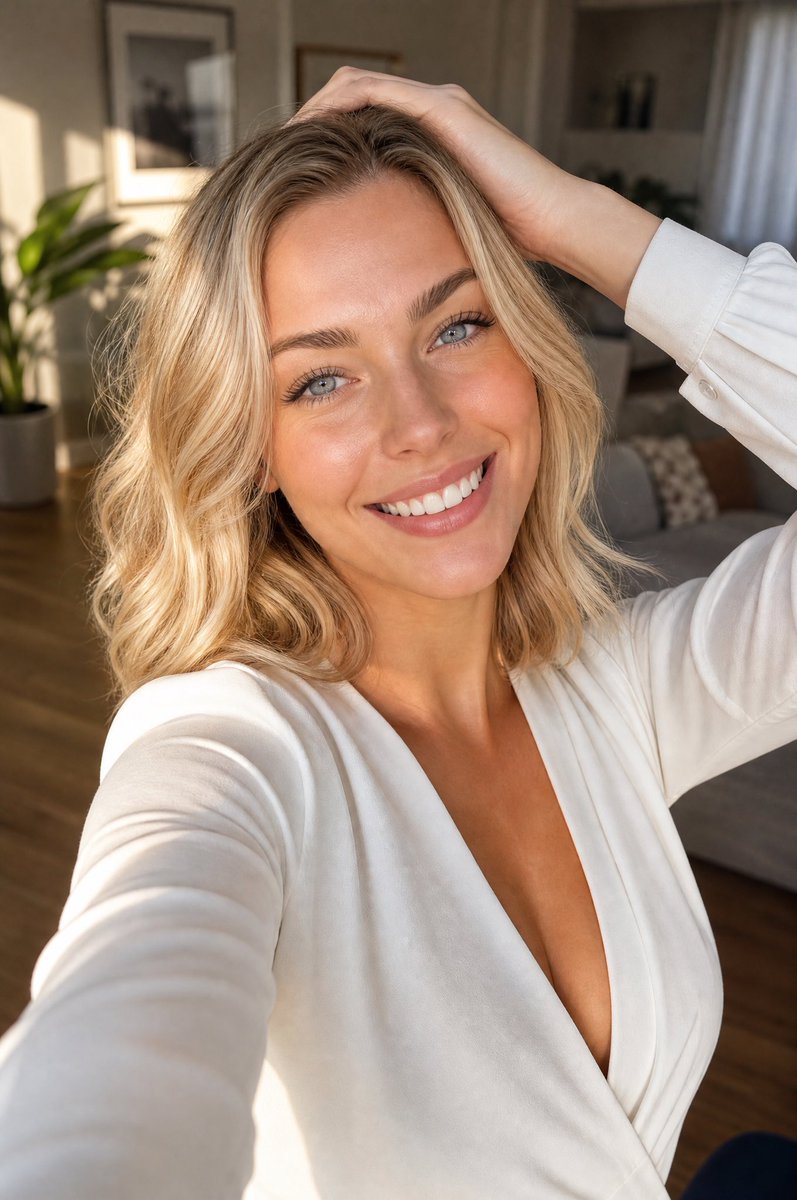 GPTI-010
A photorealistic vertical lifestyle selfie of a smiling blonde woman in warm apartment light, useful for beauty, fashion, or social media portrait generation.
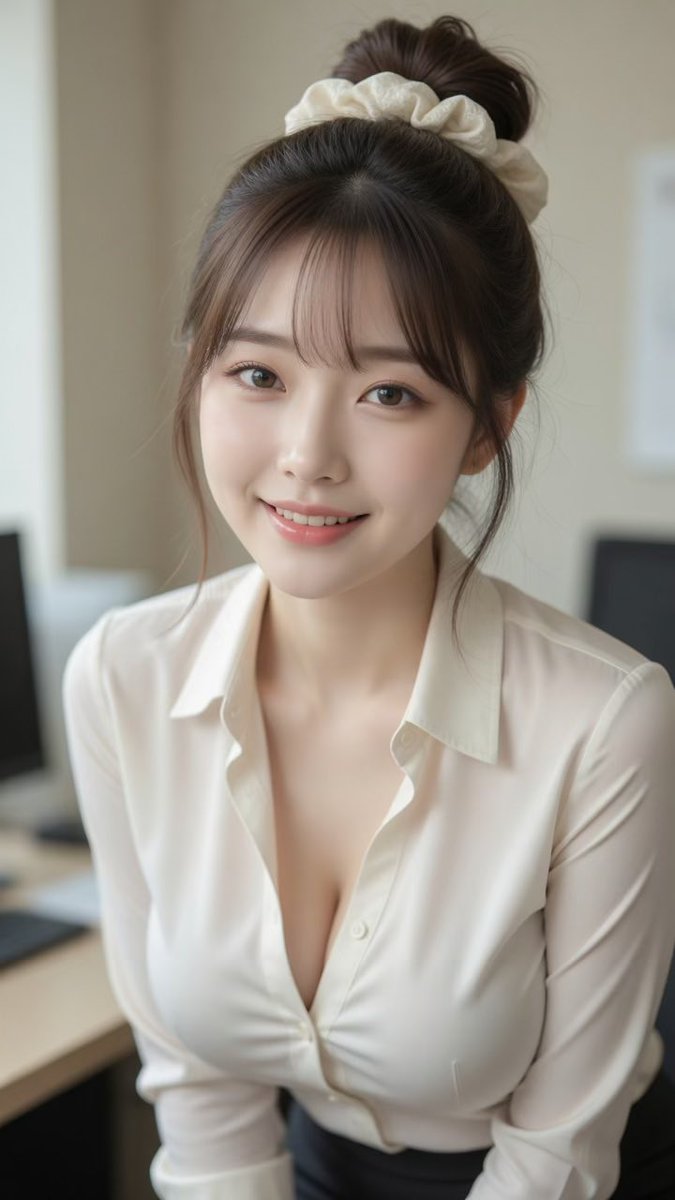 GPTI-011
A photorealistic vertical office portrait of a smiling young East Asian woman with a bun, scrunchie, and cream blouse for lifestyle or profile imagery.
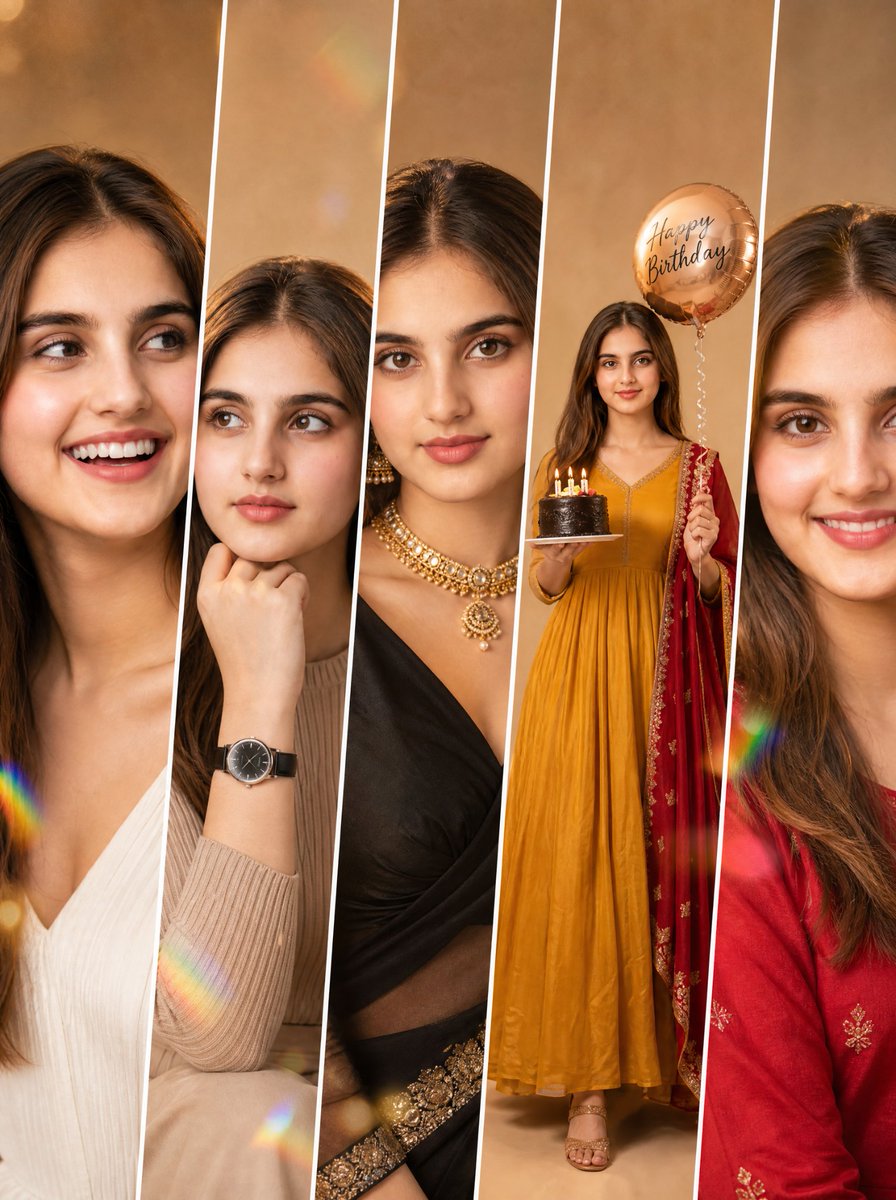 GPTI-012
Detailed prompt for a five-panel fashion collage maintaining consistent identity across different poses and outfits.
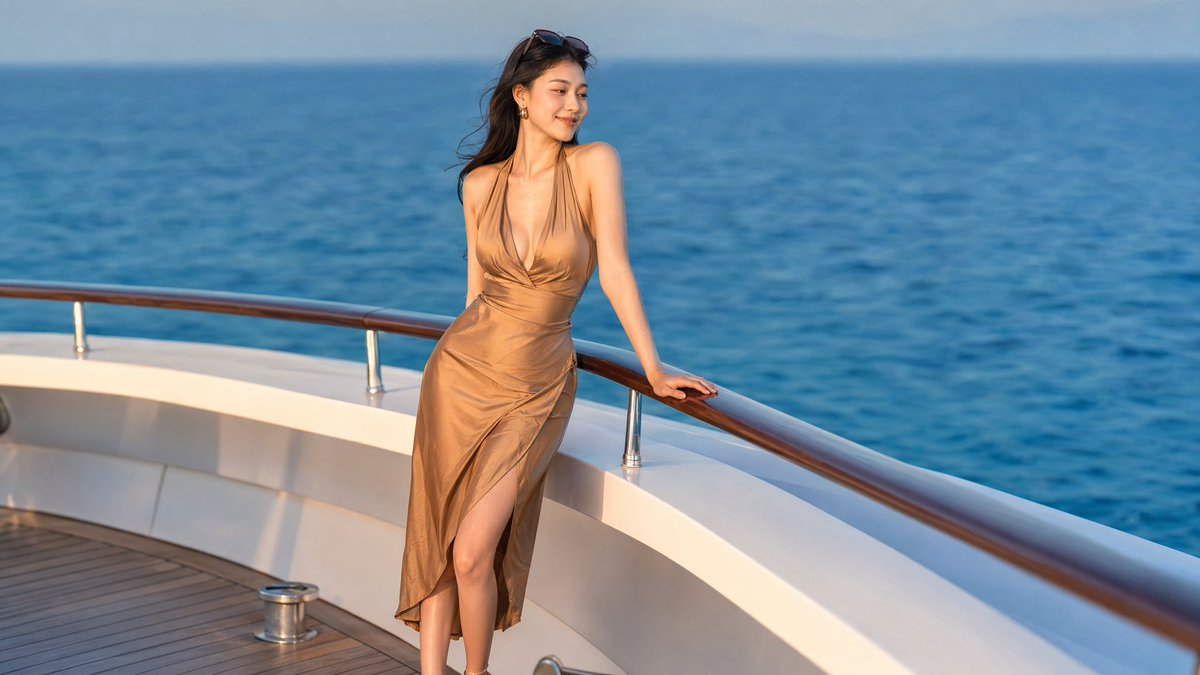 GPTI-013
A photorealistic luxury yacht portrait of an elegant woman in a satin dress, suitable for lifestyle, travel, or social media visuals.
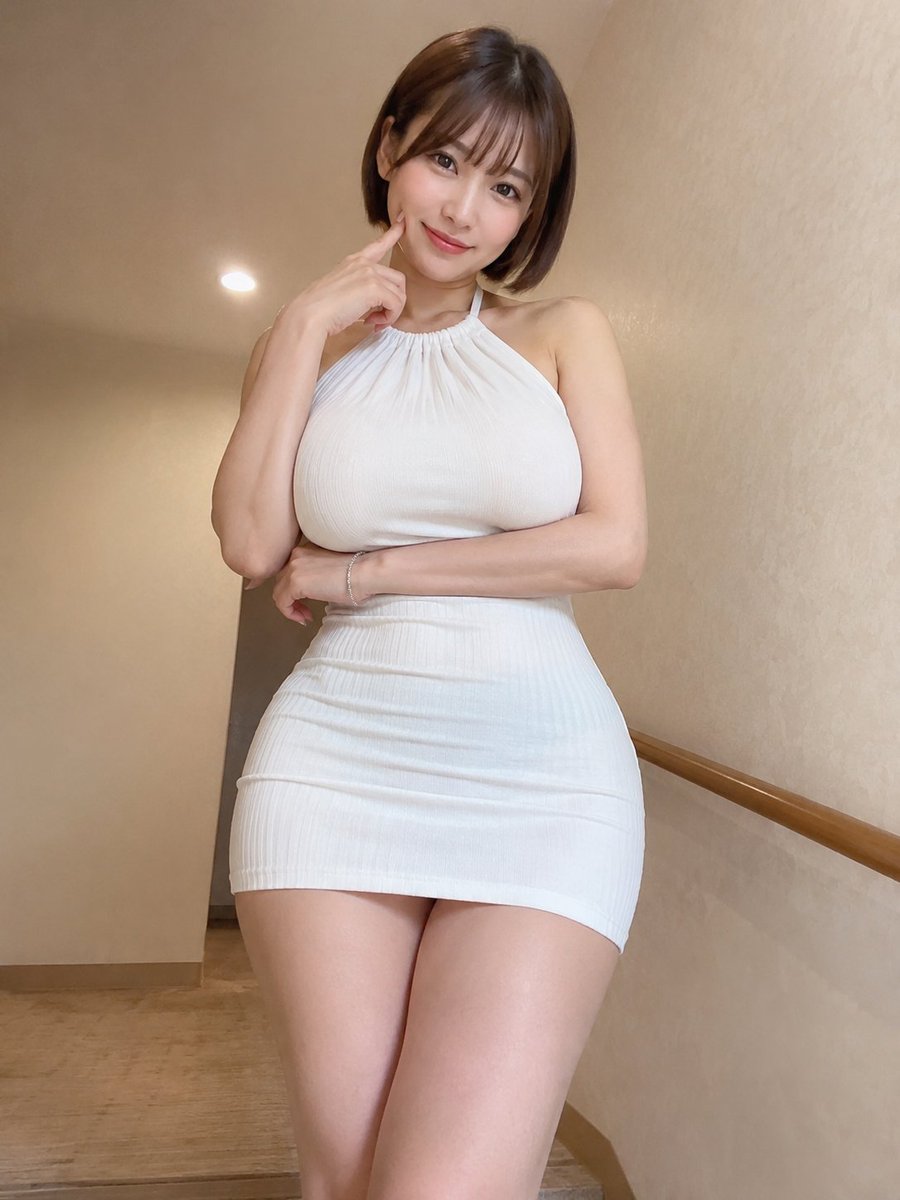 GPTI-014
A detailed prompt for creating a realistic indoor portrait of an East Asian woman with a focus on specific clothing, pose, and lighting to mimic a smartphone photo.
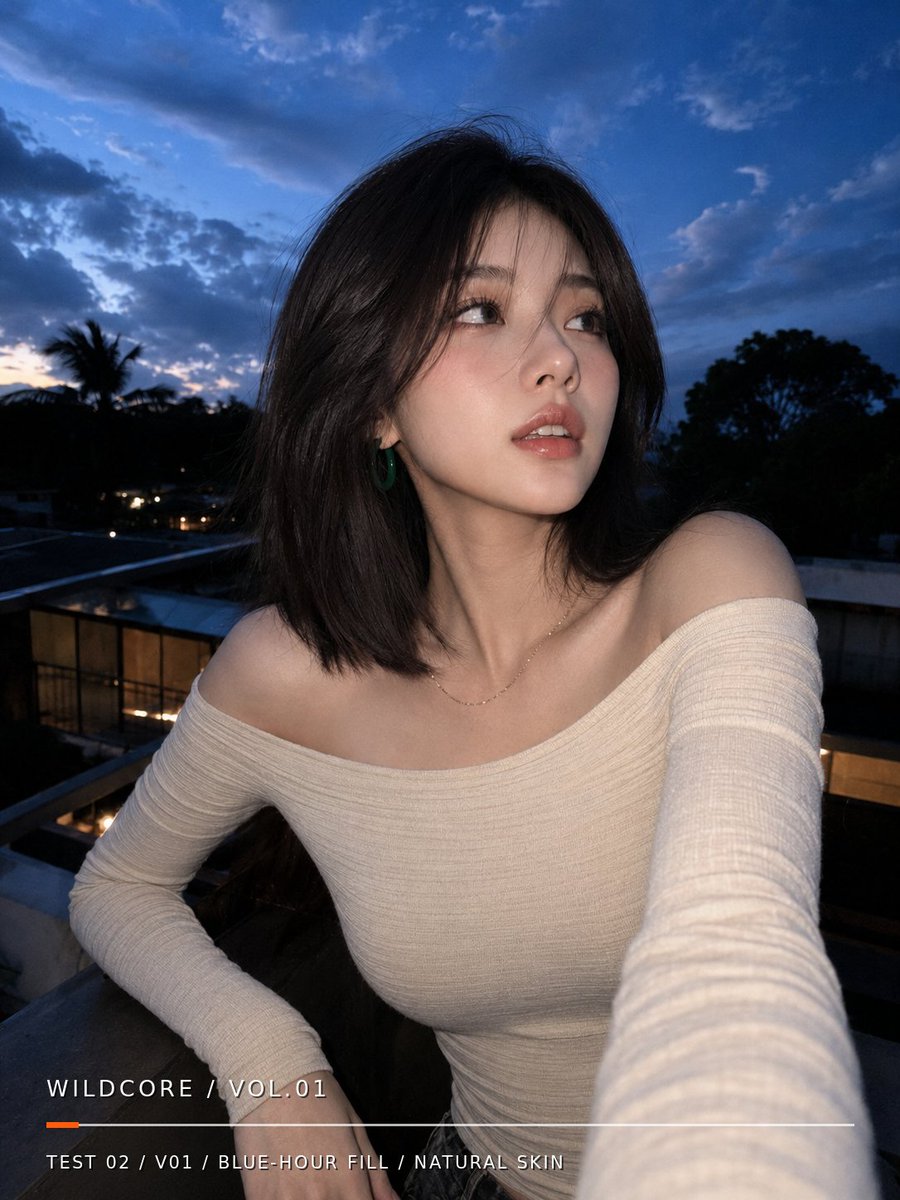 GPTI-016
Generates a realistic blue-hour balcony selfie portrait with natural skin texture and a minimalist editorial text overlay.
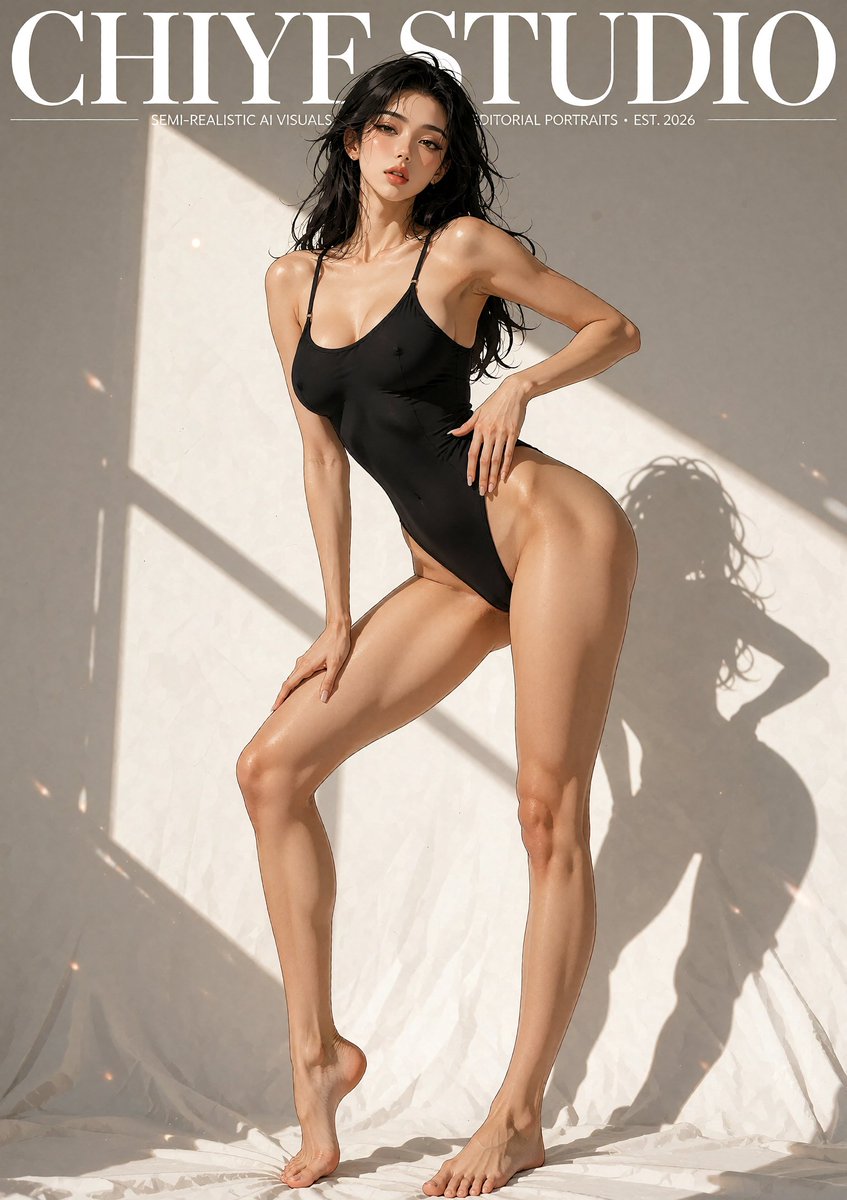 GPTI-018
A vertical editorial magazine-cover style image of a semi-realistic anime-inspired swimsuit model in dramatic studio sunlight.
Shorten the copy and regenerate with exact words only.
Reduce label count and specify empty space around text zones.
Name the main headline, secondary line, and small labels separately.
Open the GPT Image 2 generator, paste a prompt from this library, and start iterating toward a usable image.