
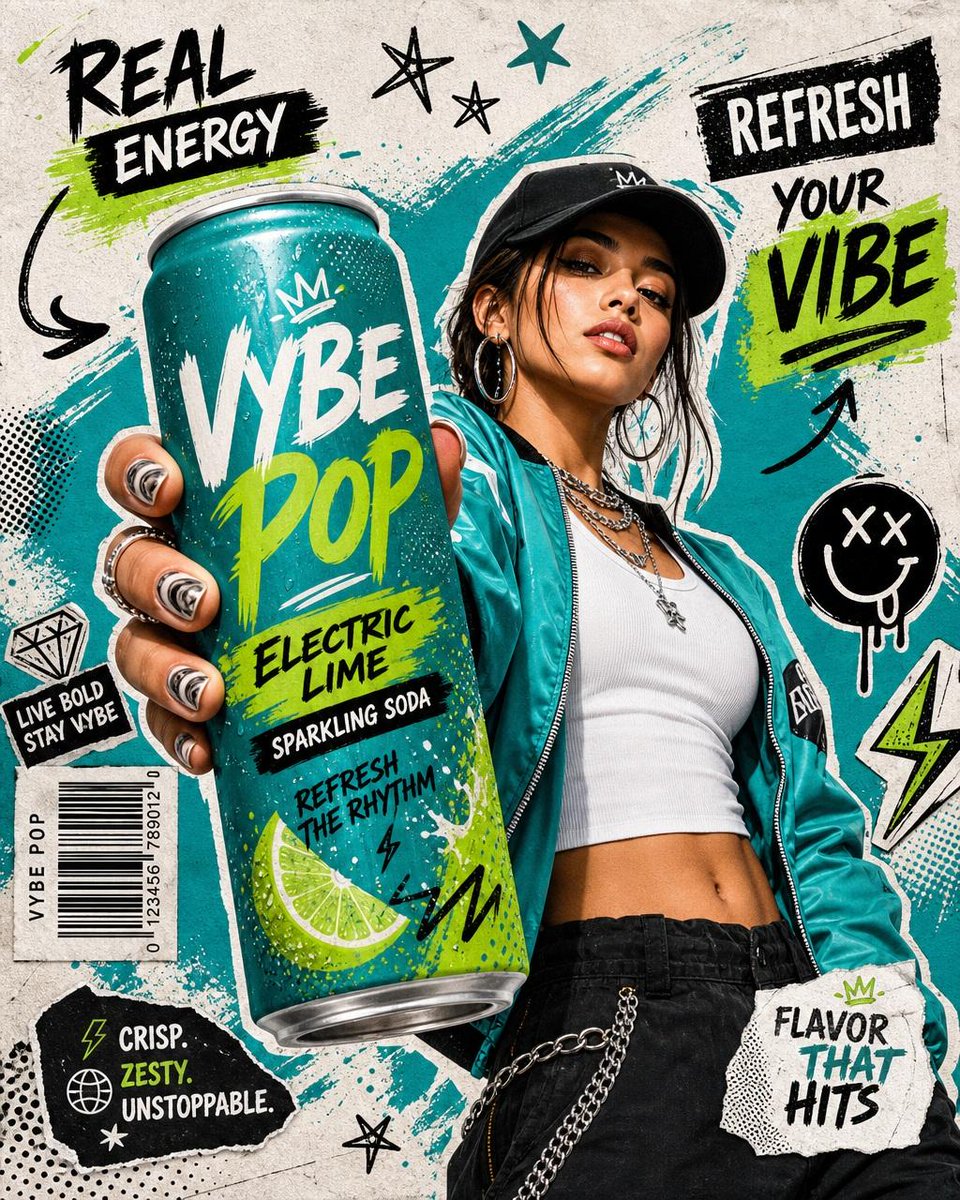
 GPTI-326
Product Marketing - Realistic Commercial Beverage Advertisement
An energetic and highly detailed commercial poster prompt for a beverage advertisement featuring a Gen-Z model and urban streetwear aesthetics.
A premium conceptual beverage campaign image showing an exhausted person being recharged by a glowing cable connected to a juice carton.
Prompt
Create a polished conceptual FMCG beverage advertisement on a vertical 4:5 canvas. Use a deep cobalt-blue studio background and matching glossy tabletop with subtle reflections, minimal Apple-level art direction, crisp commercial photography, high contrast, clean negative space. On the left-center, show one exhausted young Black man in a plain white long-sleeve shirt, seated at the table with his head down and face hidden in his folded arms, body leaning forward as if drained. On the right foreground, place one upright 1-liter carton of {argument name="beverage brand" default="Chivita Active"} orange-citrus juice with a white carton body, orange fruit splashes, citrus and grapefruit imagery near the bottom, a white screw cap on top, and vertical blue “active” branding. Add a glowing neon orange battery icon over the man’s back and forearm area, with exactly five visible battery segments inside the outline, appearing partially charged and luminous. From the battery, draw one bright orange glowing cable arc that curves upward and plugs visually into the carton cap, implying the drink is recharging him. Add headline text in the upper left reading “{argument name="headline text" default="recharge naturally."}” with “recharge” in thin white lowercase, “naturally” in bold white lowercase, and the final period in orange. Add a small bottom-center tagline/logo reading “{argument name="bottom tagline" default="active starts here."}” with “active” in bold white/blue brand styling and “starts here.” in thin white. Lighting should be premium studio lighting with soft shadows, realistic product detail, sharp focus on the carton and glowing graphic, no extra objects, no people besides the single resting man, no clutter, no watermark.Attribution
Open the GPT Image 2 generator, paste a prompt from this library, and start iterating toward a usable image.
More like this
GPTI-326An energetic and highly detailed commercial poster prompt for a beverage advertisement featuring a Gen-Z model and urban streetwear aesthetics.
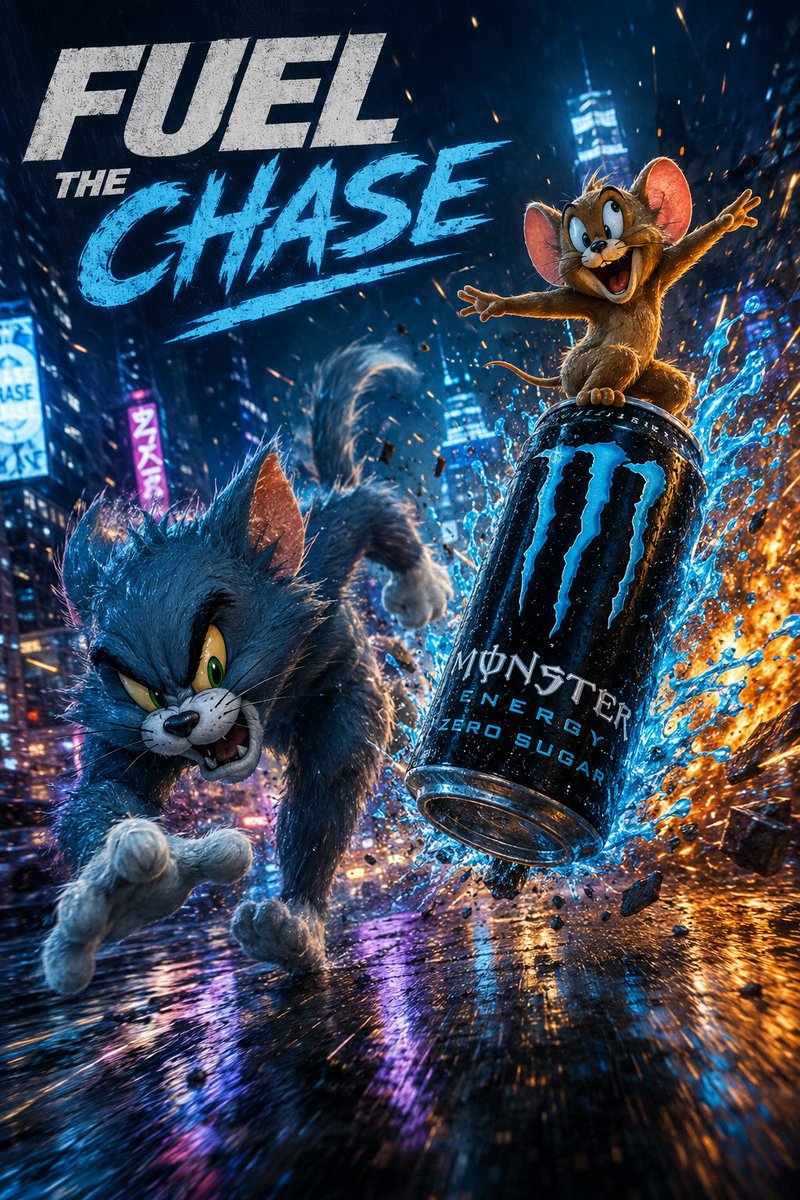 GPTI-680
A hyper-cinematic advertising poster featuring a chaotic chase through a neon city, perfect for high-energy product marketing.
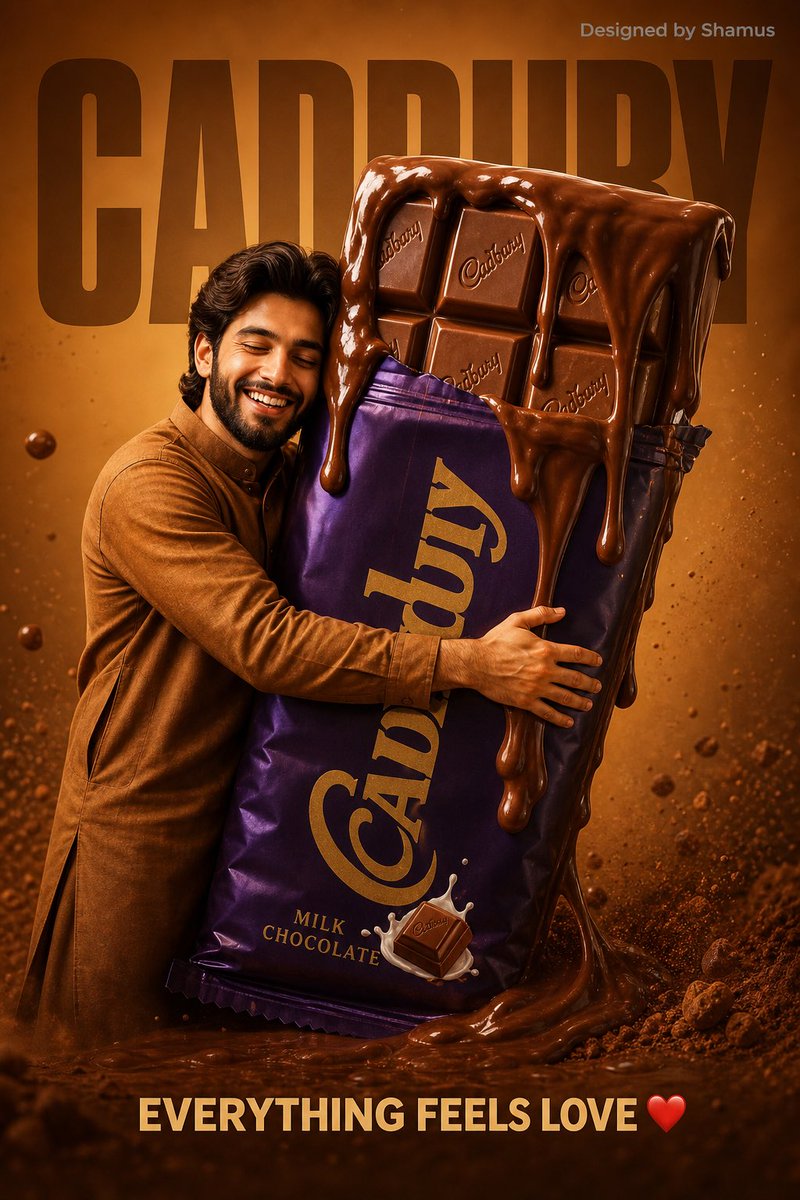 GPTI-787
A creative food advertisement prompt for a chocolate brand, featuring oversized product interactions and warm lighting.
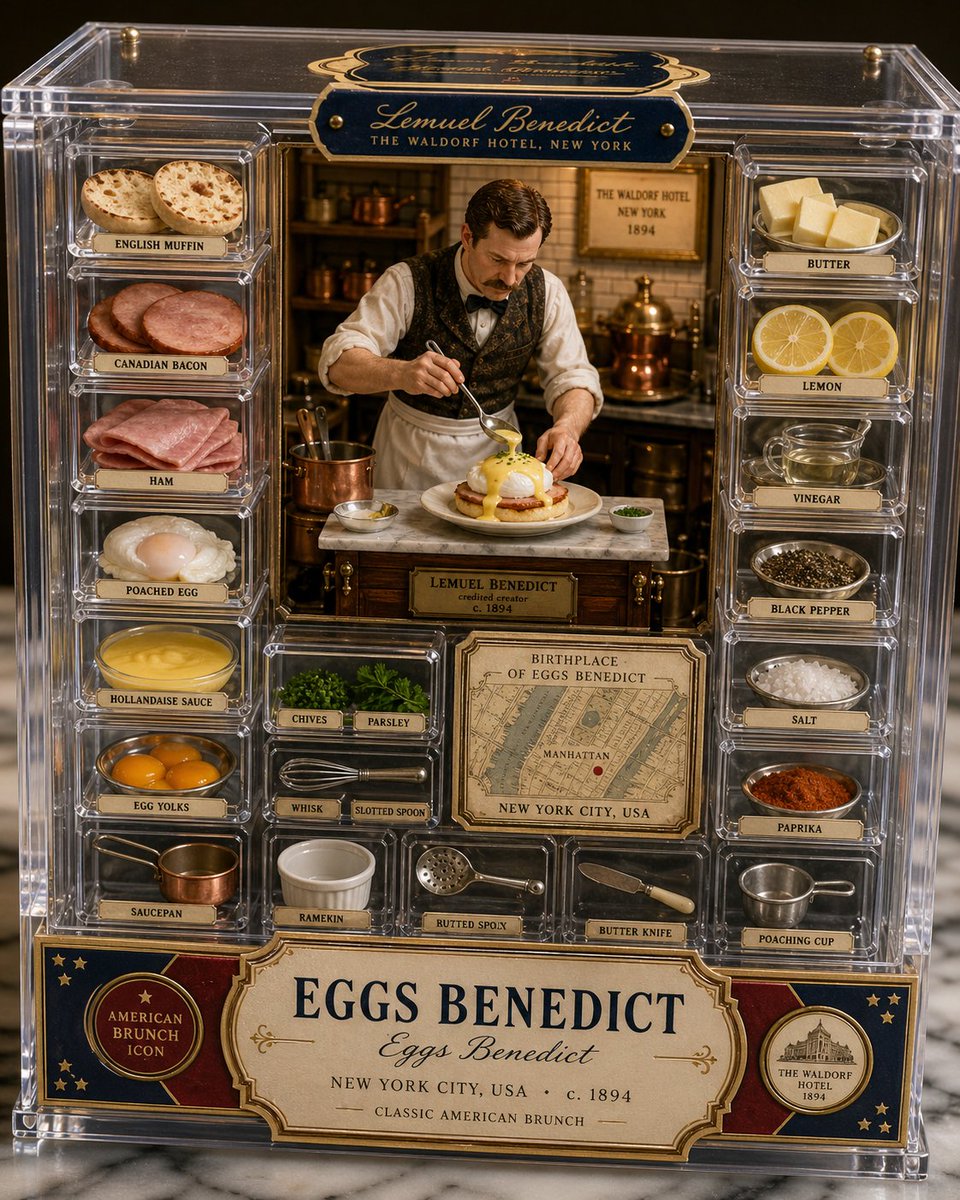 GPTI-990
This prompt generates a premium artisan food-photography image of Eggs Benedict presented as a collectible acrylic box with a miniature inventor kitchen scene, labeled ingredients, tools, and origin details.
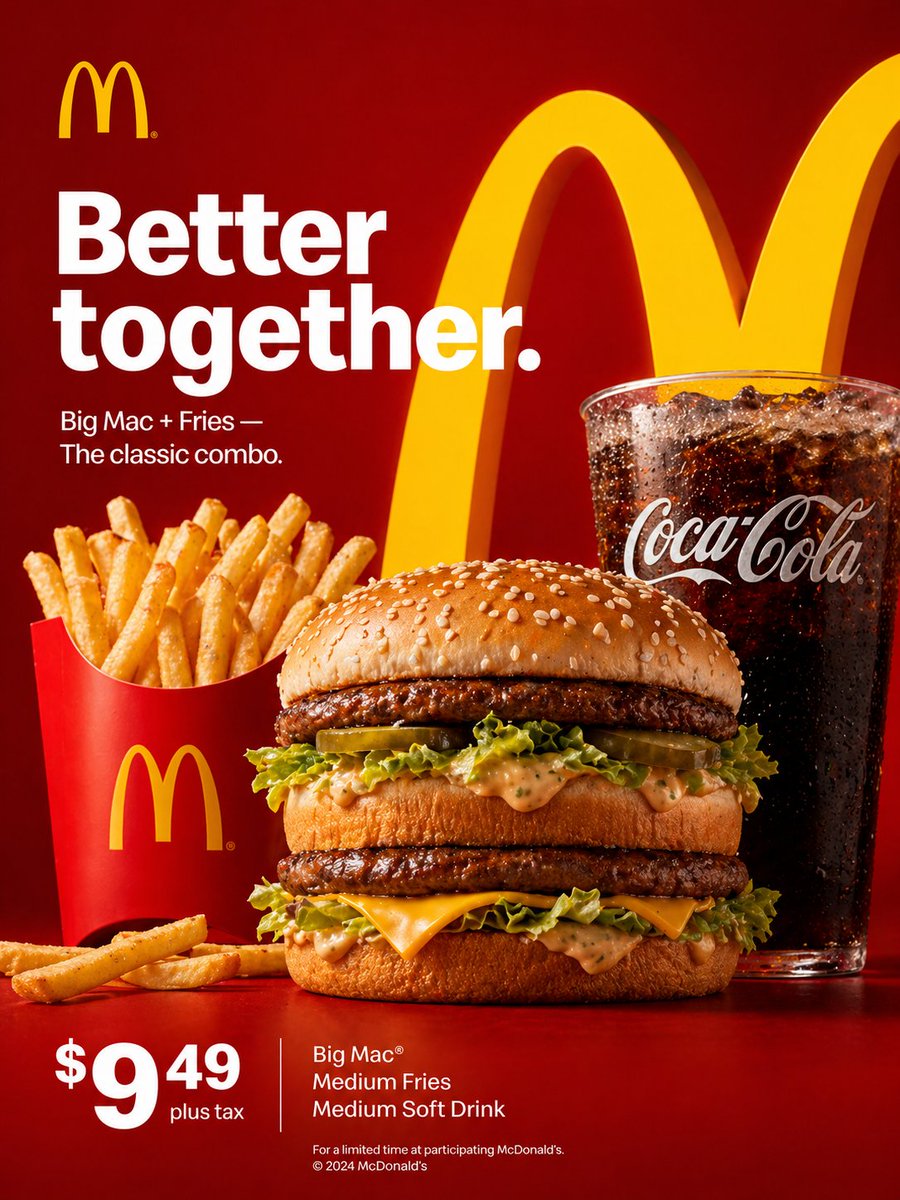 GPTI-1094
A prompt for creating a high-quality McDonald’s advertisement with realistic food imagery and brand-consistent design.
 GPTI-084
A cinematic night portrait prompt featuring a woman in a high-rise apartment overlooking city lights, wearing elegant white evening attire.