
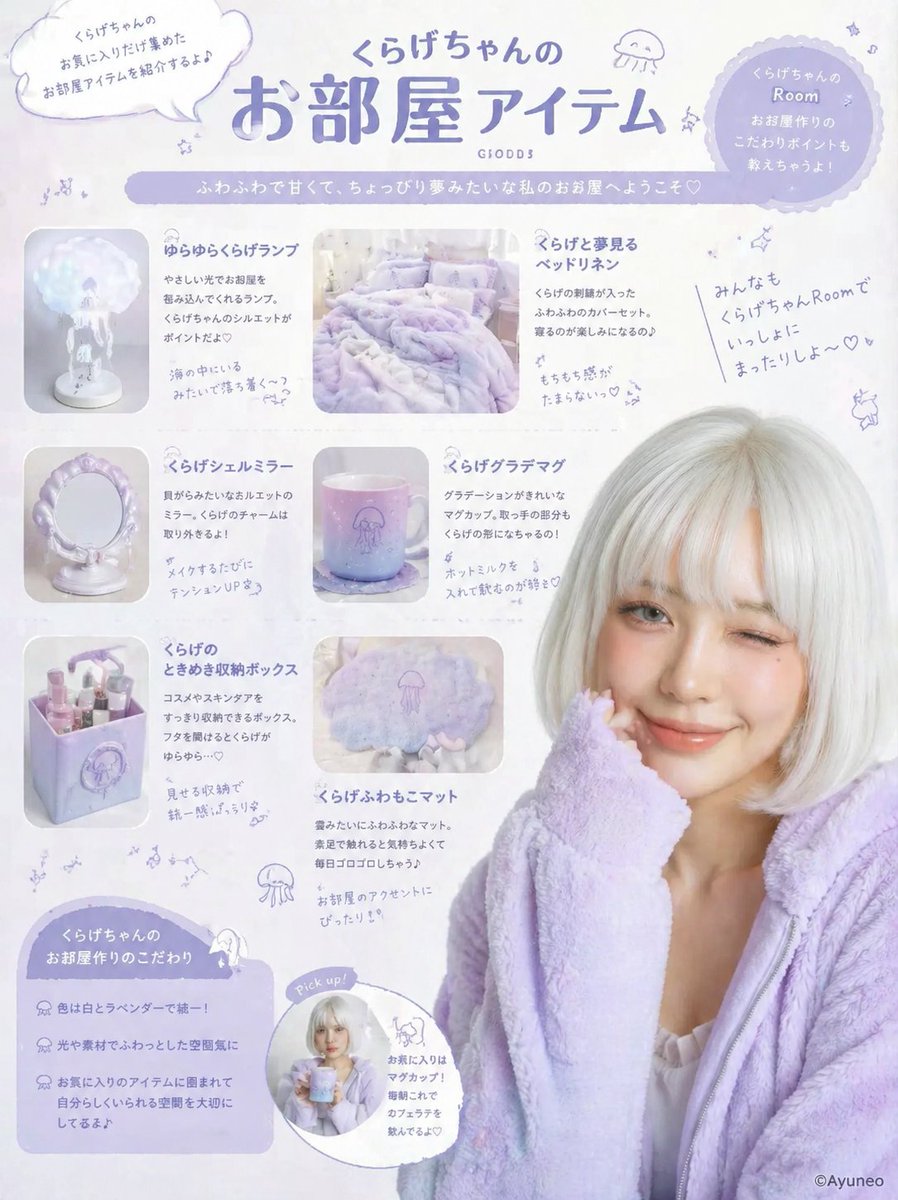
 GPTI-241
Pastel Jellyfish Room Goods Poster
{"type":"pastel lifestyle poster / character room-goods feature sheet","theme":"soft dreamy lavender jellyfish aesthetic","style":"Japanese cute editorial graphic, airy white backg...
This generates a lively signed marker-style portrait on a square shikishi board, useful for fan-art autographs, commemorative illustration posts, and personalized thank-you visuals.
Prompt
A lively hand-drawn fashion portrait in a changed illustration style, made to look like a signed fan-art sketch drawn with markers on a square white shikishi board with a thin gold border. Show a stylish young woman from about the waist up, leaning slightly forward with one elbow resting up near her face in a casual, friendly pose. Her face area is covered by a simple rectangular censor block in a muted beige tone. She has shoulder-length medium brown hair with warm highlights, soft volume, side-swept bangs, and flipped-out ends. Render the art with expressive black ink outlines, visible marker strokes, watercolor-like blending, sketchy hatching, and an energetic, vivid handmade feel. She wears a fitted dark gray ribbed long-sleeve knit top with subtle puffed shoulders, layered delicate gold necklaces, a dangling pearl earring, a beige crossbody bag strap running diagonally across her chest, and a light beige skirt or dress visible at the waist. Leave plenty of clean white background around the figure. Add 2 small sparkle doodles on the left side. Add handwritten Japanese thank-you messages and signature-style black ink writing around the portrait: at upper right write {argument name="top message" default="ありがとう!"} with an underline and a small heart, beneath it place a large stylized autograph reading {argument name="signature name" default="Yui"} with a smiling face mark and a heart, at lower left write {argument name="side message" default="いつも応援してくれてありがとう♡"}, and at lower right write the date {argument name="date" default="2024.5.20"} with another heart. The overall image should feel warm, personal, lively, and like a celebratory signed illustration on a square autograph board.Attribution
Open the GPT Image 2 generator, paste a prompt from this library, and start iterating toward a usable image.
More like this
GPTI-241{"type":"pastel lifestyle poster / character room-goods feature sheet","theme":"soft dreamy lavender jellyfish aesthetic","style":"Japanese cute editorial graphic, airy white backg...
 GPTI-375
This prompt generates a clean single-character sci-fi anime portrait suitable for concept art, profile illustrations, or simple character showcase visuals.
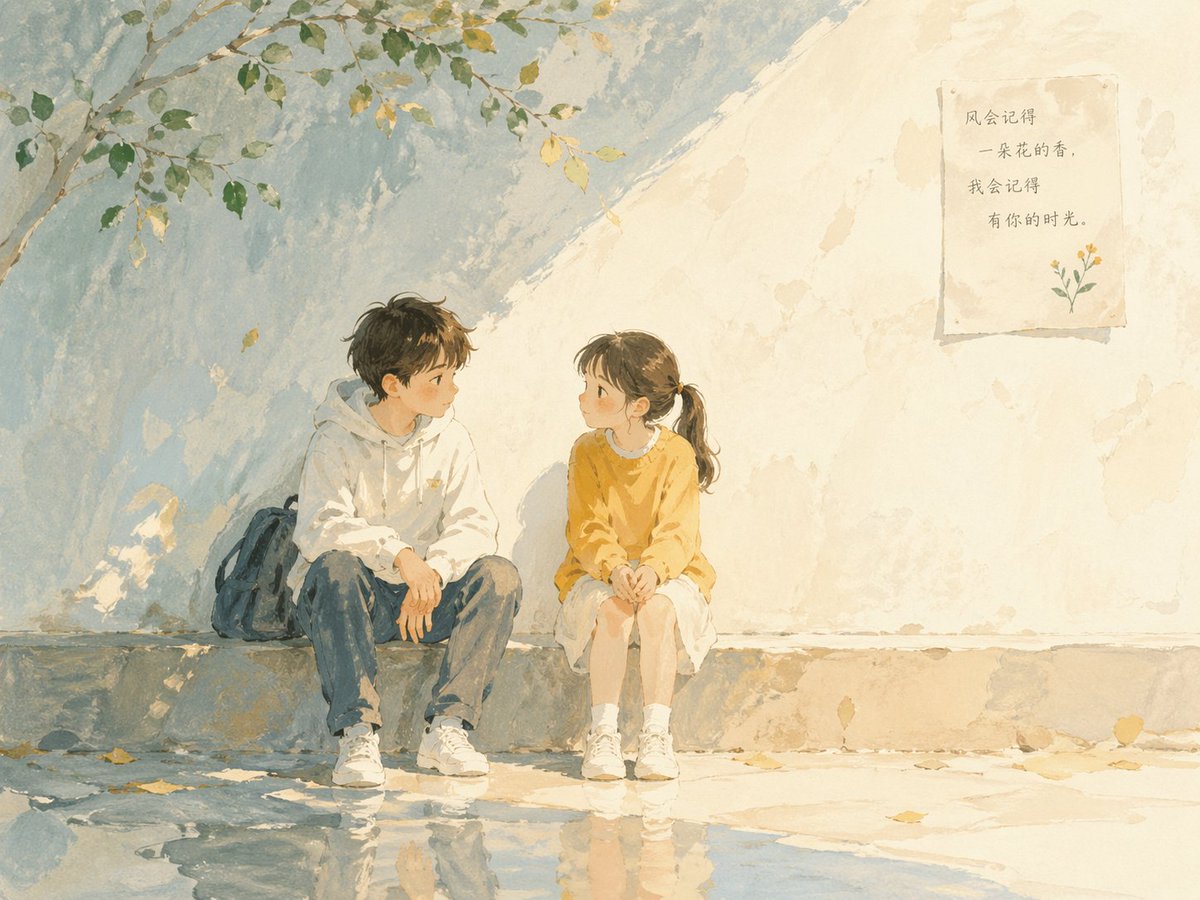 GPTI-615
Soft poetic children's book illustration with watercolor and gouache textures.Clear gentle daylight with slightly brighter highlights.Muted pastel colors with soft blue and warm to...
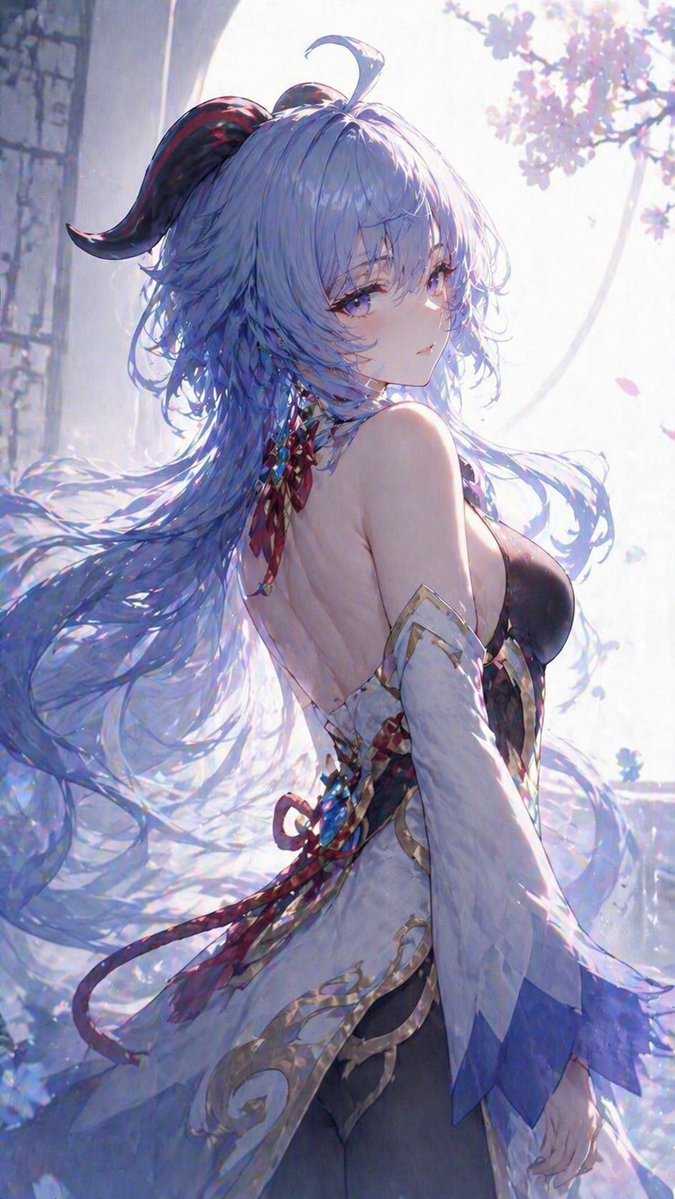 GPTI-003
This prompt generates a soft, luminous anime-style fantasy character portrait, ideal for creating elegant vertical key art or character illustrations with flowing hair and a dreamy spring atmosphere.
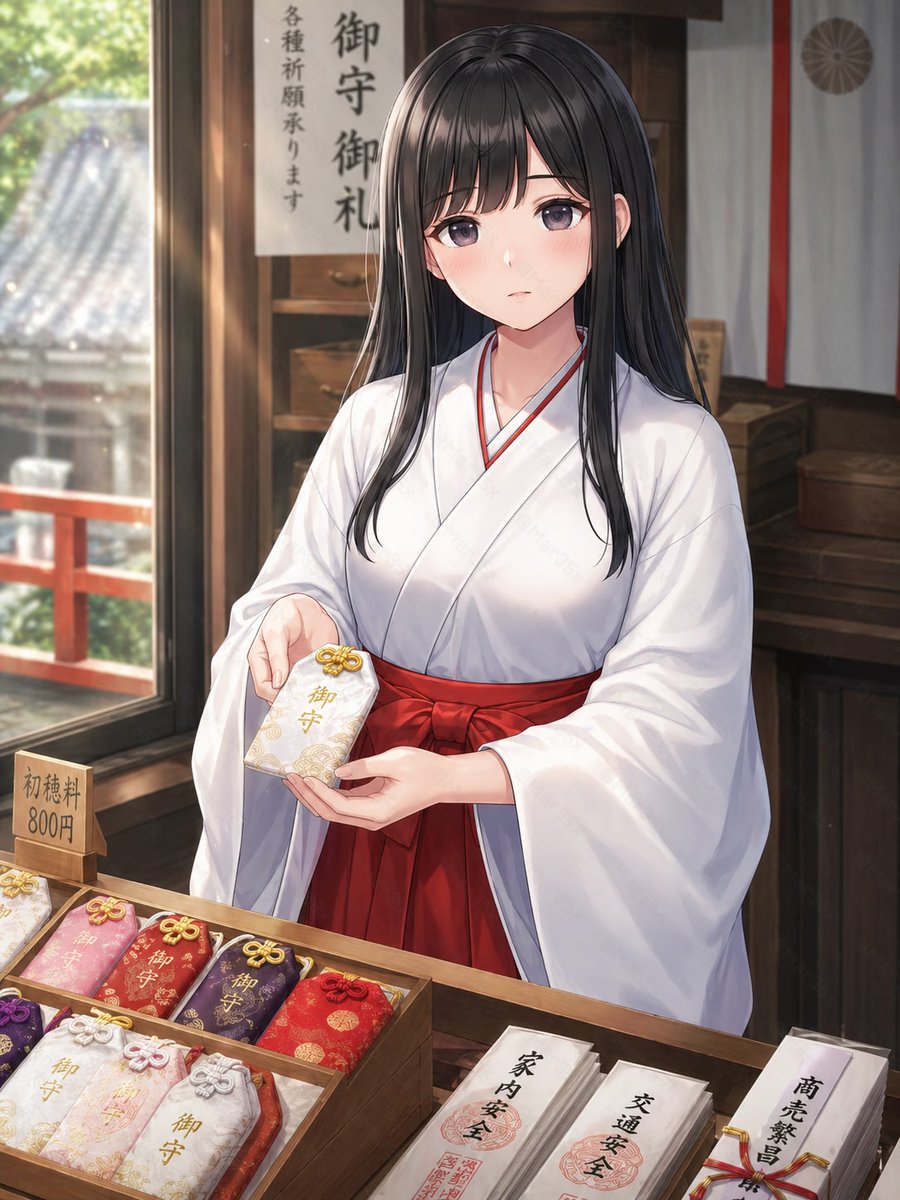 GPTI-009
This prompt generates a clean anime-style shrine scene featuring a miko presenting an omamori at a shrine counter, ideal for character art with culturally detailed background props.
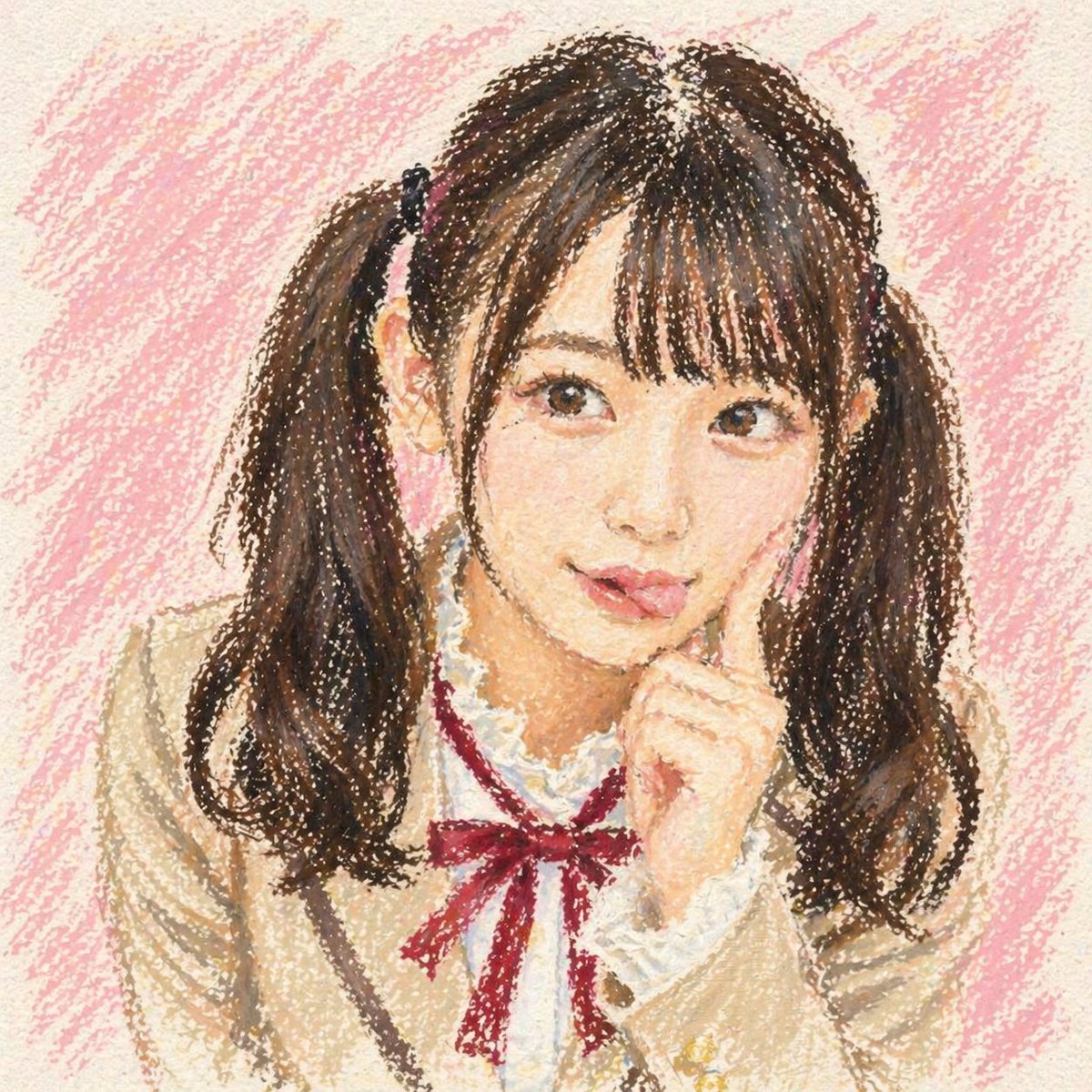 GPTI-012
This prompt generates a nostalgic, adorable anime schoolgirl bust portrait in an oil pastel crayon style, useful for creating soft handmade character art with a playful censored-face composition.