
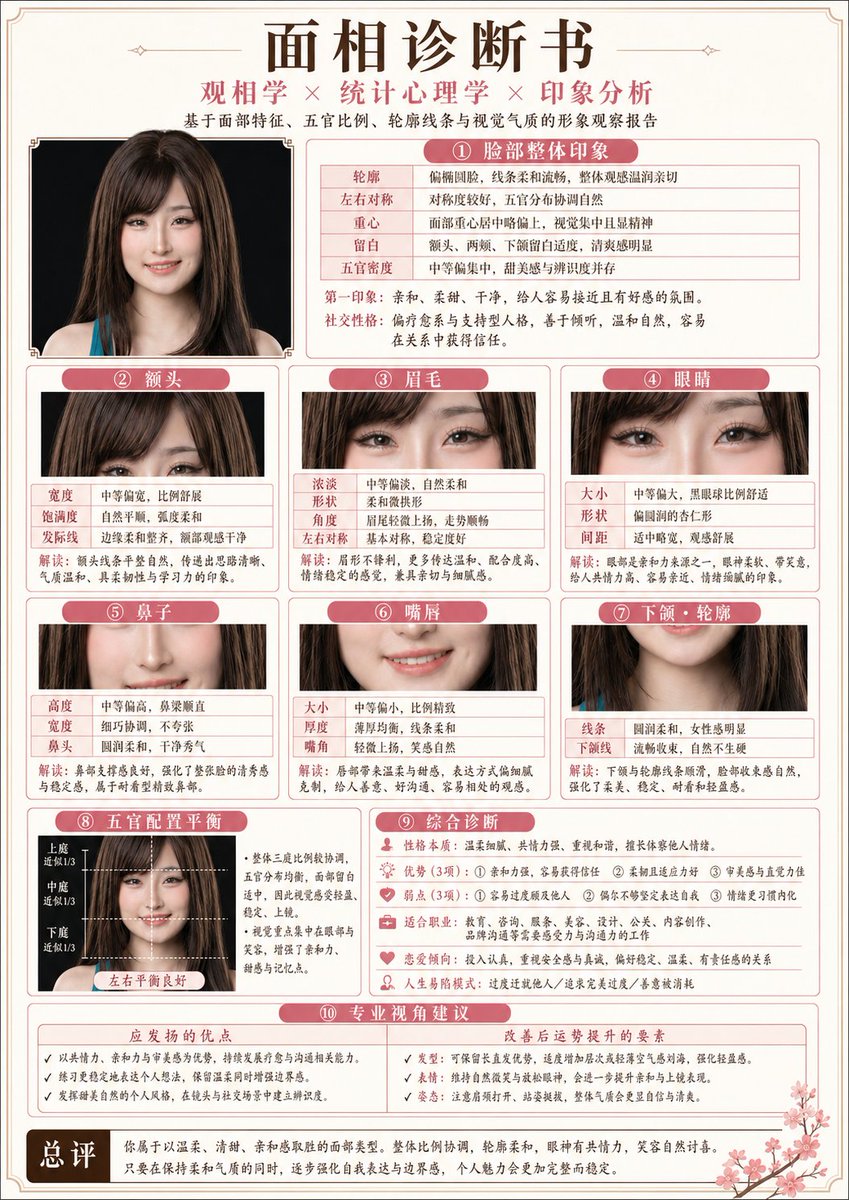
 GPTI-033
Infographic / Edu Visual - Japanese-Style Facial Analysis Diagnostic Poster
A complex structured prompt for generating a professional medical-style report poster that analyzes facial features based on physiognomy and psychology.
This prompt generates a realistic comparison screenshot showing a messy reference slide cleaned up into a faithful PowerPoint reconstruction, useful for slide-to-PPT conversion demos.
Prompt
Using the provided reference image of the PowerPoint slide screenshot, recreate it as a clean, polished slide conversion result inside a side-by-side desktop comparison. Keep the same Japanese slide topic and overall layout, but remove the dense selection handles, edit boxes, and malformed vector artifacts from the reference so the slide appears properly reconstructed. Show 2 panels: on the left, a dark image viewer window displaying the exported slide image; on the right, the same slide opened in PowerPoint editing view. Preserve the original monochrome infographic style and Japanese text structure, but make the typography legible and the icons, dividers, and columns cleanly aligned. Keep the slide as a single-page infographic with 5 main content areas: 1 top title/header row, 3 mid-page comparison columns, 1 bottom use-case row containing 5 icon-labeled items. Include a footer line and the OpenAI logo at bottom right. Emphasize that this is a faithful PPT reconstruction from the uploaded image, with a realistic Windows desktop app screenshot look.
Attribution
Open the GPT Image 2 generator, paste a prompt from this library, and start iterating toward a usable image.
More like this
GPTI-033A complex structured prompt for generating a professional medical-style report poster that analyzes facial features based on physiognomy and psychology.
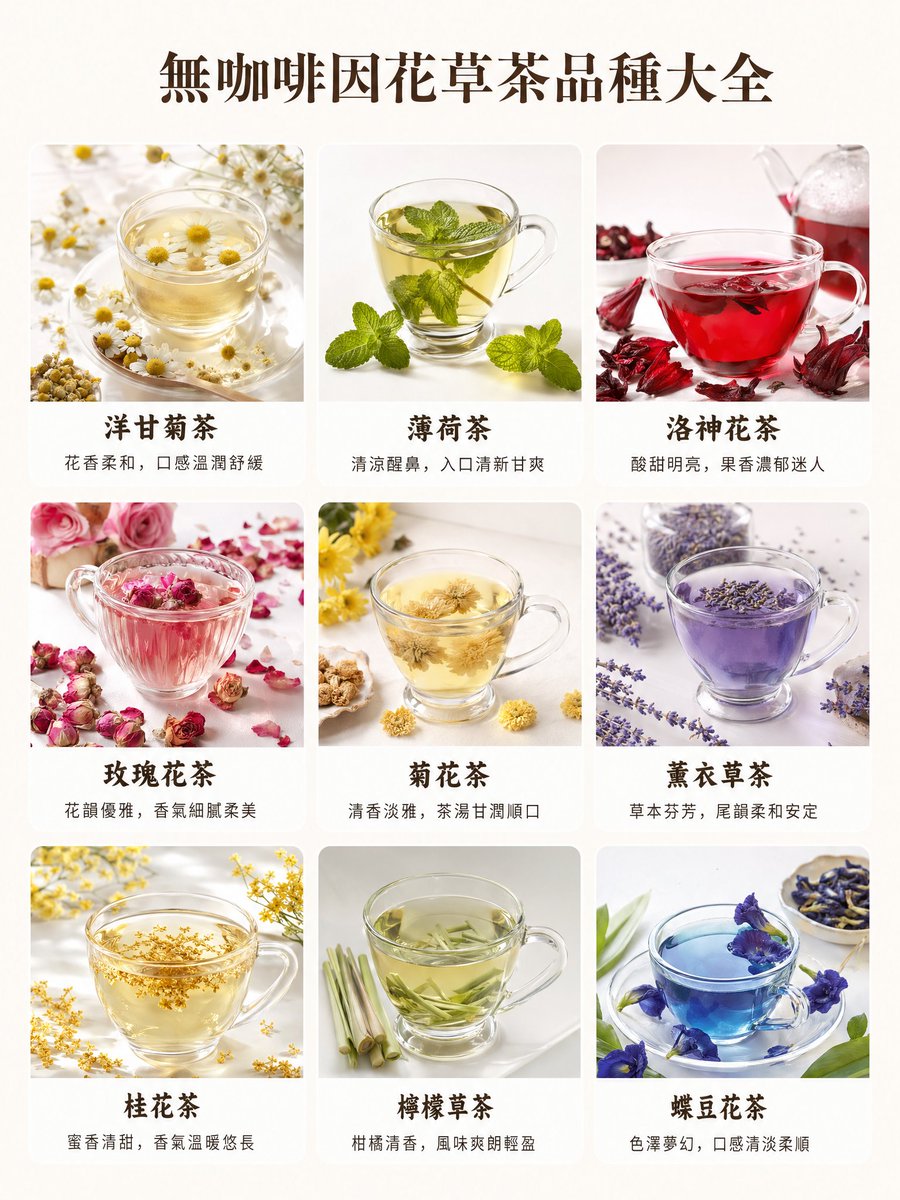 GPTI-112
A polished Traditional Chinese infographic poster showing nine caffeine-free herbal teas in a premium grid layout, ideal for wellness content, educational posts, or beverage menu visuals.
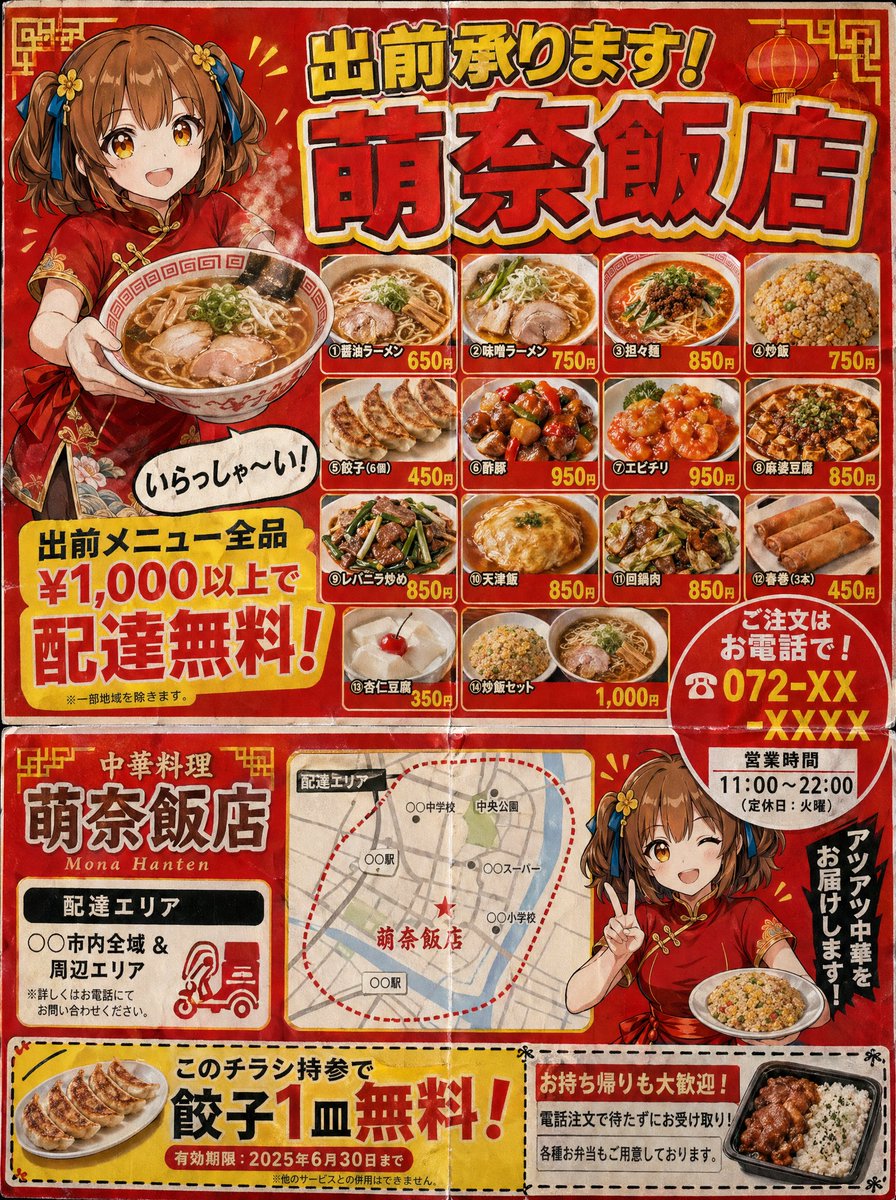 GPTI-240
A Japanese neighborhood Chinese restaurant delivery flyer for mailbox posting (3:4 aspect ratio). Designed to look like a double-sided B5 print. Flyer characteristics (following th...
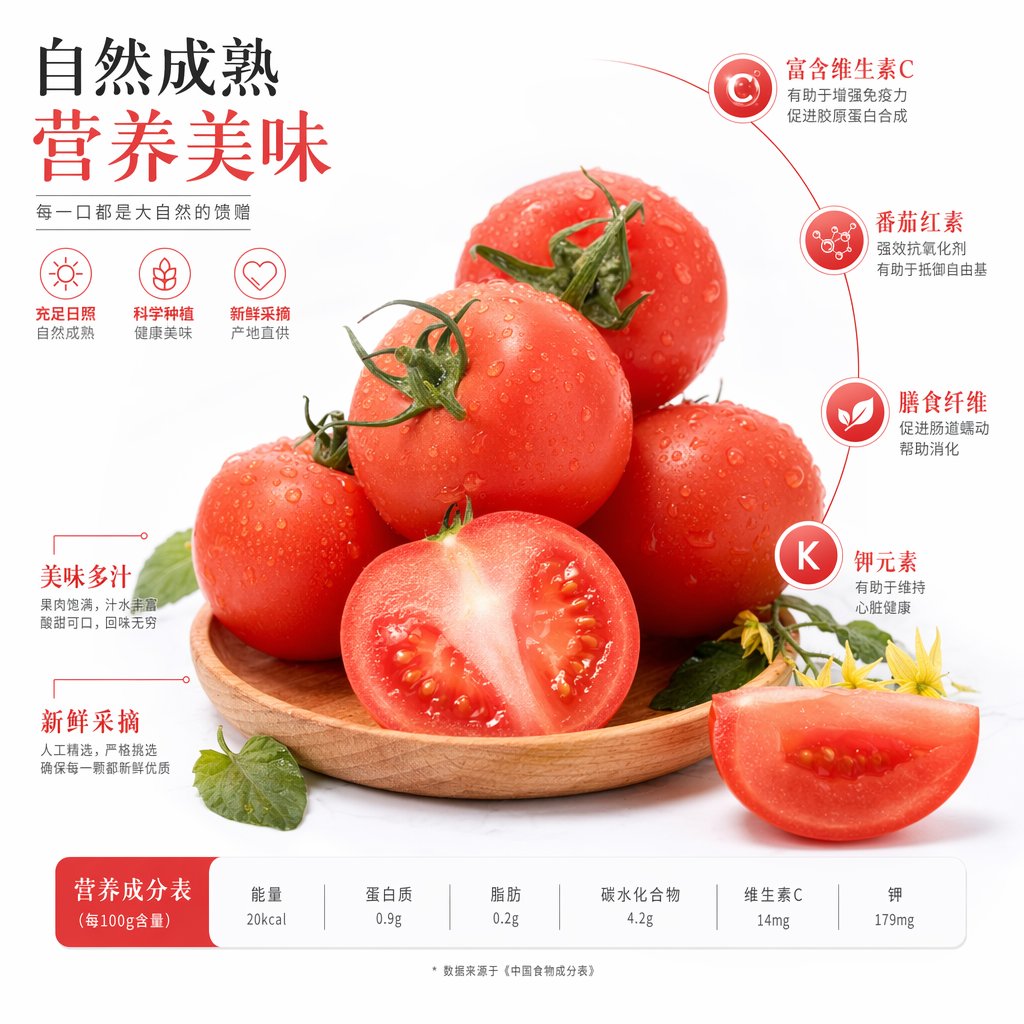 GPTI-294
A polished Chinese produce advertisement showing fresh tomatoes with nutritional callouts and a bottom nutrition table, ideal for grocery, packaging, or food marketing visuals.
 GPTI-406
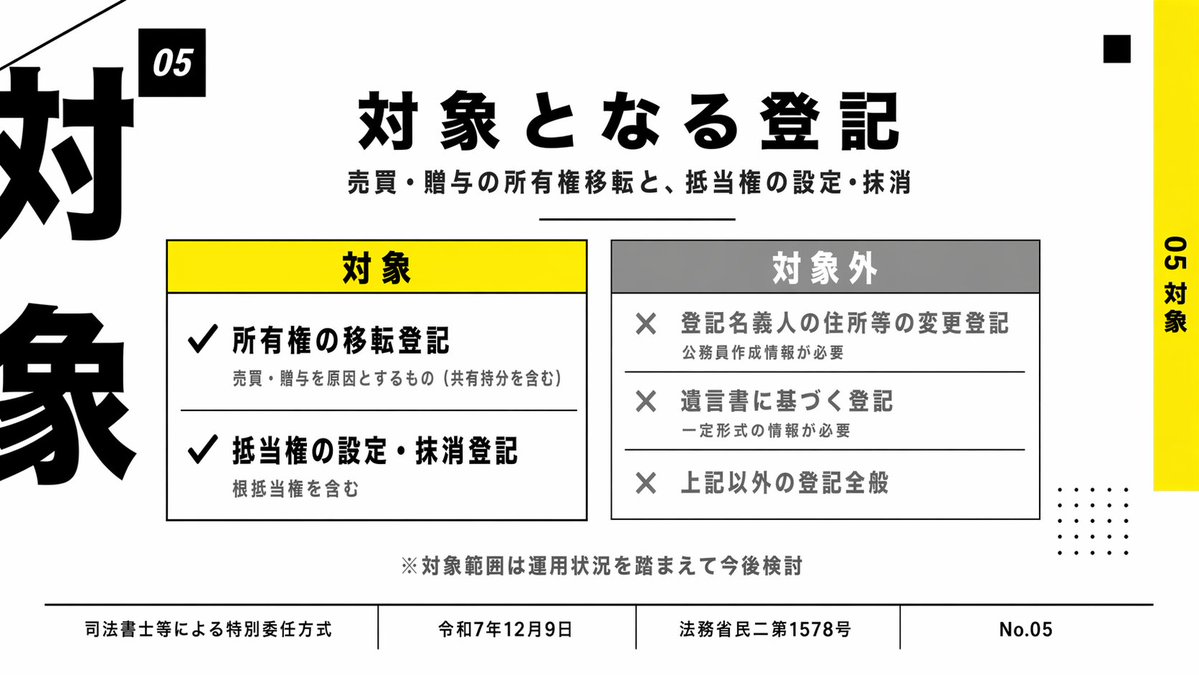
A clean Japanese presentation slide showing included and excluded registration categories, suitable for business decks, policy summaries, and legal explainer presentations.
 GPTI-419
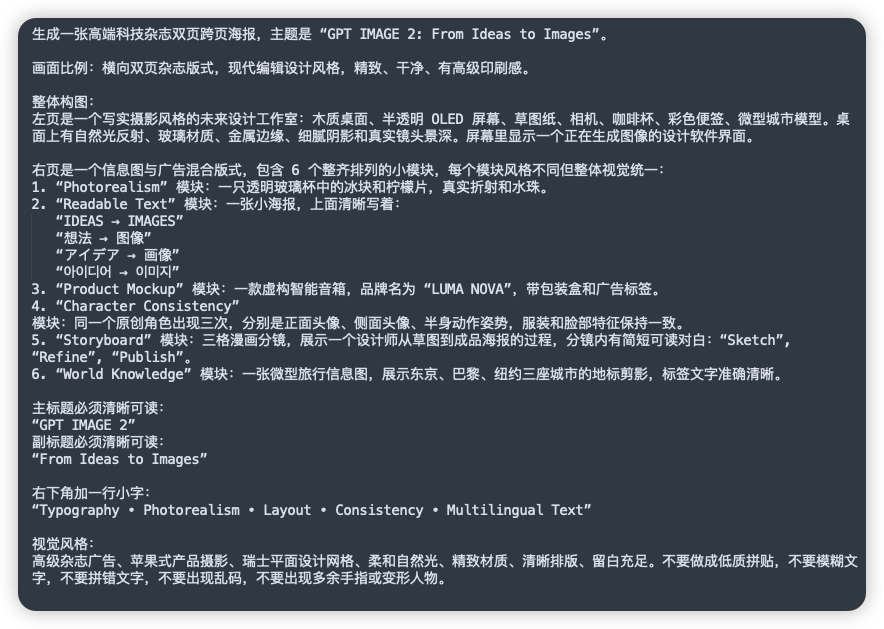
This generates a clean dark UI-style screenshot of a detailed Chinese prompt document, useful for social posts or demos about complex image-generation instructions.