
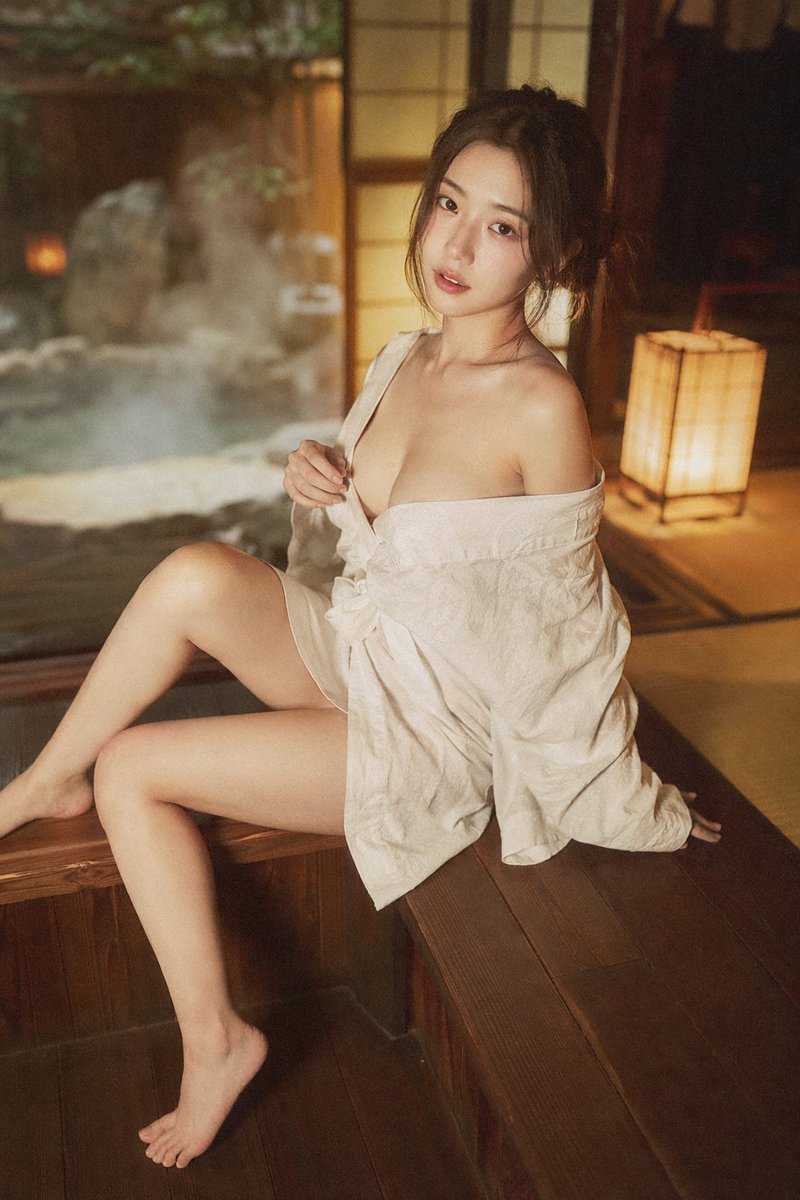
 GPTI-492
Japanese Onsen Ryokan Portrait
35mm film photography, warm vintage Japanese onsen ryokan aesthetic, soft ambient wooden lantern lighting mixed with gentle natural window light, subtle film grain, gentle color sh...
This prompt generates a surreal medium-format portrait of a woman in a vivid red shirt standing in a lush garden transformed into magenta and purple false-color film tones, ideal for cinematic editorial or experimental photography.
Prompt
A surreal medium-format portrait of a woman standing on a narrow garden path surrounded by extremely dense foliage, photographed in a dreamlike false-color film look. She wears a plain bright saturated {argument name="shirt color" default="red"} crew-neck T-shirt and dark black fitted pants, with shoulder-length dark hair that is slightly tousled and parted off-center. Her pose is relaxed and natural, arms hanging loosely at her sides, body facing the camera with a subtle turn, framed from about mid-thigh upward. The setting is an overgrown botanical garden packed with ferns, ivy, shrubs, and flowering plants on both sides of the path; all vegetation is dramatically color-shifted from green into vivid magenta, lavender, pink, and deep purple, creating an unnatural LomoChrome Purple XR aesthetic. Keep the subject's shirt intensely saturated and realistic against the transformed environment for strong visual contrast. Use soft overcast daylight, shallow to moderate depth of field, and medium format rendering with a {argument name="camera" default="Mamiya RB67"} feel, shot with a {argument name="lens" default="90mm lens"} at {argument name="aperture" default="f/5.6"}. Include organic film grain, slight edge halation, gentle vignette, soft bloom in highlights, and subtle vintage film border edges. Composition should be vertical in a {argument name="aspect ratio" default="6:7"} frame, with the subject centered slightly left of the path, foreground and background foliage softly blurred while remaining lush and detailed, producing an eerie, romantic, otherworldly portrait.Attribution
Open the GPT Image 2 generator, paste a prompt from this library, and start iterating toward a usable image.
More like this
GPTI-49235mm film photography, warm vintage Japanese onsen ryokan aesthetic, soft ambient wooden lantern lighting mixed with gentle natural window light, subtle film grain, gentle color sh...
 GPTI-070
Photorealistic high-quality studio photo of a modern digital art workspace, showing the concept of “from 3D virtual character to real collectible figure.” In the foreground, a high...
 GPTI-087
A cozy, hyper-detailed digital illustration prompt of a girl working in a professional workspace with a social media interface theme.
 GPTI-093
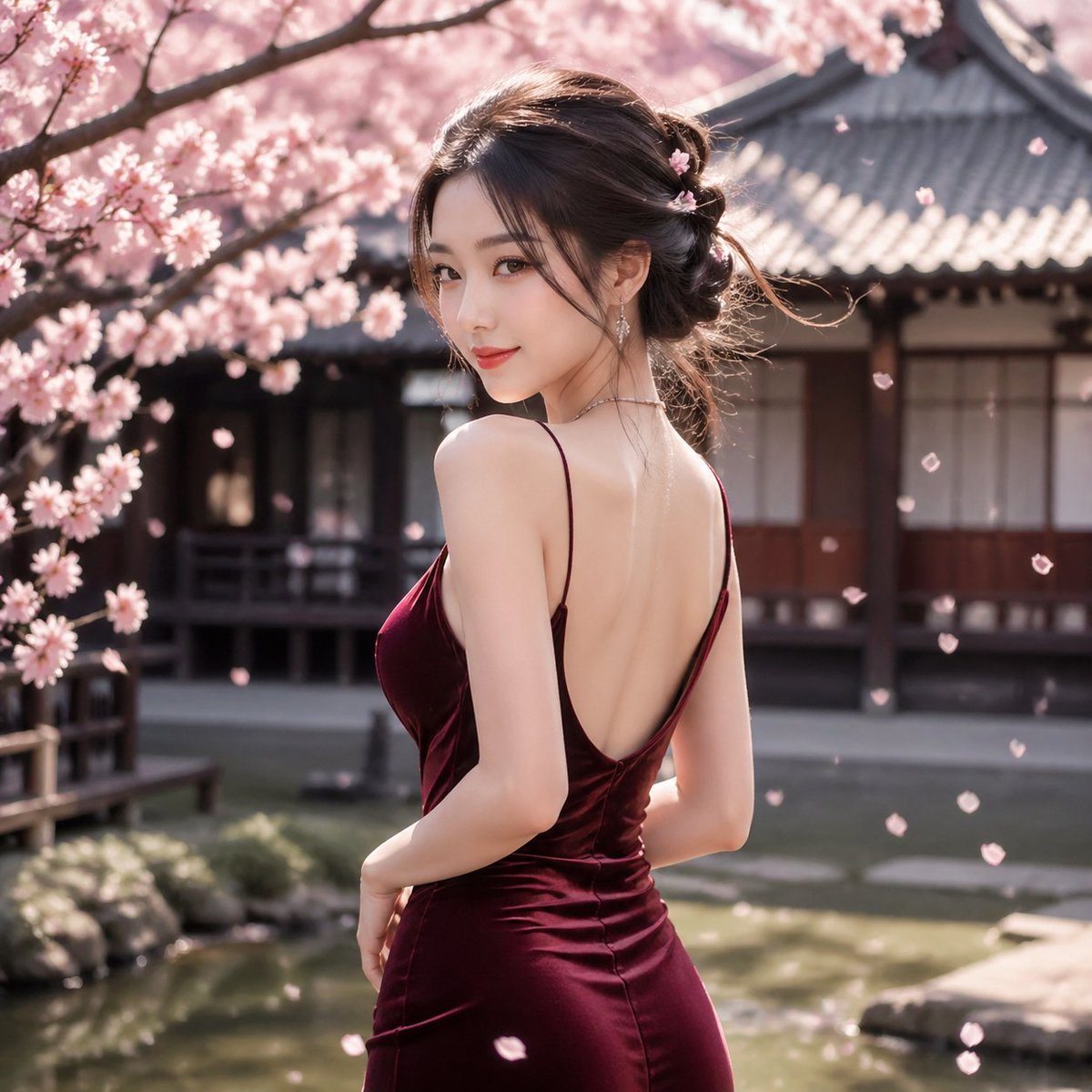
This prompt generates a photorealistic fashion portrait of a woman in a backless satin dress standing in a Japanese cherry blossom courtyard, ideal for elegant spring-themed editorial imagery.
 GPTI-339
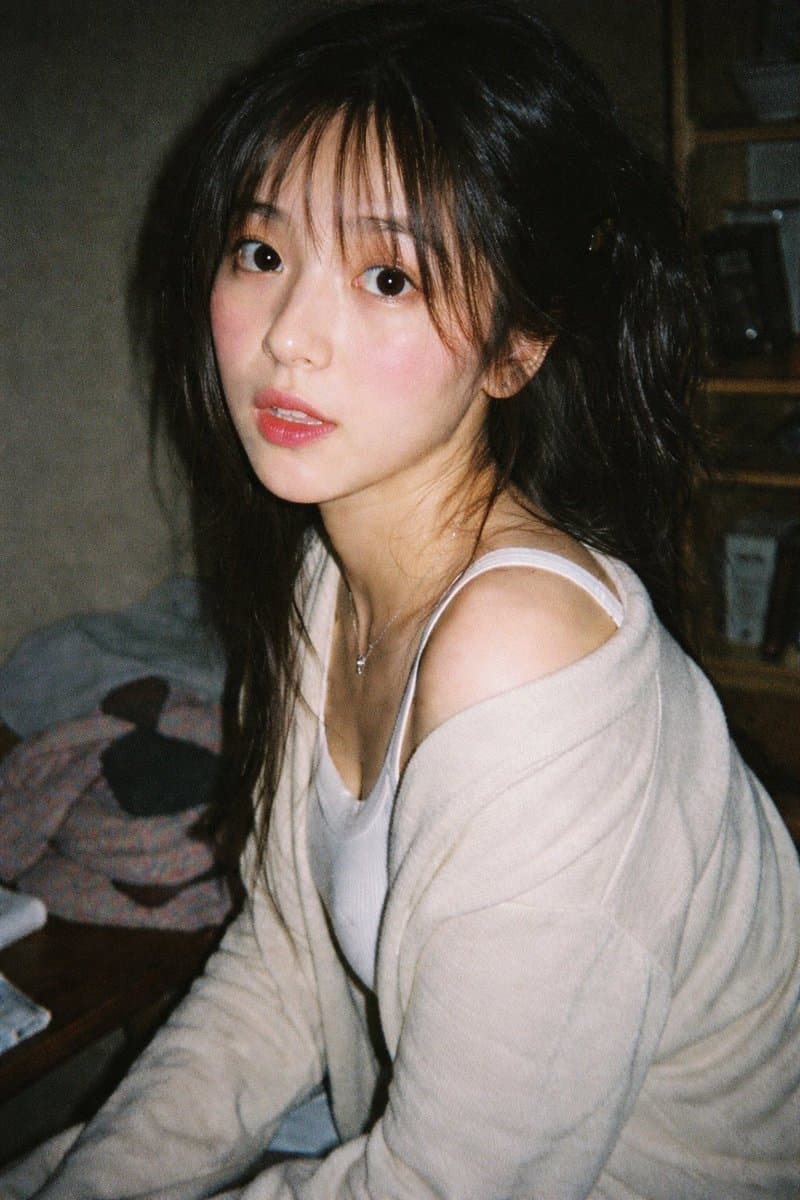
Generates a highly realistic, candid portrait with a vintage film aesthetic and direct flash lighting.
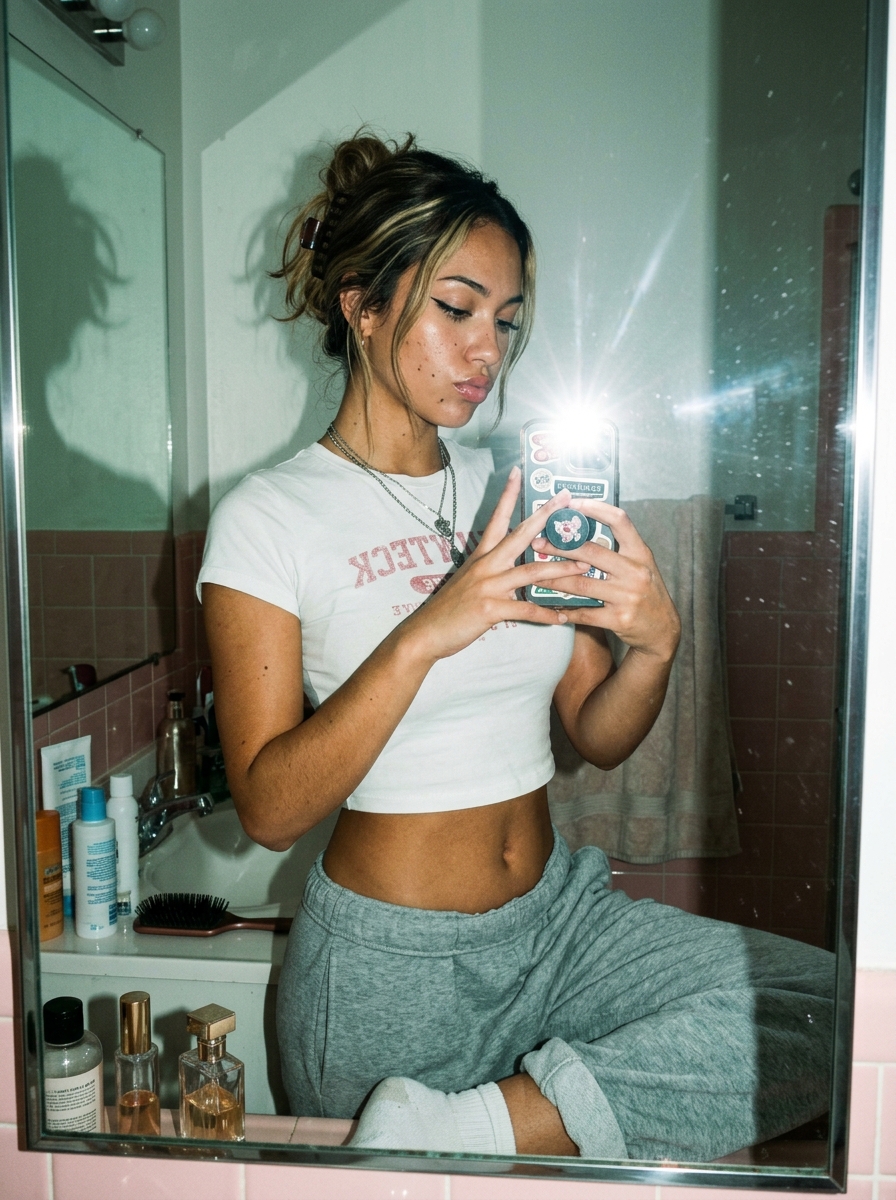 GPTI-382
A realistic fashion-lifestyle mirror selfie prompt for generating candid disposable-camera style portraits in a small vintage bathroom.