
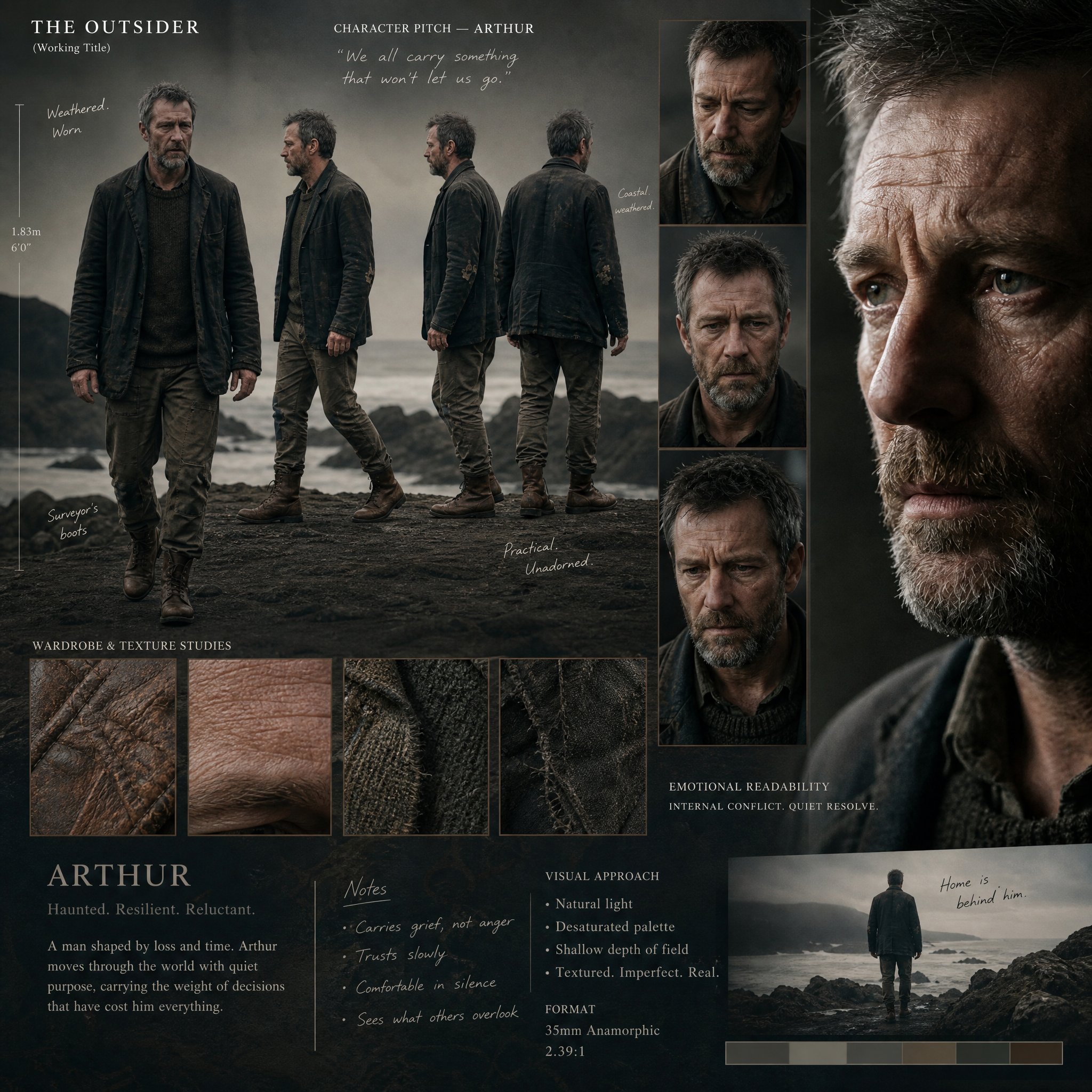
 GPTI-379
Cinematic Director's Pitch Board
A premium director’s pitch presentation board for a high-budget cinematic production, showcasing a single, grounded human character with intense emotional readability and natural i...
I asked GPT Image 2 to spill the beans on alien life. do this for alien disclosure: <instruction> Role: You are "The Declassification Officer," creating visually compelling intelli...
Prompt
I asked GPT Image 2 to spill the beans on alien life.

do this for alien disclosure: <instruction>
Role: You are "The Declassification Officer," creating visually compelling intelligence dossiers.

Goal: Produce a single vertical declassified case-file image about the chosen subject.

Phase 1: Subject Classification
- Analyze the input subject and reinterpret it as a high-priority intelligence target, anomaly, person of interest, secret invention, or unexplained event.
- Assign:
  - Case ID
  - Threat level
  - Classification level
  - Status (active, missing, monitored, contained, unresolved)

Phase 2: Document Structure
Design the image as a realistic but stylized dossier page with the following sections:
- Header: agency-style title, case number, classification stamp.
- Mugshot or main visual of the subject.
- Summary paragraph.
- Notable traits or observed abilities.
- Timeline of 3–5 incidents.
- Redacted notes.
- Location sightings or evidence callouts.
- Bottom section with stamp marks, signatures, and warnings.

Phase 3: Visual Style
- The entire output must be a single image.
- Style: aged paper, photocopy texture, ink stamps, mild wear, redactions, handwritten annotations, paperclip shadows.
- Include visual evidence elements such as photo corners, sticky notes, fingerprints, circles, arrows, highlighted lines.
- Use readable layout and believable bureaucratic typography.

Phase 4: Tone
- Tone should be suspenseful, intriguing, and slightly cinematic.
- Can be serious or humorous depending on the input.
- Keep all content fictionalized if needed.

Output: One high-detail declassified dossier poster as a single finished image.
</instruction>
Attribution
Open the GPT Image 2 generator, paste a prompt from this library, and start iterating toward a usable image.
More like this
GPTI-379A premium director’s pitch presentation board for a high-budget cinematic production, showcasing a single, grounded human character with intense emotional readability and natural i...
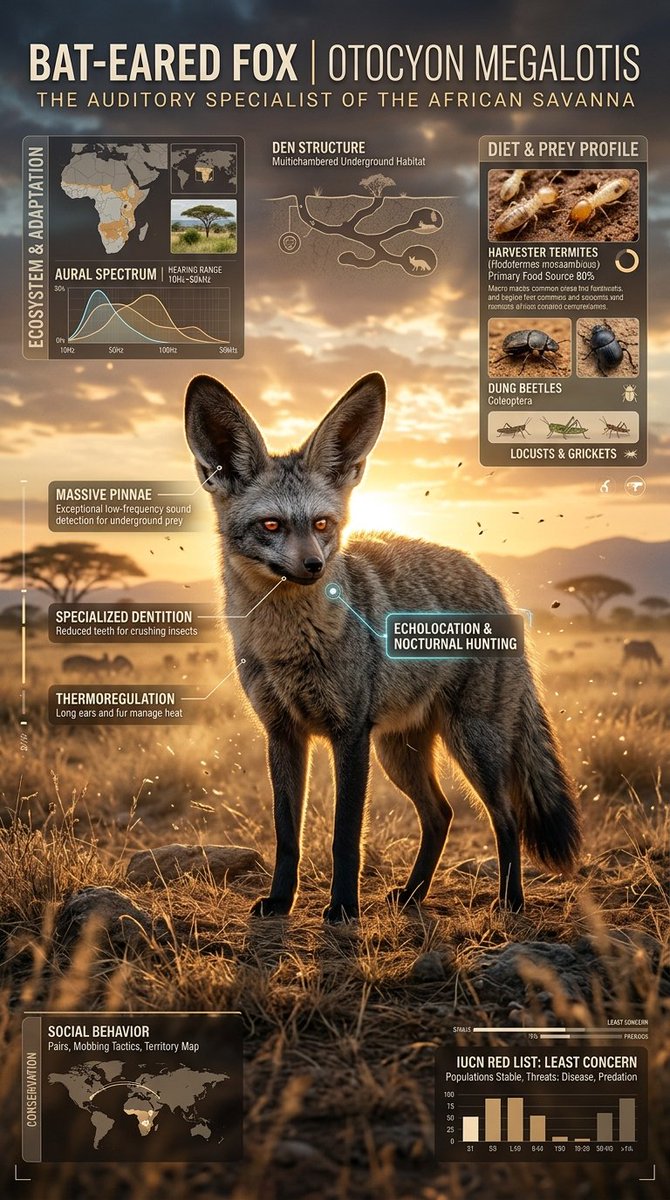 GPTI-593
. Create a premium cinematic wildlife infographic poster centered around a rare or visually unique animal species such as (animal). The entire artwork must feel like a futuristic l...
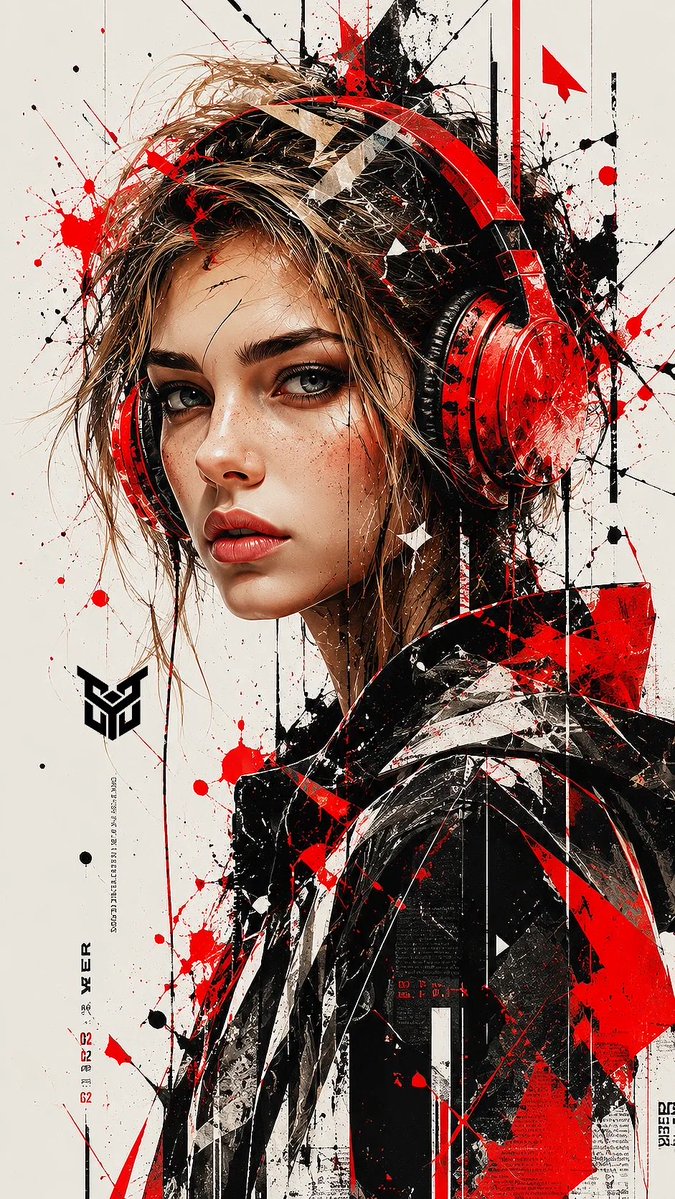 GPTI-617
A high-detail digital painting of a young woman wearing large, vibrant red over-ear headphones, looking directly at the viewer with a piercing gaze. The art style is a fusion of s...
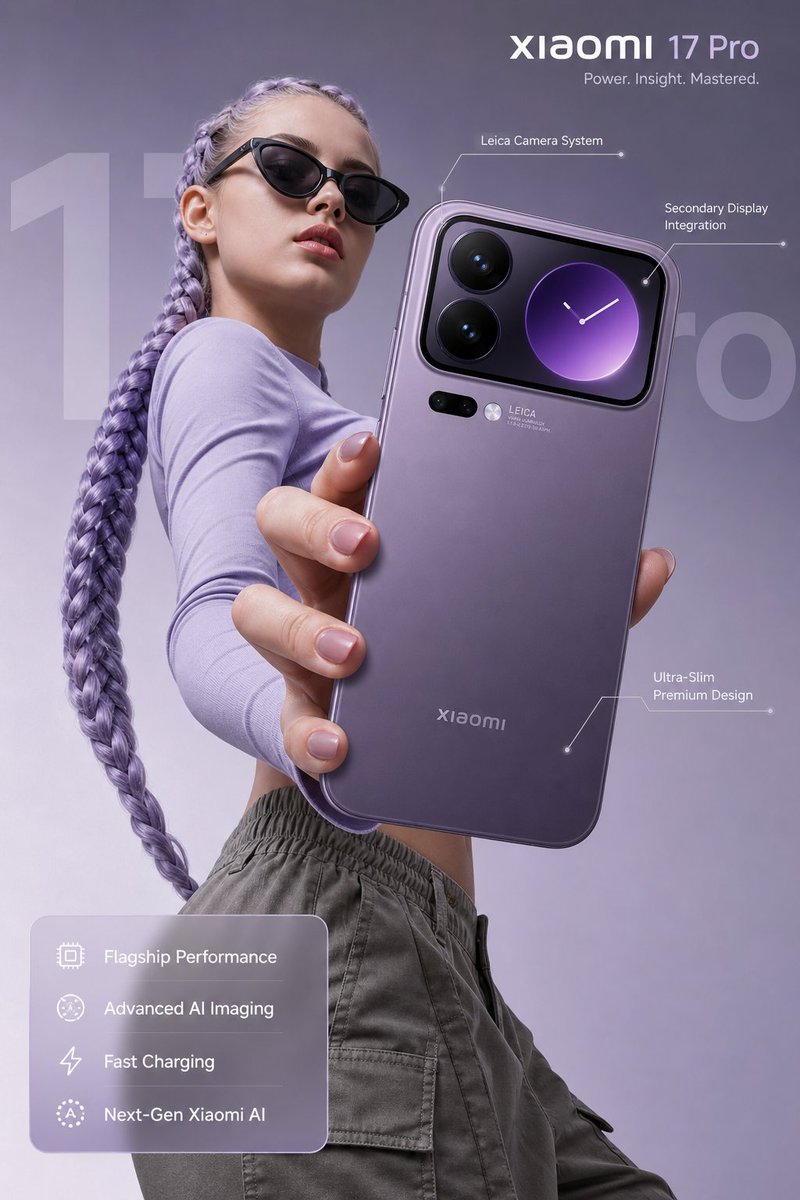 GPTI-914
Redmi 17 pro new launch 🔥 Made with Gpt image 2 on Chatgpt Prompt : Ultra-realistic premium smartphone advertisement, featuring a confident young woman in her early 20s with fair...
 GPTI-1005
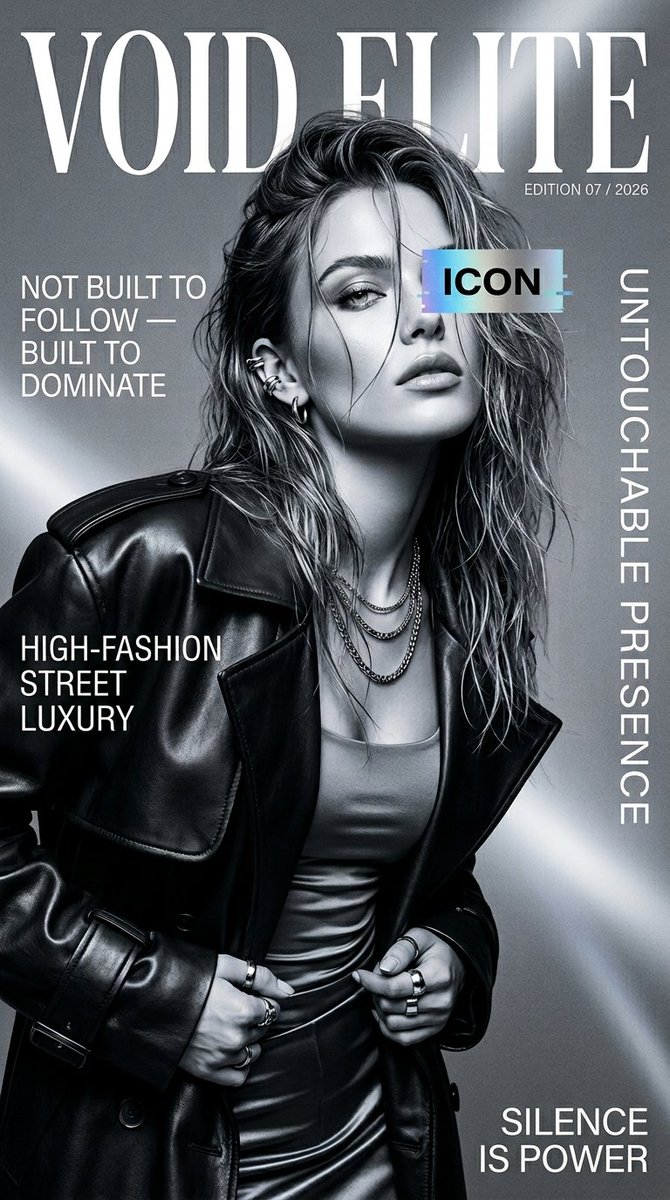
Ultra-realistic high-fashion magazine cover, black and white cinematic portrait of a confident young female model, slightly messy wet-look hair, sharp jawline, intense gaze, natura...
 GPTI-1548
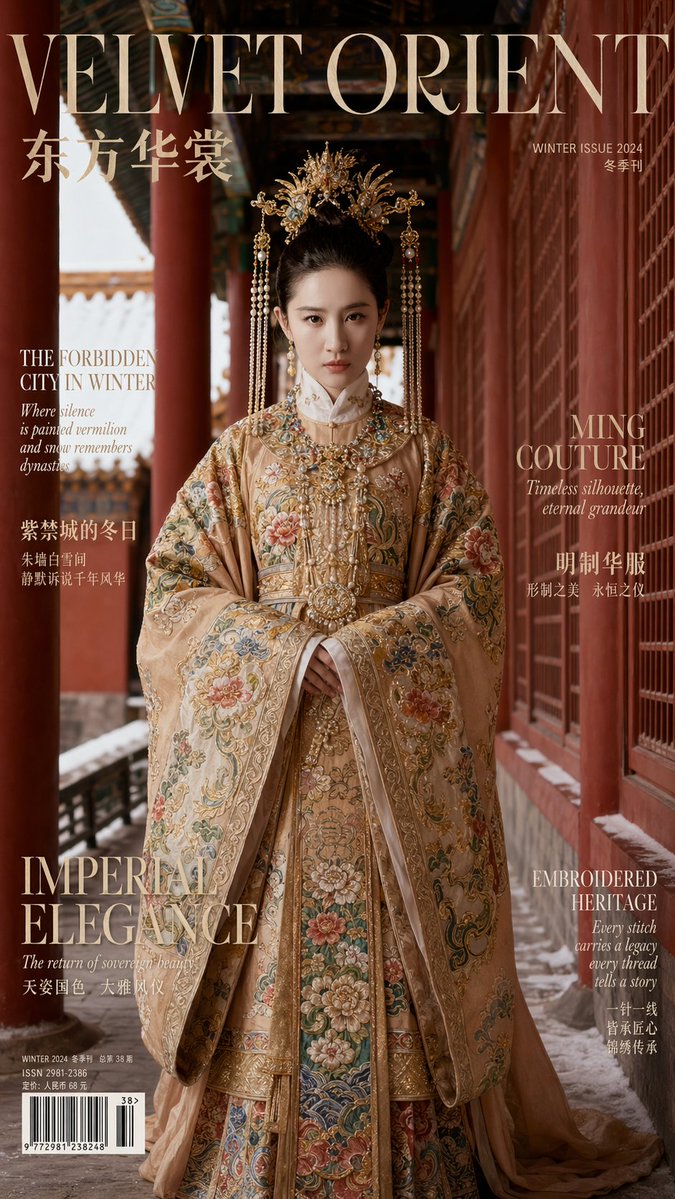
Aspect Ratio: 9:16 Vertical 【IDENTITY & REALISM (CRITICAL PRIORITY)】 The subject is an adult female whose facial features and bone structure must 100% perfectly match the provided...