
Direct answer
When to use this prompt structure
Use this pattern when the image must read like a real app surface, stream interface, or social screenshot instead of a loose poster composition.
live stream ui mockup prompt
Browse GPT Image 2 prompt structures for livestream overlays, social screenshots, interface mockups, and card-driven promotional layouts.
Direct answer
Use this pattern when the image must read like a real app surface, stream interface, or social screenshot instead of a loose poster composition.
Prompt formula
Start with the structural constraints first. Style words work better after the layout, subject, and message are already stable.
Name the interface type first: livestream screen, feed post, ad banner, or mobile UI card.
Describe the one interaction the viewer should notice first, such as chat, product pin, or CTA.
List the header, media area, controls, badges, and supporting labels in order.
Keep labels short and define exact text zones instead of asking for full product copy.
Examples
4 prompt examples
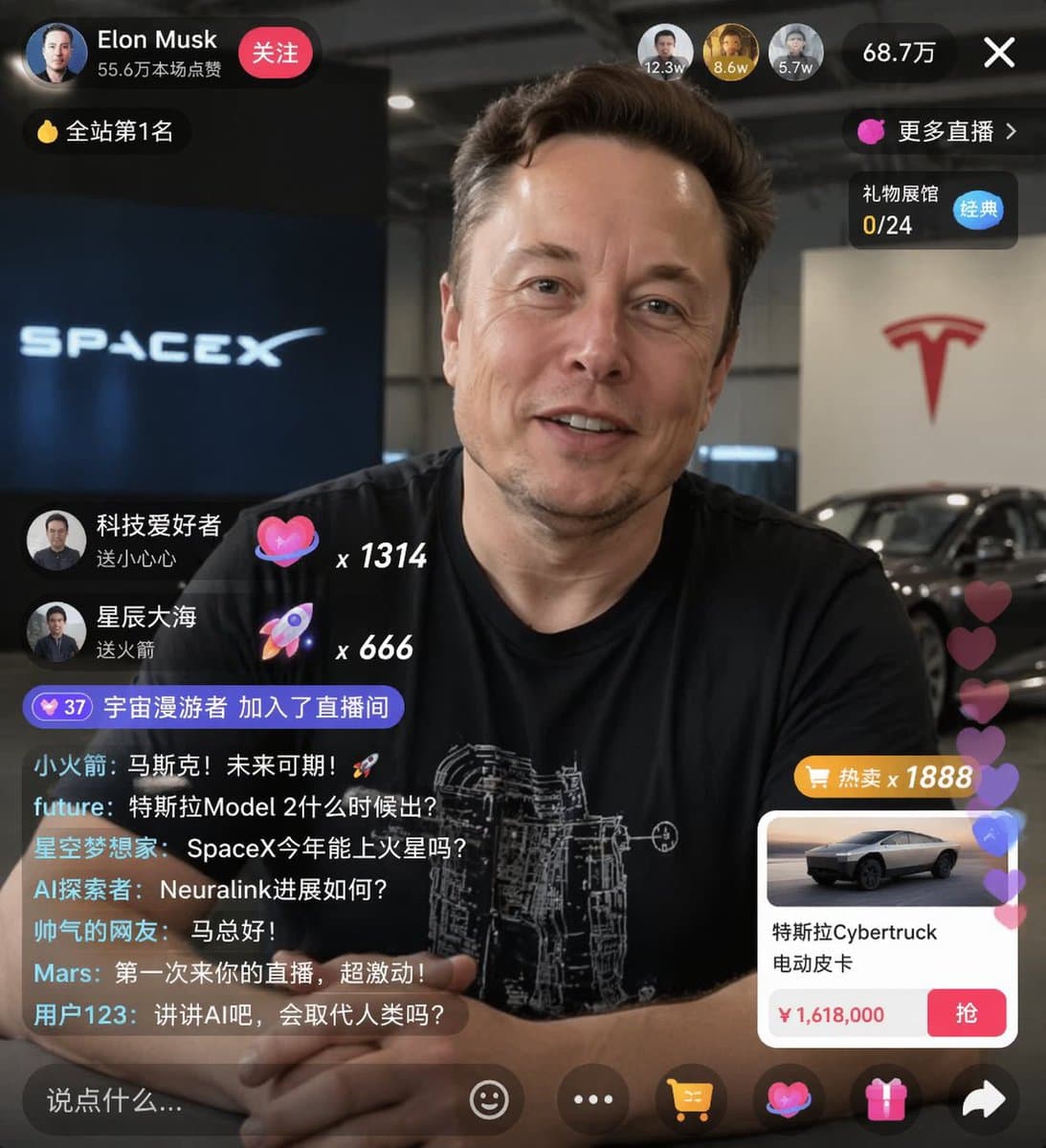 GPTI-1264
Generates a realistic social media live stream interface overlaying a portrait, featuring customizable chat messages, gift popups, and a product purchase card.
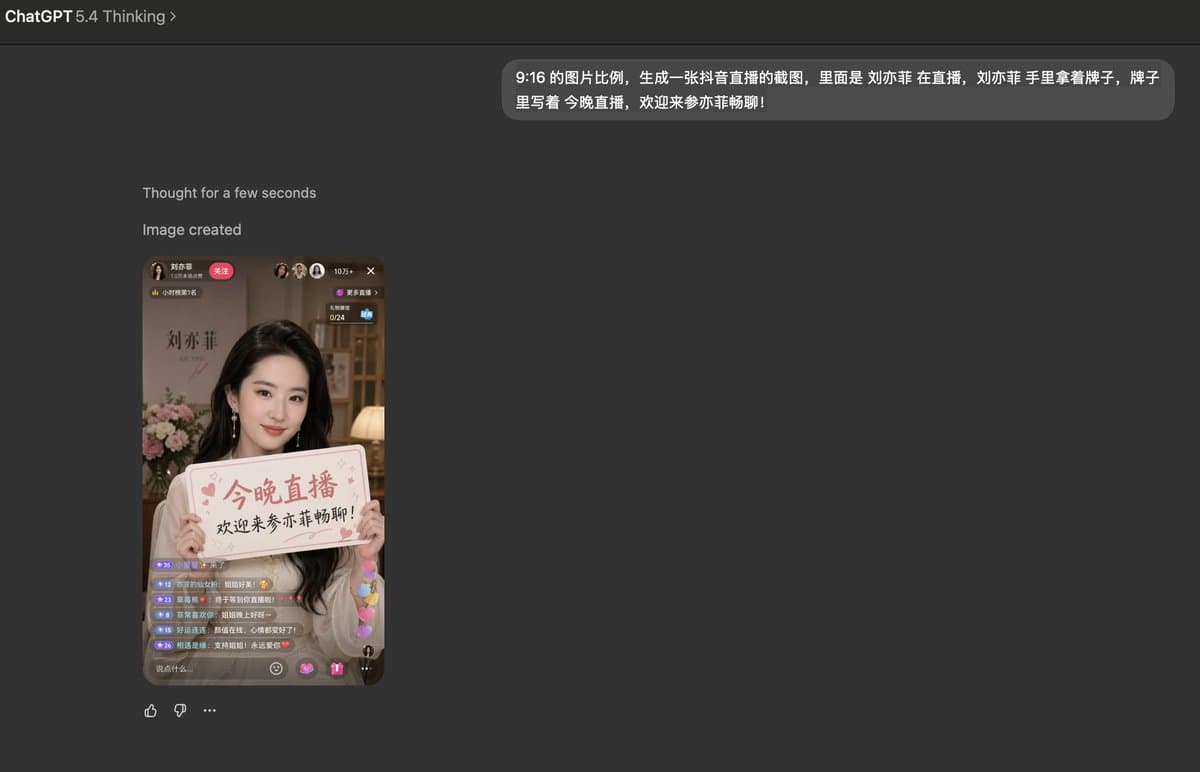 GPTI-1288
A prompt for generating a realistic screenshot of a Douyin livestream featuring a celebrity holding a personalized sign.
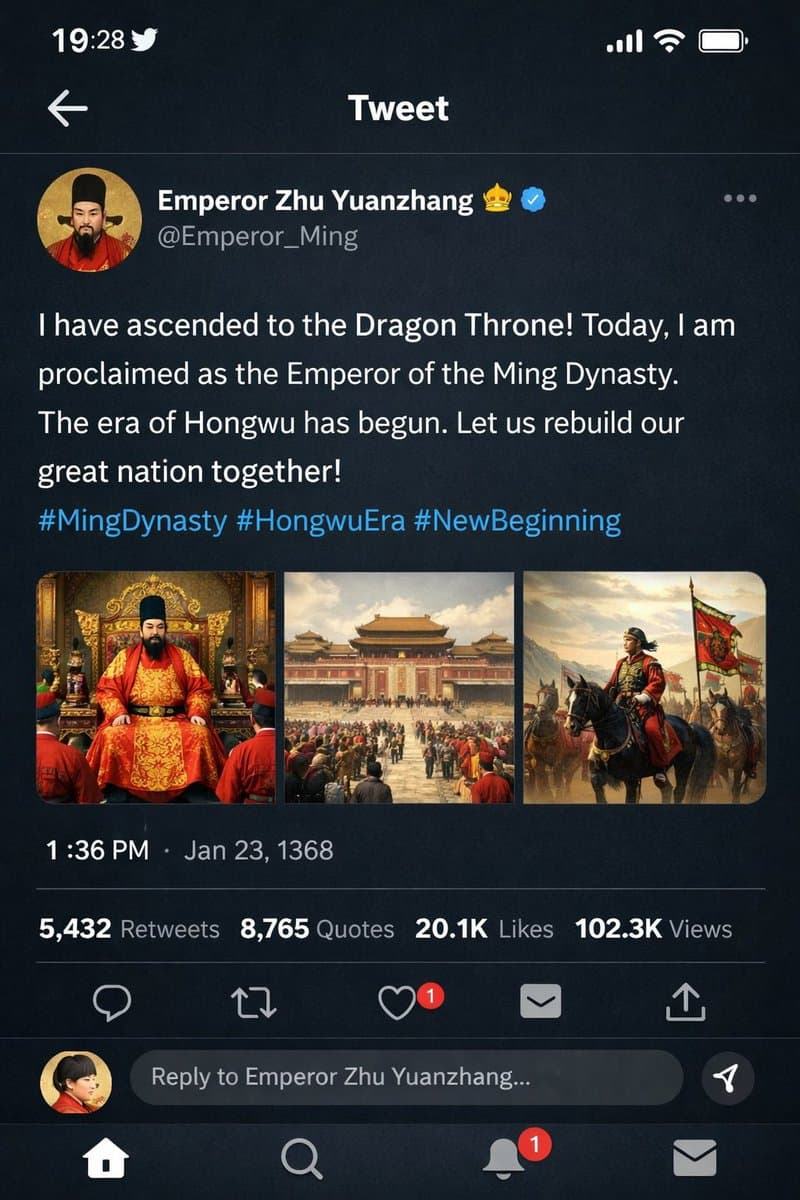 GPTI-1296
Generates a dark-mode social media post mockup featuring a historical figure with custom text, profile details, and a multi-image attachment grid.
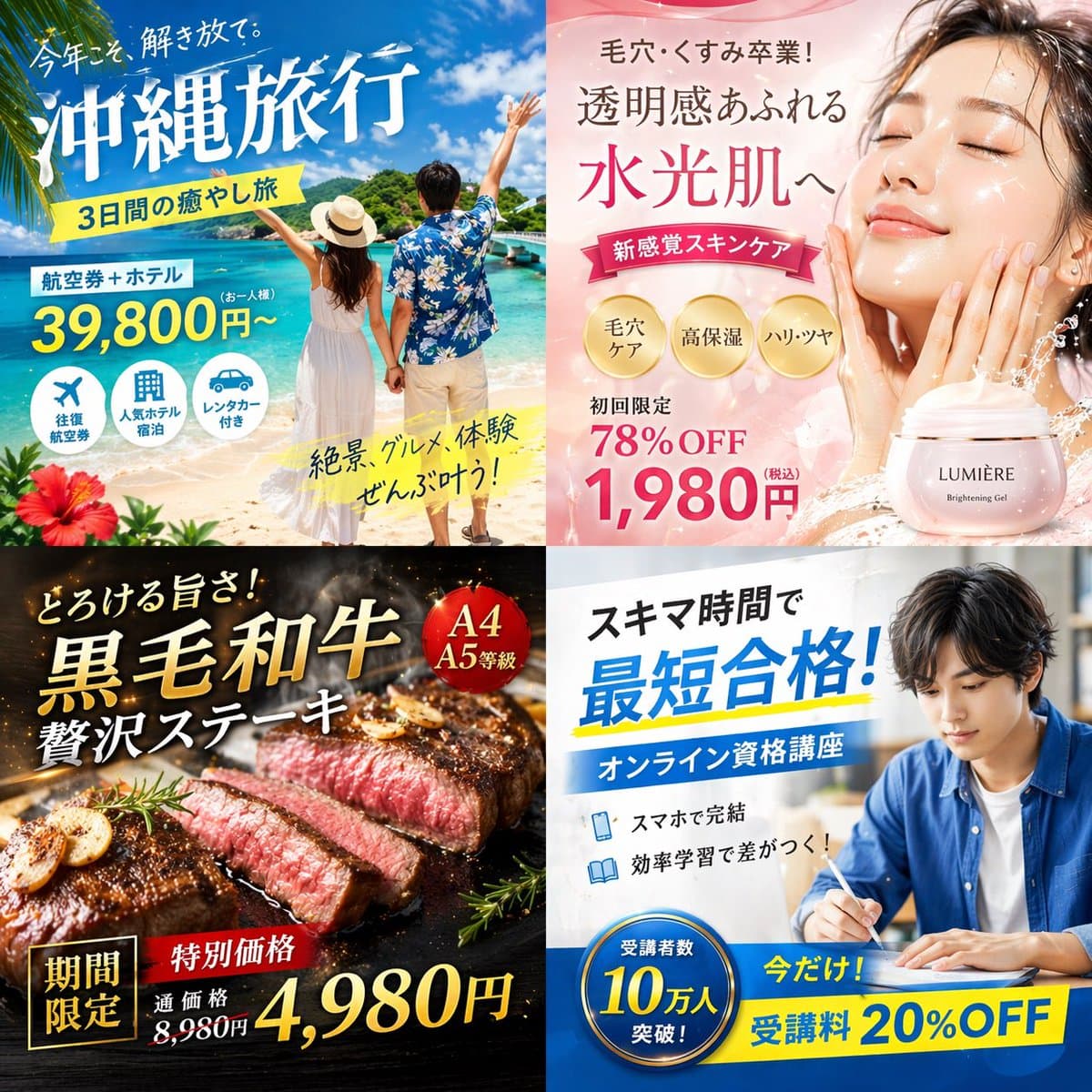 GPTI-1287
Generates a 2x2 grid of distinct Japanese digital advertisement banners for travel, skincare, food, and online education.
Define the screen purpose and the top three interface elements before styling.
Reduce the number of overlays and give each one a fixed area.
Use screen language such as feed, tab bar, chat rail, cards, and controls.
Open the GPT Image 2 generator, paste a prompt from this library, and start iterating toward a usable image.