
Direct answer
When to use this prompt structure
Use this pattern when one frame is not enough and the image needs multiple panels, scenes, or ad slots while keeping one campaign message.
multi panel promo poster prompt
Use GPT Image 2 prompt structures for multi-panel promo posters, ad grids, collage layouts, and story-first campaign visuals.
Direct answer
Use this pattern when one frame is not enough and the image needs multiple panels, scenes, or ad slots while keeping one campaign message.
Prompt formula
Start with the structural constraints first. Style words work better after the layout, subject, and message are already stable.
Choose the number of panels first so the layout has a stable container.
Assign each panel one job: hero, proof, product, CTA, or supporting scene.
Repeat palette, typography, character, or product cues across every panel.
Keep one main headline or concept and let supporting copy stay short.
Examples
5 prompt examples
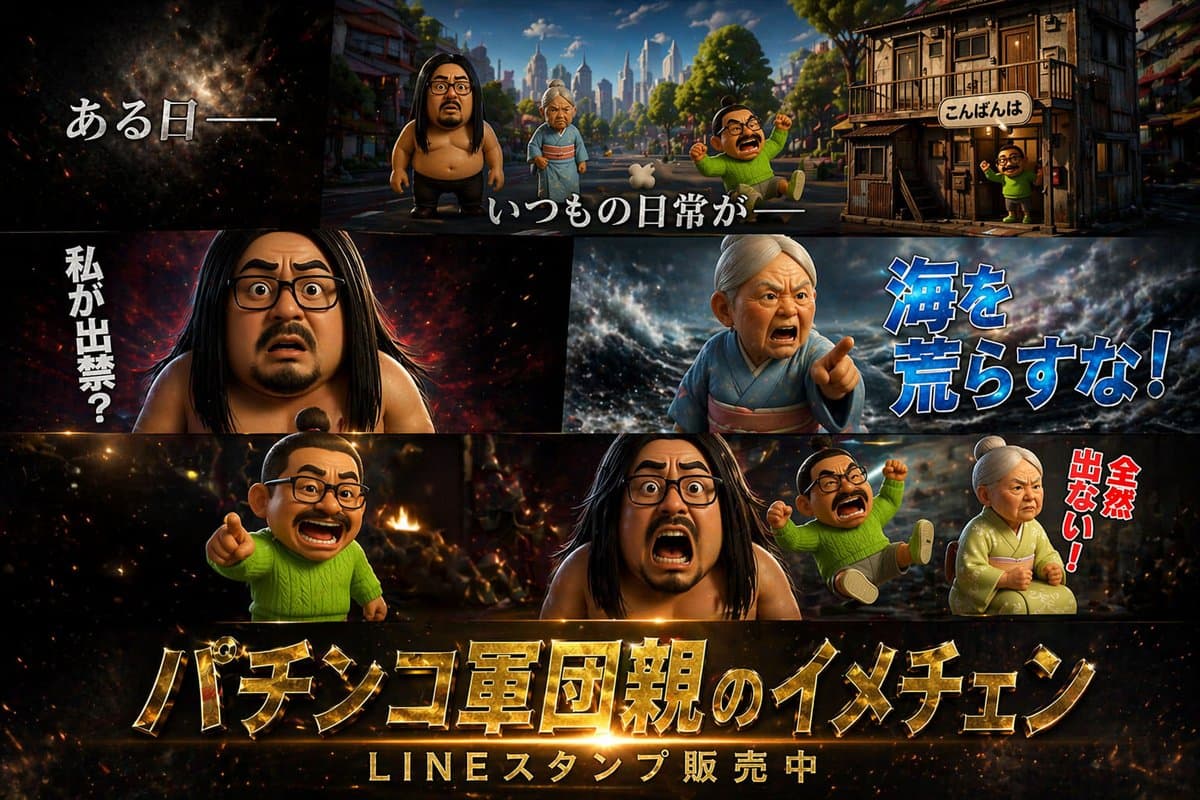 GPTI-1298
A multi-panel promotional poster featuring 3D caricature characters with dramatic backgrounds and customizable Japanese typography.
 GPTI-1293
Generates a 4-panel grid of humorous, fictional product advertisements with detailed Japanese typography, badges, and feature lists.
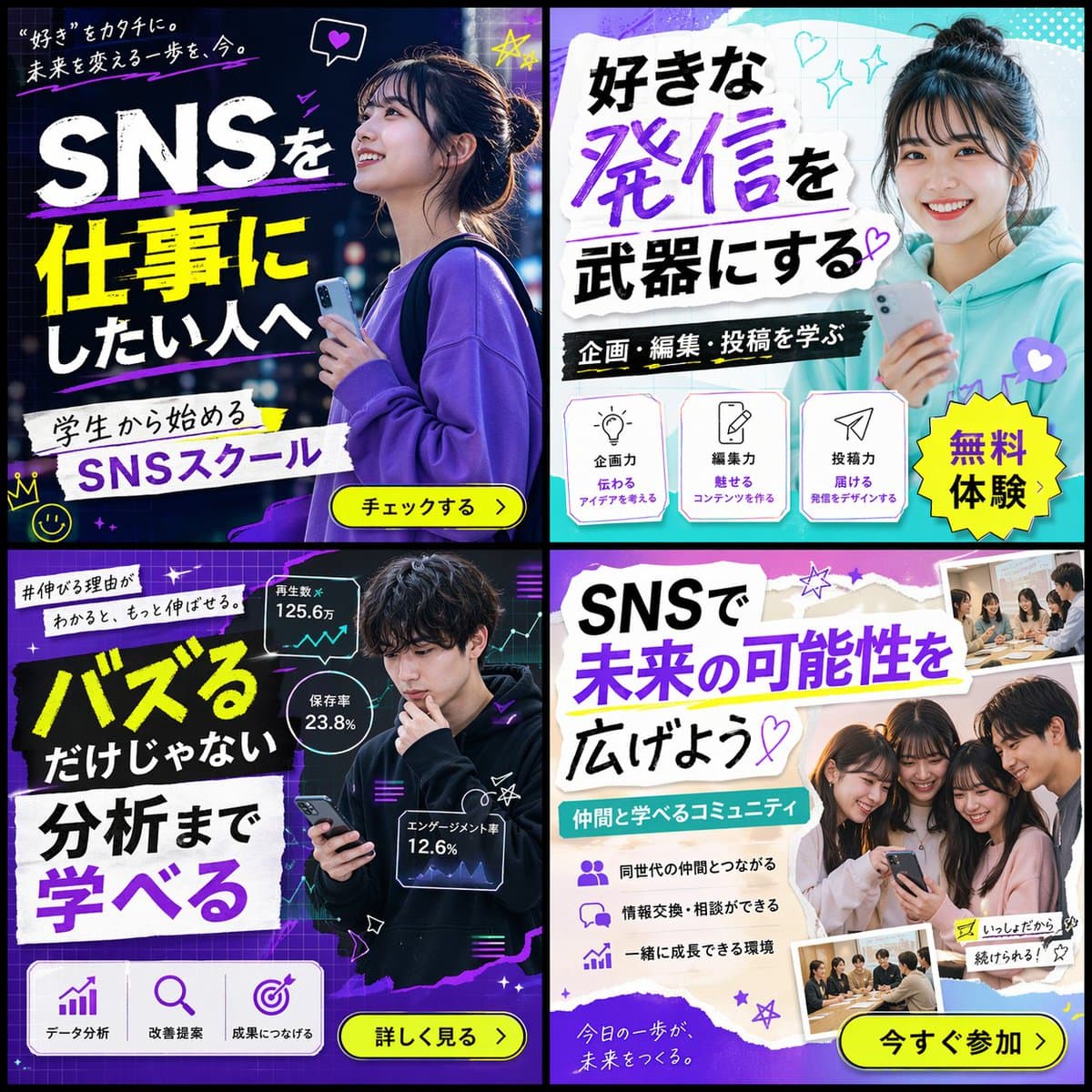 GPTI-1300
Generates a 2x2 grid of diverse banner advertisements for a social media school, featuring different target demographics, color schemes, and marketing copy.
 GPTI-1287
Generates a 2x2 grid of distinct Japanese digital advertisement banners for travel, skincare, food, and online education.
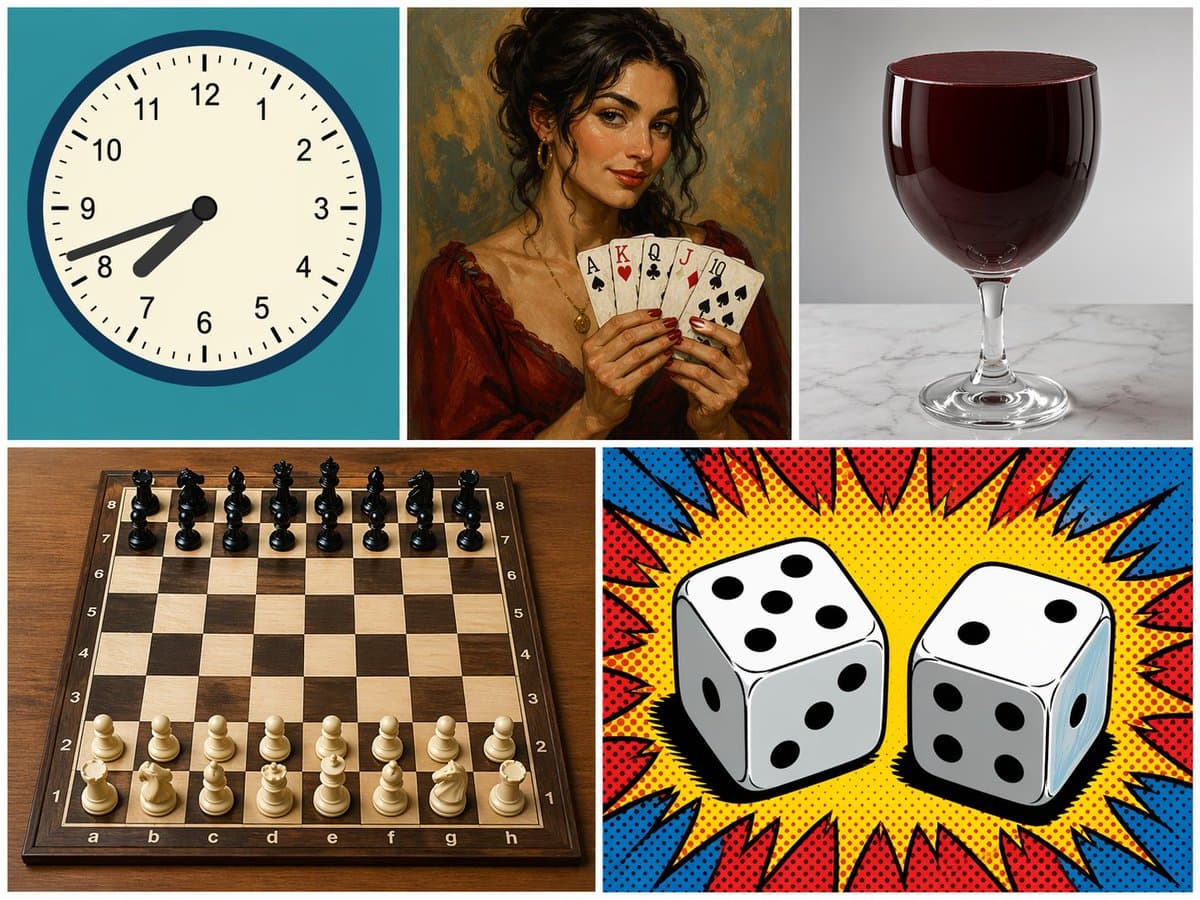 GPTI-1299
Generates a 5-panel grid featuring distinct subjects and art styles, useful for testing model versatility and composition.
Give each panel a role and repeat one stable visual element across all of them.
Reduce text and make only one panel the headline carrier.
Define the grid and reading order before naming effects or color.
Open the GPT Image 2 generator, paste a prompt from this library, and start iterating toward a usable image.