
Direct answer
When to use this prompt structure
Use this pattern when the image has to explain something clearly: topic first, sections second, labels third, and art direction last.
illustrated infographic prompt
Copy GPT Image 2 prompt structures for labeled maps, explainers, educational graphics, and high-density information visuals.
Direct answer
Use this pattern when the image has to explain something clearly: topic first, sections second, labels third, and art direction last.
Prompt formula
Start with the structural constraints first. Style words work better after the layout, subject, and message are already stable.
State the concept, place, process, or system the visual should explain.
List the main panels, numbered areas, callouts, or step groups before adding style.
Tell the model what the viewer should see first, second, and third.
Limit text length and label count so the visual stays readable.
Examples
5 prompt examples
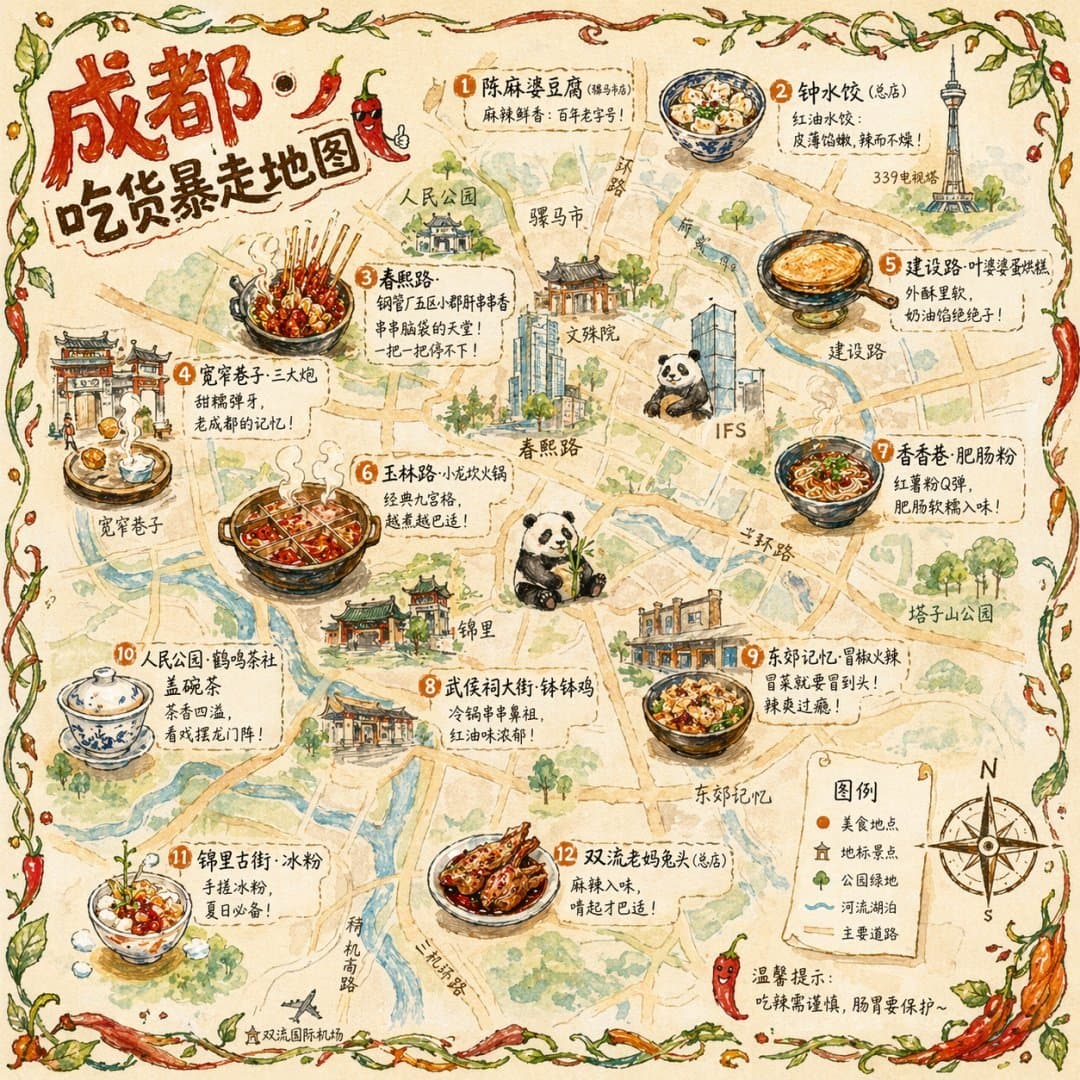 GPTI-1262
Generates a hand-drawn, watercolor-style tourist map featuring numbered local food specialties, landmarks, and a legend.
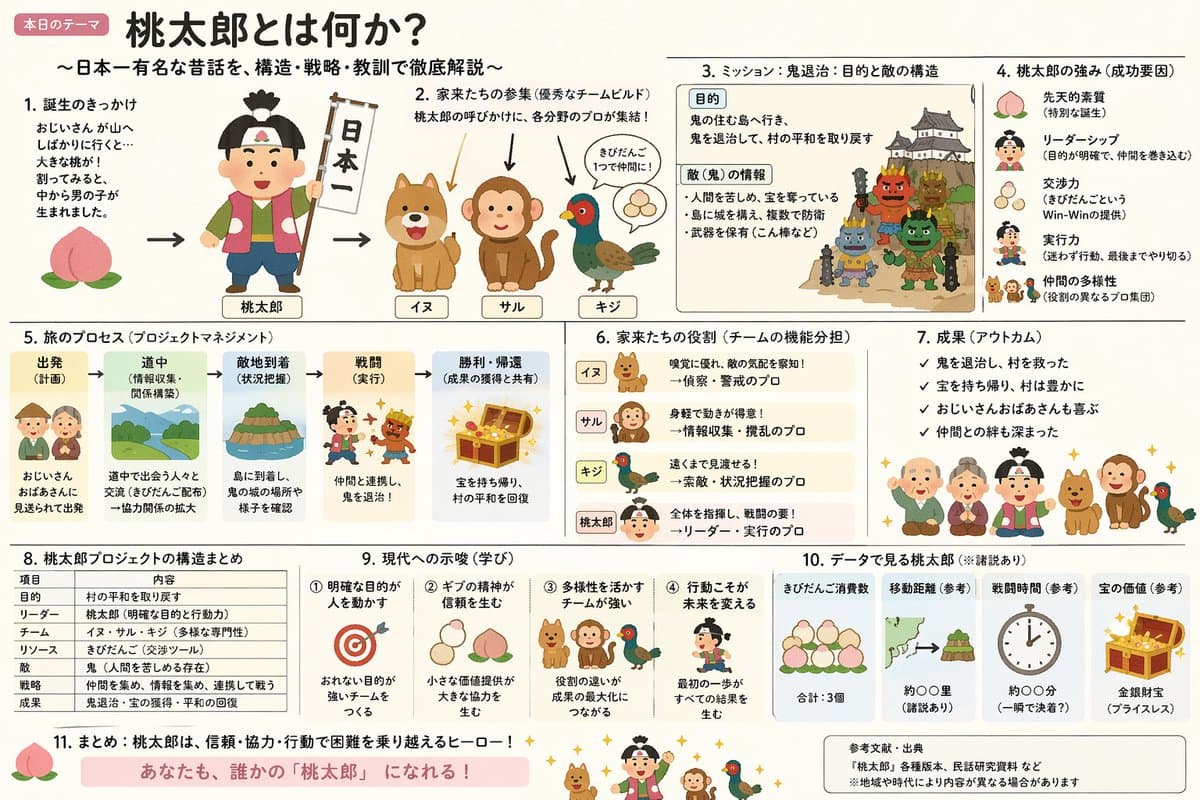 GPTI-1263
A prompt that combines the simple, warm aesthetic of Irasutoya illustrations with the high-information density characteristic of Japanese government slides.
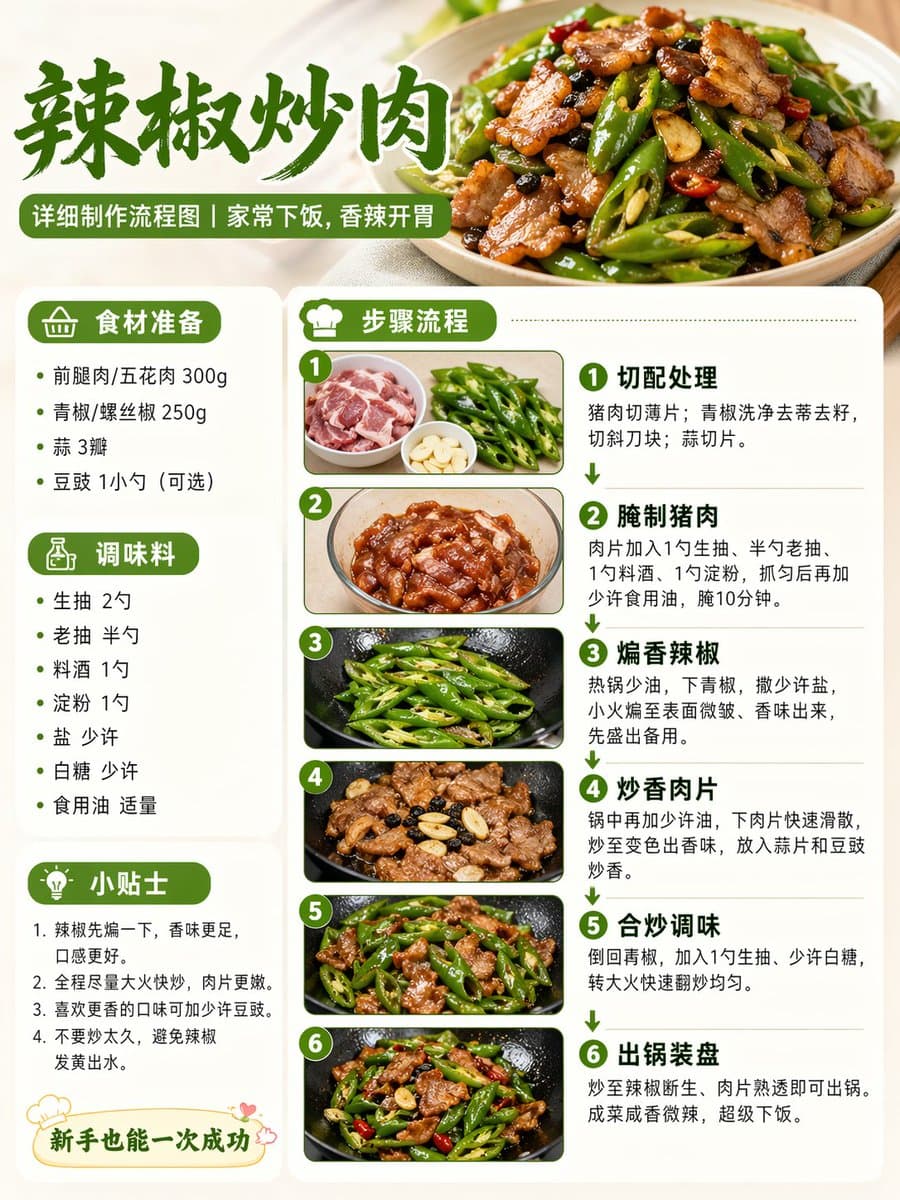 GPTI-1294
A concise prompt for generating a realistic recipe cooking process diagram suitable for social media sharing.
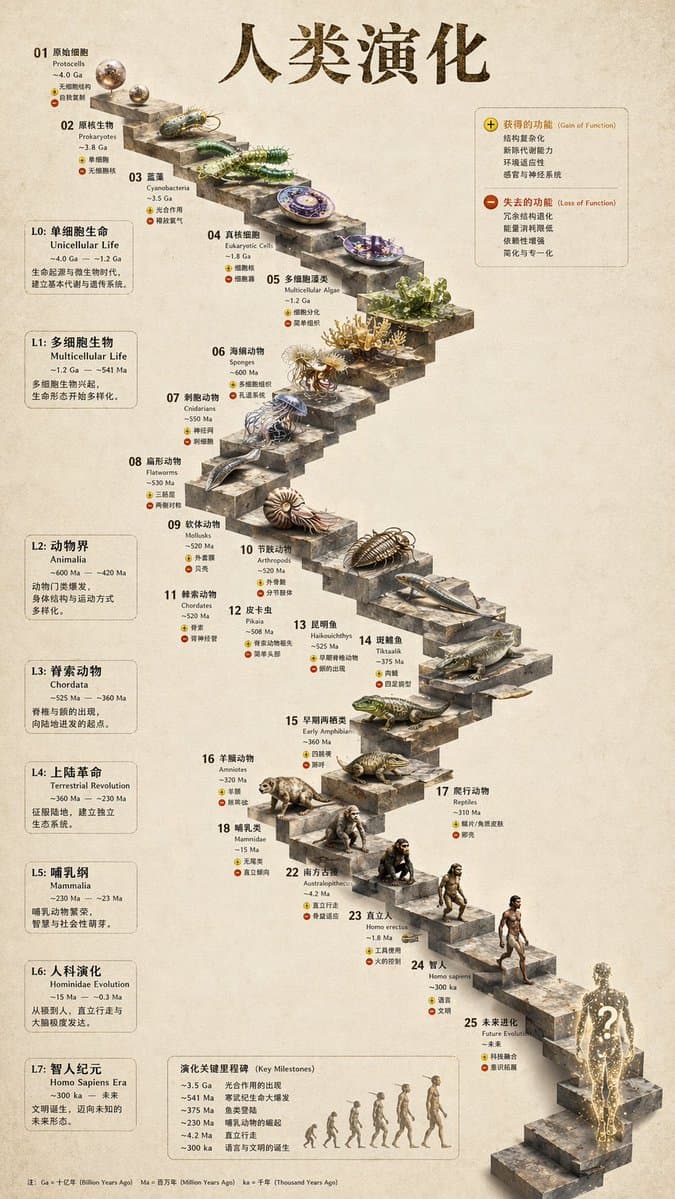 GPTI-1266
Transforms a flat evolutionary timeline into a realistic 3D stone staircase infographic with detailed organism renders and structured side panels.
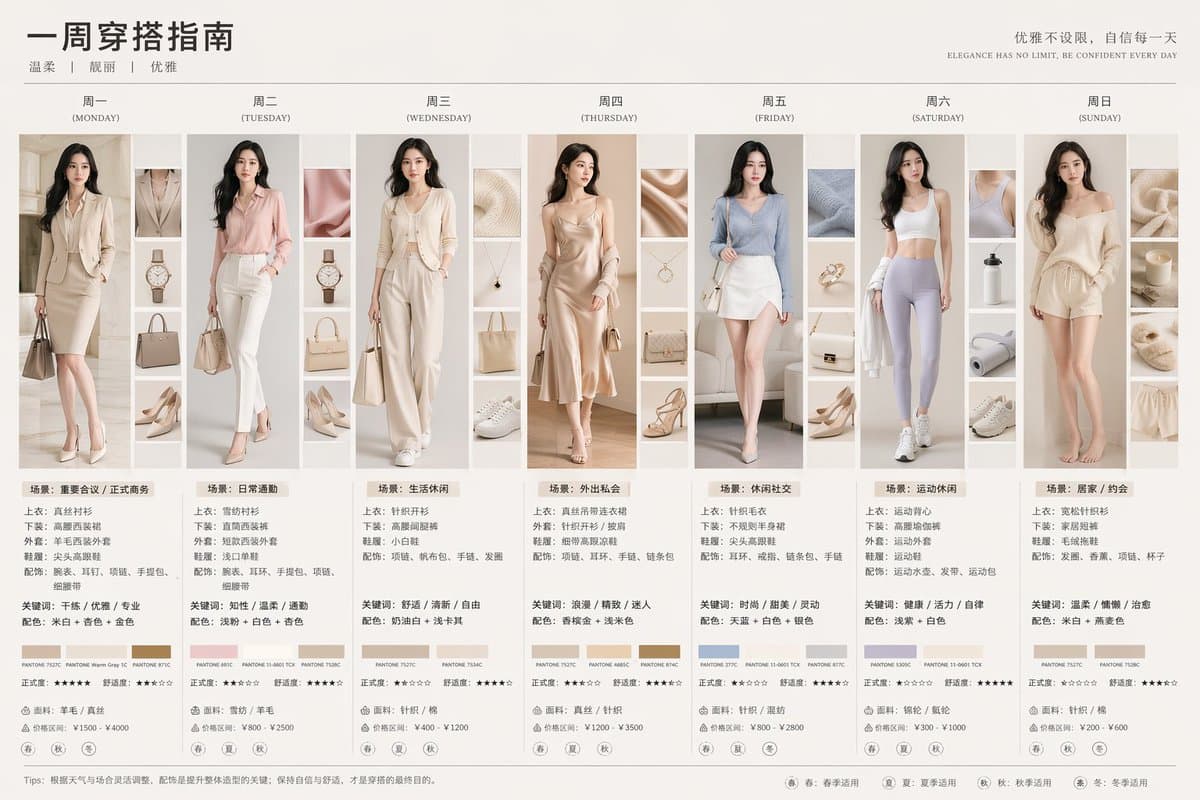 GPTI-1290
Generates a detailed 7-column outfit guide featuring daily portraits, accessory thumbnails, color palettes, and styling text.
Name one main subject and push secondary details into side labels.
Use fewer sections and shorten the exact words that appear on the image.
Specify the explanation goal and section order before style words.
Open the GPT Image 2 generator, paste a prompt from this library, and start iterating toward a usable image.